
Table Website Mockups
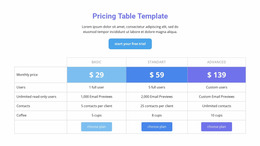
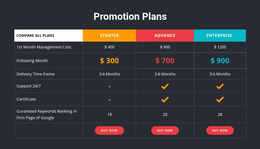
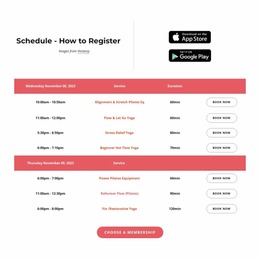
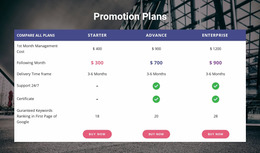
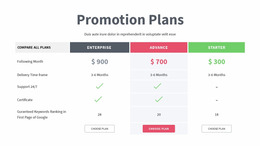
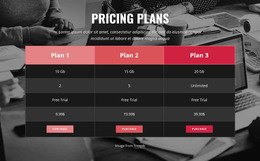
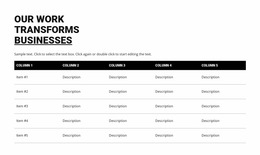
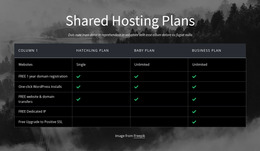
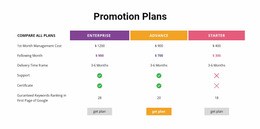
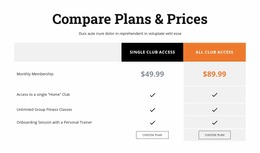

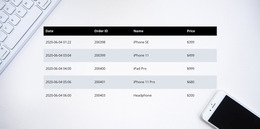
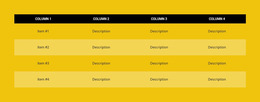
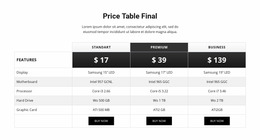
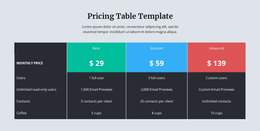
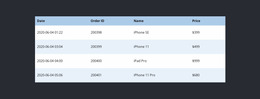
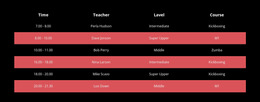

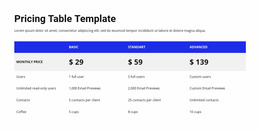
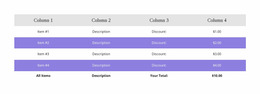
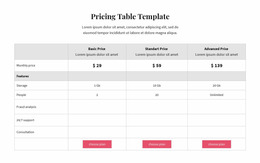

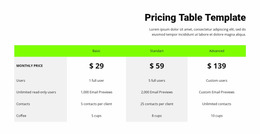

Responsive Table Website Mockup Designs for Evaluating Data Readability Across Screens
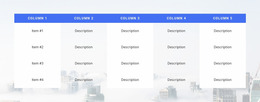
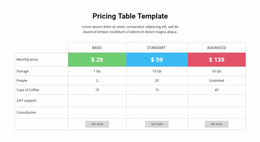
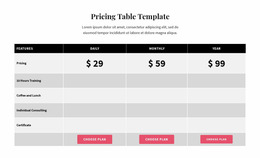
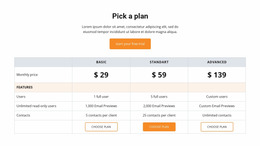
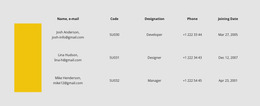
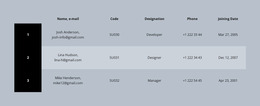
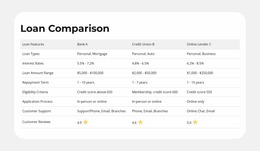
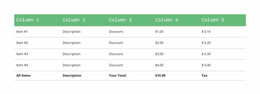
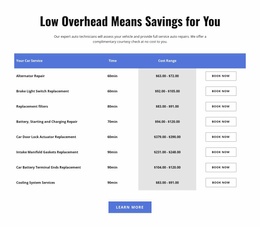
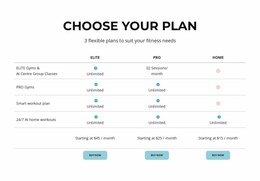
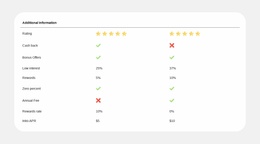
A Table Website Mockup shows how a prospective data section will look within the finished page. It lets designers assess overall composition, typography, column proportions, borders, backgrounds, and relationships to surrounding elements before committing to a visual direction.
A convincing mockup is more than a mobile-width test. It communicates the intended character of the table, whether understated and editorial, compact and utilitarian, or visually prominent within a product comparison page.
Assess the Visual Direction of the Table Section
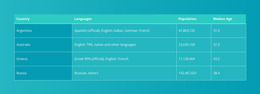
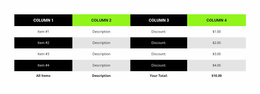
When comparing table mockups, look beyond the information itself. The table's treatment should reinforce the proposed website style:
- Typography establishes the difference between labels, headings, and values.
- Column proportions determine whether the composition feels balanced.
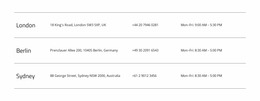
- Borders and color fields create separation without adding unnecessary visual noise.
- Section spacing connects the table to adjacent imagery, copy, and buttons.
- Overall density communicates whether the future page will feel open or information-rich.
Try the design with representative text lengths so its proportions remain convincing. A strong mockup makes the entire section feel plausible in context, not merely symmetrical in isolation.
Compare Ready-Made Compositions Before Finalizing a Mockup
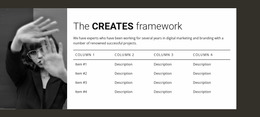
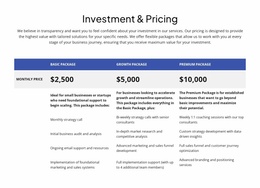
A full-width table can provide a strong horizontal anchor on the page. A smaller design may work better beside a descriptive panel or a product visual. Consider both compositions before choosing how much attention the table should receive.
Nicepage's Table Element supports changes to cell dimensions, header treatments, and alternating backgrounds. Use those options to explore whether the mockup benefits from thin rules, contrasting bands, or a nearly borderless appearance.
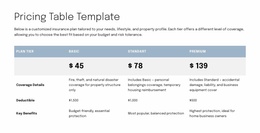
Typography and proportion usually matter more than decorative effects. The table should look related to the rest of the proposed page, with enough contrast to distinguish important values.
Include Responsive Views in the Mockup Review
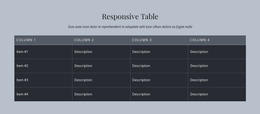
A convincing table mockup should look intentional on wide and narrow screens. Nicepage Responsive Modes let you review the visual proportions at different widths.
Pay particular attention to long labels, heading legibility, and whether the table appears too heavy for the page on a phone. Wide tables can use horizontal scrolling in responsive modes. Responsive behavior is one part of assessing the proposed design, alongside typography, color, and the section's role in the overall composition.
Judge the Mockup by Its Intended Content
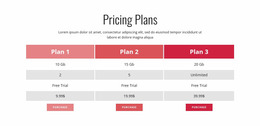
A table mockup should make values under shared headings easy to compare. If the design instead emphasizes independent visuals, a Grid may be more convincing; pricing cards serve a different commercial purpose.
For the Table itself, assess whether the chosen proportions, type scale, and separators communicate a polished data section that belongs within the proposed page.
Table Website Mockup FAQ
Can I preview a Nicepage Table section at different screen sizes?
Yes. Nicepage provides Responsive Modes for reviewing layouts across desktop, tablet, and mobile screen sizes. You can inspect how the Table section fits each view and adjust supported layout properties in the editor.
What happens when a table is wider than a mobile screen?
Nicepage supports horizontal scrolling for tables that extend beyond the available screen width in responsive modes. This lets the table keep its row-and-column structure while giving visitors access to content outside the initially visible area.
Can Nicepage AI help create a block for a table mockup?
Yes. Nicepage AI Services can generate sites, pages, and blocks. You can use a generated block as a starting point and refine its content and layout. For precise tabular organization, the Nicepage Table Element provides controls for rows, columns, and individual cells.
Refine Your Table Mockup in Nicepage
Choose a ready-made Table mockup whose proportions and visual treatment fit the intended page. Consider a restrained design with fine dividers for a minimal layout, or a more prominent header treatment for a data-rich page. Use representative headings and values to judge the final appearance.
The goal is a convincing visual direction for the table section, with responsive review supporting the choice rather than defining it.





















































