
530 Education Website Mockups

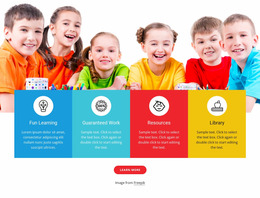

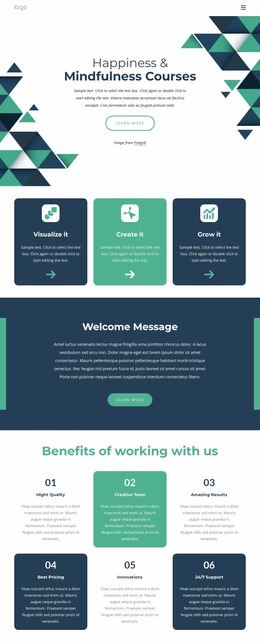
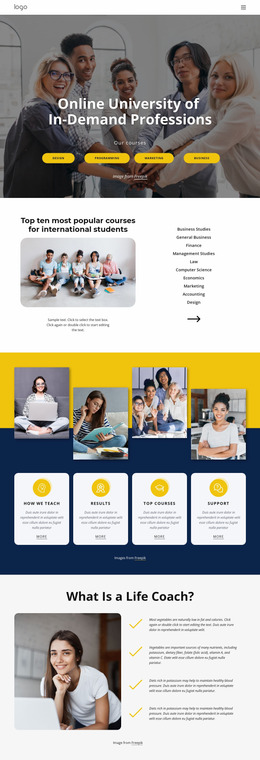
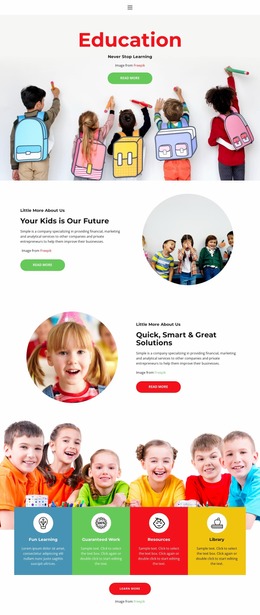
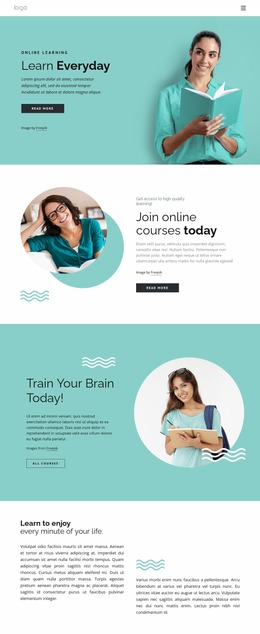
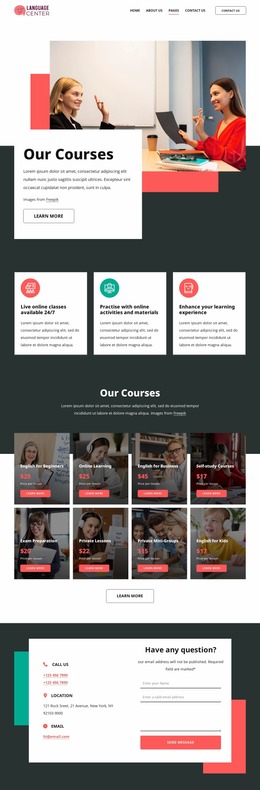
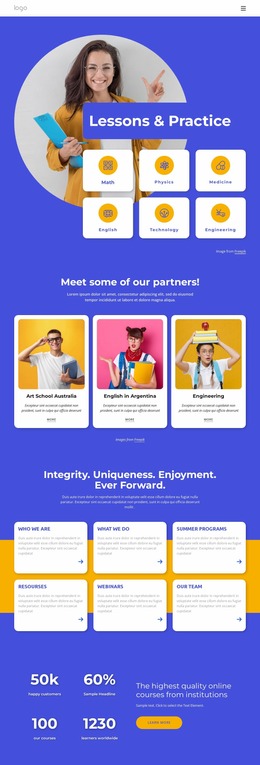
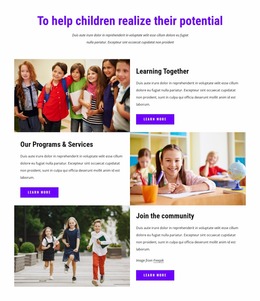
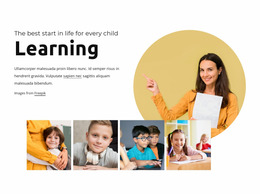
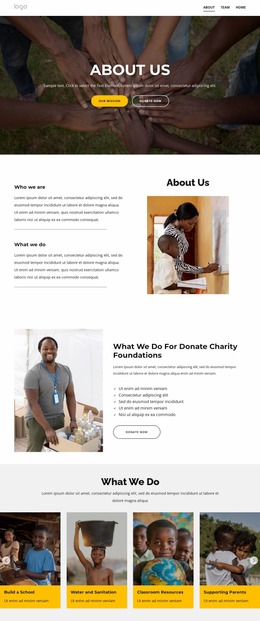
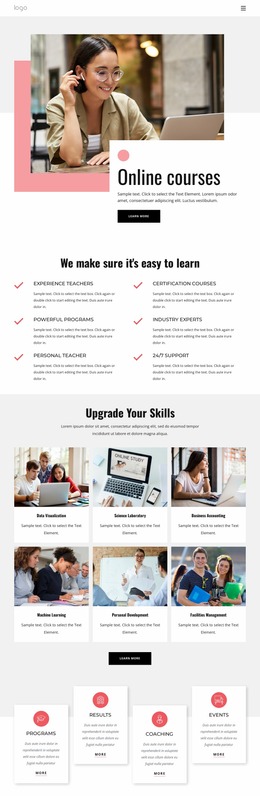
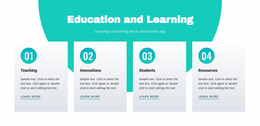

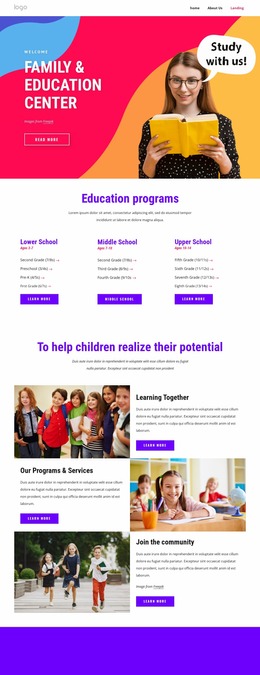
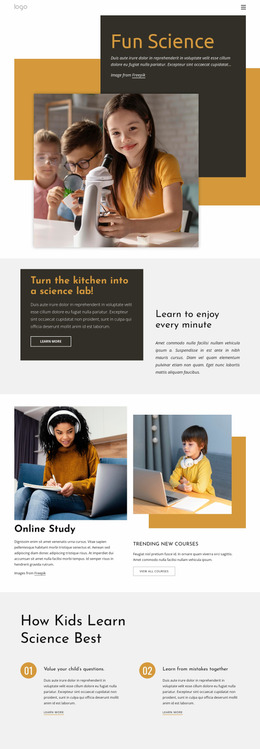


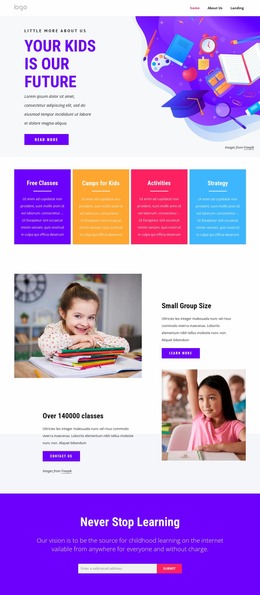

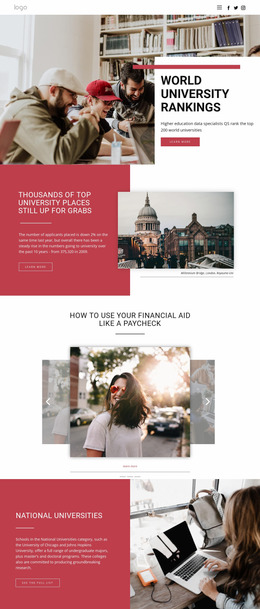
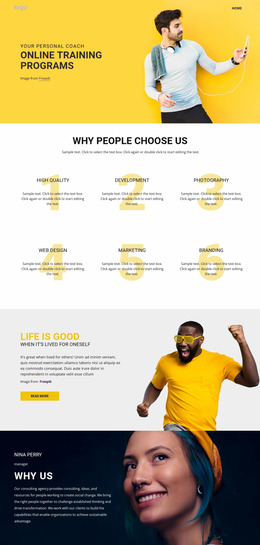
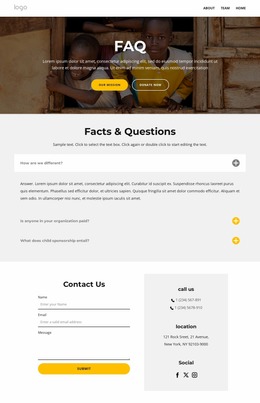
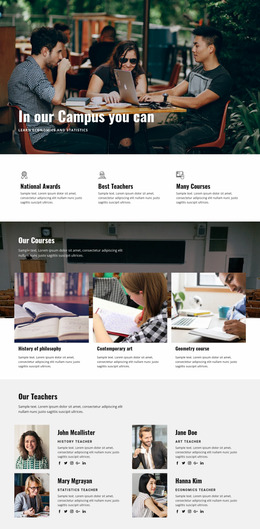

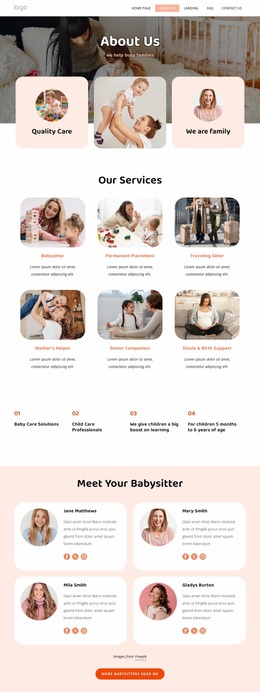




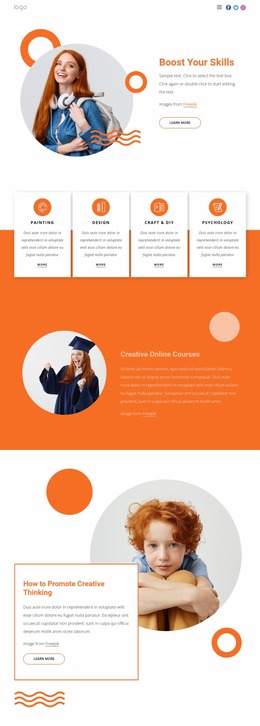
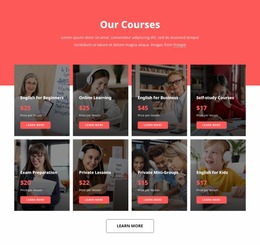
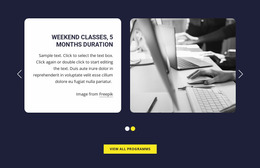


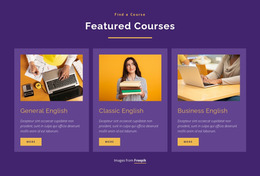

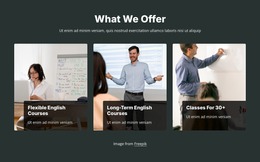
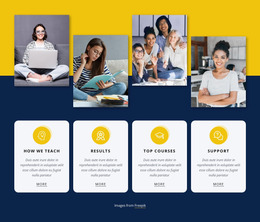
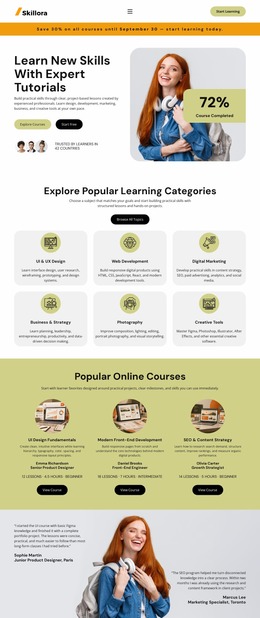
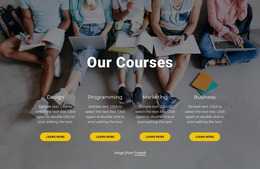

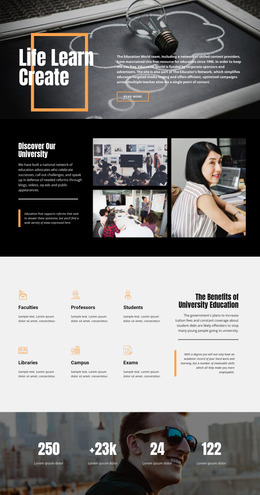






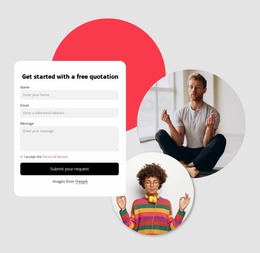
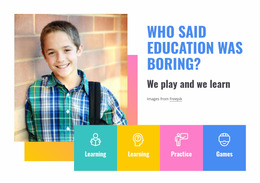
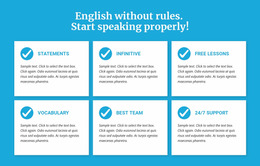
Minimal Education Website Mockup for Clear Academic UI
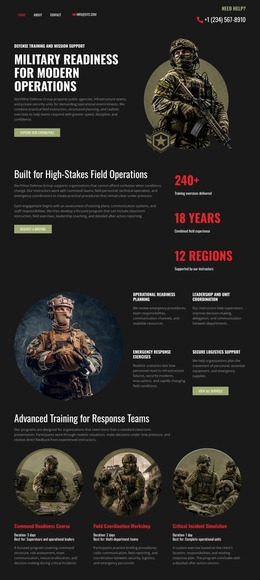
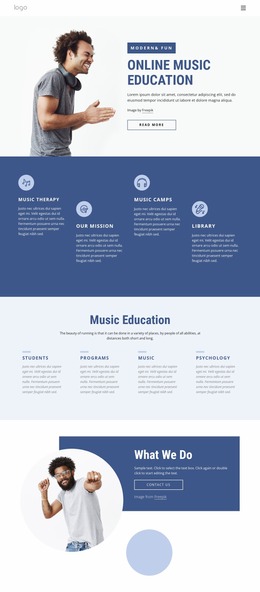
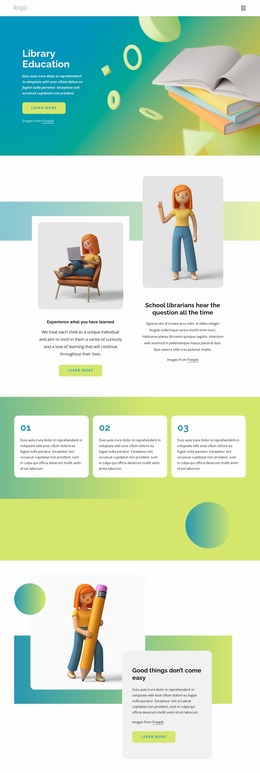
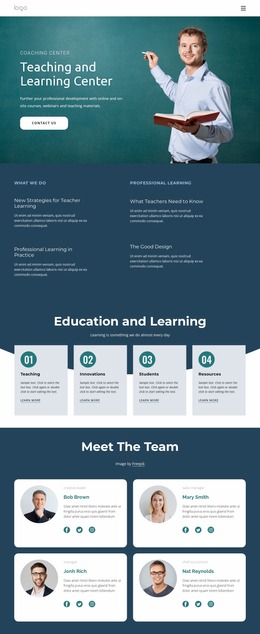
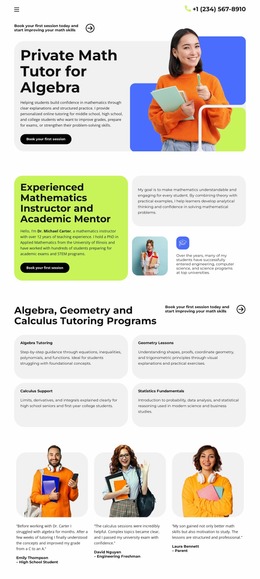
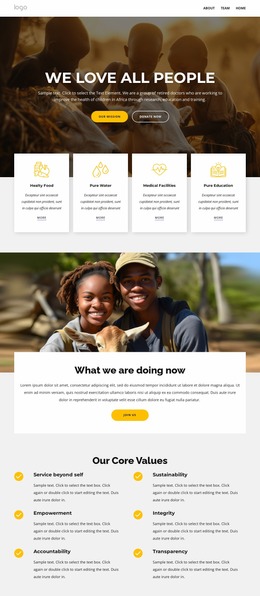
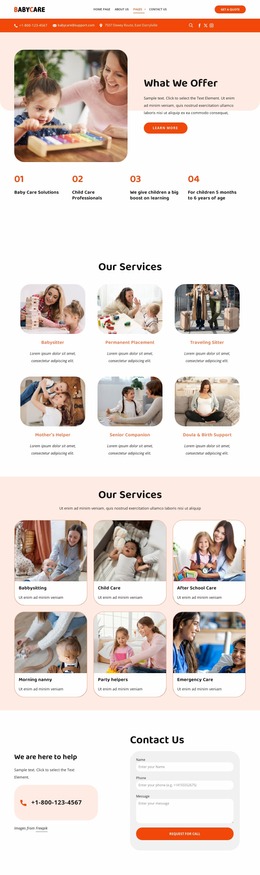
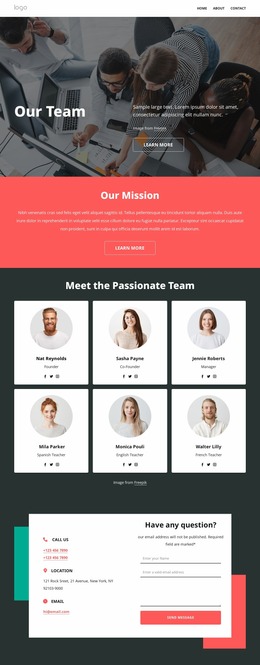
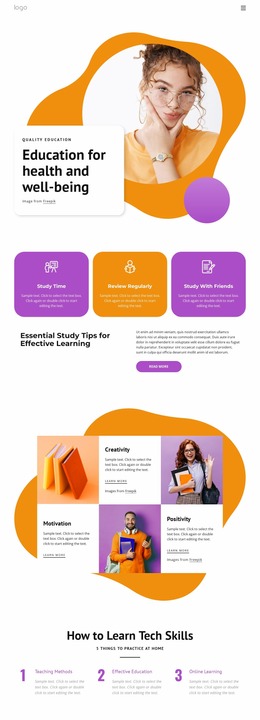
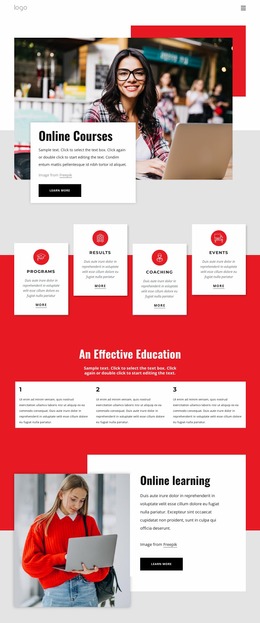
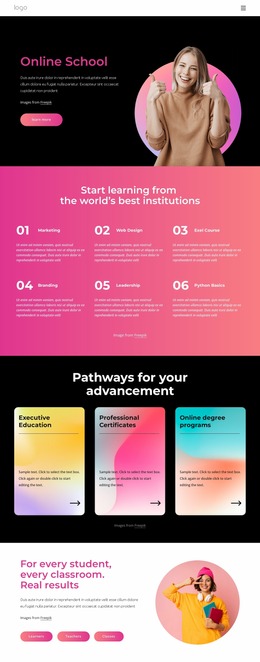
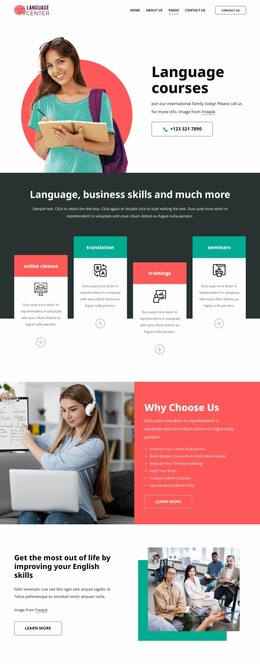
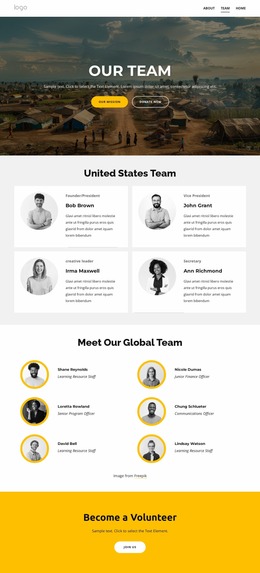
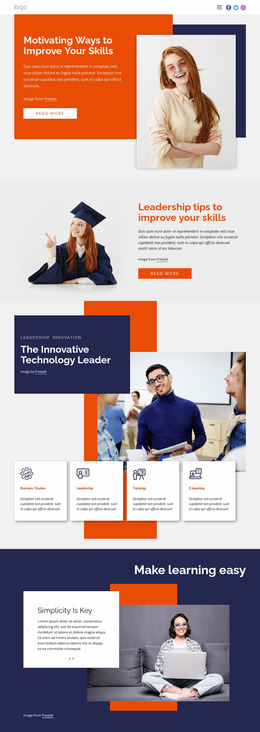
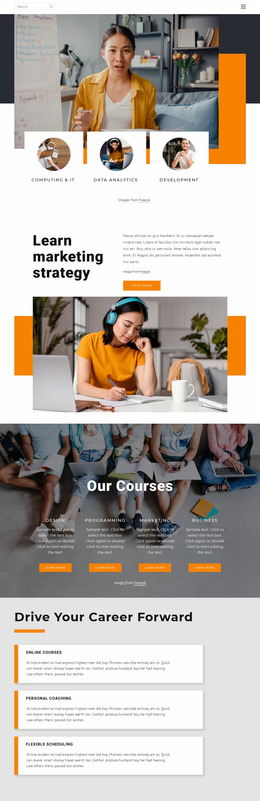
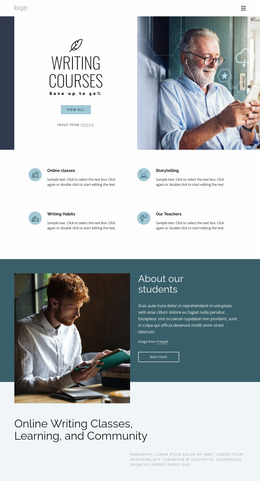
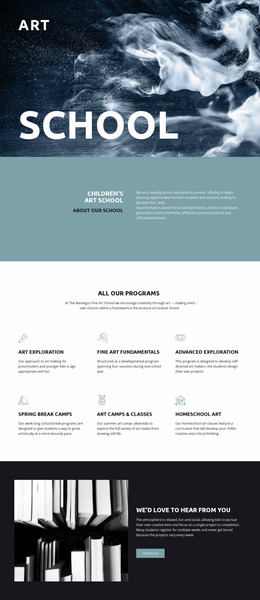
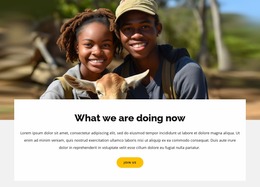
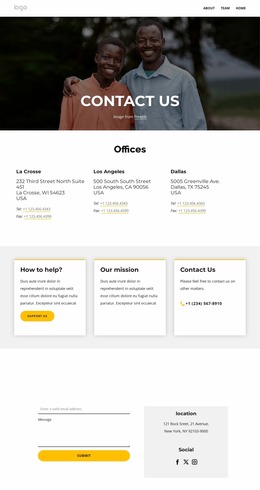
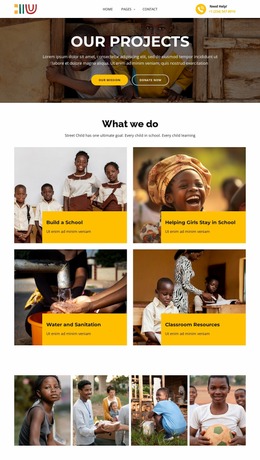
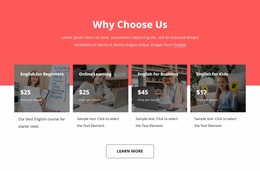
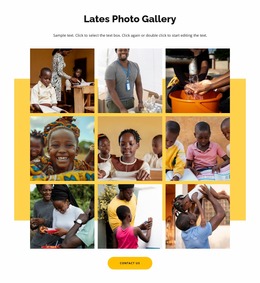
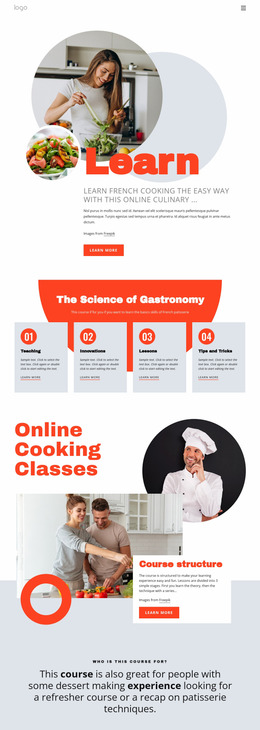
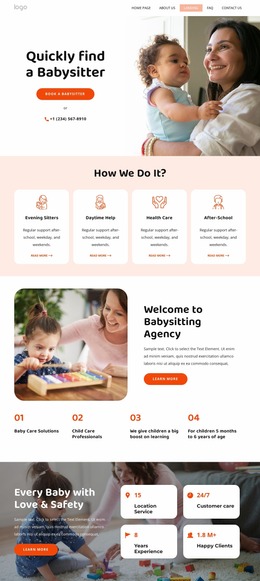
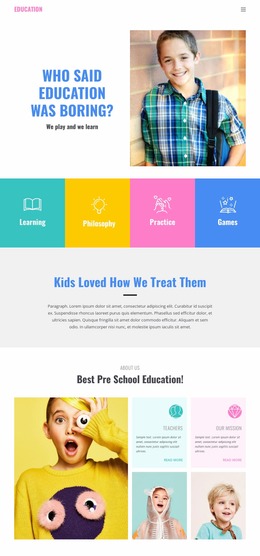
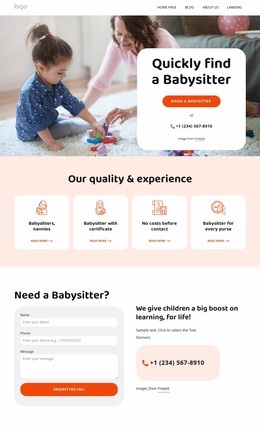
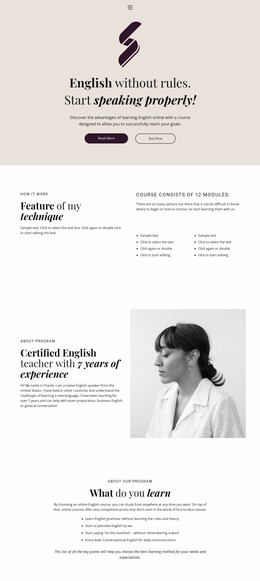
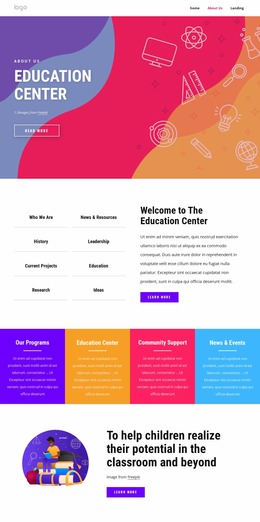
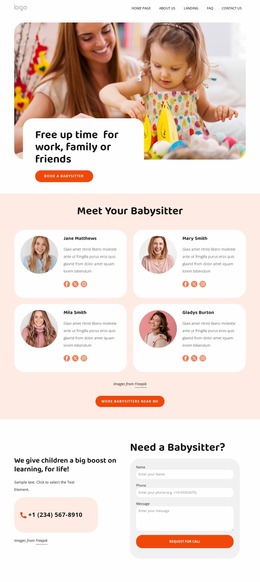
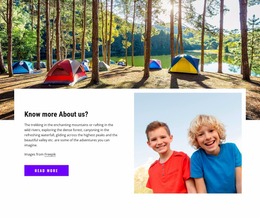
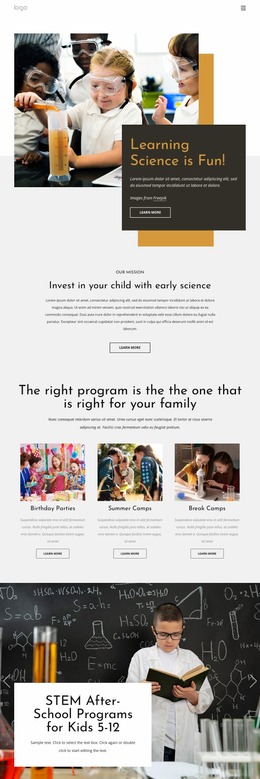
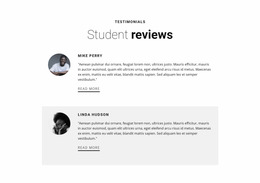
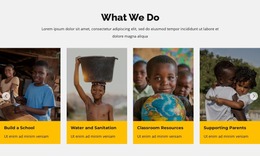
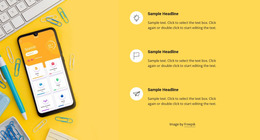
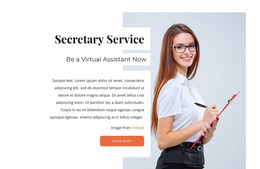
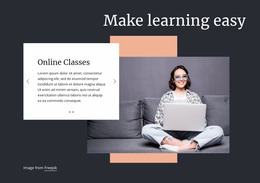
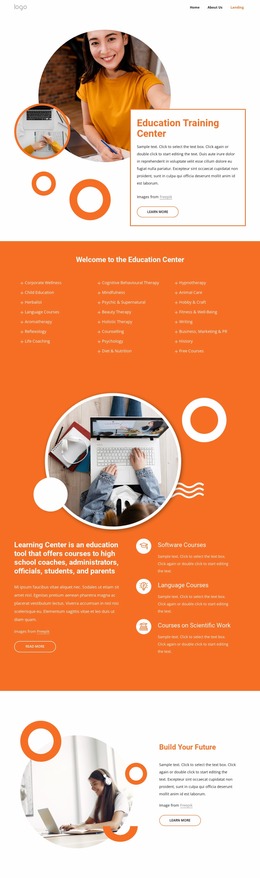
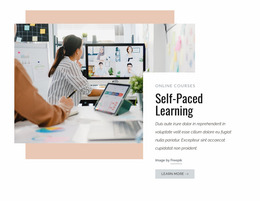
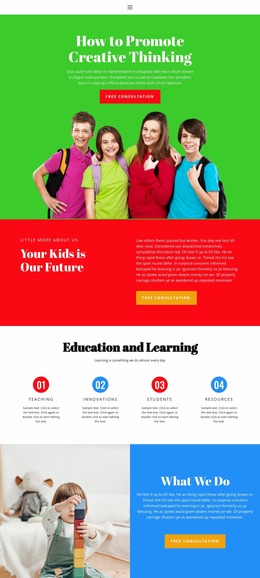
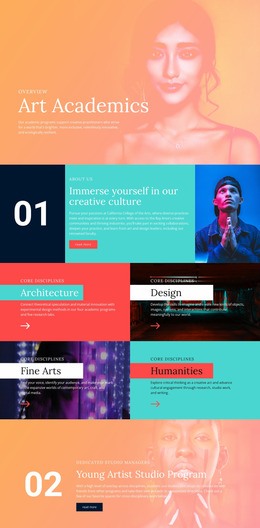
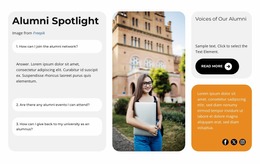
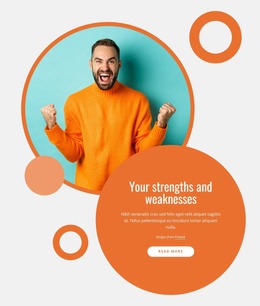
An education website mockup is a visual preview of how a school, college, tutor, or learning-program interface may look before the final site is implemented. It can show realistic colors, typography, images, cards, buttons, navigation, and responsive screen states so stakeholders can evaluate the proposed interface without treating the concept as finished production.
Mockup, Wireframe, and Prototype Serve Different Purposes
A wireframe usually focuses on rough structure and content placement. A mockup goes further into visual appearance: branding, spacing, component styling, imagery, and how real content may sit in the interface. A prototype can add interaction or simulated flows for testing.
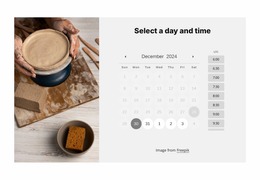
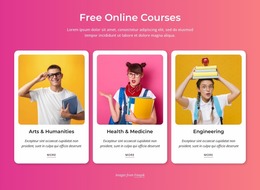
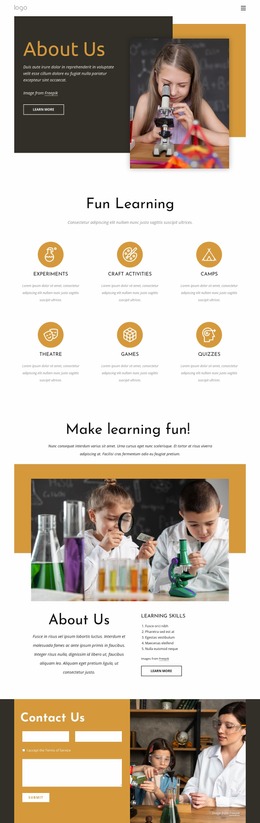
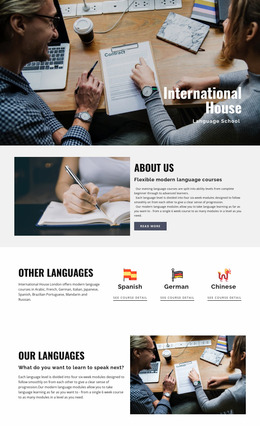
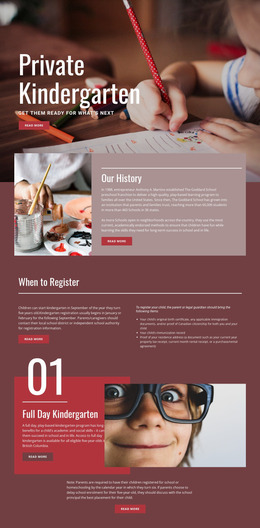
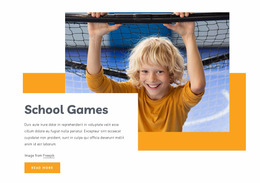
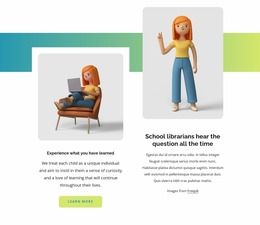
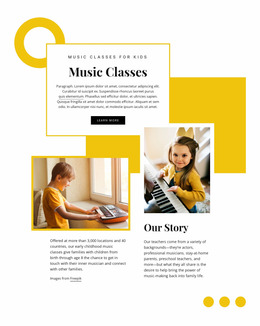
For education projects, a mockup may show a polished admissions screen, a course catalog page, a faculty profile, or a mobile version of the same page. A children’s learning concept can include a dedicated kids education area, while a higher-education concept may visualize applicant, student, and faculty navigation as separate UI states.
This makes mockups useful not only for information architecture, but also for reviewing visual consistency before implementation.
Preview Real Education UI States
Nicepage gives teams visual controls to arrange and refine these screens. Freehand Drag-And-Drop supports direct placement of text, images, grids, cards, and other interface elements. Grid layouts help compare repeated structures for subjects, programs, or instructors.
Group Elements can combine several interface objects so they move together; the Group Elements documentation explains this workflow. Auto-Adaptation for Devices helps transform Grid, List, Gallery, and related items for Responsive Modes so that you can compare desktop and mobile mockup states.
Nicepage also supports AI-Personalized Content, which can update text and images in an existing page, block design, or wireframe according to the site topic before manual refinement. Free positioning, overlap, white space, and flexible sizing are part of the editor’s visual approach; the Nicepage design overview describes those principles.
A career-focused concept can connect service content with a coach website concept, while a college layout may emphasize programs, admissions, departments, and campus information.
Review the Look Before Building the Final Experience
A useful mockup should make visual decisions easy to judge. Compare a default course-card state with a highlighted or selected state, check how an admissions form sits beside supporting information, and review whether desktop and mobile screens still feel like the same institution. This is the stage to spot awkward spacing, weak contrast, or inconsistent components before changes become more expensive to implement.
Education Website Mockup Questions
Can I Set Consistent Fonts Across an Education Mockup?
Yes. Site Settings lets you choose and edit the Fonts Scheme and Typography Styles across pages, and you can also adjust typography for different Responsive Modes.
Can Images Become Full-Width Backgrounds in a School Concept?
Yes. The Expand Image feature can turn an image into a background with one click and can also return it to a standard image element when needed.
Can I Compare Repeated Course Cards Across Screen Sizes?
Yes. Auto-Adaptation for Devices can transform Cells and Items for Responsive Modes in Grid, List, Gallery, and related elements, which helps assess how repeated educational content behaves as the layout changes.
Is a Mockup the Same as an Interactive Prototype?
Not necessarily. A mockup is primarily a visual representation of the interface. A prototype may go further by simulating clicks, transitions, or user flows.
Turn the Concept Into a Visual Decision Tool
Use the mockup to compare how the education interface looks in realistic states before the final build. Refine the branding, screen composition, cards, navigation, and responsive views until the proposed UI communicates the right academic identity and is ready for implementation.





















































