
100 Pricing Website Mockups
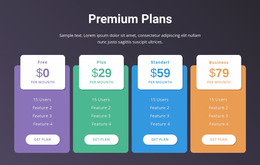
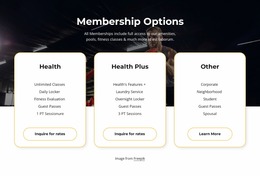
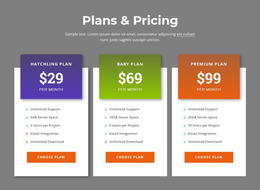
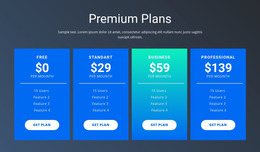
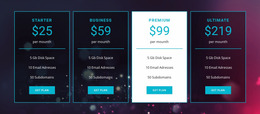
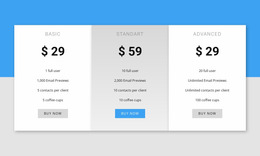


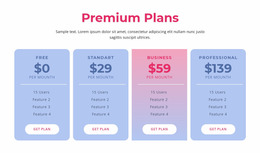
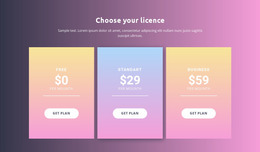
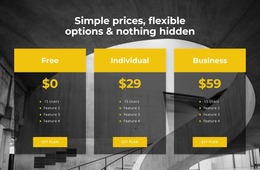
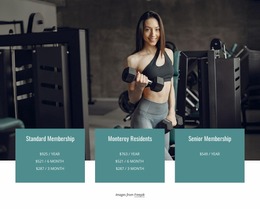
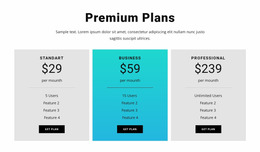
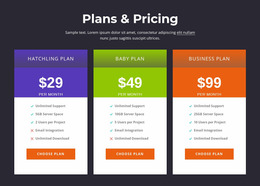
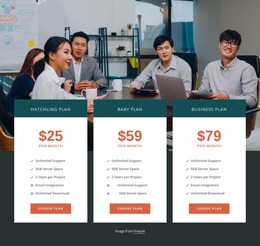
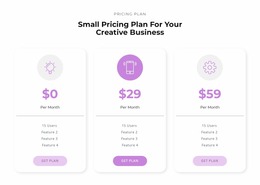
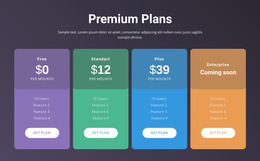
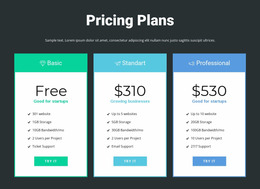
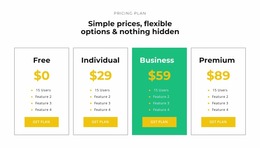
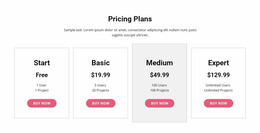
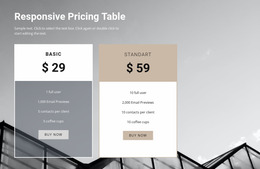
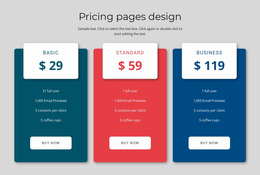
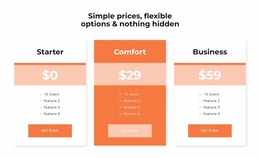


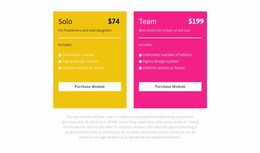
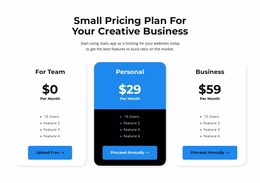
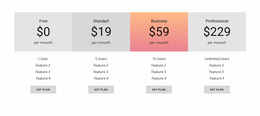
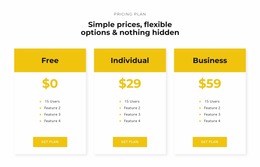
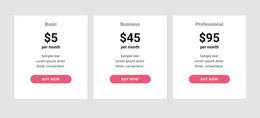
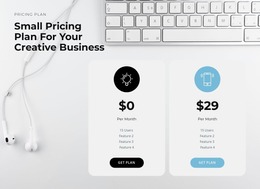
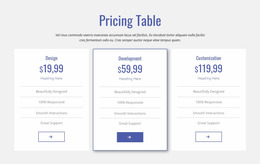
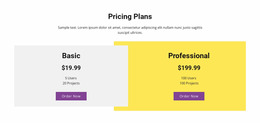

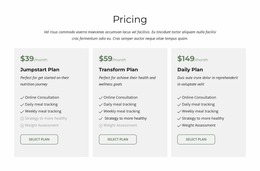
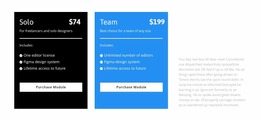
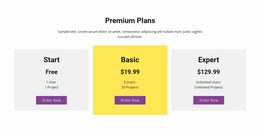
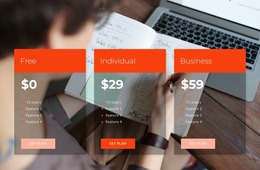

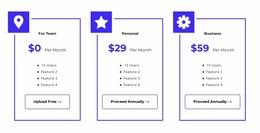
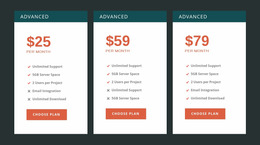
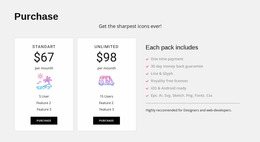
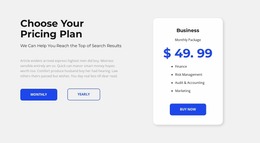
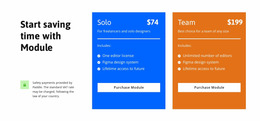

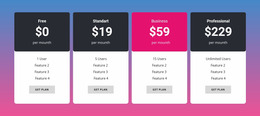
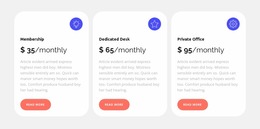
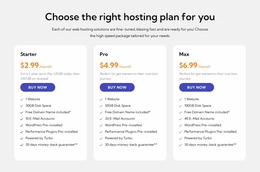
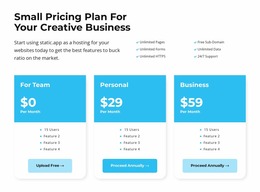

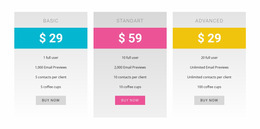
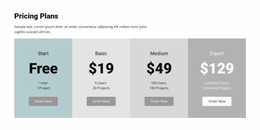
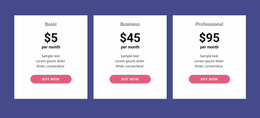
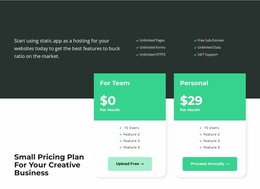
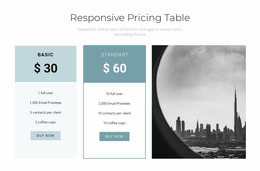

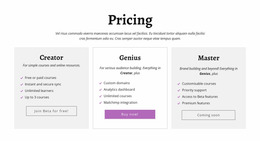

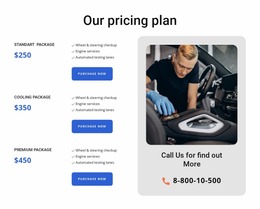
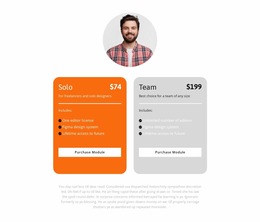
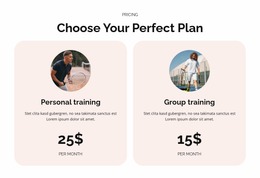
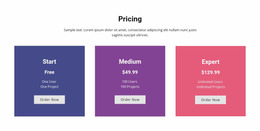
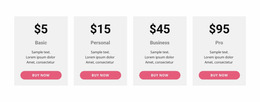
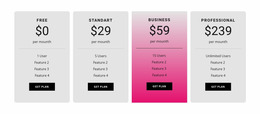
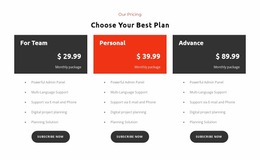
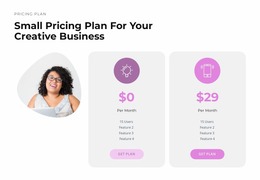
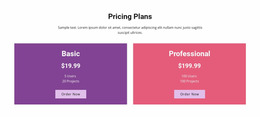

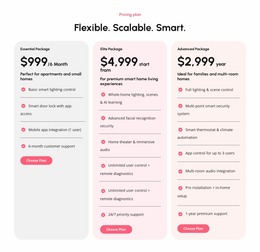
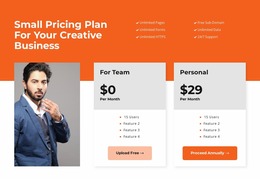
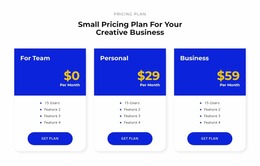
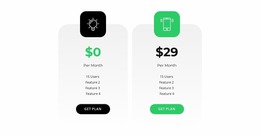
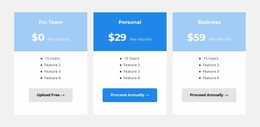
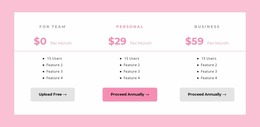
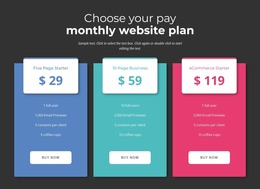
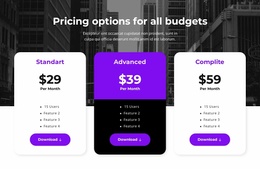
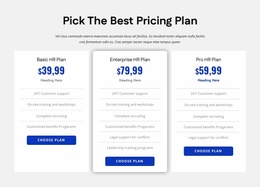
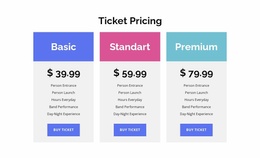
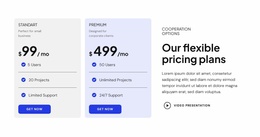
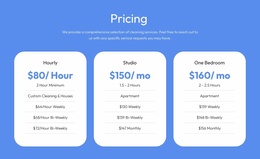
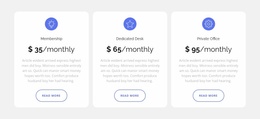
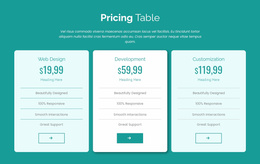
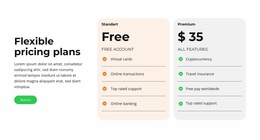
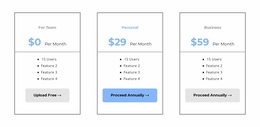
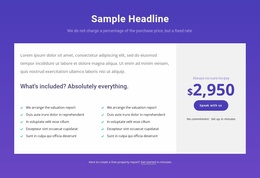
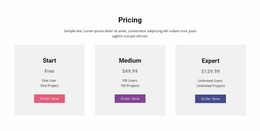

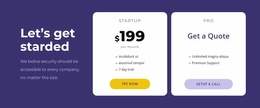
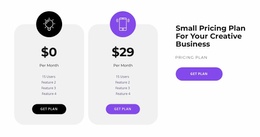
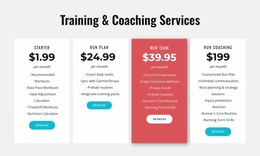
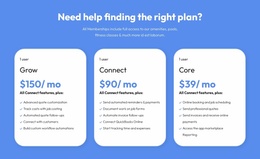
Clean Pricing Website Mockup Designs for Visual Review of Plan Layouts
A Pricing Website Mockup lets you show what subscription tiers or service packages will look like before the presentation is approved. Start with an editable Nicepage pricing section, add realistic information, and inspect desktop and mobile views. The aim is a convincing visual preview, rather than a claim that Nicepage supplies a separate layered mockup file.
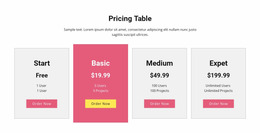
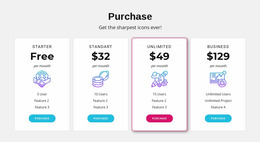
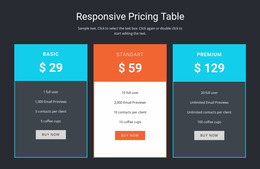
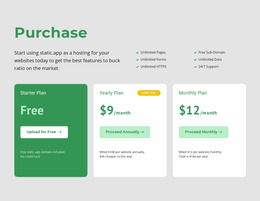
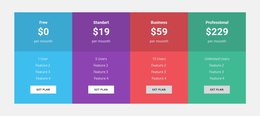
Pricing mockups can show compact subscription tiers, detailed service packages, or membership options. The focus remains on the pricing section itself: how offers are presented, compared, and selected within a larger page.
Use a Pricing Mockup to Present a Realistic Design Direction
A Pricing Website Mockup is a visual representation of how a pricing section could look with believable offers, not merely a checklist for evaluating a finished layout. You can use a ready-made Nicepage block as the visual starting point and adapt it for a design discussion, an internal review, or a client presentation.
Think about the level of fidelity the review needs. An early draft may use approximate plan names and short placeholder descriptions to test composition. A more developed mockup should include realistic prices, accurate billing labels, representative feature lengths, and believable CTA wording. Otherwise, the presentation may look balanced only because the sample cards happen to contain equal amounts of text.
A useful visual review checks:
- Low-fidelity arrangement: the position and relative width of the pricing offers.
- High-fidelity content: typography, price emphasis, badges, and realistic plan details.
- Desktop presentation: how several offers read together at wide widths.
- Mobile preview: how the same offers read after cards stack.
- Design approval: whether reviewers understand the visual difference between the main and alternative plans.
Nicepage provides editable designs and responsive previews. This does not imply a downloadable Figma, PSD, or other dedicated mockup file format. The output here is a design you can compose and preview in the editor. A useful review ends with an approved direction, a list of requested changes, or a clear client decision about the proposed pricing presentation.
Compare Two Mockup Directions With a Client
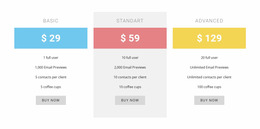
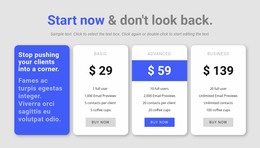
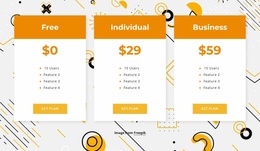
Suppose a client needs to approve pricing for a three-tier service. Show version A with three equal-weight cards and version B with a subtly featured middle plan. Use the same realistic prices, billing terms, and feature lengths in both so the decision concerns presentation rather than changed content. Judge both versions against three approval criteria: whether the recommended tier is immediately clear, whether prices and billing periods are readable, and whether the arrangement works on mobile. Record the client’s decision and any revisions needed before the design is finalized.
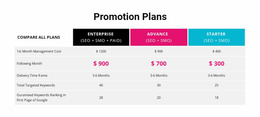
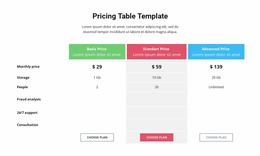
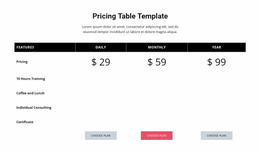
The Table Element in Nicepage supports rows, columns, and content elements inside table cells. It can be used to organize a pricing comparison when the offers contain several shared attributes.
During this side-by-side visual approval, compare:
- Price emphasis: The amount should be noticeable without overpowering the plan description.
- Card consistency: Comparable information should appear in corresponding positions.
- Feature density: Long lists should remain readable rather than filling every available space.
- Button placement: Each action should clearly belong to its plan.
For this review, the question is whether the client can approve a convincing presentation of cost, included value, and plan selection—not whether a particular color or typeface is fashionable.
Responsive Pricing Mockups for Different Screen Sizes
A layout that works with three or four columns on a desktop may become difficult to read on a narrow screen. Pricing mockups should therefore be examined at several widths rather than judged only from a large-screen composition.
Nicepage Responsive Modes allow layouts to be reviewed and adjusted for different screen views, including desktops, tablets, and phones.
For a pricing section, responsive review should examine:
- Whether plan names and prices remain visible when cards stack vertically.
- How longer feature lists affect card height.
- Whether selection buttons remain easy to identify.
- Whether highlighted plans still stand out without disrupting the reading order.
The goal is not to preserve identical column arrangements on every screen. The goal is to maintain the same understandable comparison as available space changes.
Compare Layout Alternatives Before Choosing a Pricing Design
Different arrangements can change how visitors interpret the same pricing information.
A two-card layout may emphasize a straightforward choice between basic and expanded plans. Three-card sections can support entry-level, intermediate, and advanced tiers. Larger comparisons often need a table when individual feature differences become the main consideration.
The best mockup depends on how many decisions visitors must make, not simply how many cards fit across the page.
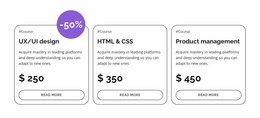
A Product List section serves a different purpose: it presents individual products for browsing or selection. Pricing sections organize related offers by cost and included benefits, making comparison the main task.
Pricing Website Mockup FAQ
Can Nicepage AI help create a pricing section design?
Yes. Nicepage AI Services can generate sites, pages, and blocks. A generated block can then be refined to present pricing tiers, feature descriptions, and selection actions according to the intended section layout.
Can I review a pricing layout on different screen sizes?
Yes. Nicepage provides Responsive Modes for reviewing and adjusting layouts across desktop, tablet, and phone views. This helps identify pricing cards that become crowded, misaligned, or difficult to read on smaller screens.
Can I start with a ready-made pricing design if I am not a professional designer?
Yes. Start with a ready-made Nicepage block that matches the number of plans and the information visitors need to compare. Replace the example content and refine the visual hierarchy instead of designing every element from scratch.
Should pricing cards have the same height in a mockup?
Equal card heights can make comparisons cleaner, especially when selection buttons need to align. However, longer descriptions and additional conditions may require more space. Prioritize readable content and clear plan relationships over perfectly identical dimensions.
Can I combine different visual styles in one pricing section?
Yes, but consistent typography, spacing, and button treatments help visitors compare offers. Use stronger visual emphasis selectively, such as highlighting a recommended plan, rather than giving every pricing card a completely different appearance.
Evaluate Your Pricing Section in Nicepage
Select a pricing mockup that reflects the number of offers and the level of comparison required. Replace sample prices and features, inspect each card's hierarchy, and review the section across responsive views.
Use the mockup to preview and approve the proposed pricing presentation before adopting the visual direction; review is complete only when that decision is clear.
A useful final layout makes plan differences, costs, and selection actions easy to recognize before the pricing section becomes part of the finished page.





















































