
280 Pets & Animals Website Mockups

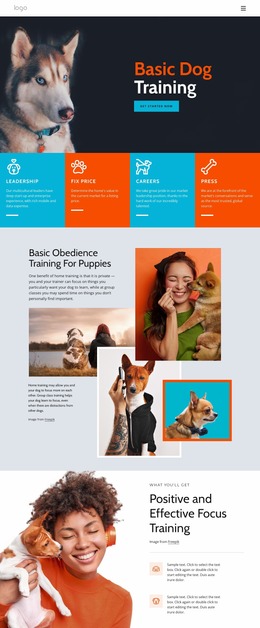

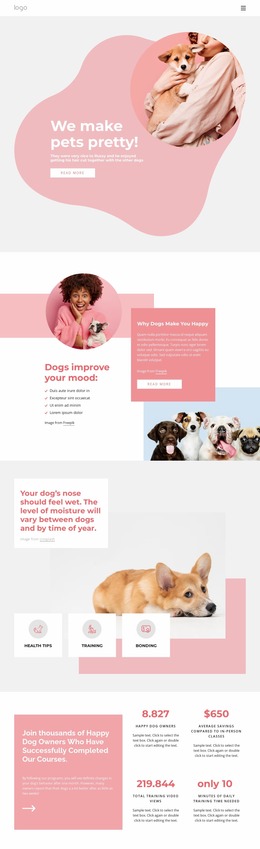
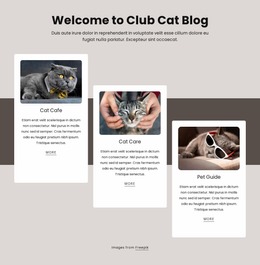
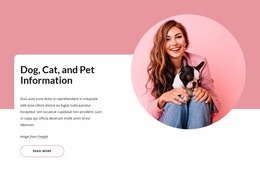






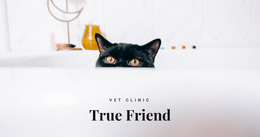

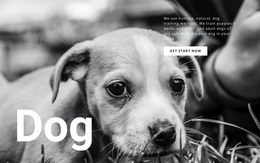
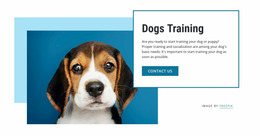

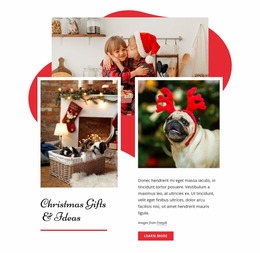
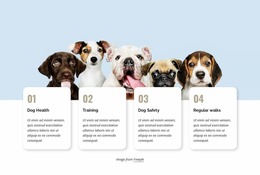

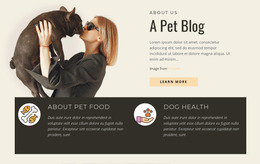
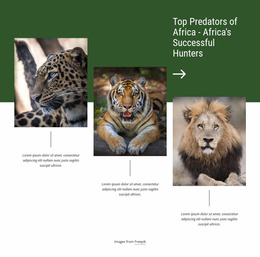
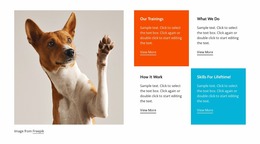
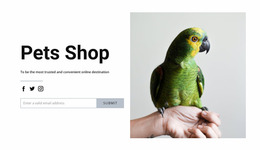
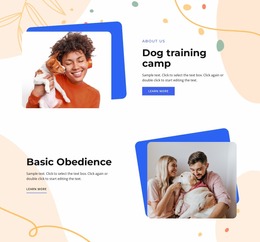
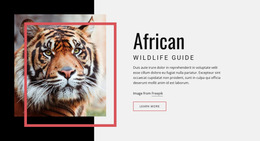

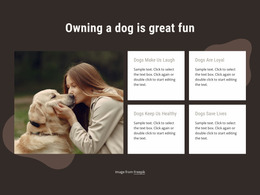
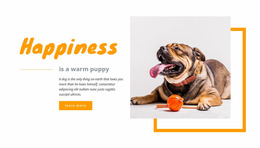
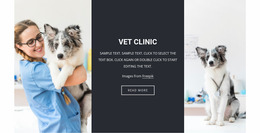
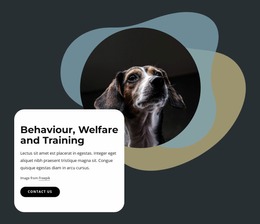
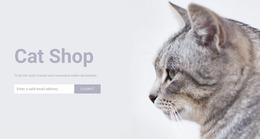
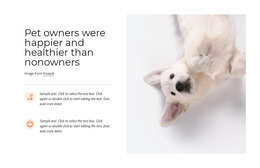
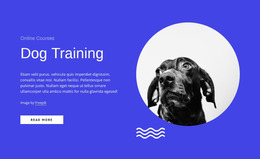
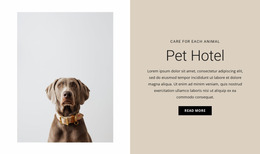

Pets & Animals Website Mockup for Pre-Production Decisions
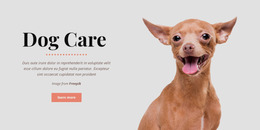
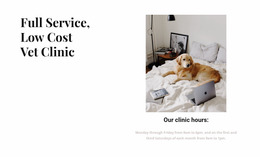
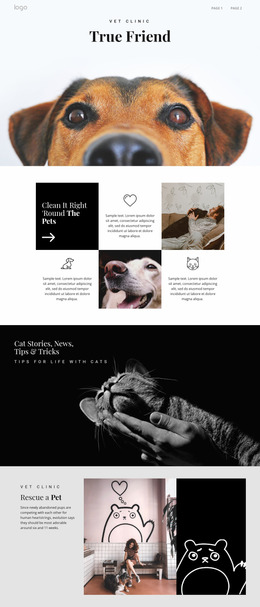
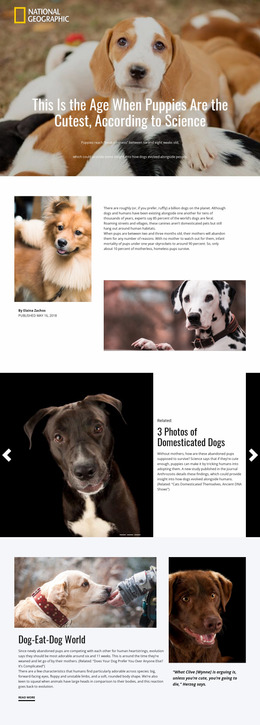
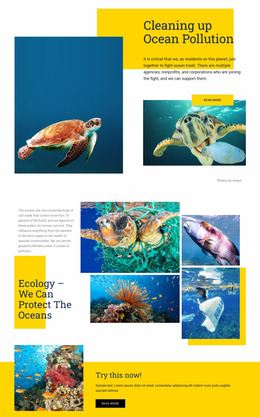
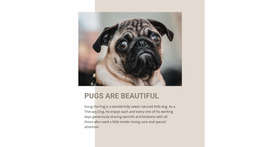
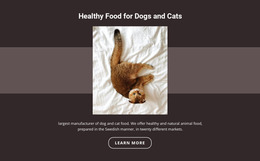
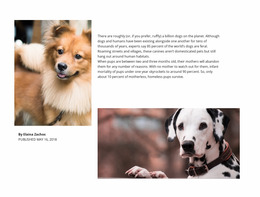
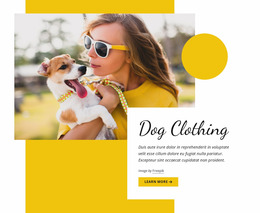
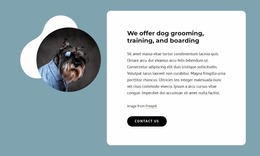
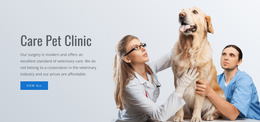
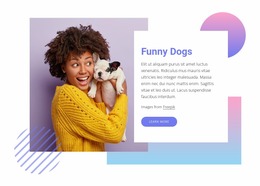
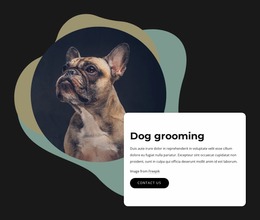
A pets & animals website mockup belongs before final site production. It lets a veterinary clinic, shelter, or animal-care team decide what the interface should look like and how information should be prioritized without treating the concept as a finished website.
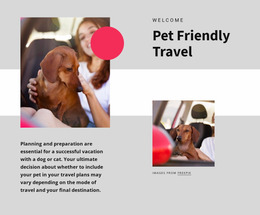
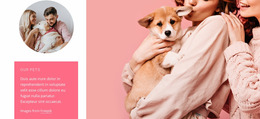
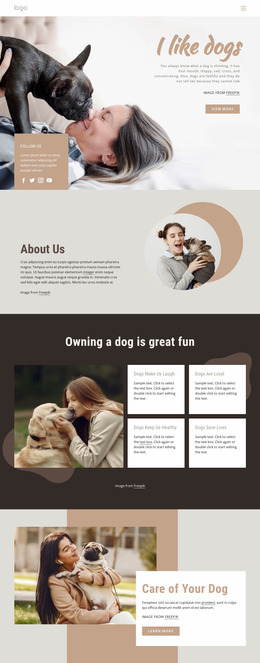
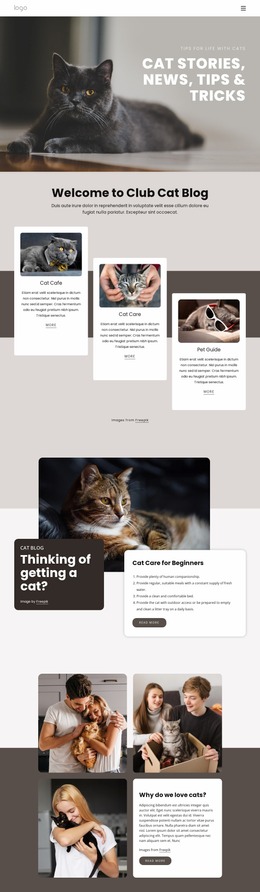
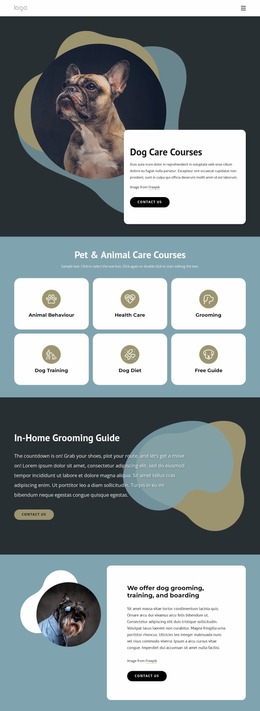
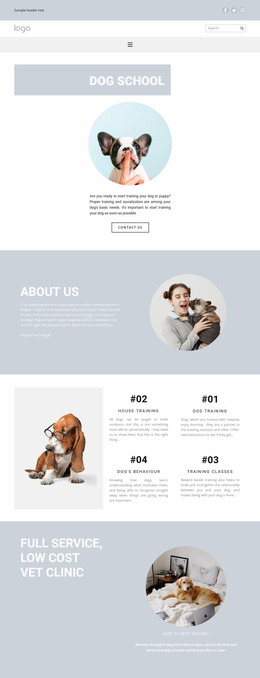
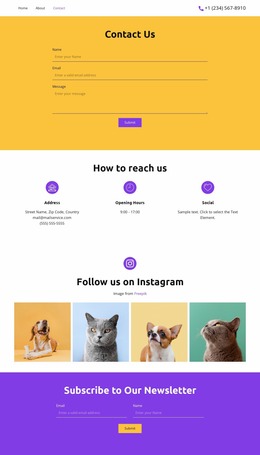
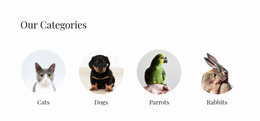
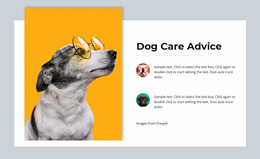
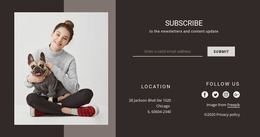
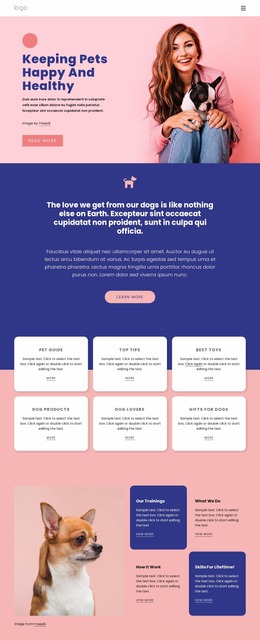
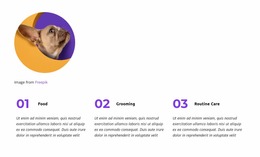
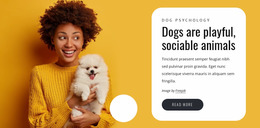
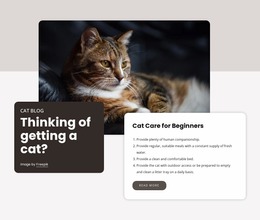
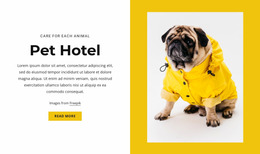
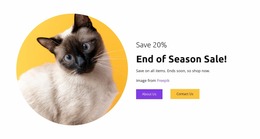
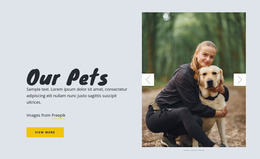
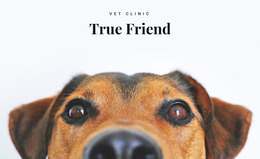
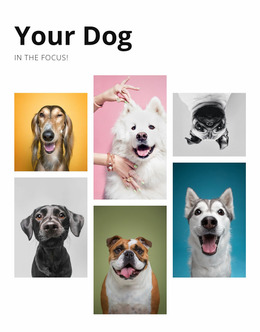
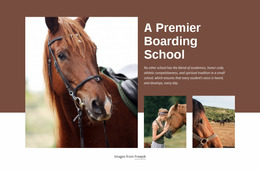
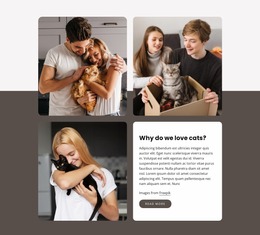
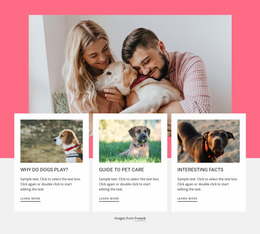
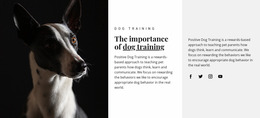
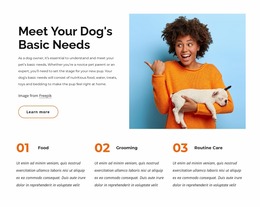
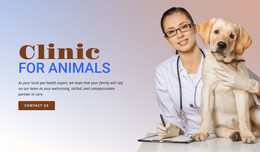
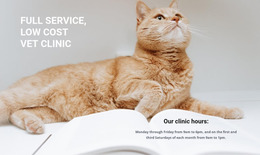
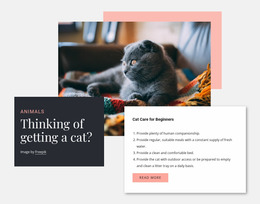
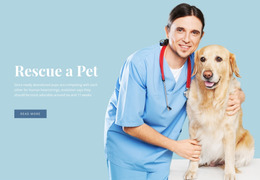
A veterinary medicine visual direction can help establish tone, but the mockup stage should answer concrete design questions: How many service cards fit before the page feels dense? Which crop keeps the animal's face visible on mobile? Does the appointment button compete with secondary actions? Is the contact information prominent enough?
Wireframe, Mockup, Prototype, and Finished Site
These terms describe different levels of fidelity.
- A wireframe focuses on rough structure and information placement with minimal visual styling.
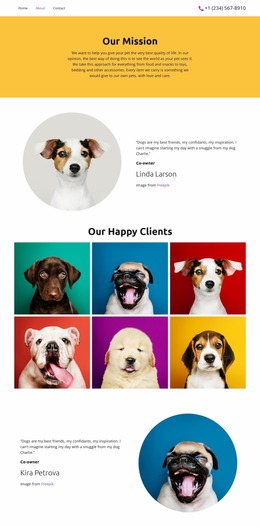
- A mockup adds real visual hierarchy, typography, imagery, spacing, colors, and component appearance.
- A prototype adds enough interaction to test behavior or a user flow.
- A finished website is implemented, tested, connected to real content and technical requirements, and ready for production use.
Nicepage can support visual exploration, but the purpose of this page is the mockup stage: compare and approve visual decisions before the project is treated as production-ready.
Review the Decisions That Matter
Freehand Drag-And-Drop helps move text, images, and calls to action while comparing alternatives. The Grid Element can test card density and alignment, and its Grid Element behavior is useful when reviewing how repeated content may stack on smaller screens.
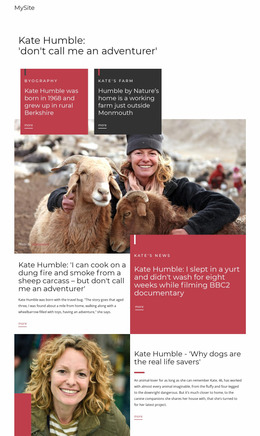
Edit Mobile Views is especially valuable at this stage. A desktop mockup can hide weak mobile priorities, so compare image crops, headline length, card order, and action visibility before approval. A Box Element can group related content during those experiments; the documented Box Element provides a practical container for headings, text, icons, buttons, lines, and shapes.
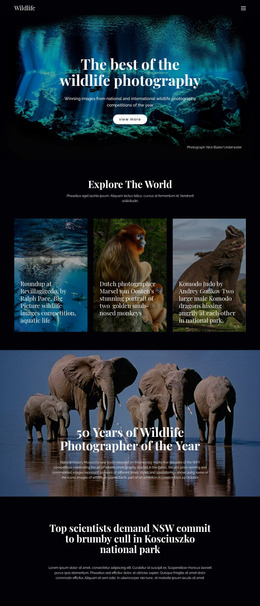
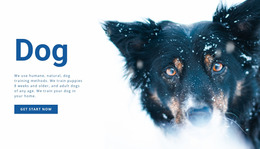
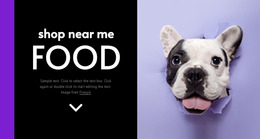
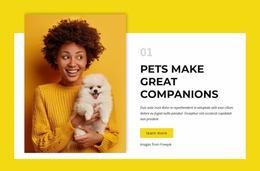
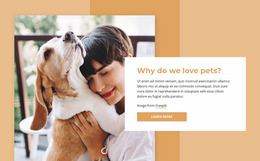
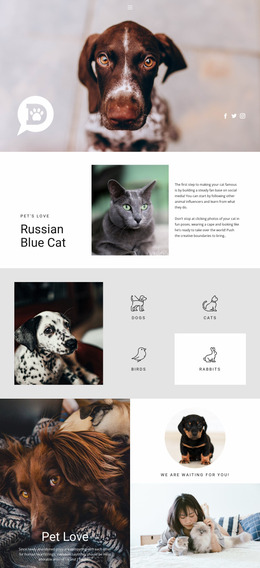
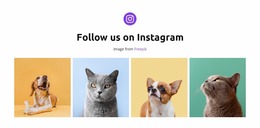
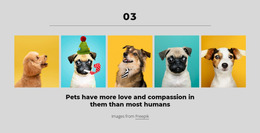
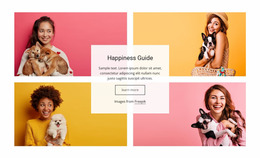
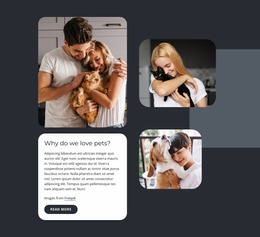
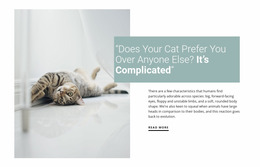
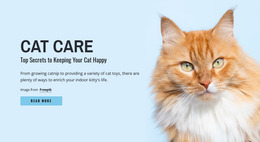
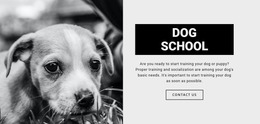
A pets-focused visual direction can be used to compare an animal-led concept with a service-led one. An animal-oriented design direction can serve a broader, multi-species project in which navigation and category density require review. These are reference points, not reasons to skip design decisions.
Example: Reviewing an Adoption Card Before Handoff
Suppose a shelter mockup includes six adoption cards. Rather than polishing all six equally, first test one representative card: portrait crop, animal name, age, short care note, status badge, and inquiry action. Then compare a denser and a lighter variation. On mobile, decide which details stay visible before the visitor opens a full profile.
Once that pattern is approved, apply the decision consistently across the mockup. This creates a clearer handoff than a visually attractive concept with unresolved content priorities.
Mockup Questions for Animal Websites
What should be approved in a pet website mockup before production?
Approve the information hierarchy, component density, image treatment, typography, spacing, key action placement, and responsive priorities. These decisions reduce ambiguity when the design moves into implementation.
Is a website mockup the same as a finished website?
No. A mockup is a visual design artifact. A finished website also requires implementation, real content integration, technical behavior, testing, and production readiness.
Can I test mobile priorities before all animal photos are final?
Yes. Temporary or representative imagery can be used to test crop ratios, card order, text length, and action placement in responsive views before final assets are approved.
How is a mockup different from a prototype?
A mockup mainly shows visual appearance and hierarchy. A prototype adds interaction or simulated behavior to test a flow. Some projects combine both, but the review goals are different.
Finish with Approval, Not Publication
A strong mockup ends with decisions that the next person can use: an approved hierarchy, responsive priorities, representative component states, and clear notes on unresolved items. Move to implementation only after those design questions are settled.





















































