
1380 Grid Website Mockups
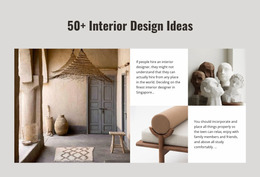
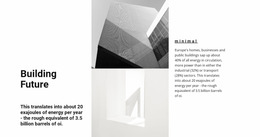


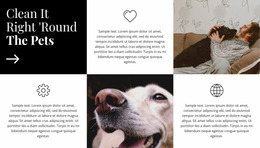


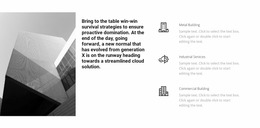
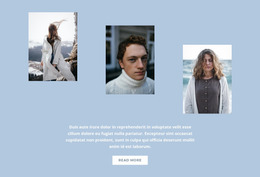
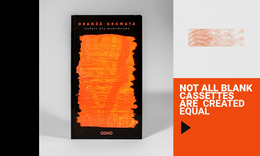

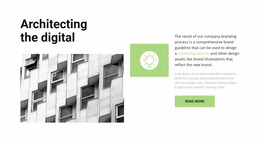
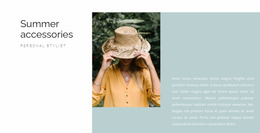



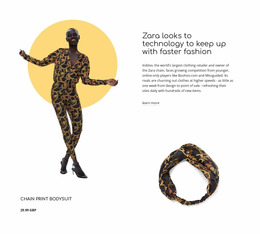

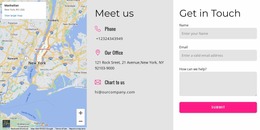
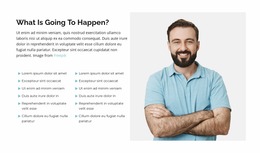
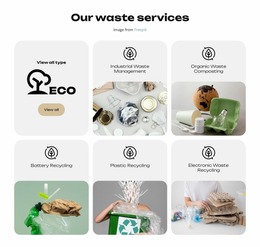

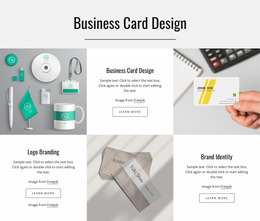

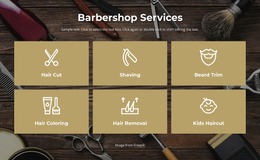
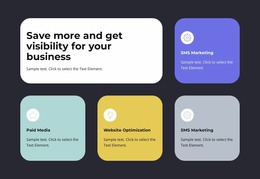
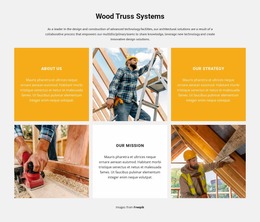















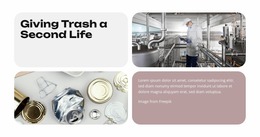

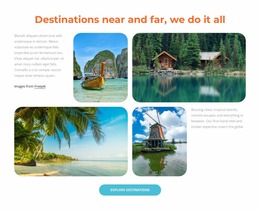
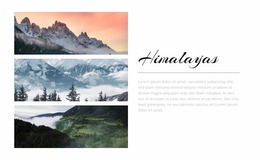

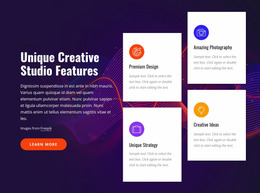
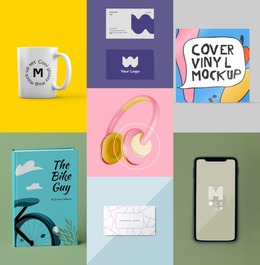
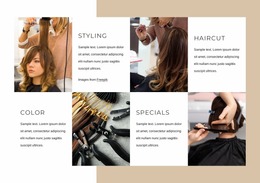
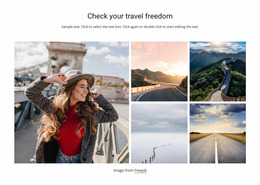
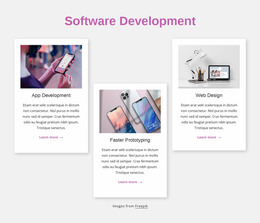

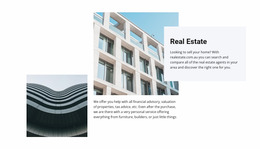
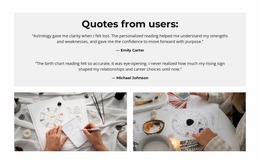

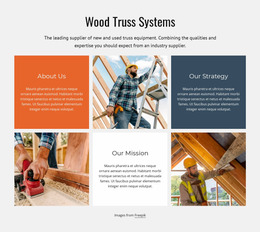



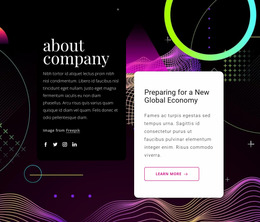
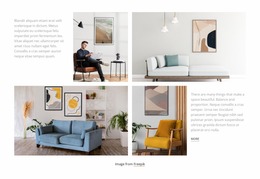
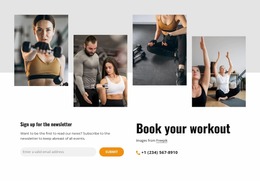
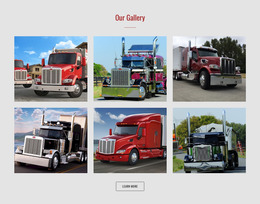
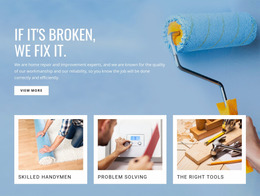
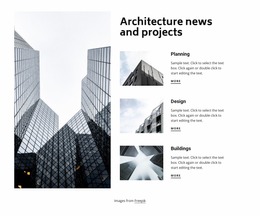
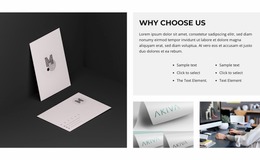
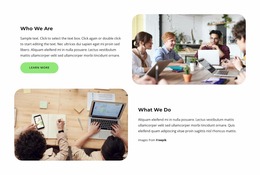

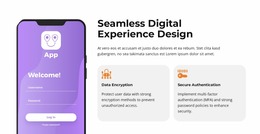

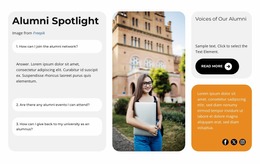

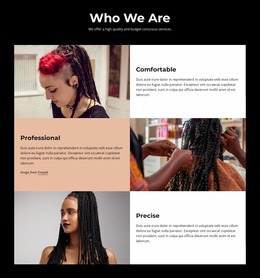

Grid Website Mockup Templates for Presenting Page Designs
A Grid can look persuasive as a standalone layout yet feel quite different inside a finished page. A Grid Website Mockup shows that composition in context—often inside desktop, tablet, or phone frames—so a client or team can judge the proposed design before it is built. The point is not only to check responsiveness; it is to present the visual idea clearly enough to approve or revise it.
Choose a Mockup That Shows the Grid Clearly
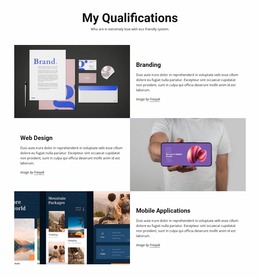
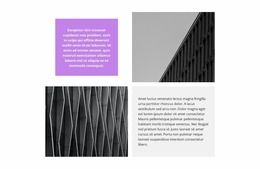
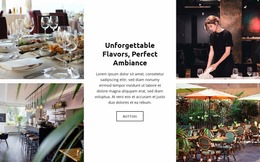
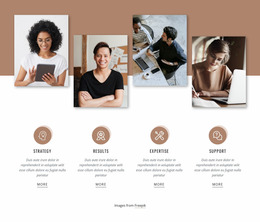
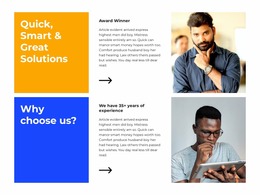
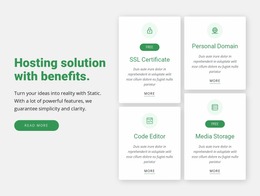
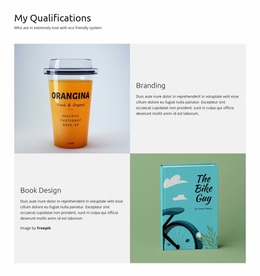
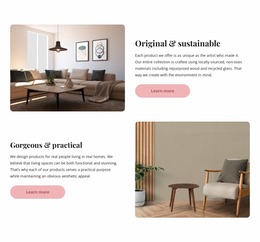
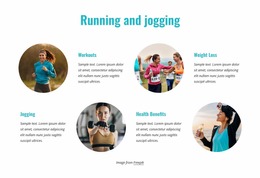
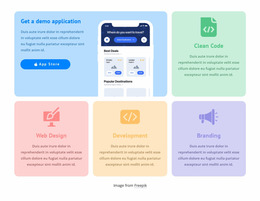
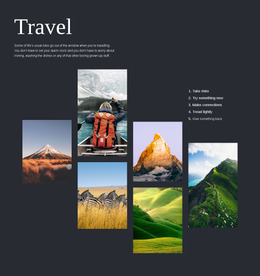
For a portfolio concept, try showing the same four projects in two versions of one mockup. In a balanced Grid, all four images get equal space. In an asymmetric version, one project takes a larger cell while the other three support it. Include the header, section title, and background in both views. The comparison shows whether the page needs an even gallery or a clear featured project, not simply which arrangement looks more dramatic.
Different presentations answer different questions:
- Desktop screen mockup: Shows the overall composition, column balance, and relationship to navigation and neighboring sections.
- Mobile device mockup: Shows how the featured project and supporting cells appear within a narrower page.
- Side-by-side device presentation: Helps a client compare the design direction without opening several separate files.
Use real or representative imagery, and choose device frames that support the presentation rather than distract from it. The Grid should remain the focus of the mockup.
Review the Visual Proposal Before Approval
A mockup is most useful when reviewers can identify a specific issue instead of saying that the layout “feels off.” Check:
- Cell sizes: Equal cells suggest that all projects matter equally; a larger cell should have a clear reason to lead.
- Gutters: The gaps between cells should separate images without making the Grid look like unrelated blocks.
- Image order and framing: The first image and its crop should support the intended focus, especially when the layout is shown on a phone.
- Page context: The Grid should sit comfortably beside the header, typography, and other visible sections.
Put those two Grid versions side by side on the same review board. Keep the images and page styling consistent so reviewers can judge cell proportions, gutters, and image order rather than reacting to different photography.
A mockup may be a static image rather than a functioning website. Approval of the visual direction is a separate step from testing the live page.
Turn the Approved Mockup Into a Page Layout
Nicepage's Grid Element lets you adjust rows, columns, cell dimensions, and gaps when building the proposed composition. Use Responsive Modes to inspect desktop, laptop, tablet, and phone versions before capturing the final presentation screens.
Keep the screenshots consistent: similar content, the same visual treatment, and device sizes that let reviewers see the meaningful differences. Once the mockup is approved, check the working page separately for interaction and responsive behavior.
Grid Website Mockup FAQ
What should I check first in a Grid website mockup?
Start with what the mockup is meant to demonstrate: the featured Grid composition, its relationship to the page, and how the same visual direction appears on different devices.
Is a desktop screenshot enough to approve a Grid layout?
No. A desktop mockup can set the visual direction, but a mobile presentation shows whether the same concept still works on a smaller screen.
Can I compare Grid arrangements without rebuilding a section?
Yes. Adjust the existing Grid in Nicepage, capture an updated preview, and compare the alternatives before choosing the presentation to approve.
Why does an image look awkward in a narrow Grid cell?
The device frame may show a taller or narrower crop than the desktop layout. Adjust the image framing, then review the screenshot at its intended presentation size.
Present a Grid Design Ready for Review
Choose a mockup that shows the Grid inside a believable page, with images and typography close to the intended result. Compare the device views, gather approval on the composition, and then refine the working layout.






















































