300 Gallery Website Mockups












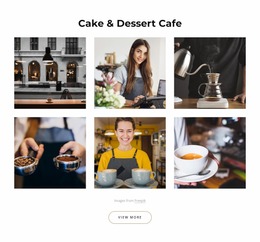
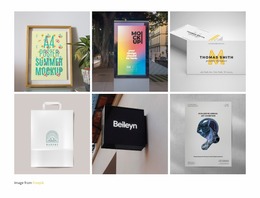

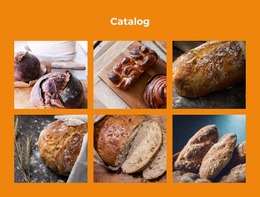
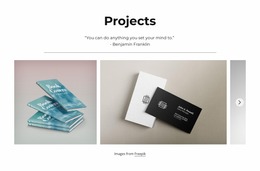










































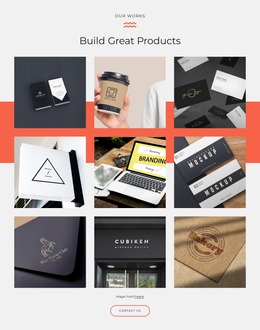


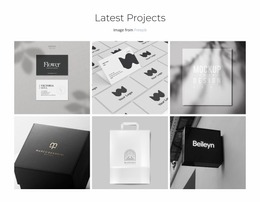

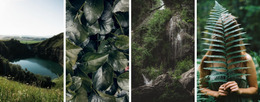
Gallery Website Mockup Templates for Ready-Made Image Compositions
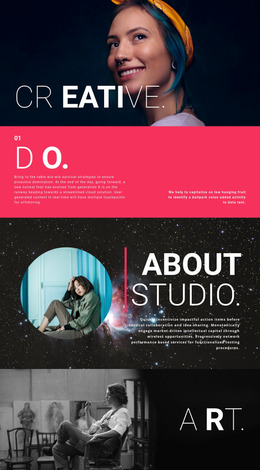
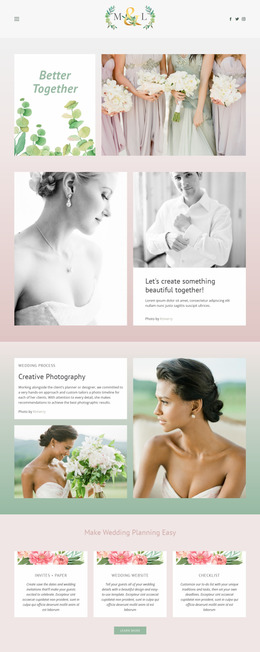
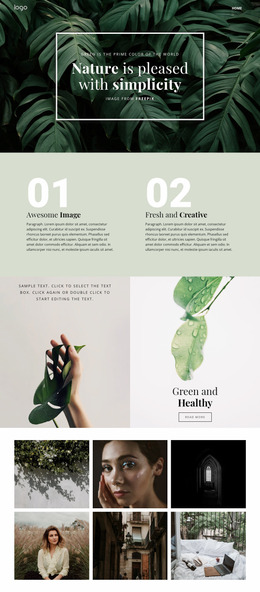
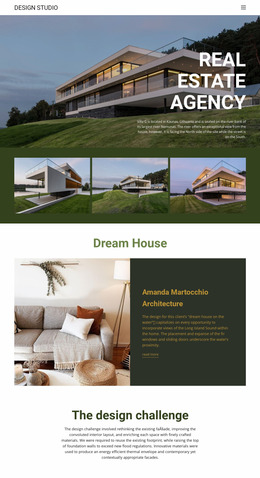
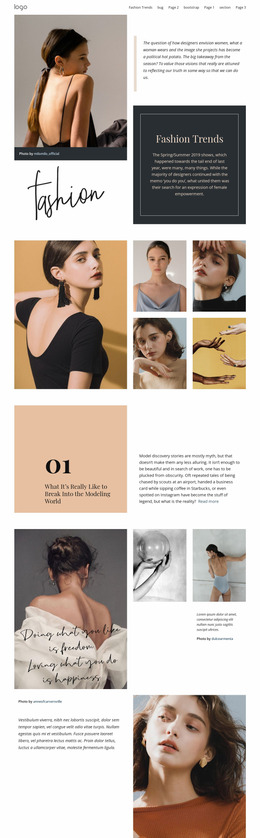
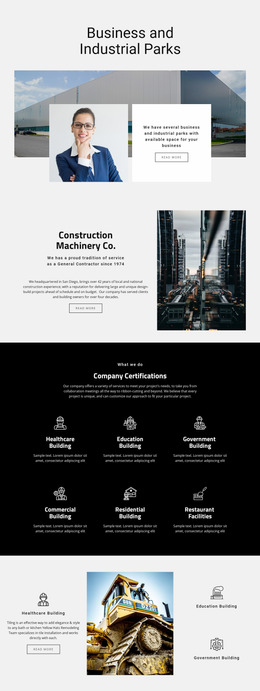
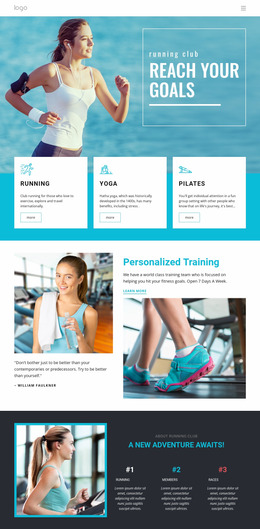
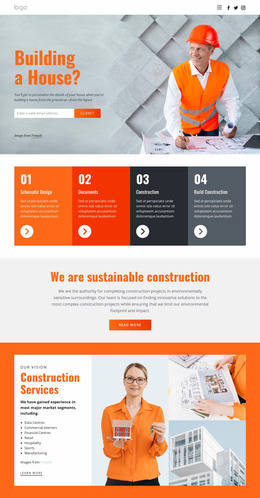
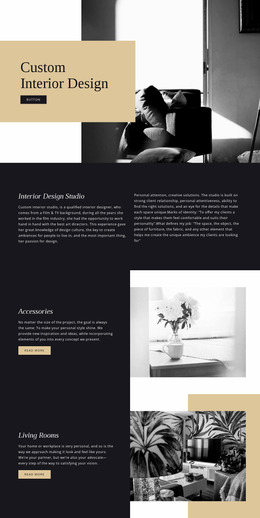
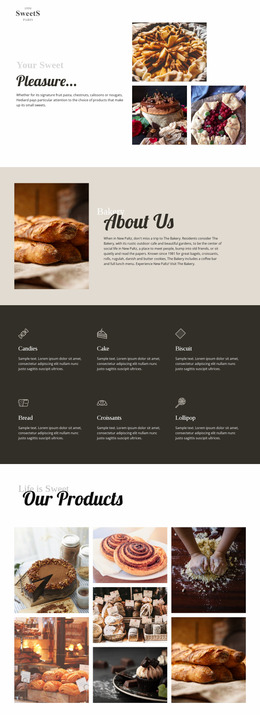
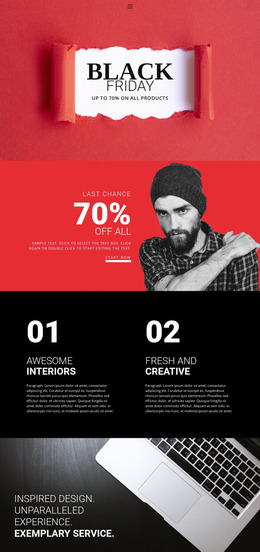
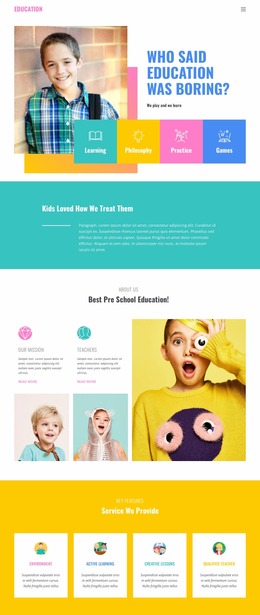
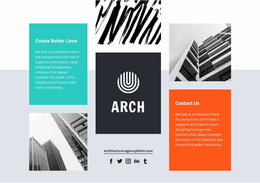
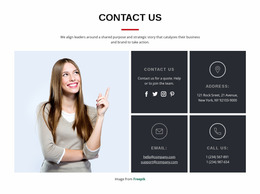
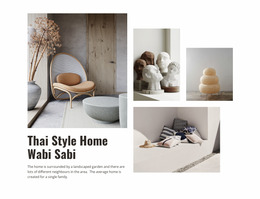
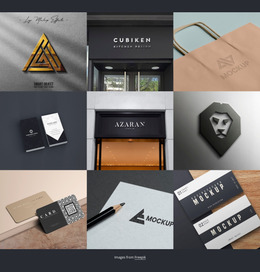
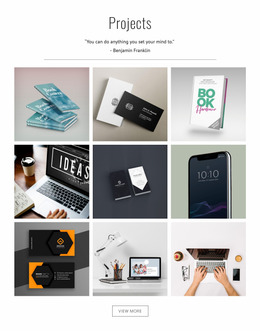
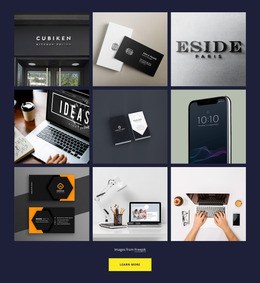
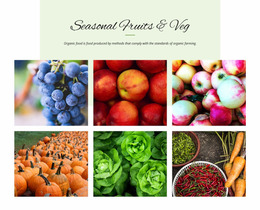
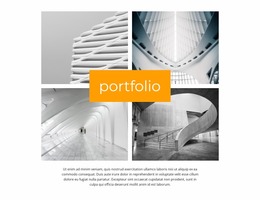
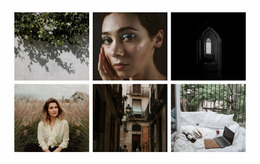
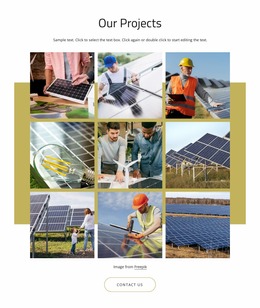
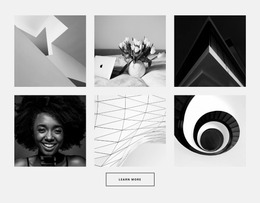
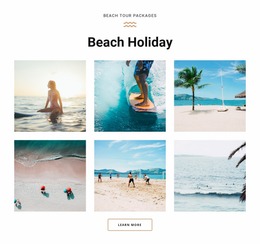
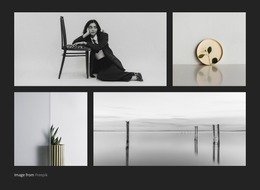
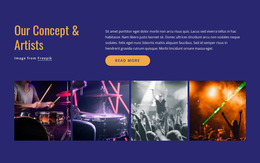
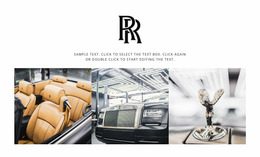
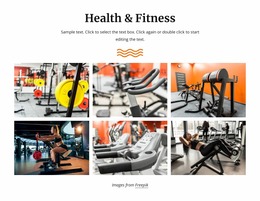
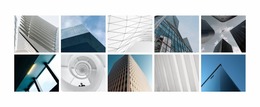
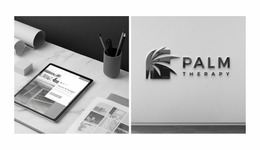
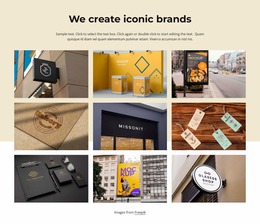
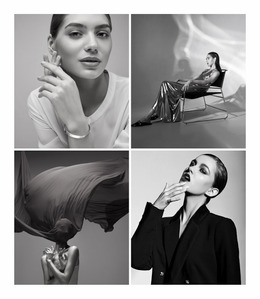
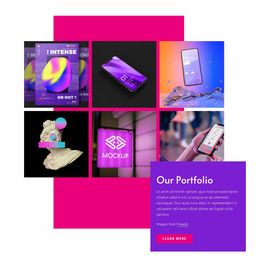
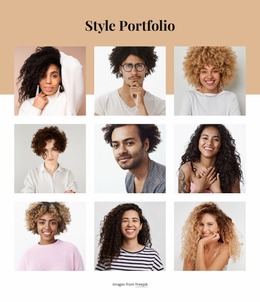
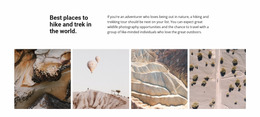
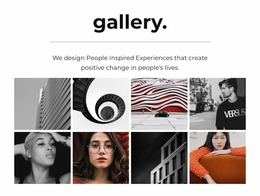
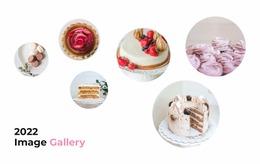
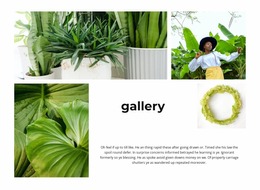
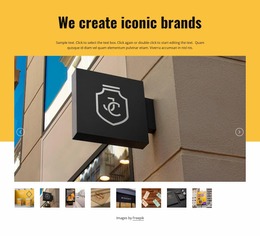
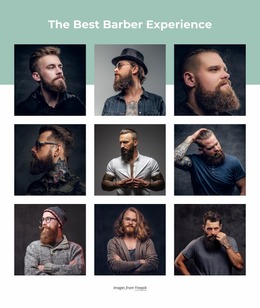
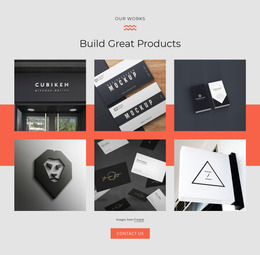
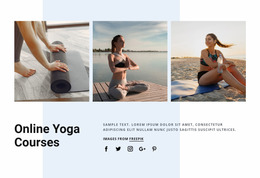
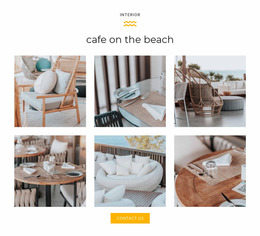
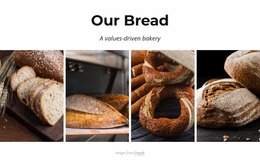
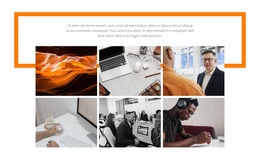
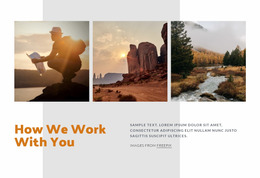
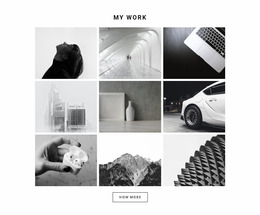
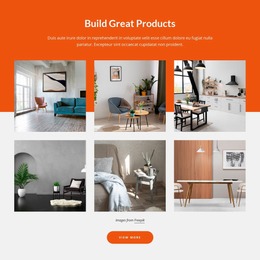
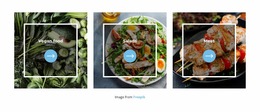
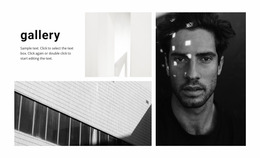
A Gallery Website Mockup template offers an already composed image section for showing how photography may appear on a proposed website. Instead of starting with an empty layout, you can compare a balanced image grid, a group with one prominent photo, or a caption-friendly composition. Each gives a different impression of the same collection.
The most useful choice depends on the mockup's purpose. A compact portfolio preview needs breadth; a project presentation often benefits from a leading photograph and a few detail shots.
Ready-Made Gallery Compositions for a Website Mockup
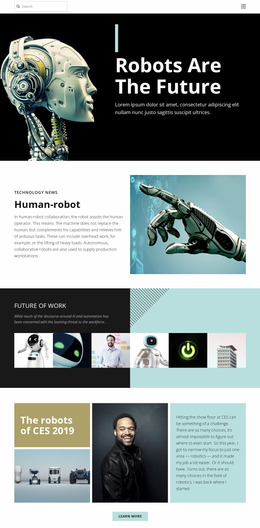
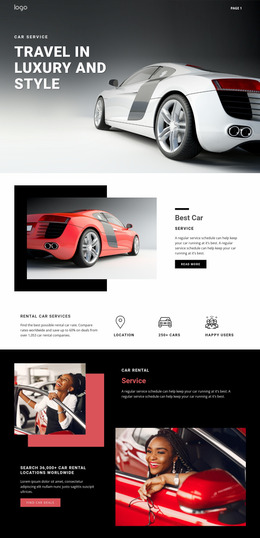
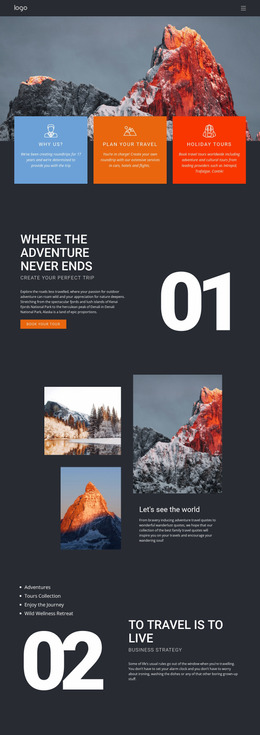
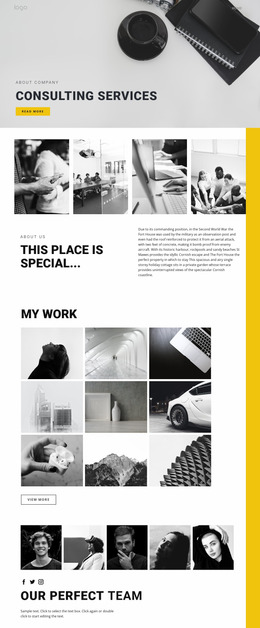
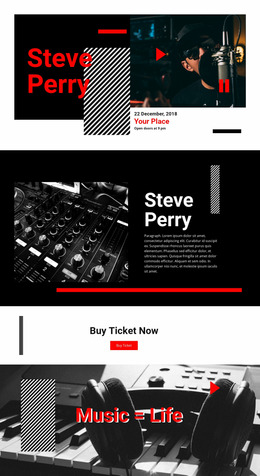
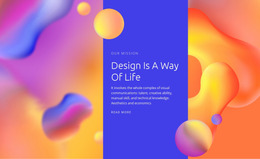
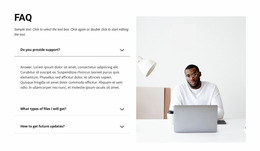
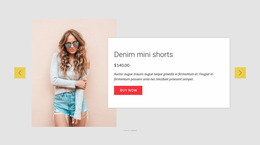
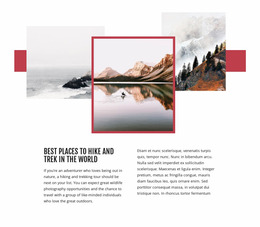
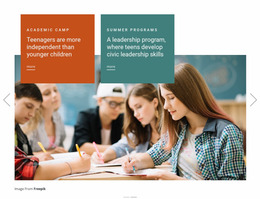
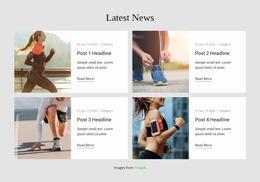
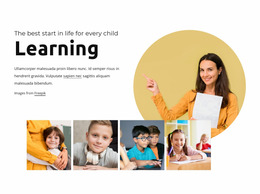
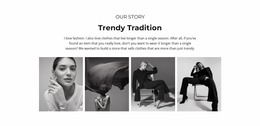
For a mockup that needs to communicate a visual idea immediately, the arrangement of the photographs matters more than a long checklist of design properties. A regular row of images suggests an even-handed project overview; an asymmetric layout leads the eye toward the strongest photograph. Captioned arrangements work well when the mockup must show how project descriptions relate to images.
- Two-photo compositions make a direct comparison easy to see.
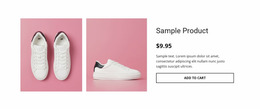
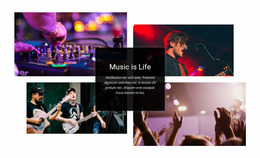
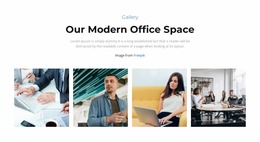
- Four-photo collections can introduce the range of a project or portfolio.
- Mixed proportions lend a presentation a more editorial character.
Nicepage's Image Gallery Element provides image arrangement and caption options. Select a finished section that faithfully represents the intended page, then consider how it will look with the actual photography.
For a visual proposal, the composition itself communicates what the finished page might feel like. An even image grid makes several projects appear equally important, while one large image creates a strong center for the proposed layout. A more irregular grouping can suggest a creative or editorial direction. A product collection usually benefits from consistent image treatment; a photography concept can be more expressive when the selected template gives its strongest shot additional space.
How Gallery Mockup Options Appear on Different Screens
A broad photo grid can feel spacious on desktop but more compact on mobile. A featured-image composition may preserve a stronger focal point when fewer images fit side by side. Nicepage Responsive Modes helps inspect those differences. Choose the mockup layout whose image relationships remain understandable in the views that matter for the proposed site.
Choose a Gallery Mockup That Fits the Visual Collection
The right gallery arrangement depends on what visitors need to examine. A series of detailed project photographs may benefit from larger images, while a collection of related visual references may work better in a denser composition.
Before choosing a block, consider three practical questions:
- What should visitors notice first? Decide whether the collection needs a dominant image or an even visual hierarchy.
- How much explanation is necessary? Use captions when the images require titles, context, or short descriptions.
- How will the collection fit into the page? Review the gallery alongside nearby headings, text, and other sections.
A website mockup is especially useful at this stage because it exposes composition problems before the gallery layout is finalized.
Gallery Website Mockup FAQ
What is the purpose of a Gallery Website Mockup?
A Gallery Website Mockup helps evaluate how multiple images appear together within a page section. It provides a visual reference for reviewing image proportions, spacing, captions, browsing hierarchy, and presentation across screen sizes before finalizing the layout.
Can I preview a gallery section on different devices in Nicepage?
Yes. Nicepage provides Responsive Modes for reviewing layouts on desktop, tablet, and phone screens. You can switch between these views and adjust the section layout and supported element properties to improve its presentation.
What is the difference between a Gallery and a Grid section?
A Gallery is designed to present and browse a collection of images. A Grid is a more general layout structure that can organize text, images, cards, and other content elements. Choose Gallery when the relationship between visual media is the main purpose of the section.
Should I include image captions in a gallery mockup?
Include captions when they help explain individual images or connect them to a project. Review captions alongside the photographs because their length, placement, and typography can affect the overall gallery composition.
Refine Your Gallery Section in Nicepage
Start with a Gallery block design that suits the number and type of images you want to present. Open it in the Nicepage editor, replace the sample media, and adjust the arrangement, captions, and spacing. Then review the composition across screen sizes before adding the finished section to your broader page project.
A well-chosen gallery mockup gives you a clearer visual direction for the image collection, making it easier to maintain balance, readability, and browsing clarity throughout the final design.