
410 Testimonials Website Mockups

















Testimonials Website Mockup Designs for Comparing Customer Review Concepts
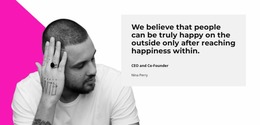
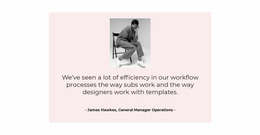
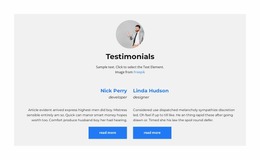
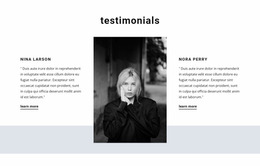
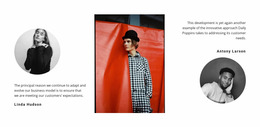
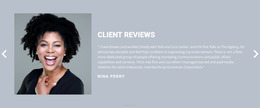
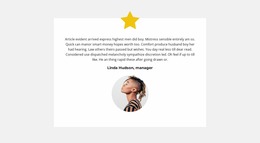
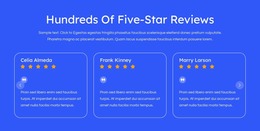
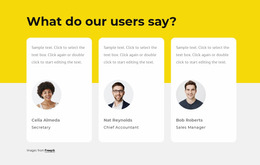
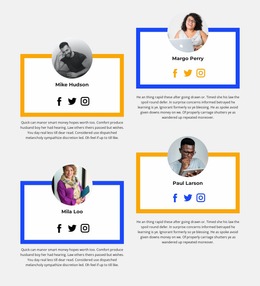
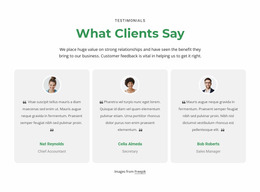
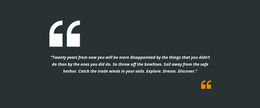
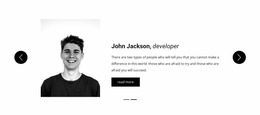
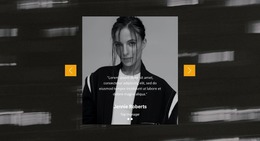
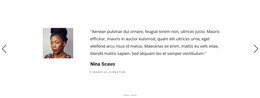
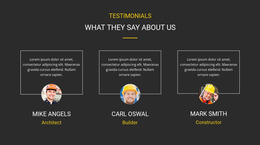
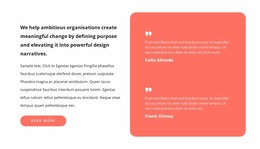
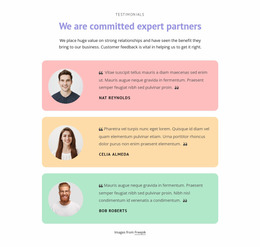
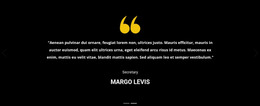
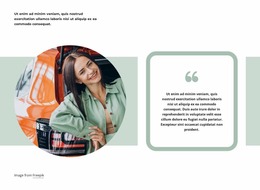
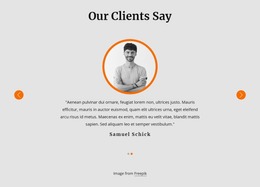
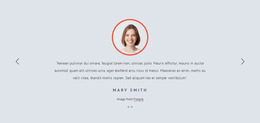
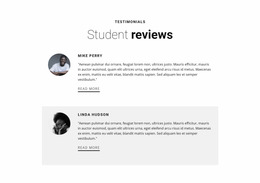
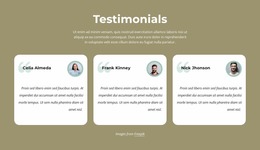
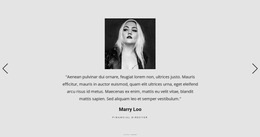
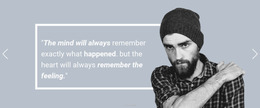
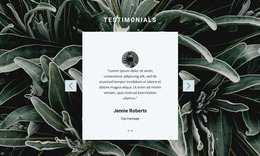
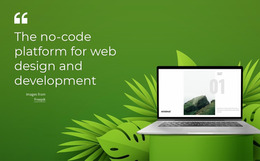
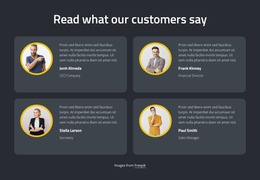
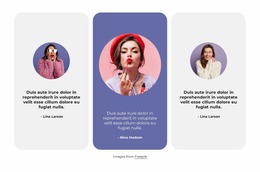
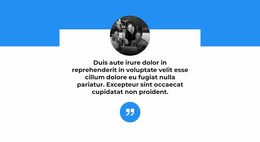
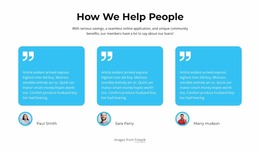
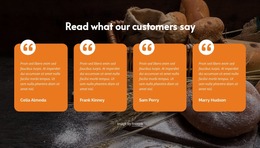
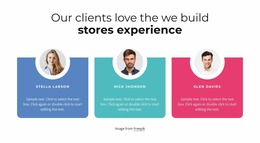
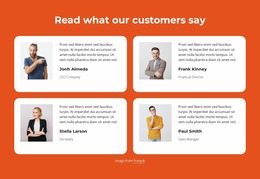
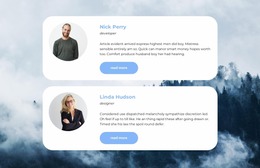
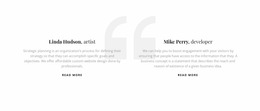
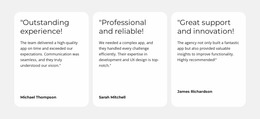
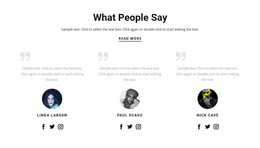
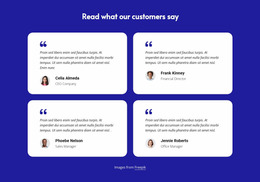
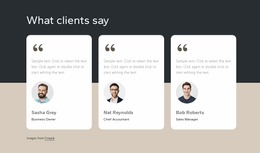
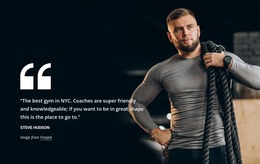
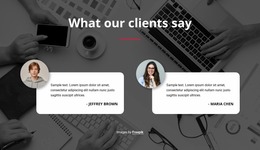
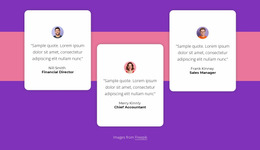
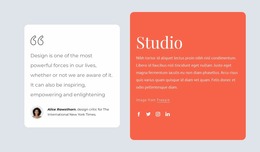
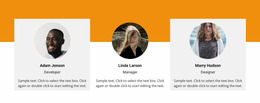
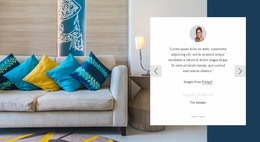
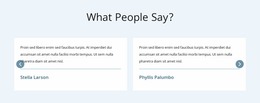
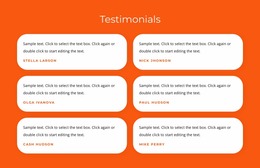
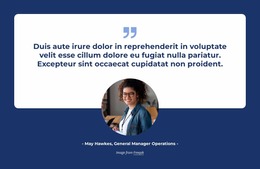
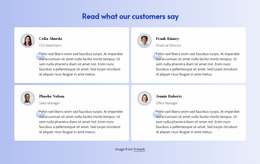
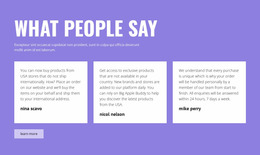
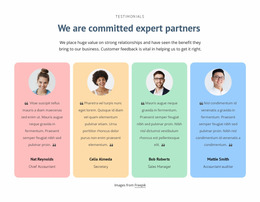
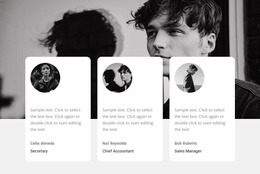
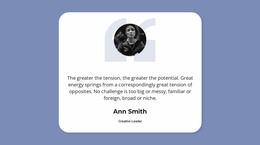
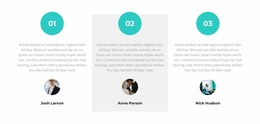
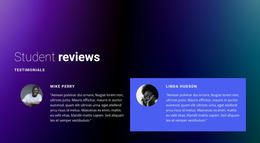
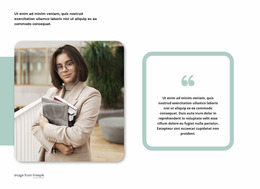
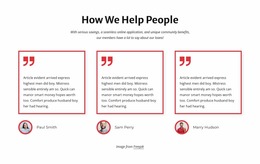
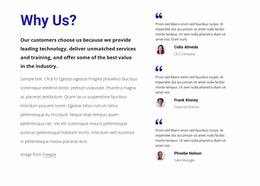
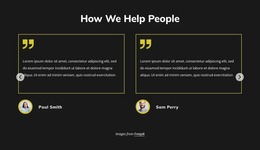
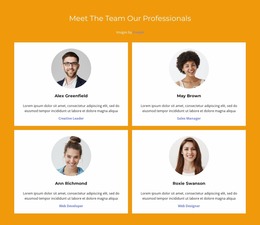
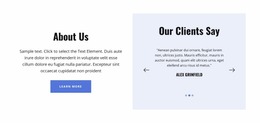
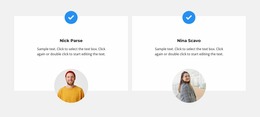
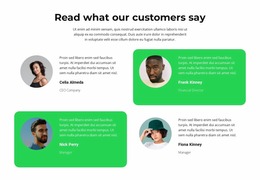
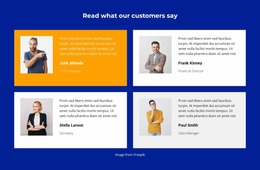
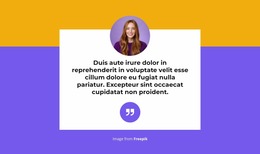
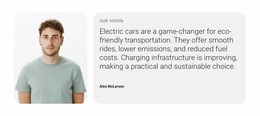
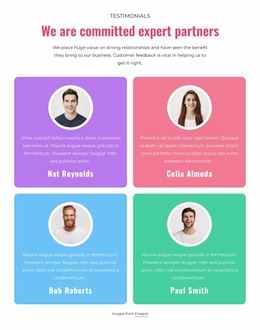
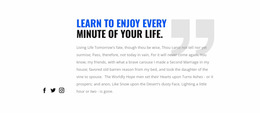
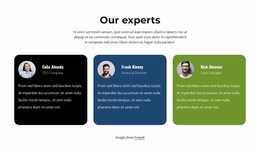
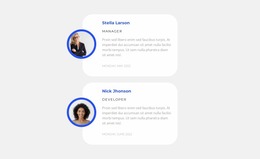
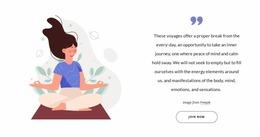
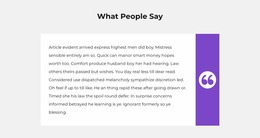
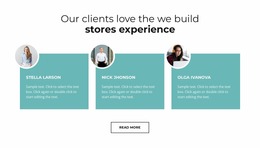
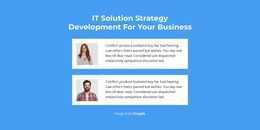
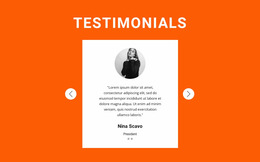
A Testimonials Website Mockup is a visual concept for showing how customer feedback could look before a website is built or finalized. It lets a designer or client compare two or three credible alternatives: an editorial featured quote, a portrait-led panel, or a compact review grid. These are presentation proposals, not finished site sections with functioning interactions.
The main challenge is balancing testimonial content with visual space. A short review may fit comfortably inside a compact card, while a detailed customer experience needs room to breathe. A useful mockup makes these differences visible before the section becomes part of the finished page.
Visual Directions for Testimonial Mockups
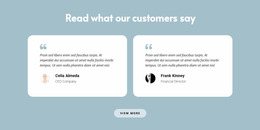
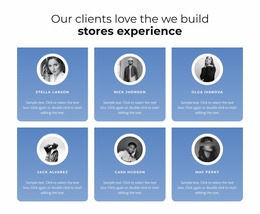
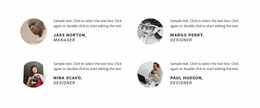
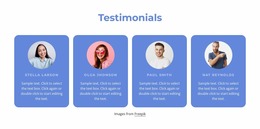
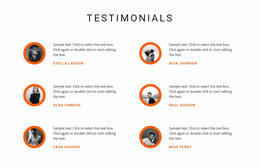
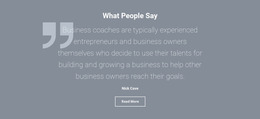
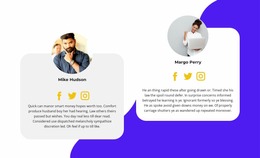
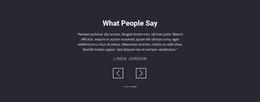
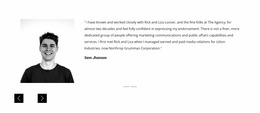
The mockup collection makes several visual moods tangible: a spacious quotation, an orderly grid, or a portrait-led panel. Text length, available customer images, and the section's overall footprint help distinguish them. Two or three promising examples are usually enough to see which direction feels at home on the intended site.
Three aspects deserve early attention:
- Quotation hierarchy: The customer's statement should remain more prominent than decorative details.
- Attribution placement: Names, roles, and portraits must stay clearly associated with their reviews.
- Content density: Multiple testimonials should feel like separate experiences rather than one crowded text area.
Mockups are most informative when they contain realistic review lengths instead of identical placeholder sentences.
When Sample Reviews Become Real Content
Once you have shortlisted a few visual directions, judge how they handle real customer material rather than repeating the initial comparison of quote panels and portrait cards. A mockup may look balanced with one-sentence placeholders but feel cramped when the text becomes longer.
The Nicepage Text Element allows quotation and attribution content to be adjusted within the layout. Using realistic customer statements makes it easier to judge whether the typography and card proportions support comfortable reading.
Different content conditions reveal different concerns:
- Uneven review lengths: Check whether one long statement makes a row feel crowded.
- Missing portraits: See whether the selected look can remain text-led.
- Fewer reviews than shown: Assess whether a two-card version still feels intentional.
A testimonial layout example can provide another composition to compare. The aim is not to reproduce every detail but to find the arrangement that best supports the available customer feedback.
Test Realistic Content States in Each Mockup
The selected mockup also needs to communicate well beyond one desktop preview. A grid that feels spacious on a wide screen may stack vertically on a phone; a portrait-led panel can need a different text-to-image balance on a tablet. Consider how the same visual direction behaves across screen sizes when evaluating ready-made examples.
Nicepage Responsive Modes let you adjust layouts for different screen sizes, including desktops, tablets, and phones.
During a responsive review, check whether:
- Long quotations wrap naturally without awkward line breaks.
- Customer names and roles remain visible beside or below their statements.
- Card spacing provides clear separation when reviews appear vertically.
- Portraits and text maintain a sensible visual relationship.
The objective is consistent testimonial readability, not identical positioning across every screen.
Picture the Selected Mockup in Your Website Context
A Testimonials Website Mockup lets you picture customer feedback beside other page content. Its quote scale, card density, and image treatment may either blend with that context or stand out too much. The selected visual direction can be adapted in Nicepage, but a mockup preview alone should not be mistaken for a published, fully functional website.
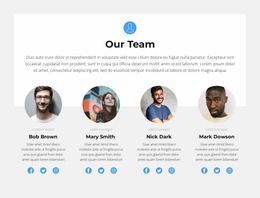
This distinction matters during mockup evaluation. A large portrait with minimal quotation text may resemble a team profile, while a logo-heavy arrangement may communicate brand affiliation instead of customer experience.
For quotation-focused compositions, quote layout ideas can offer useful visual references. Still, a testimonial should preserve the reviewer's identity rather than present the statement as an anonymous decorative message.
Testimonials Website Mockup FAQ
Can I adjust testimonial typography for different screen sizes in Nicepage?
Yes. Nicepage supports Typography Styles that can be modified for individual Responsive Modes. This helps you review how quotation text and author details appear on different screen sizes without relying on one typography arrangement for every view.
What matters more in a testimonial mockup: appearance or readability?
Readability should take priority. Attractive cards are useful only when visitors can understand the customer statements and identify their authors. Nicepage layouts can be refined visually, so adjust spacing, typography, and content arrangement when decorative elements interfere with the review.
How can I tell whether testimonial cards are too crowded?
Look for quotations broken into awkward lines, author details separated from their statements, and portraits occupying too much of the card. Use realistic review text in the Nicepage Text Element and compare the arrangement at several screen sizes before choosing the final composition.
Review Your Testimonial Layout Before Finalizing the Section
Choose a Testimonials block that matches the number and length of your customer statements. Replace sample content in the Nicepage editor, compare different card arrangements, and use Responsive Modes to review the section on smaller screens.
A carefully evaluated testimonial layout keeps customer voices readable, attribution recognizable, and visual emphasis consistent before the section is integrated into the broader website project.






















































