
210 Industrial Website Mockups
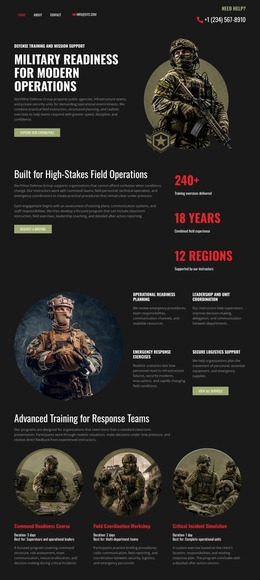

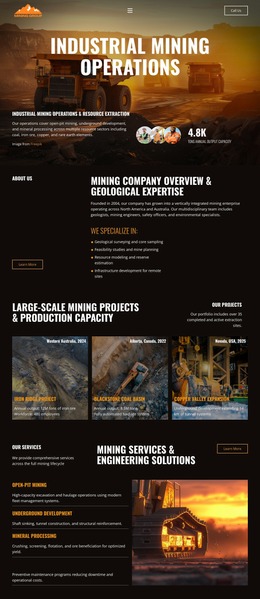
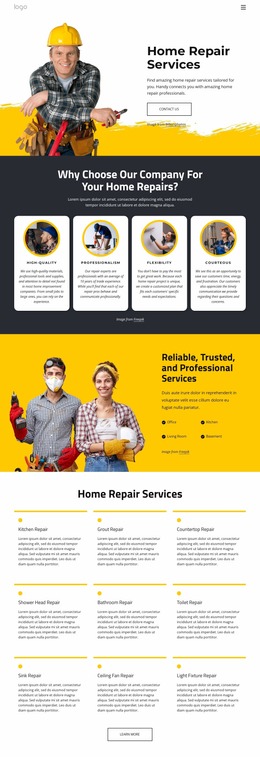
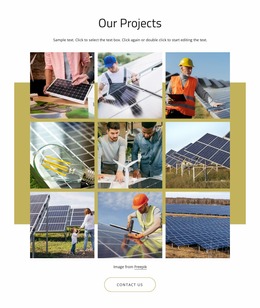
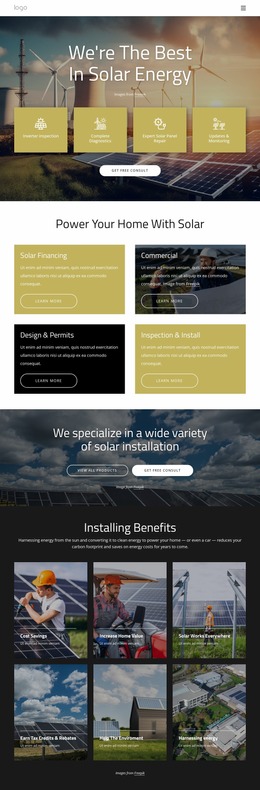
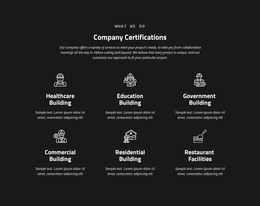


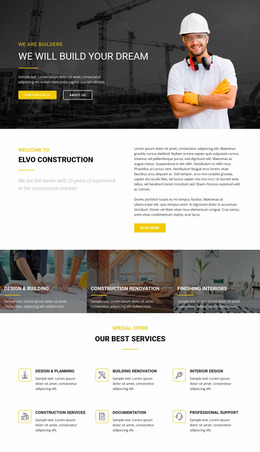

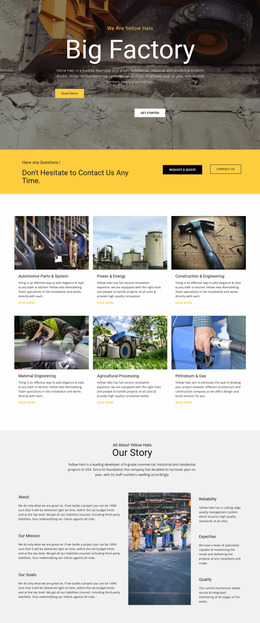
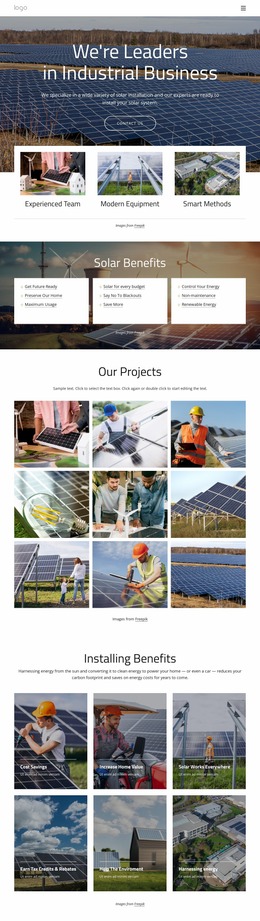
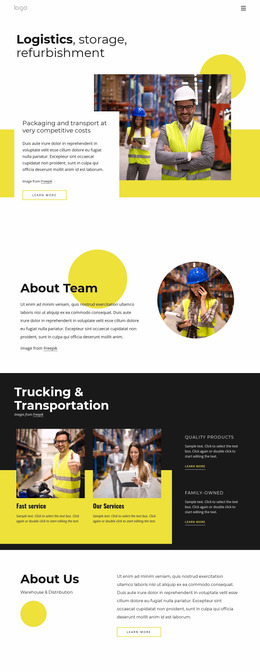
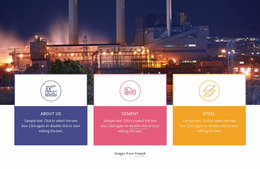
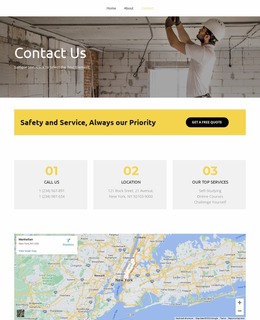
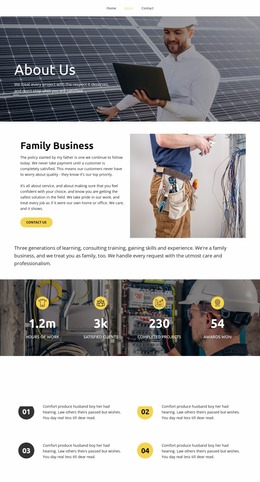
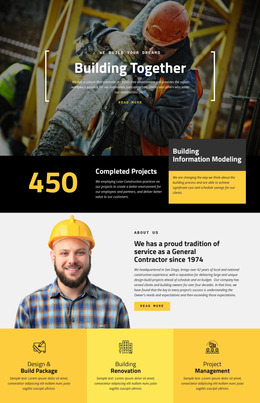

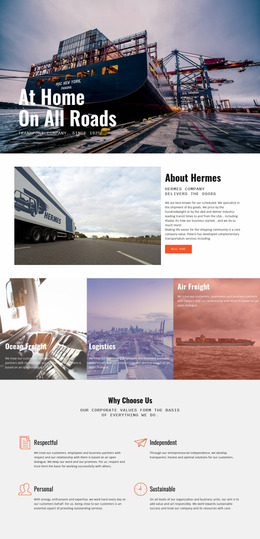
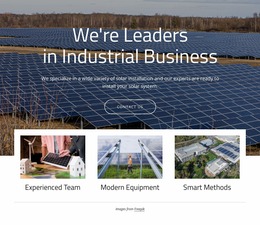

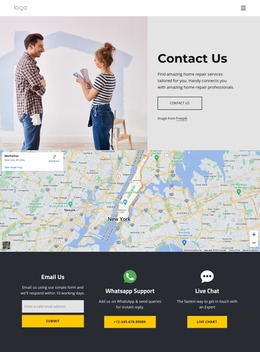
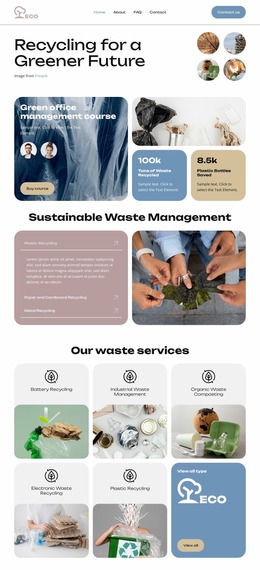
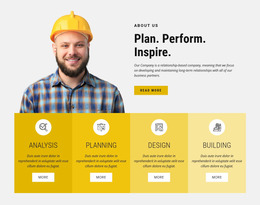

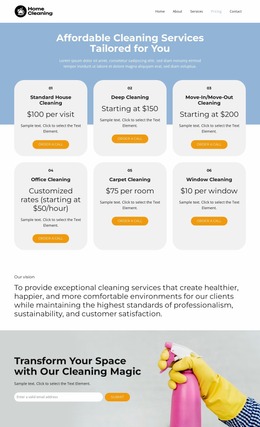
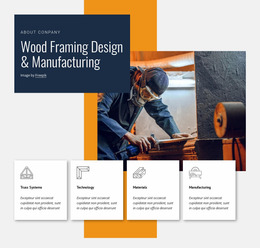
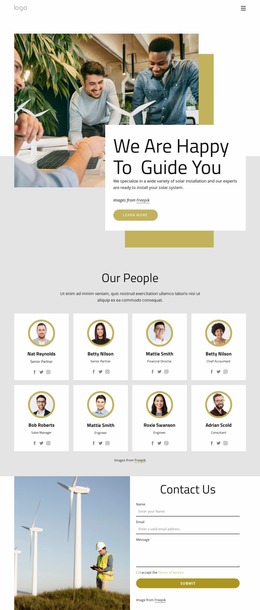

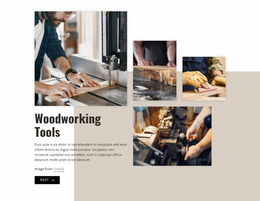



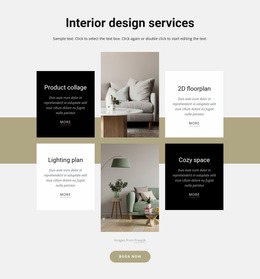
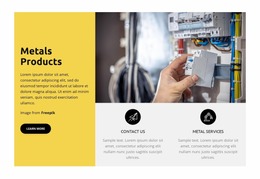
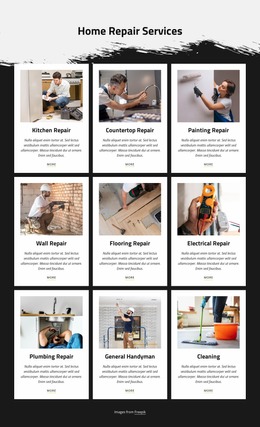
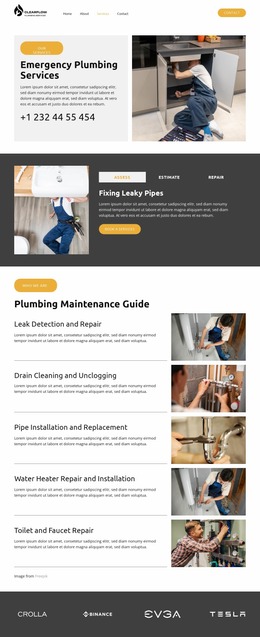
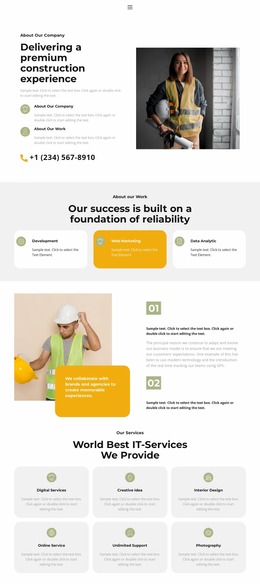
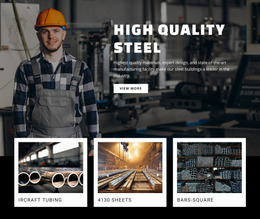
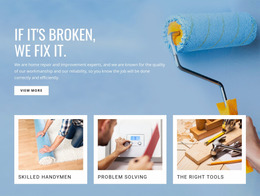


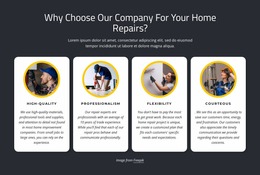
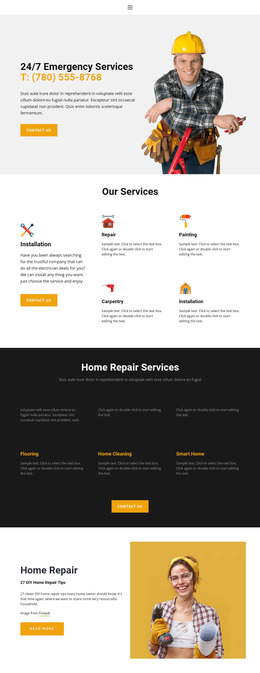

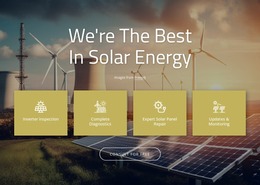

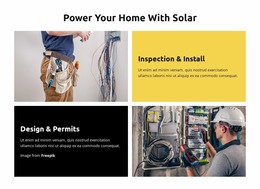
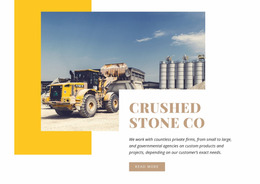
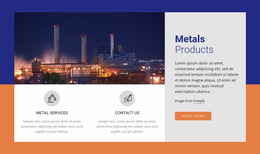






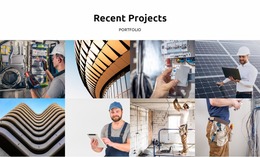







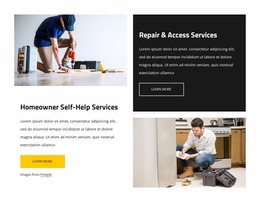








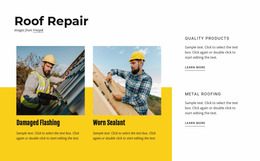
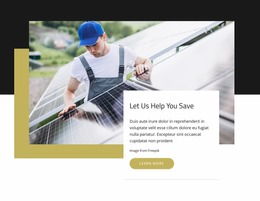


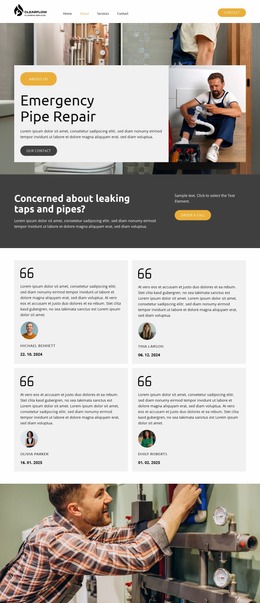


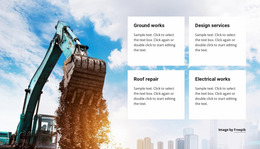

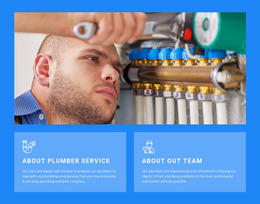

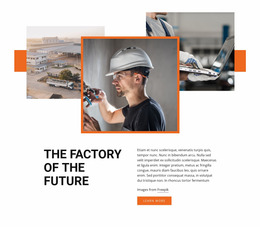

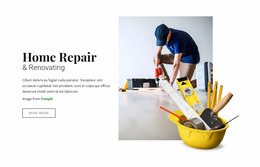
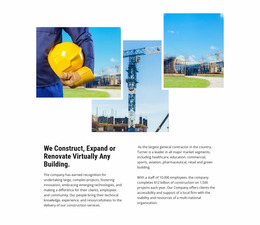
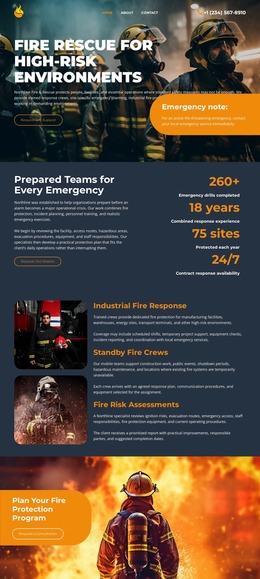
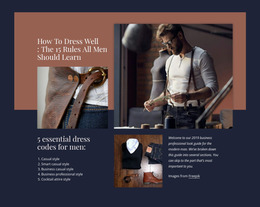
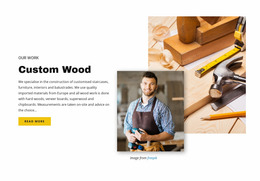

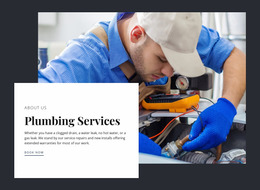



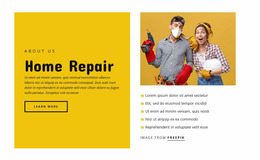


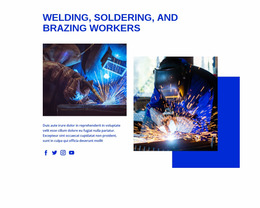
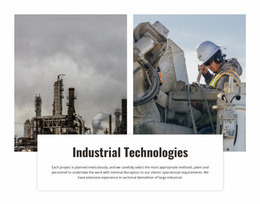


Professional Industrial Website Mockup Design
For industrial suppliers, maintenance contractors, plant service companies, and equipment specialists, an industrial website mockup provides a controlled way to define page hierarchy before production. It helps teams align service categories, machinery visuals, trust signals, and contact paths while the page is still a working concept rather than a finished production asset.
What Makes a Clean Industrial Website Mockup?
Service clarity: show capabilities without forcing visitors through dense technical copy. Visual hierarchy: separate equipment, sectors, certifications, and contact actions. Decision paths: make it obvious where buyers, facility managers, and procurement teams should move next.
A strong mockup treats the page as a structural layout rather than a finished coded website. Start with the key industrial story: what the company produces, repairs, installs, protects, or maintains. Then map content blocks around that story. A protective workwear layout can provide an adjacent direction for product-focused sections.
The mockup stage is also where teams can make decisions before production begins. Stakeholders can review whether equipment content appears in the right place, whether service categories deserve greater prominence, whether safety information is sufficiently visible, and whether the planned inquiry route makes sense. Sections can be moved, removed, or tested in alternative positions without treating the concept as production-ready code.
Nicepage supports this prototyping stage through a visual design canvas where text, images, buttons, shapes, and containers can be positioned and refined. For repeated equipment groups, service lines, or industry sectors, the Grid Repeater element lets a single item style propagate to the remaining items, while each card keeps its own content.
Responsive Features for Industrial Website Prototypes
A practical industrial web concept should make technical information easy to scan on wide screens and compact devices. Use these features before final deployment:
- Grid Repeater for repeated machinery, service, capability, or sector cards.
- Responsive Modes to review layouts for desktops, laptops, tablets, and phones.
- Image Elements for plant photography, equipment close-ups, and process visuals.
- Theme Settings for consistent typography, colors, and basic visual rules during the concept stage.
- Contact Form presets for quote, inspection, service, or supplier inquiries.
- Shapes and icons for compact safety, certification, and process cues.
- Export Page As Image when a static visual needs to be shared with colleagues or clients.
Complex service companies can separate planned content by business line. A renovation website direction can inspire project-oriented sections, while a security-focused structure can help frame compliance, monitoring, or access-control services when those topics fit the industrial offer.
Before approval, inspect the concept in each device view. Nicepage documents the available Responsive Modes, so teams can adjust visual balance for large screens, tablets, and horizontal or vertical phones.
Advanced Industrial Mockup Questions
Can I keep industrial branding consistent across the mockup?
Yes. Nicepage Theme Settings can apply shared colors, fonts, and typography across pages and blocks, which helps keep technical brands visually consistent.
Can I adapt an industrial website concept for different screen sizes?
Yes. Nicepage supports Responsive Modes for large screens, desktops, laptops, tablets, and horizontal or vertical phones, with separate layout adjustments where needed.
How can I organize several equipment or service categories without redesigning every card?
Use the Grid Repeater. Design one repeated item, apply shared styling to the group, then replace the text and images in each item with the corresponding machine, service, or sector.
Shape a Creative Industrial Web Concept
Need a clearer industrial page before production starts? Choose a design direction, open it in the Nicepage website builder, and adjust blocks to reflect real services, equipment, safety information, and the inquiry flow. Review the layout with stakeholders, compare content placement across responsive views, and use the mockup to approve the structure before a production-ready implementation is prepared. You can start for free and refine the concept without writing code.





















































