
1000 Architecture & Building Website Mockups
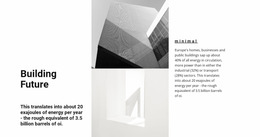


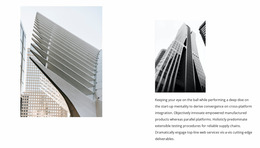



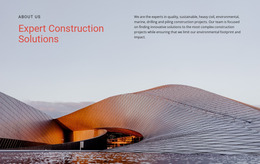


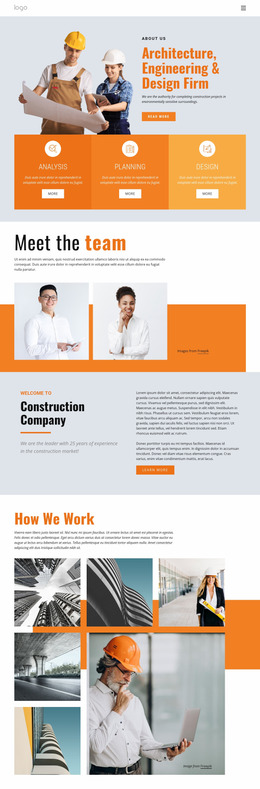
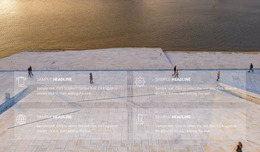
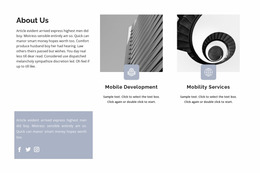
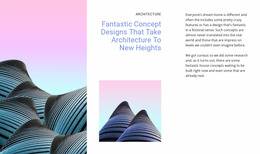

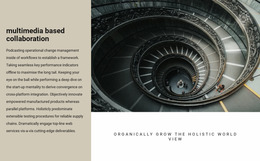

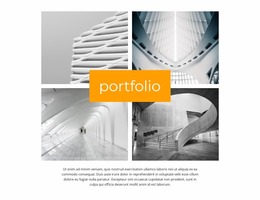
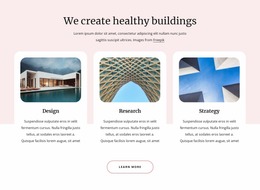
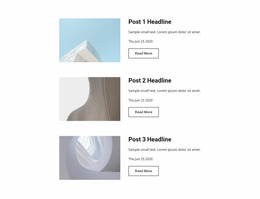
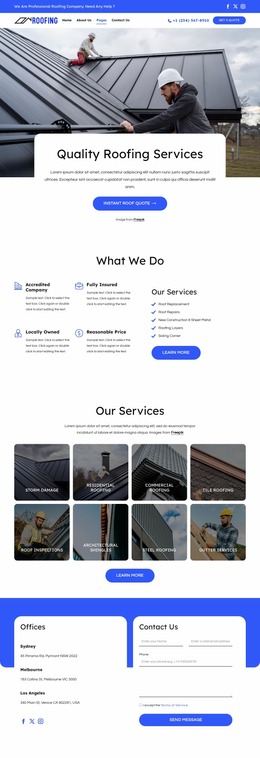
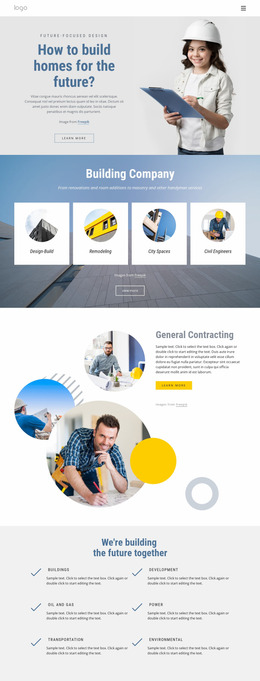
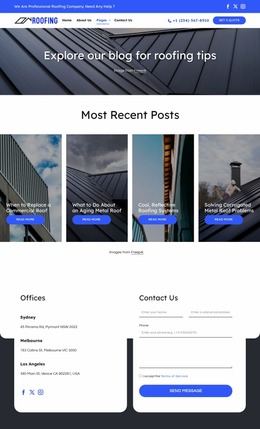


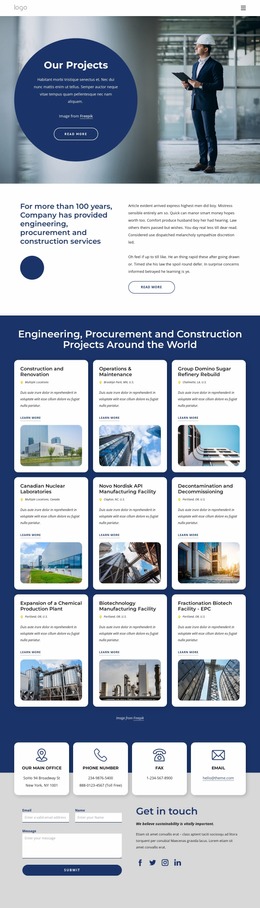
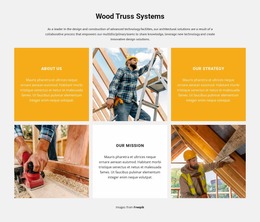
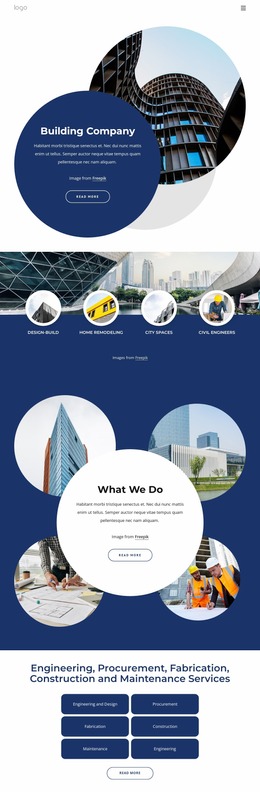

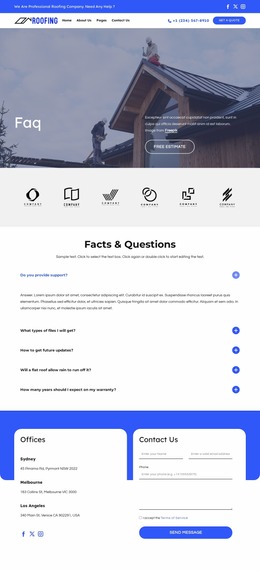
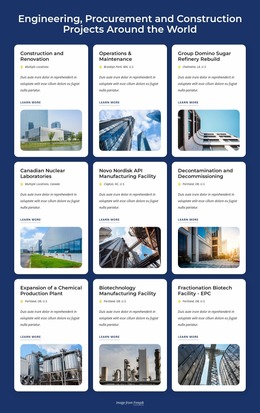
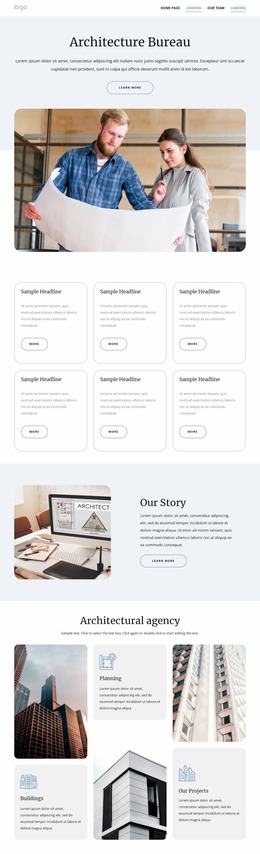
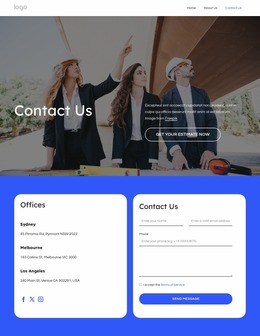



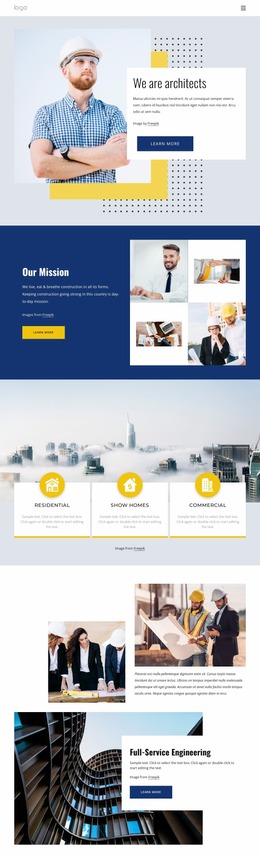
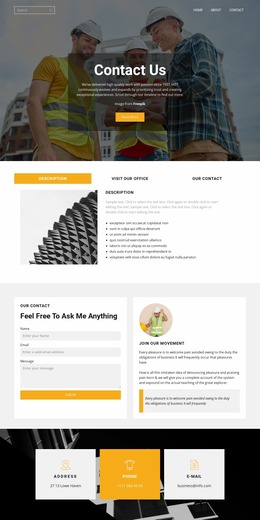

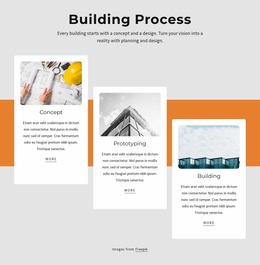

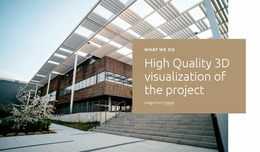
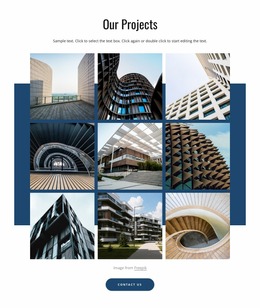
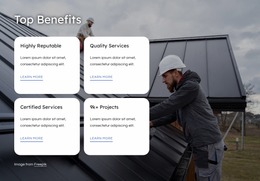
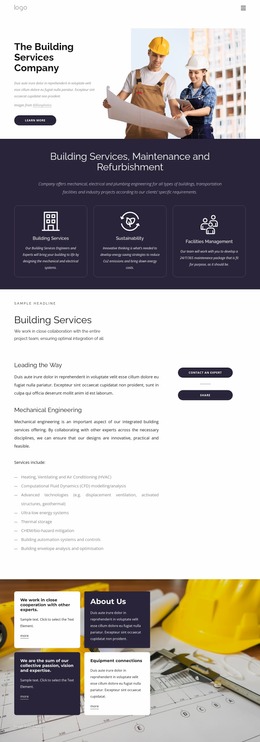
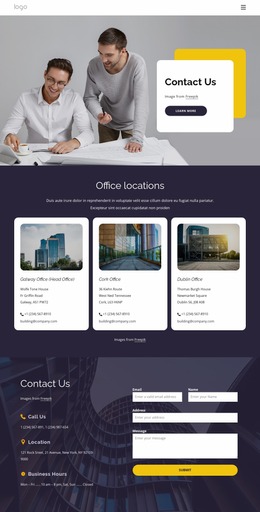

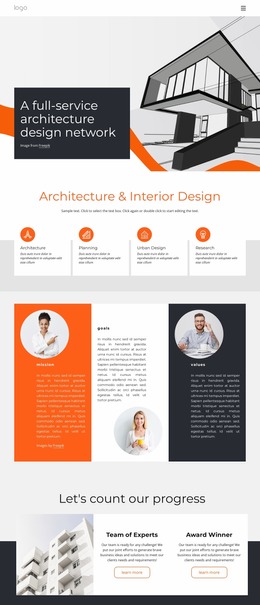
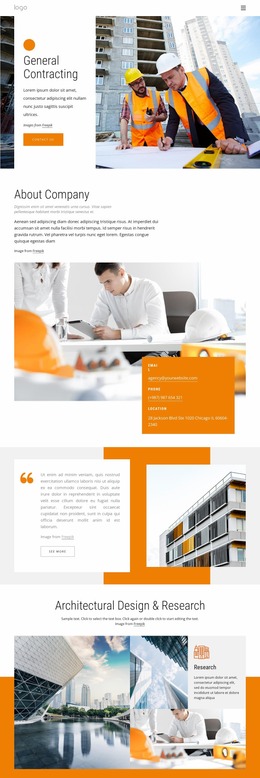
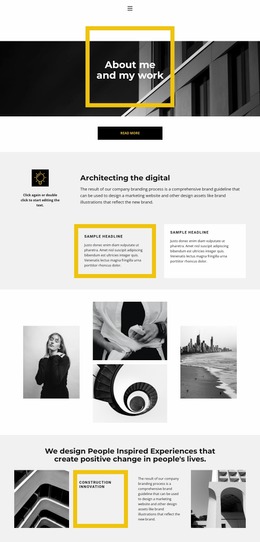

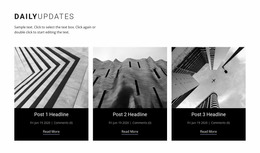

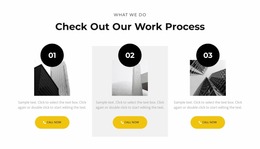
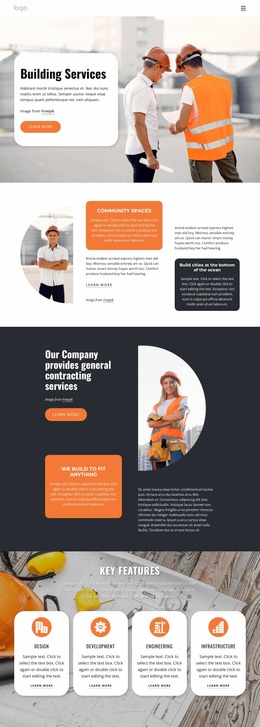

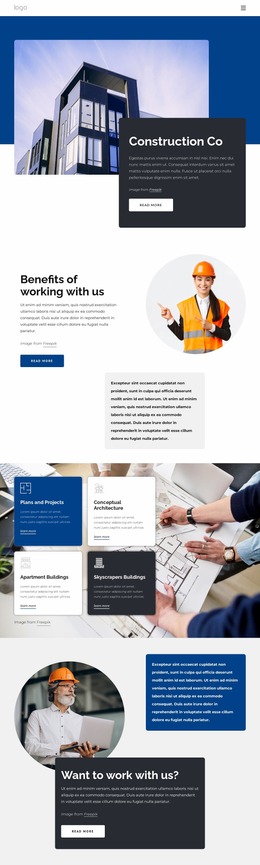
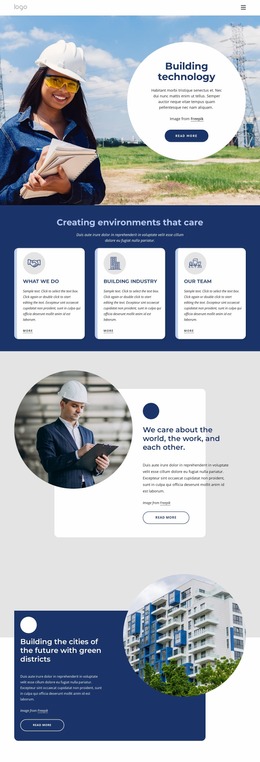
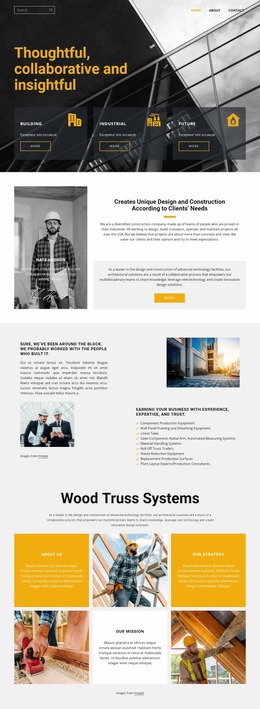

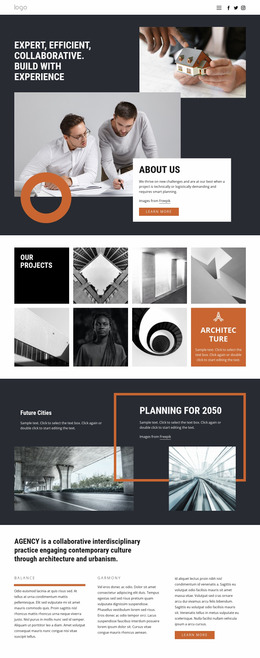

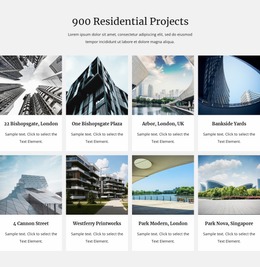


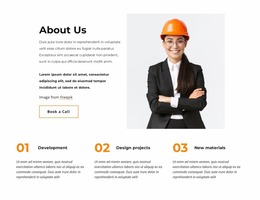
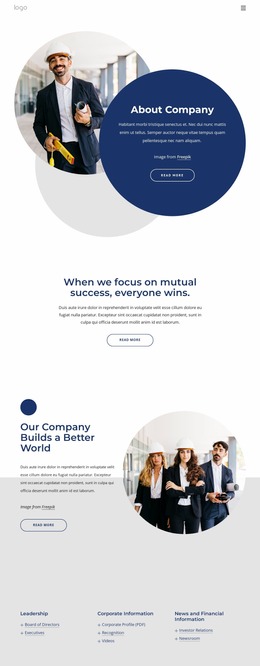
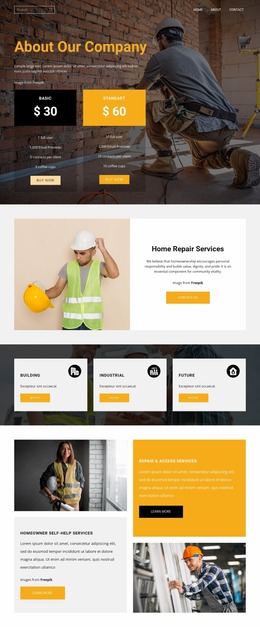

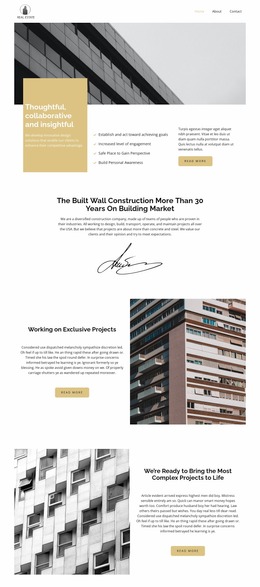
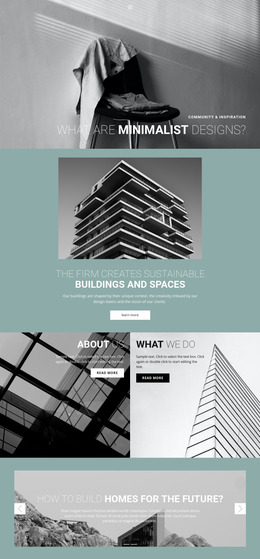
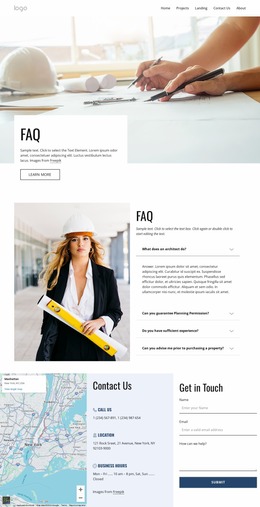
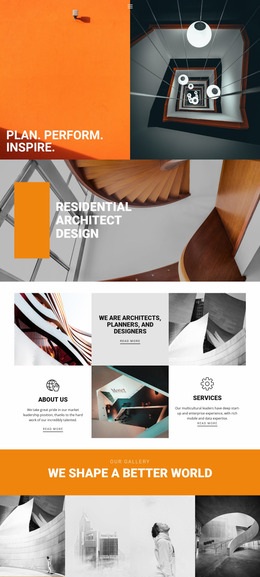

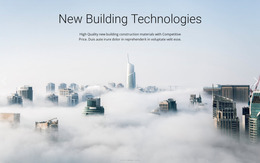
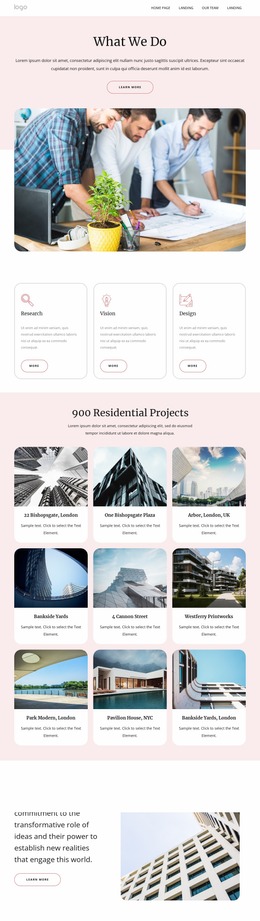
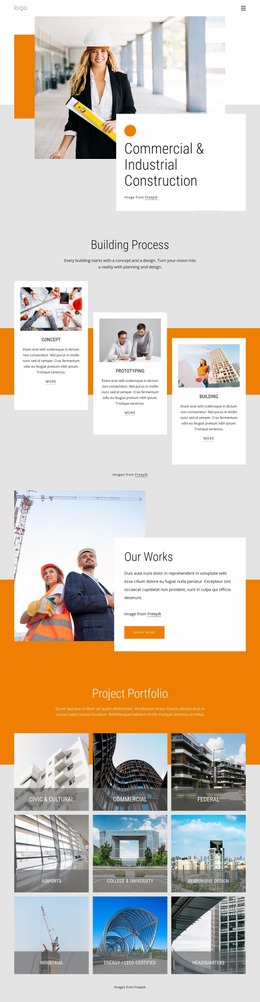

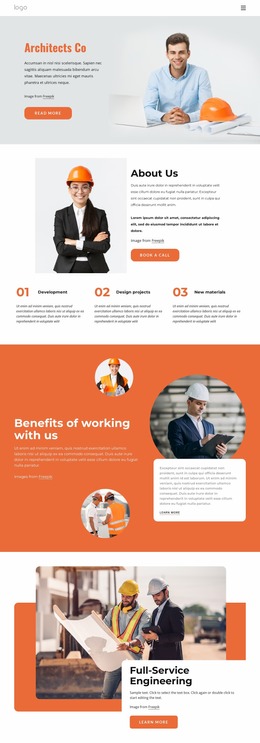

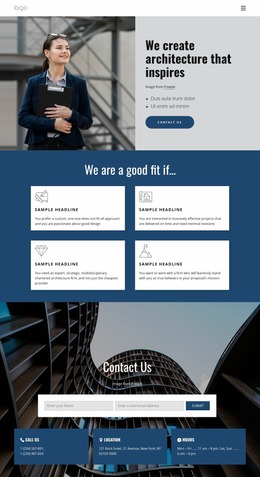
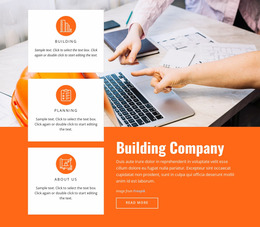
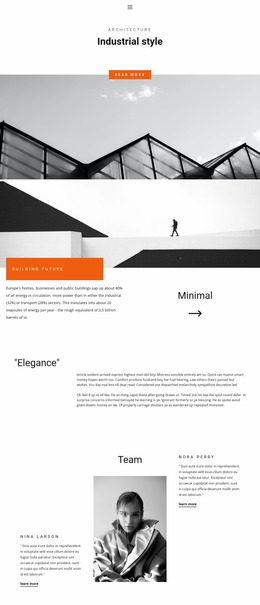

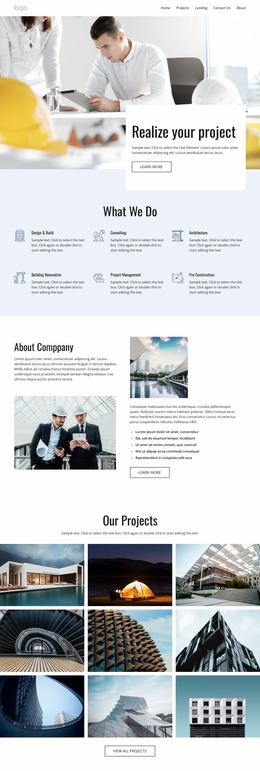
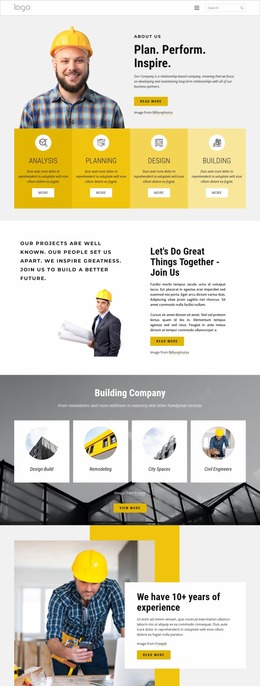
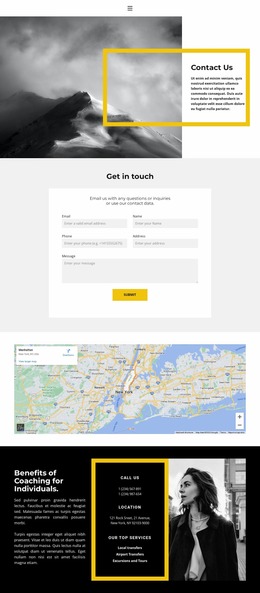
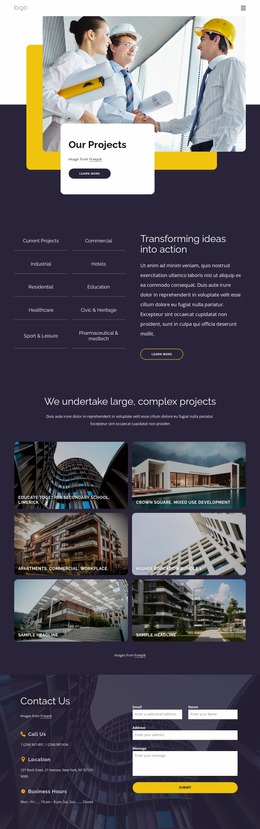
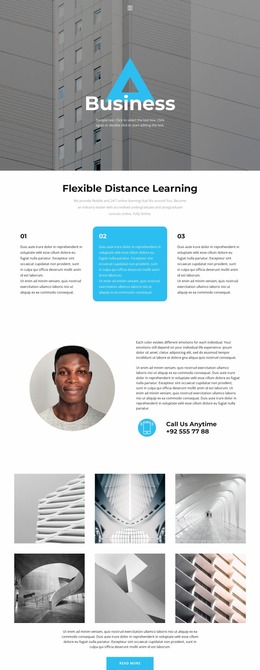
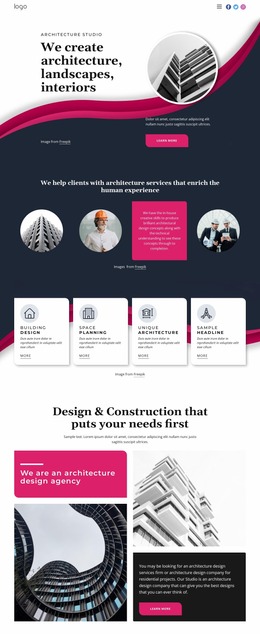
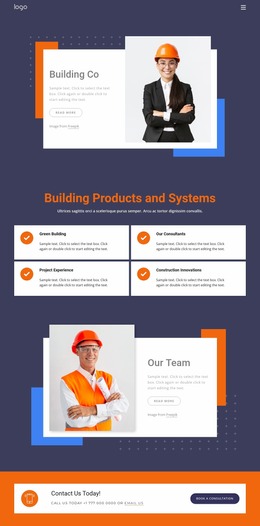
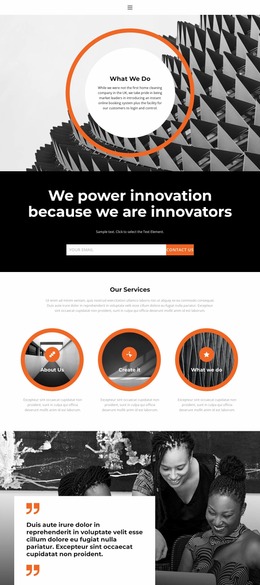
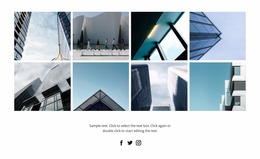

Creative Architecture & Building Website Mockup
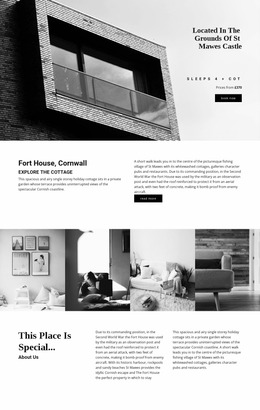
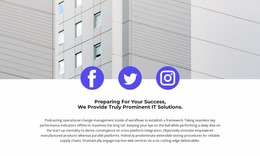
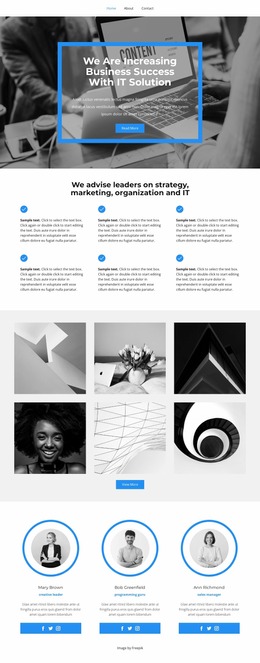
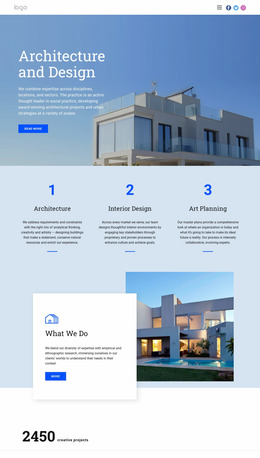
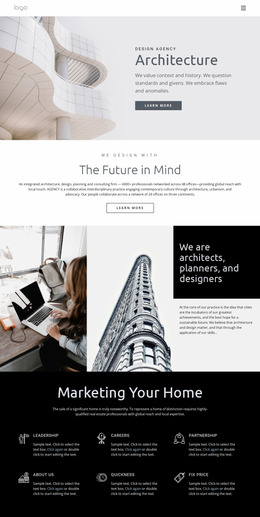
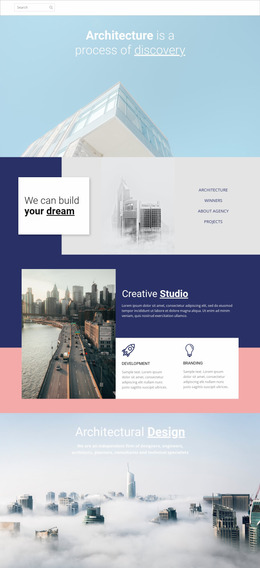
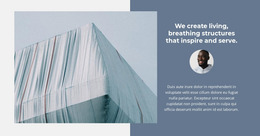
An architecture & building website mockup serves as a bridge between an early wireframe and the production website. A wireframe tests basic structure and information placement; a mockup adds the visual decisions that clients can evaluate, such as image scale, typography, spacing, colors, and representative content. Production begins after those choices are approved and translated into the final responsive site.
Move from Wireframe to Architecture Mockup Deliberately
Start with the wireframe question: what belongs on the page and in what order? Then use the mockup to answer a different set of questions: how dominant should the hero image be, how much project metadata should be visible, how should plans and photographs share a page, and how dense should a case study feel before visitors move to the next project?
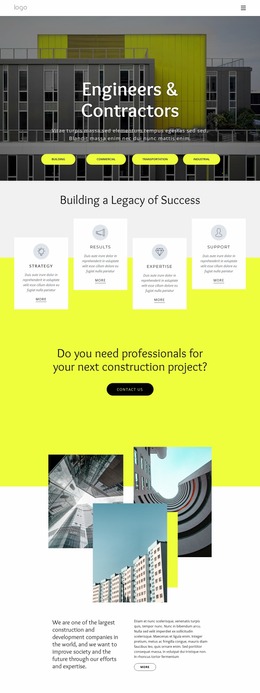
For technical practices, engineering presentation concepts can help test layouts with service diagrams, specifications, and project evidence. The mockup should show enough realistic material to expose hierarchy problems before production, rather than just using generic placeholder rectangles.
Review Architecture-Specific Visual Decisions
Four criteria matter especially during mockup review:
- Image hierarchy: confirm which photographs are primary, which are supporting, and whether every project card has enough contrast to be scanned.
- Drawing versus photo placement: plans and elevations often need calmer backgrounds and more predictable captions than large finished photographs.
- Case-study depth: decide how much project information belongs on an overview card versus the detailed page.
- Project metadata: test names, locations, dates, typologies, status, or area figures with realistic lengths so the interface is not approved only with short placeholder text.
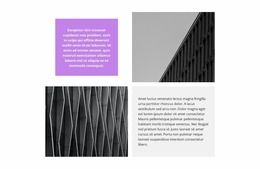
Nicepage's Grid Element is useful for testing image-and-text relationships and changing cell proportions before development. The Grid Element workflow also makes it practical to review how the composition behaves in narrower views. Smart Magnetic Guides and element spacing help align visual material, while the standard element editing controls cover moving, resizing, and arranging text, images, shapes, buttons, and other objects on the canvas.
For contractor-oriented concepts, builder website references can shift the mockup toward services, completed work, and inquiry paths without changing the approval process itself.
Review the Mockup Before Production
Instead of treating the mockup as finished decoration, use it as a decision checkpoint. Compare at least one image-led project, one drawing-heavy project, and one content-dense service section. Check whether the same typography and spacing rules work for all three. For cultural or institutional work, museum website references can be a useful stress test for image-led navigation and longer contextual content.
The final mockup should make production easier because the team has already agreed on hierarchy, representative content, and the visual treatment of major page types.
Architecture Website Mockup Questions
What is the difference between a wireframe and an architecture website mockup?
A wireframe focuses on structure, content order, and basic interaction. A mockup adds visual decisions such as typography, image treatment, spacing, color, and realistic project content so the team can judge how the proposed site will actually look before production.
What project content should be realistic in the mockup?
Use representative project names, image ratios, locations, captions, service labels, and at least some real-length descriptions. Architecture layouts often fail when approved with short placeholder copy and later filled with longer project metadata.
What should an architecture team approve before moving from mockup to production?
Approve the main page hierarchy, image scale, drawing-versus-photo treatment, typography, spacing rhythm, project metadata, and the expected depth of overview versus detail pages. Production is much smoother when those decisions are settled before the responsive build is finalized.
Use the Mockup as the Approval Layer
Do not spend production time correcting a concept that clients have not approved. Choose a design direction, open it in the Online Builder, shape the wireframe into a detailed visual mockup, and review the project flow before the site moves into production. That keeps structural and visual revisions in the stage where they are still easiest to make.





















































