
620 Contact Form Website Mockups

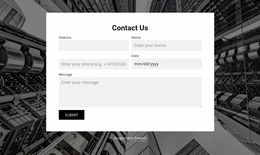
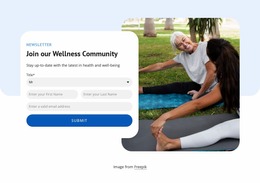
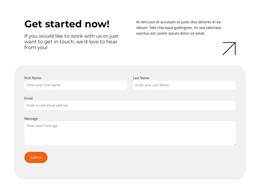
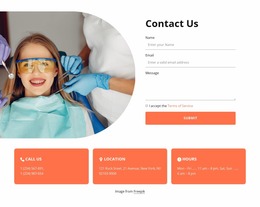


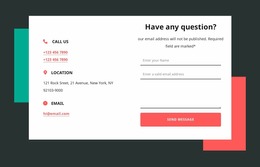
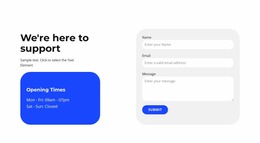
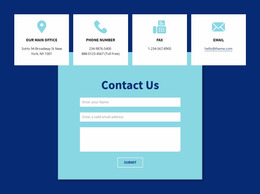
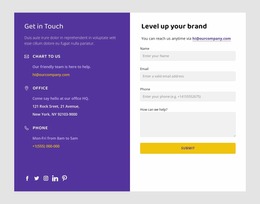
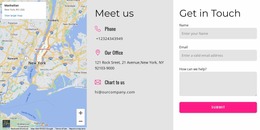
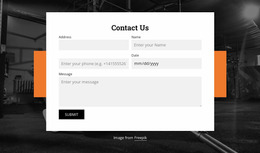
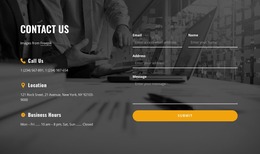







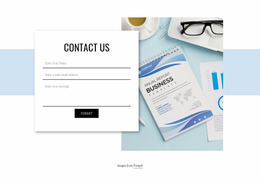
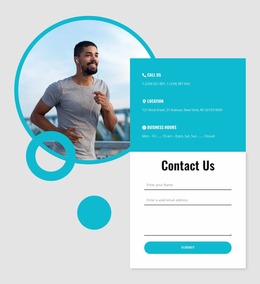
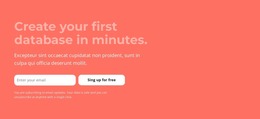
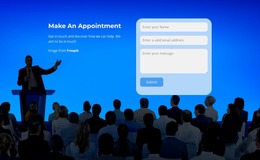
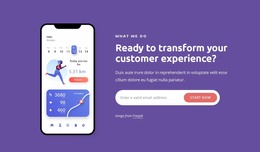
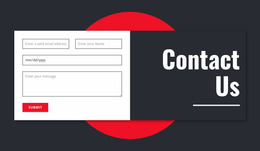
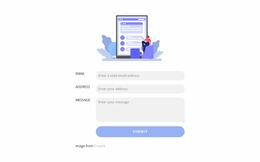
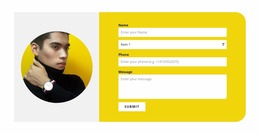





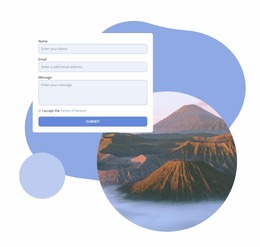
Contact Form Website Mockup Designs for Visual Review
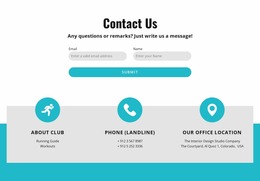
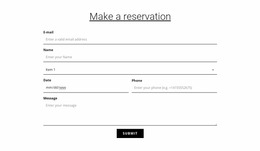
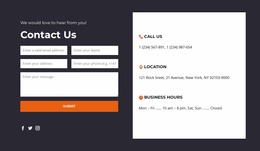
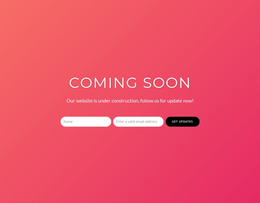
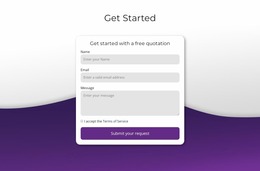
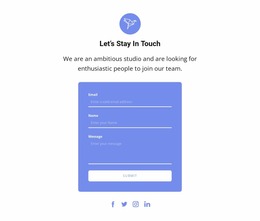
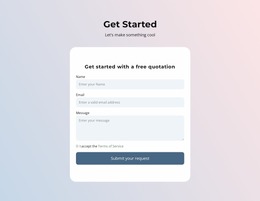
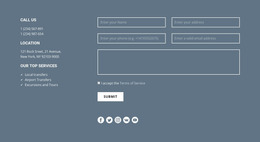
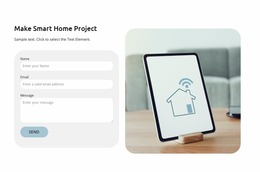
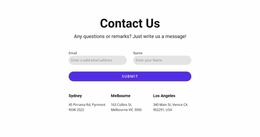
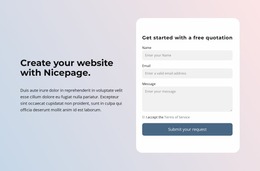
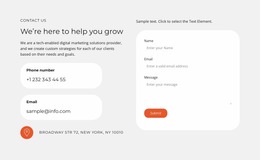
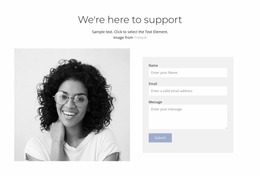
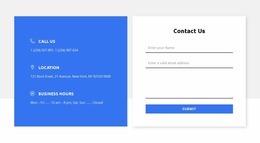
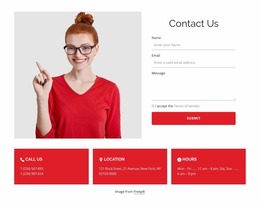
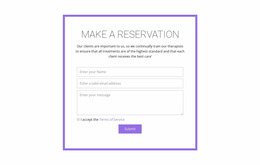
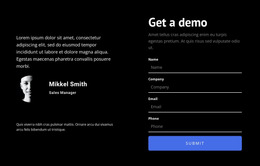
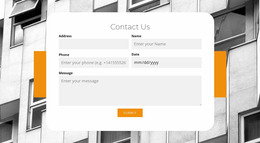
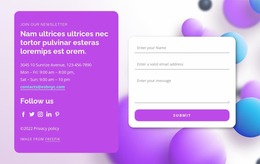
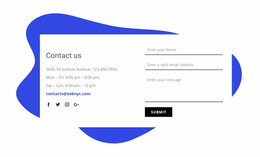
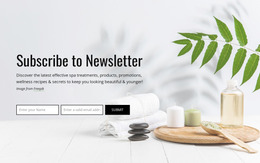
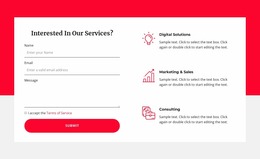
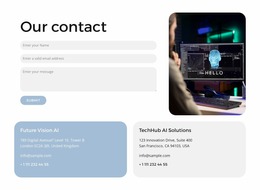
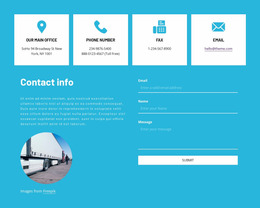
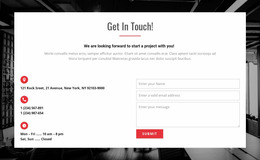
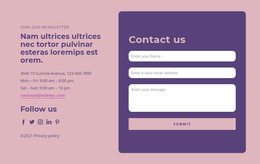
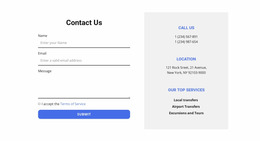
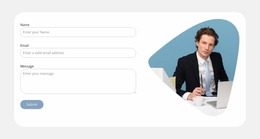
A Contact Form Website Mockup lets you compare and agree on the visual direction of an inquiry form before configuring its working behavior. Unlike a published contact form, a mockup is a design reference: it shows planned content, layout, and interaction states without proving messages will actually be delivered.
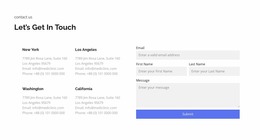
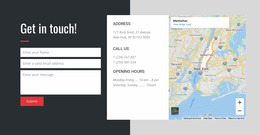
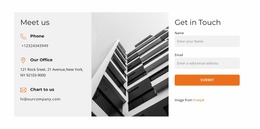
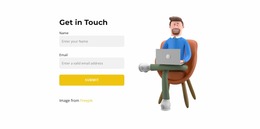
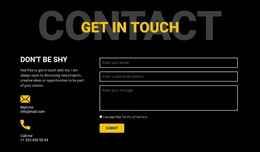
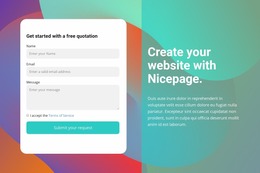
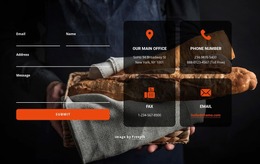
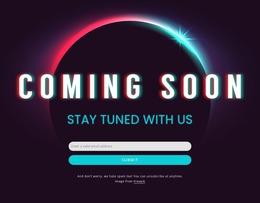
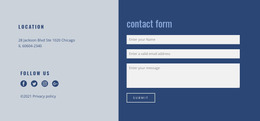
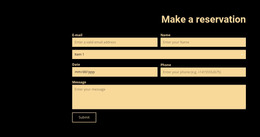
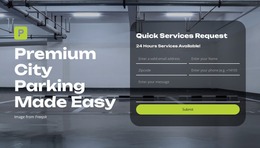
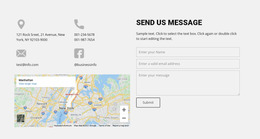
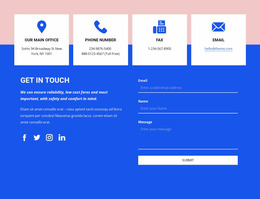
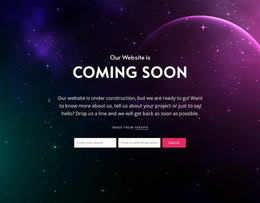
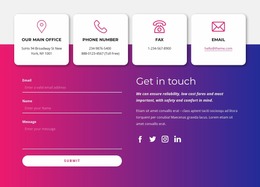
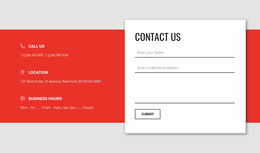
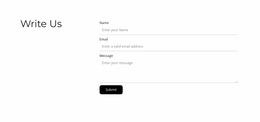
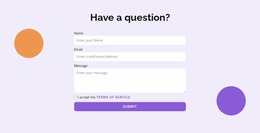
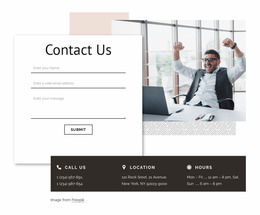
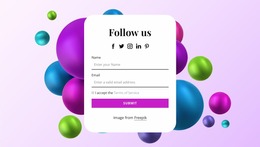
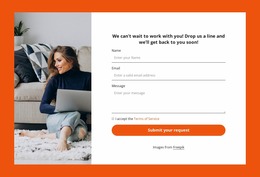
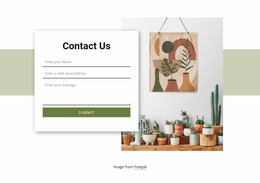
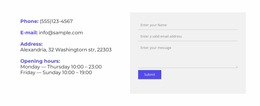
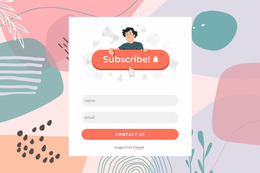
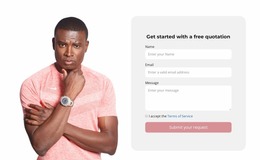
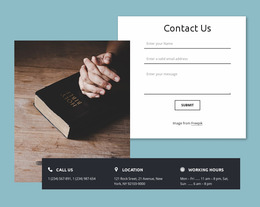
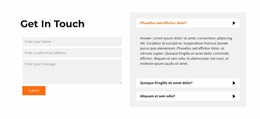
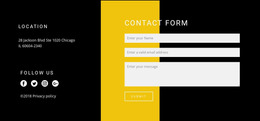
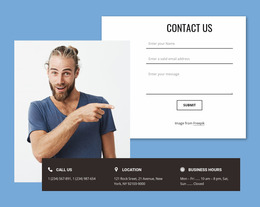
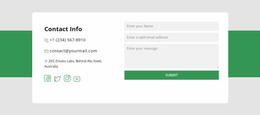
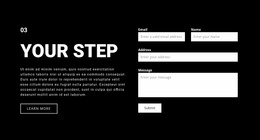
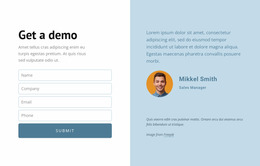
Ready-made mockup styles help you compare a quiet, single-column contact area with a more editorial split-screen composition. The selected direction should make sense for the site's audience and the amount of information being requested.
Choose Between Wireframes and Detailed Mockups
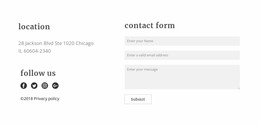
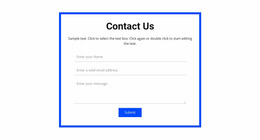
- Low-fidelity wireframes compare the underlying arrangement: field order, grouping, relative widths, and the space reserved for a message.
- High-fidelity mockups allow reviewers to assess realistic typography, color contrast, button emphasis, icons, and imagery before agreeing on a visual treatment.
- Responsive screen variations reveal whether a desktop split layout should become a stacked mobile section.
Neither level replaces a working form. The purpose is to decide what the finished experience should communicate.
Review States Beyond the Empty Form
A polished contact form mockup can include a small set of screens rather than one static view:
- Before entry: The headline and available fields make the inquiry task obvious.
- Partially completed: Entered text and active-field styling remain legible.
- Error state: A missing required answer or invalid email has a clear message near the relevant field.
- After submission: A confirmation state explains what the visitor can expect next.
These are proposed screens and states, not verified error handling or successful submission behavior. They help reviewers identify awkward transitions or missing guidance before implementation.
Compare Contact Form Compositions Across Devices
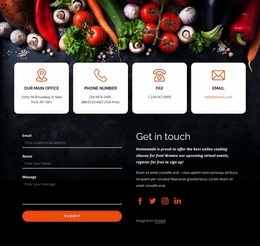
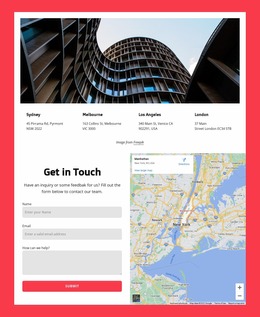
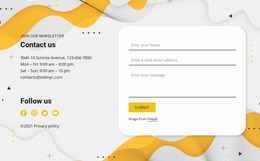
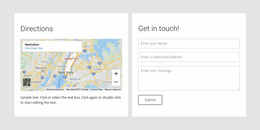
On desktop, a form can share space with a photograph, office details, or a brief introduction. On mobile, the same content may stack above the fields. The choice to preserve is the reading order, not every desktop proportion.
Nicepage's Contact Form element can provide a starting point for adapting a selected visual direction. Its responsive editing workflow helps refine layouts, while implementation and submission testing remain separate.
For a sign-up interaction, Registration sections represent a different task and should not be used as a substitute for an inquiry mockup.
Contact Form Website Mockup FAQ
What makes a mockup different from a working contact form?
A mockup shows the intended appearance and possible states; a working form also needs configured input behavior and message handling.
Should a contact form mockup show error messages?
Yes, if error handling affects the layout. A sample validation message shows whether the design leaves enough room for helpful feedback.
Can I compare desktop and mobile designs?
Yes. Compare the same form at multiple widths, paying particular attention to column changes and the relationship between context and input fields.
Select a Mockup Direction Before Building
Compare more than one ready-made mockup direction, then review the empty form and proposed error and success states. Choose the visual proposal that communicates the contact task most clearly before the working form is configured.






















































