
140 Sale Website Mockups



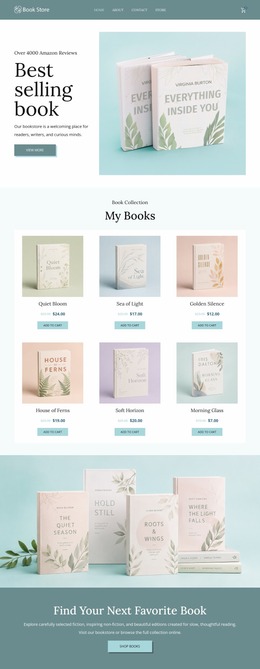
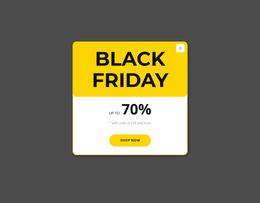
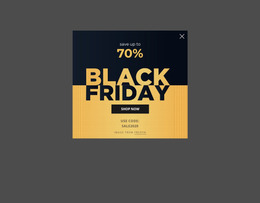
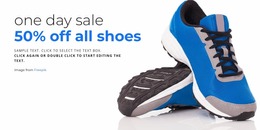


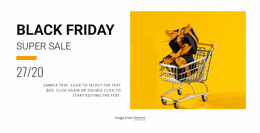

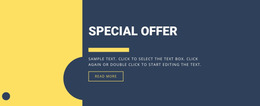
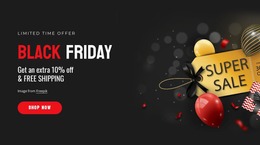
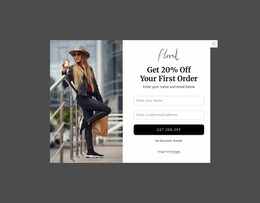


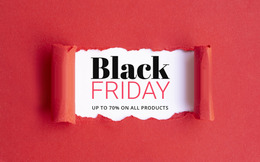

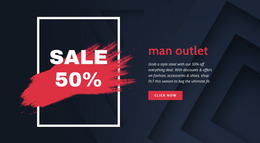
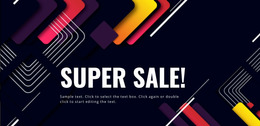


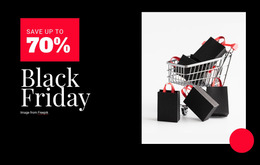


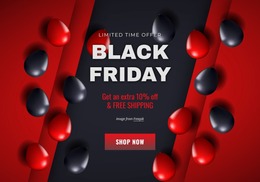
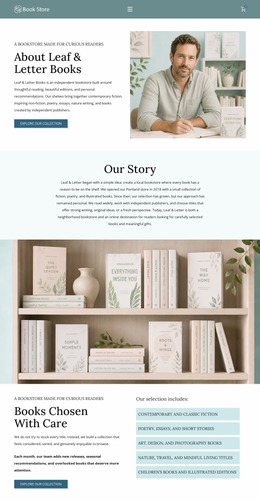

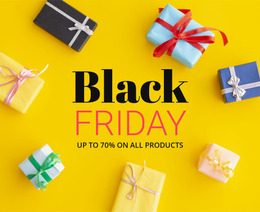
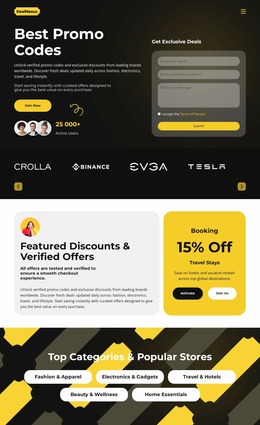









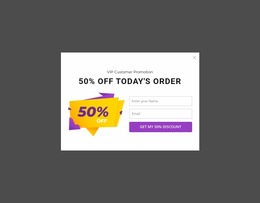
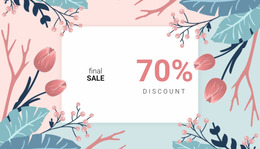

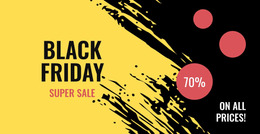
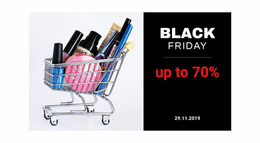


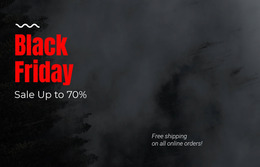






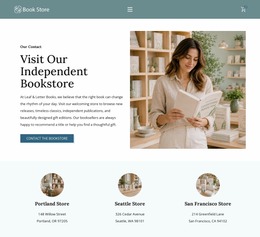
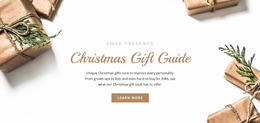


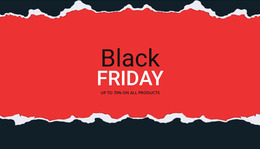
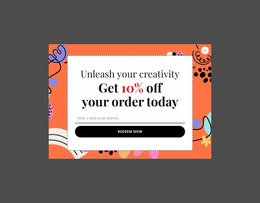

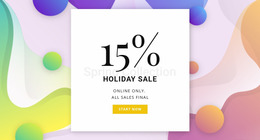














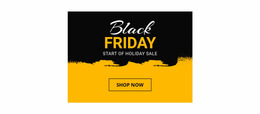

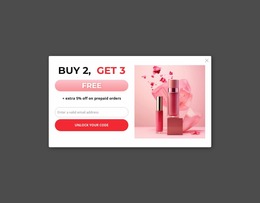
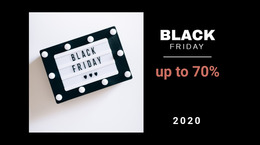






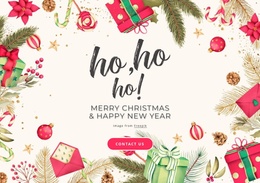
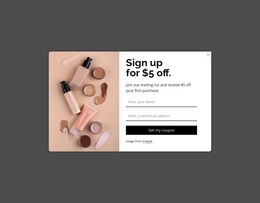

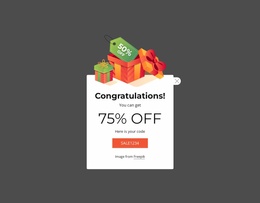




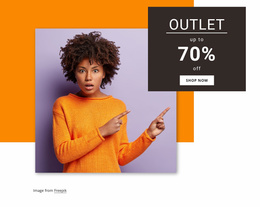
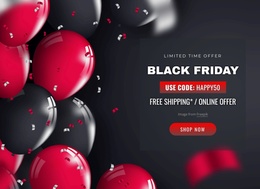
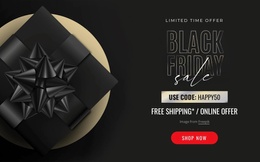


Flexible Sale Website Mockup for Promotion Planning
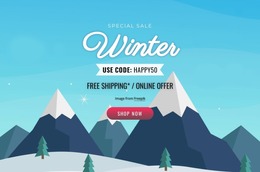
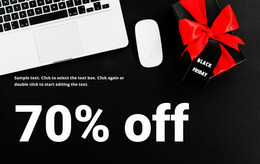
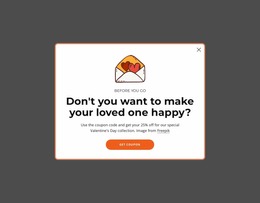
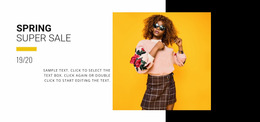
Crowded sale campaigns can hide the very offer that should lead the page. A sale website mockup gives retail teams a clear way to test offer priority, product groups, and visual flow before production. The prototype keeps the campaign concept easy to review and easier to hand off.
How to Create a Simple Sale Website Mockup?
Start with a low-detail campaign frame, then assign each area a clear job: - Map the hero offer and major discount message. - Reserve space for product groups and price cues. - Place CTAs where the proposed user flow naturally reaches them.
A retail website mockup can move from wireframing to UI/UX prototyping once the order of the offer is clear. Use sale banner ideas to compare how hero messages, discount labels, and supporting visuals may occupy the first screen without forcing every promotion into the same pattern.
Advanced Features for Sale Promotion Mockups
Nicepage provides a visual design canvas with several controls that help translate a rough promotional website prototype into a structured page concept.
Layout controls
- Grid Columns help position and align design elements across the page.
- Change Grid Layout lets you switch Grid presets and add or remove cells as the mockup evolves.
- Grid Repeater Item Gap controls spacing between repeated offer or product cards; the Grid Repeater element also keeps repeated item styling consistent.
Brand controls
- Grid Repeater Item Colors let individual repeated items use different colors when a campaign needs separate offer groups.
- Font Scheme applies a paired font preset across website text, which helps evaluate hierarchy before final copy arrives.
- Multi-Layer Background works on Blocks, Boxes, Grid Cells, and Grid Repeater Items, with masking, shading, and Color Fill opacity controls.
Once the structural layout is stable, compare it with broader marketing campaign concepts to ensure the sale mockup design supports the offer narrative rather than serving as decoration alone.
Best Practices for Sale Promotion Prototypes
Keep early mockups focused on hierarchy, spacing, and repeatable components before small visual details. Define a campaign color system through Site Colors, then test how that palette behaves across offer blocks, product groups, and supporting sections before the final page enters production.
User-friendly Sale Mockup Questions
Can I keep sale campaign colors consistent across the mockup?
Yes. Theme Colors in Site Settings define a global Color Scheme for all pages in a Nicepage Project, ensuring the same campaign palette applies across the site.
Can I test typography across different sale page layouts?
Yes. Nicepage lets you edit the Fonts Scheme and Typography Styles for all pages, and Typography Styles can also be adjusted separately for each Responsive Mode.
How can I align discount cards while I refine the mockup?
Use Grid Columns. They provide a page-wide alignment reference for web design elements and can be enabled in the editor to help position offer cards, headlines, buttons, and supporting content consistently.
Shape a Clean Sale Concept Before Production
Stop passing a vague promotion sketch between design and development. For a shopping mall promotion, choose a design direction, launch the sale website builder via the Online Builder or Desktop App, adjust the mockup blocks to fit the campaign, then publish online or export the supported output once the concept is approved. Start for free and move from review to production with a clearer campaign structure.





















































