
150 Music & Entertainment Website Mockups


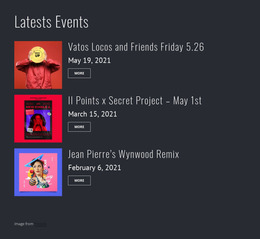
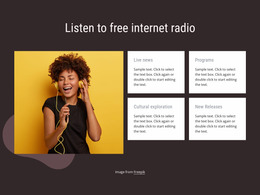


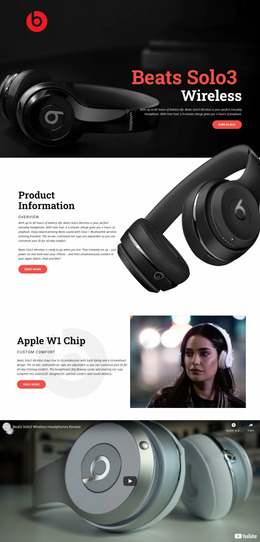
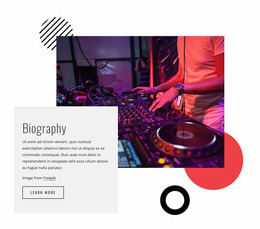
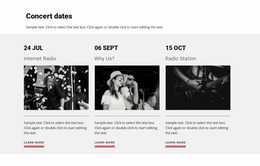


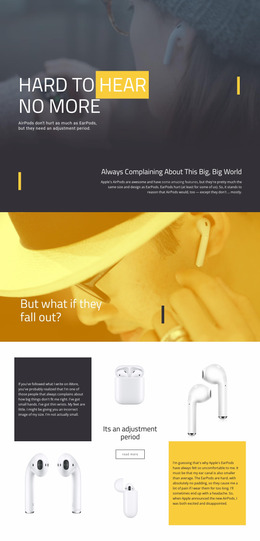

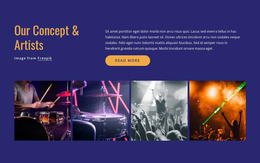
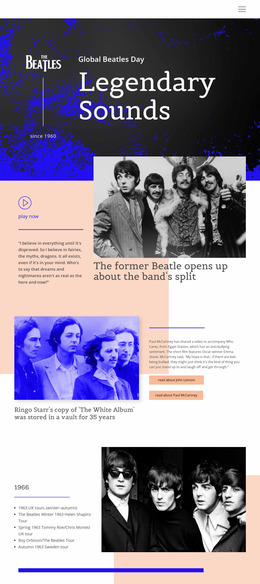
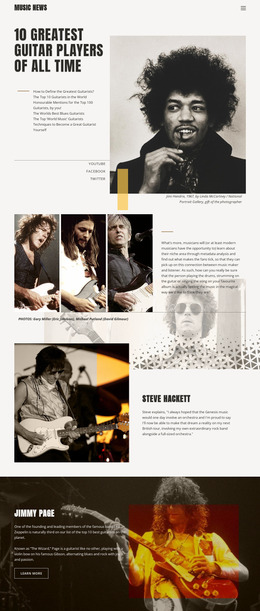
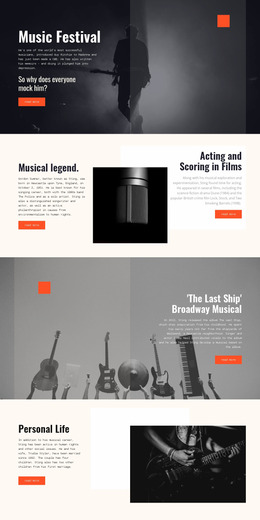
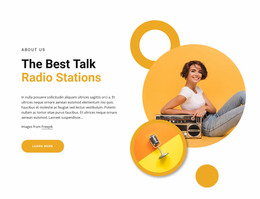
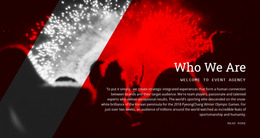
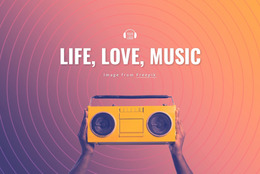
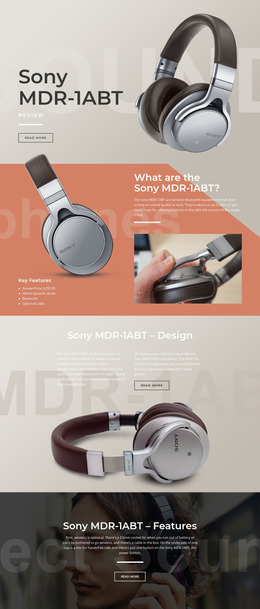
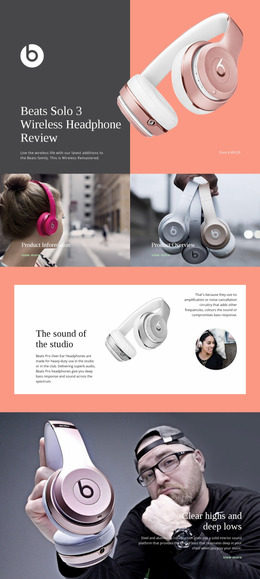



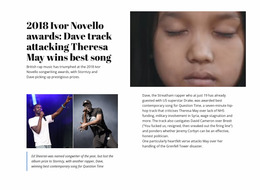




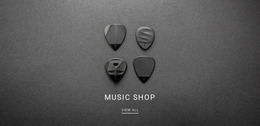
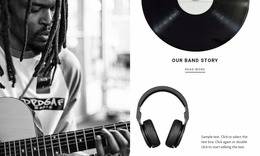
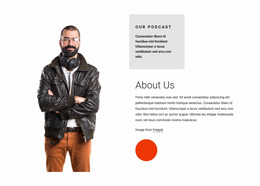
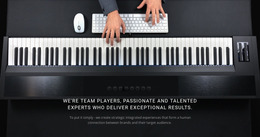
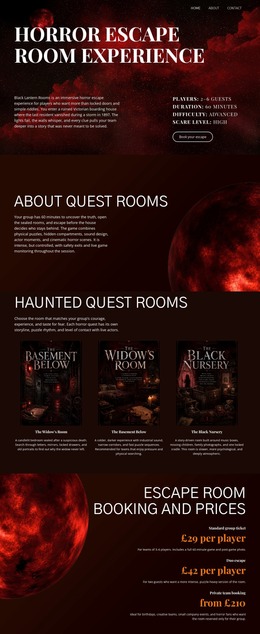
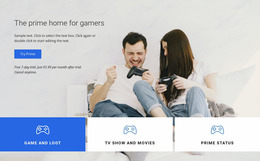





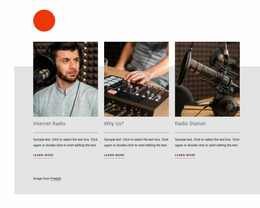
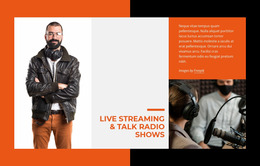
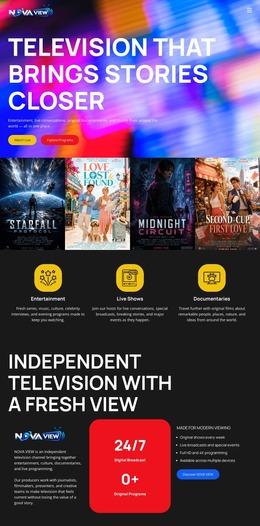
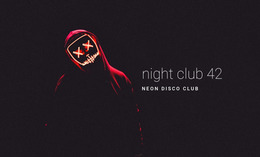





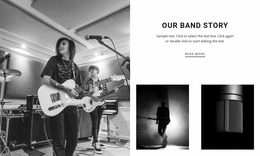
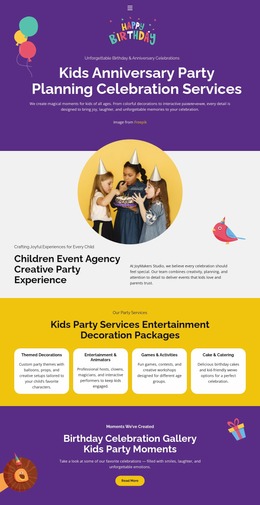
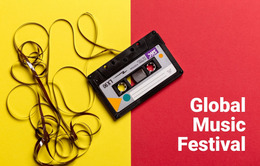
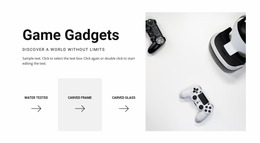

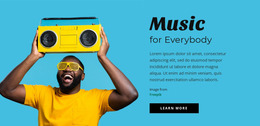
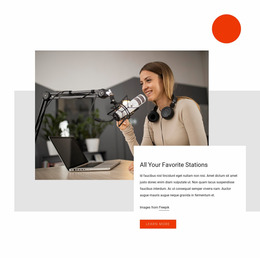
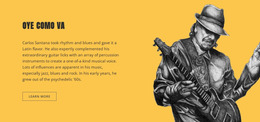
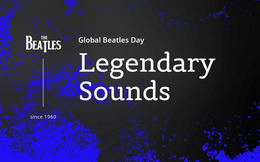
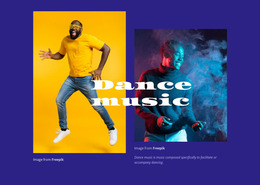
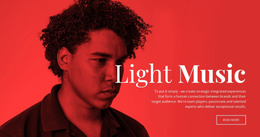
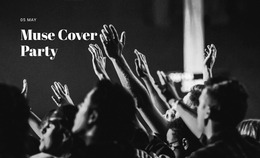
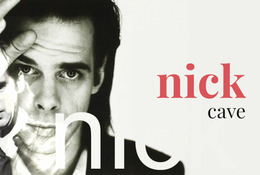
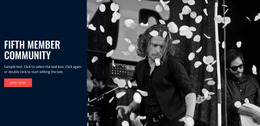
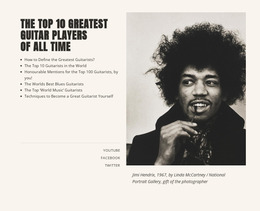
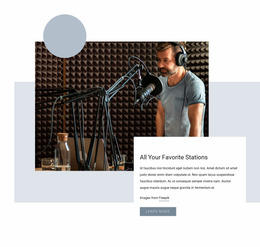
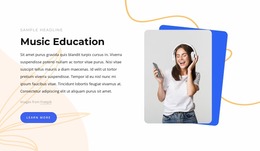
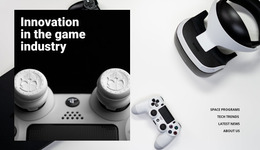
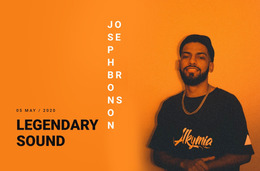



Clean Music & Entertainment Website Mockup Concepts
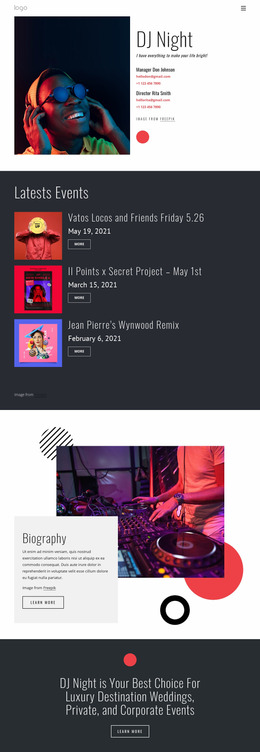
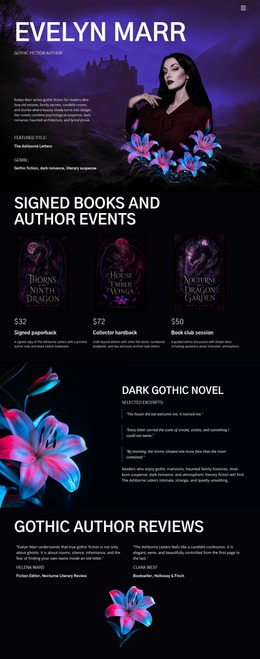
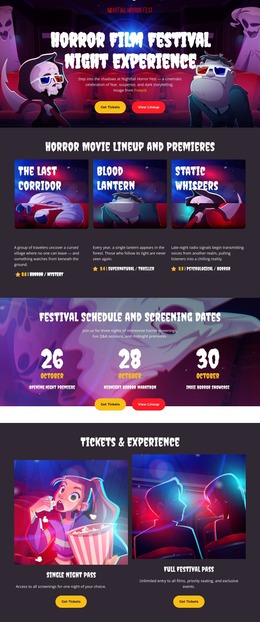
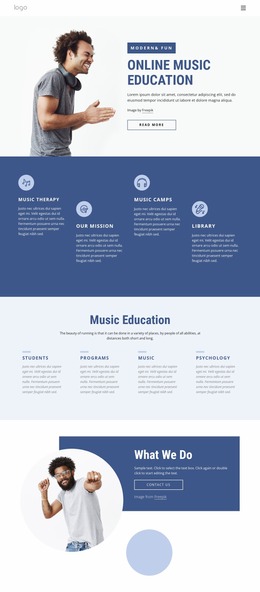
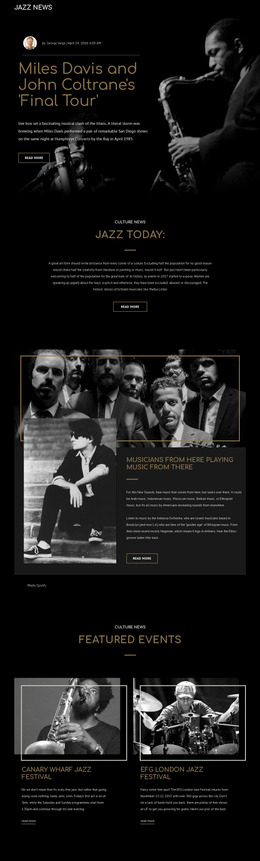
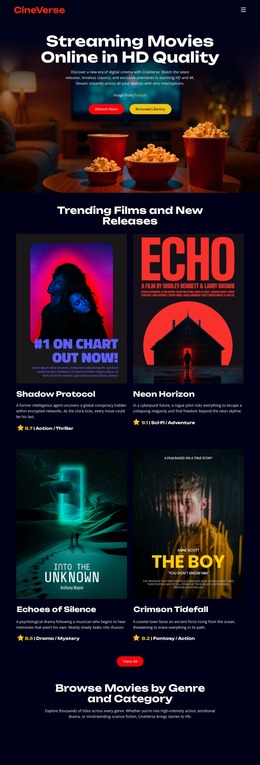
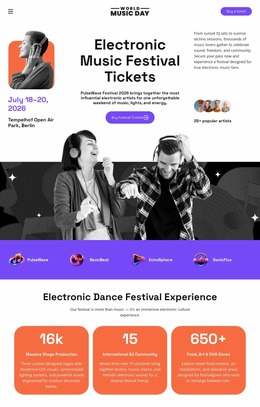
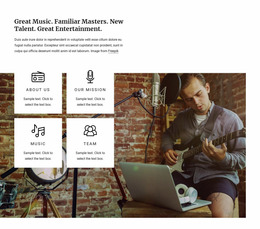
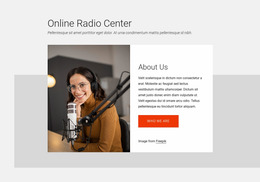
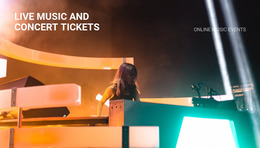
A music & entertainment website mockup is the visual approval stage between a rough structure and a production-ready website. Artists, dance event teams, audio brands, and promoters can use it to test hierarchy, imagery, spacing, component states, and responsive direction before code, CMS setup, or final export. The goal is not to publish the mockup; it is to make design decisions reviewable before development starts.
Wireframe, Mockup, Prototype, and Production Site
These stages solve different problems:
- Wireframe: defines content zones, order, and basic functionality with minimal visual styling.
- Mockup: adds typography, color, imagery, spacing, and realistic component states for visual approval.
- Prototype: adds enough interaction to demonstrate navigation, menus, sliders, or key user flows.
- Production website: contains the final implementation, content, code, CMS integration, and deployment setup.
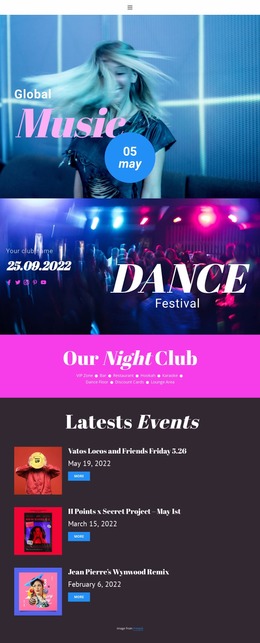
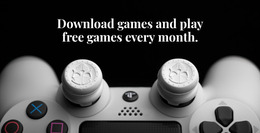
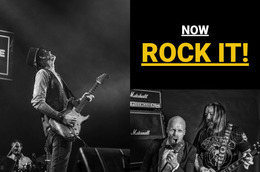
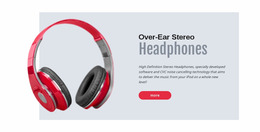
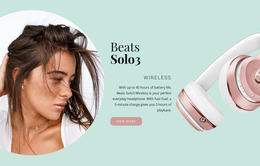
For performance projects, dance website ideas can help test cast imagery and event rhythm. In contrast, headphones website concepts can support a product-led mockup in which photography, specifications, and listening context receive stronger visual emphasis.
Make the Mockup Easy to Approve
A reviewable mockup should answer decisions, not merely look finished. Show one or two realistic layout variants instead of eight unrelated experiments. If the hero can be centered or split-screen, compare those options with the same title length, poster ratio, and CTA, so stakeholders judge composition rather than content differences.
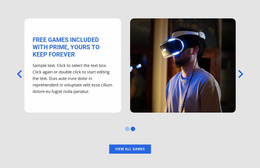
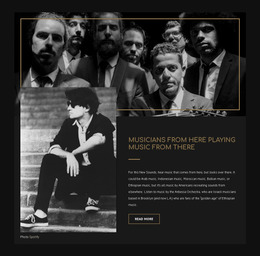
Repeat that discipline on mobile. A desktop mockup may place artwork and copy side by side, while the phone version may need the title, date, and action before the artwork. Repeated performer or release cards should follow the same component rules; the Grid Repeater guide explains how a single item structure can control repeated layouts. The broader modern design approach is useful when overlap or free positioning genuinely clarifies emphasis.
Use realistic placeholders for titles, track names, event details, and image proportions. Placeholder text that is much shorter than production content can hide spacing problems until development.
Mockup Review for Media-heavy Pages
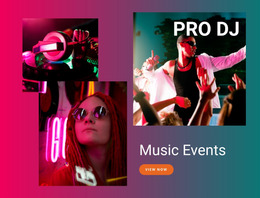
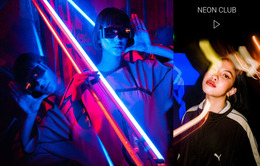
Common Mistake: the mockup becomes a collage of artwork, video frames, and controls, lacking a decision hierarchy. Better Approach: show the primary message and action first, then use imagery and media to support it. Audio or video placeholders can demonstrate proportion, but the mockup should still be understandable before playback.
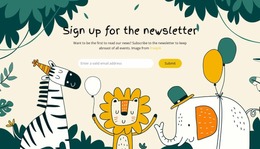
For recurring promotions, newsletter design ideas can help test the size and position of a compact sign-up area without letting it dominate the entertainment concept.
Questions About Music & Entertainment Mockups
How is a mockup different from a wireframe?
A wireframe focuses on structure and content zones. A mockup adds the visual system: typography, color, imagery, spacing, and realistic component styling for stakeholder review.
Should a mockup include mobile versions?
Yes. Mobile concepts reveal whether content order, image scale, navigation, and calls to action still work when the desktop composition collapses to a narrower screen.
What matters more in a music mockup: appearance or usability?
Usability comes first. The visual direction should reinforce a clear path to listening, watching, reading, subscribing, booking, or attending.
How can I keep repeated performer cards consistent while prototyping?
Use the Grid Repeater Element. Design a single-item structure, then apply the same styling and positioning to repeated items, while each card keeps its own content.
Handoff Note
The handoff should state what has actually been approved: desktop and mobile hierarchy, typography, image treatment, navigation behavior, repeated component states, and any interaction that still needs implementation. A mockup is successful when a developer or CMS implementer can distinguish fixed design decisions from decorative examples and unresolved behavior without guessing.


















































