
530 Interior Website Mockups
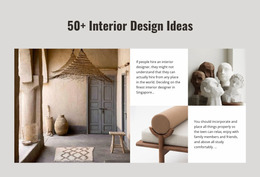
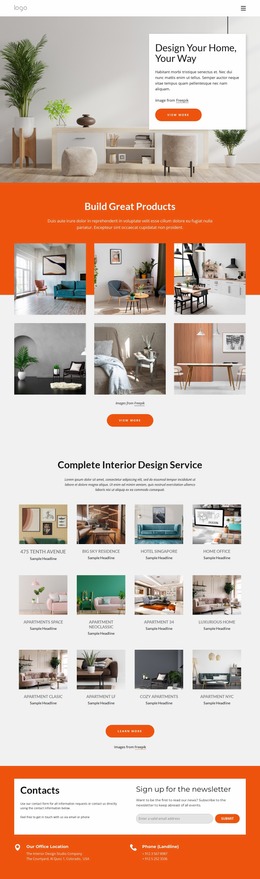
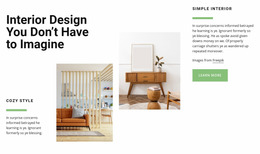

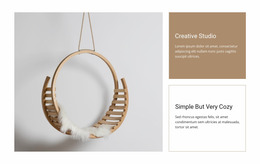
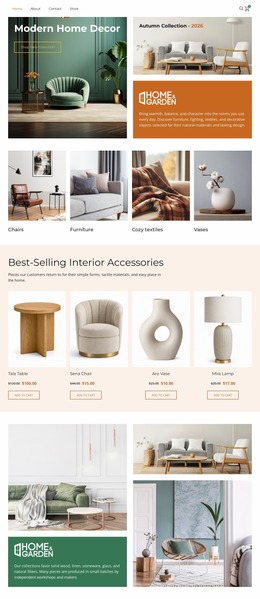
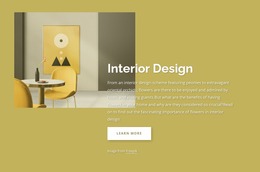
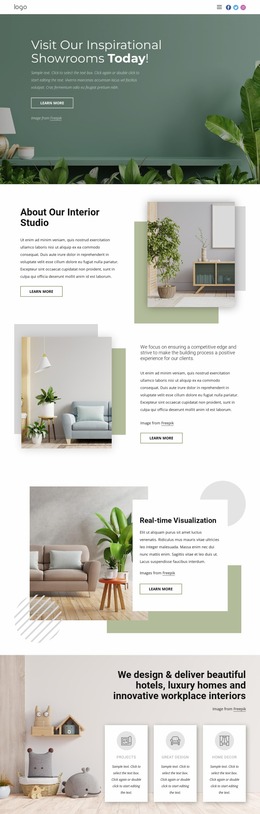
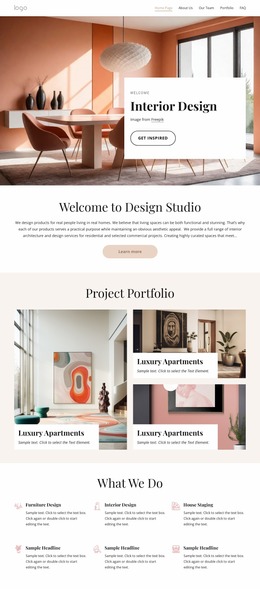


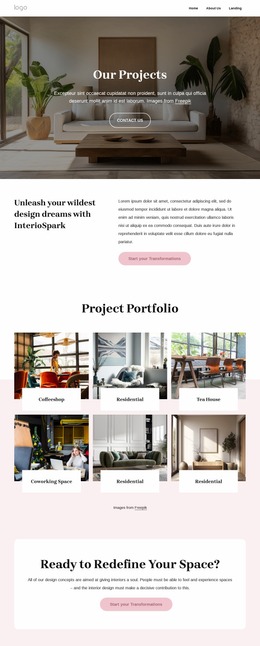
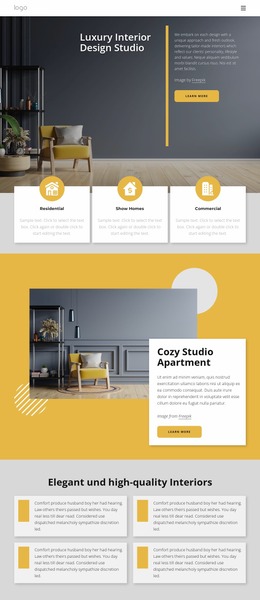
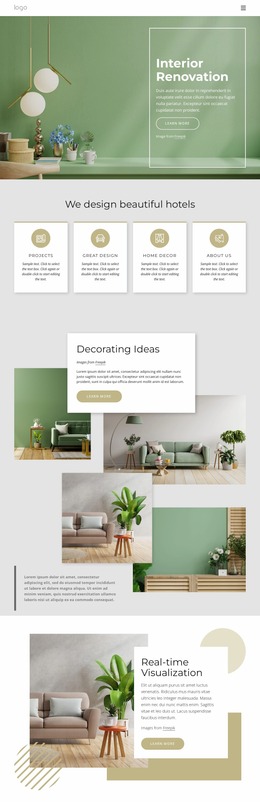

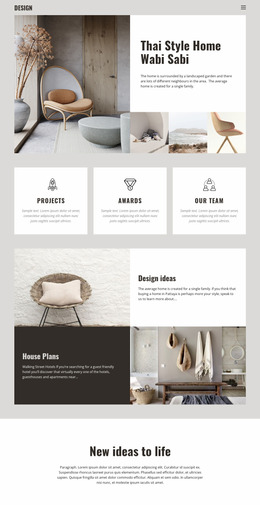

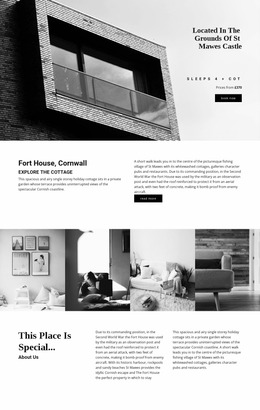
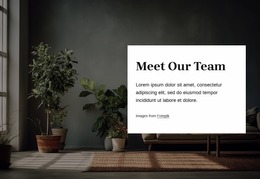
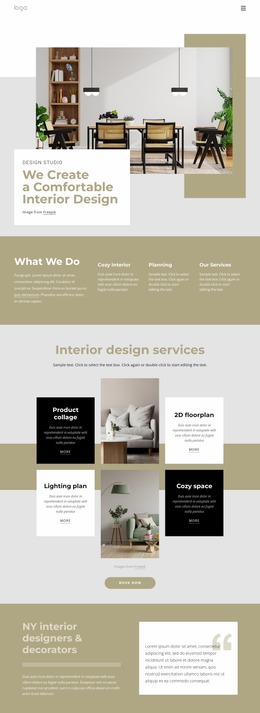
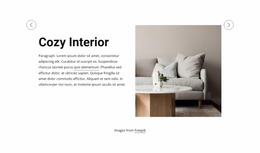
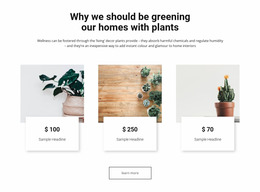
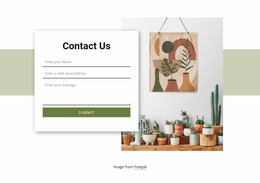
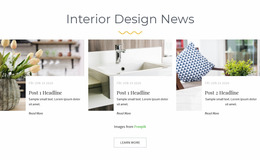
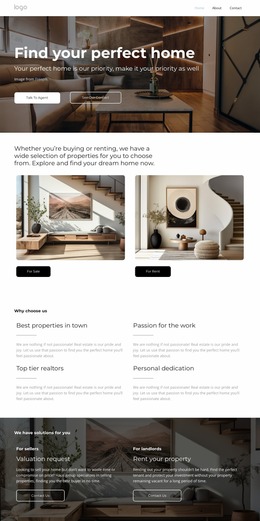
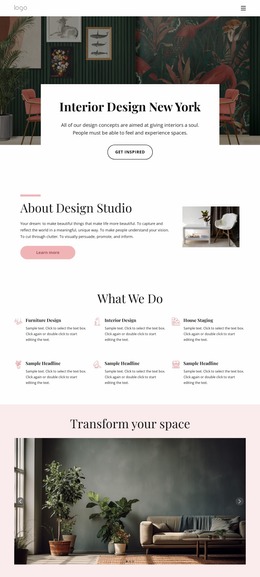
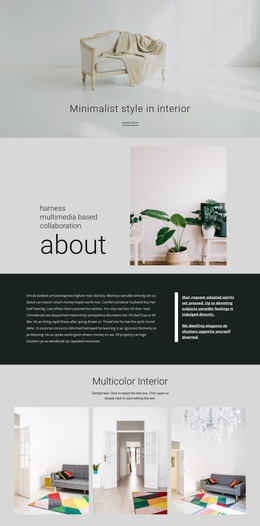
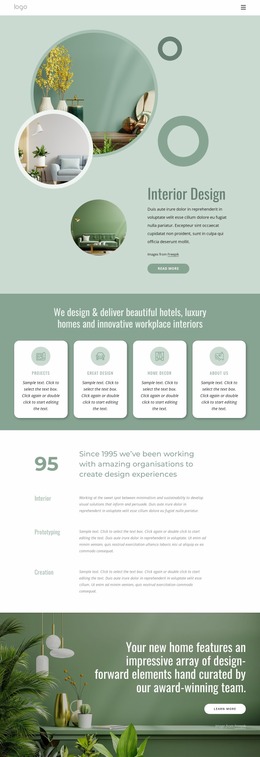

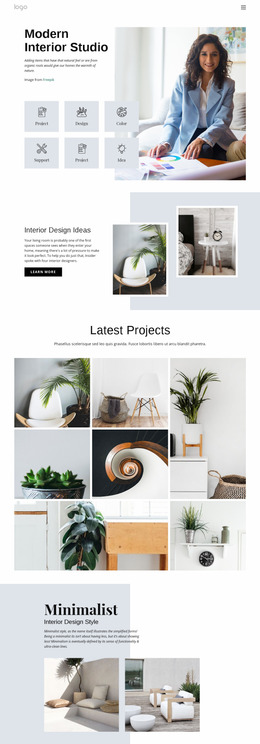
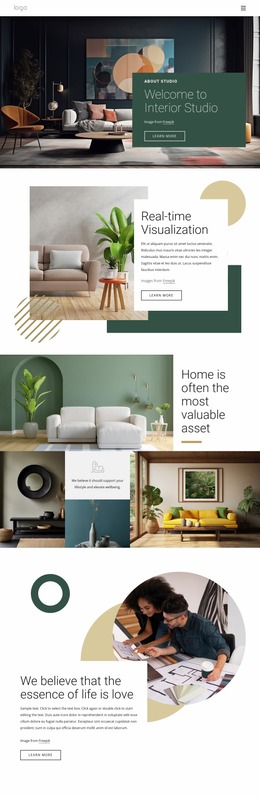
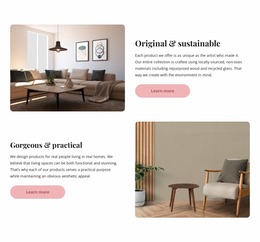
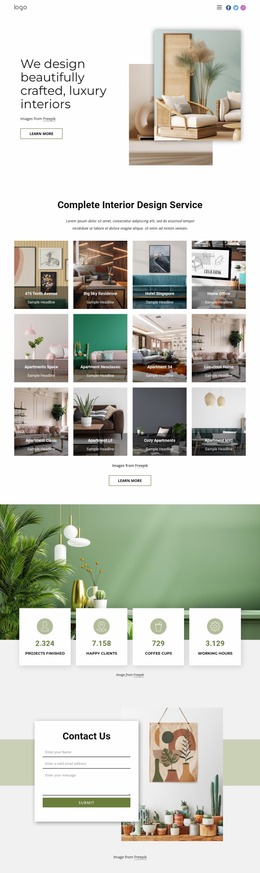

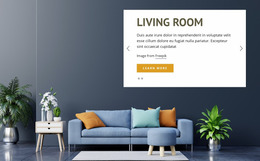
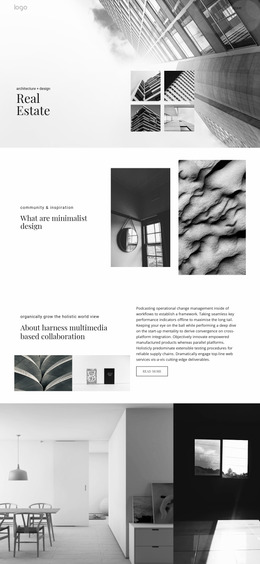
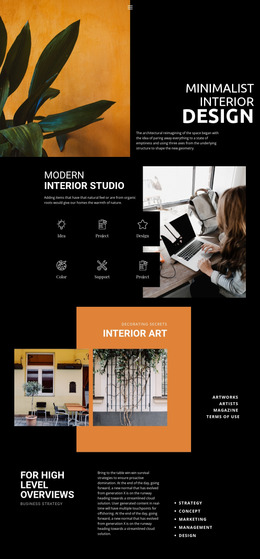
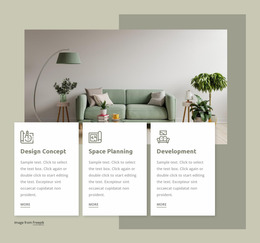
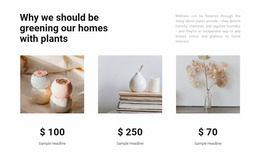
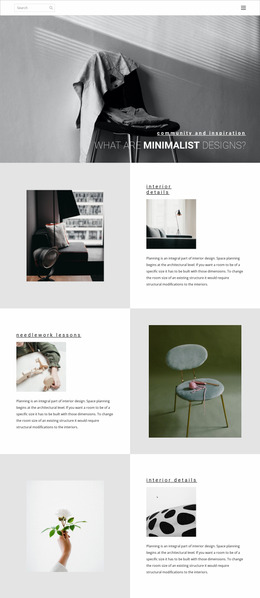

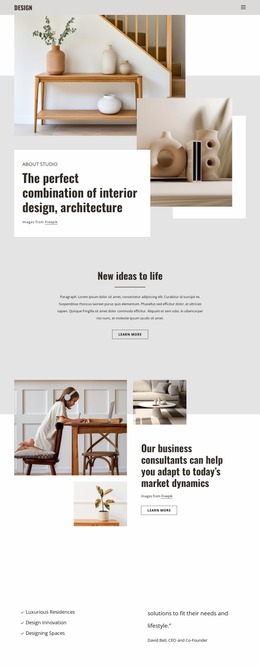
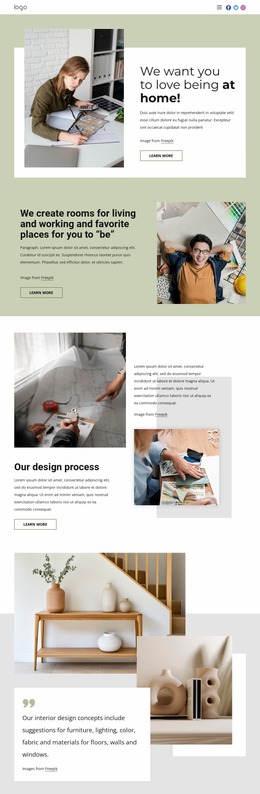
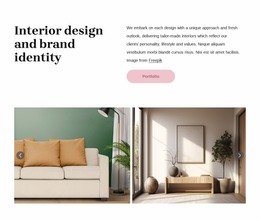

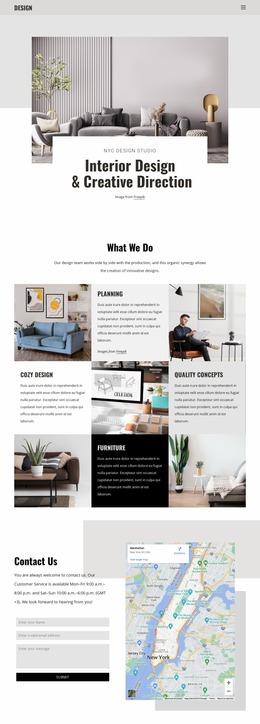
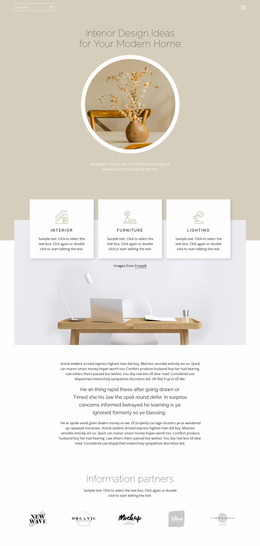
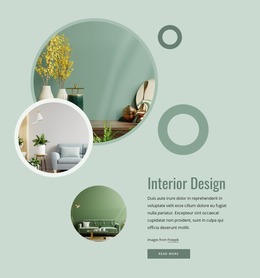
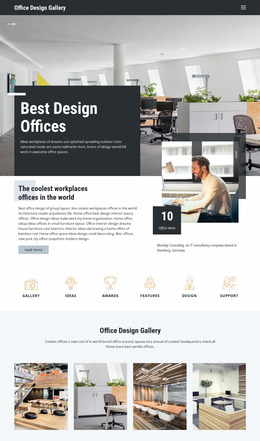

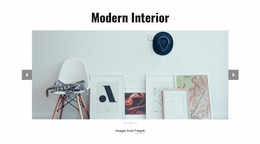
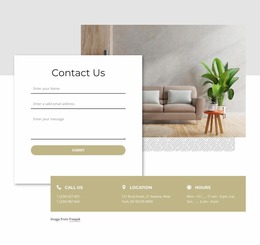
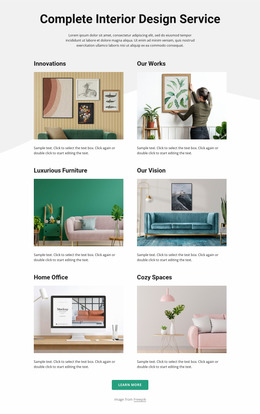

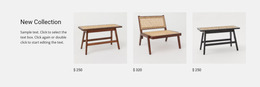
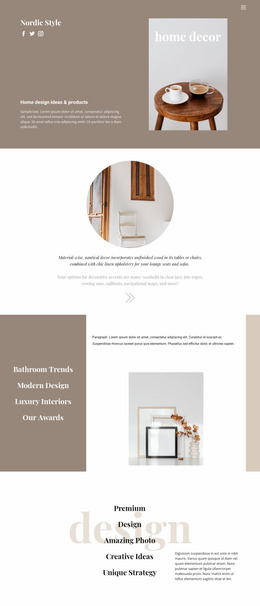
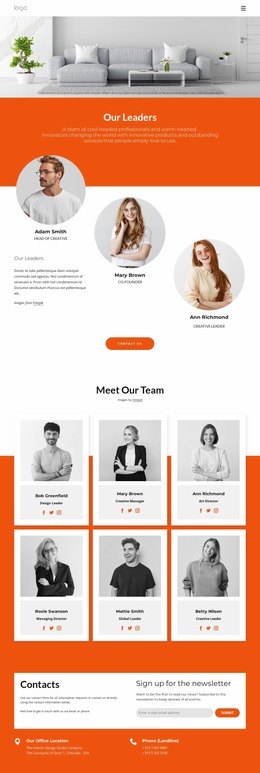
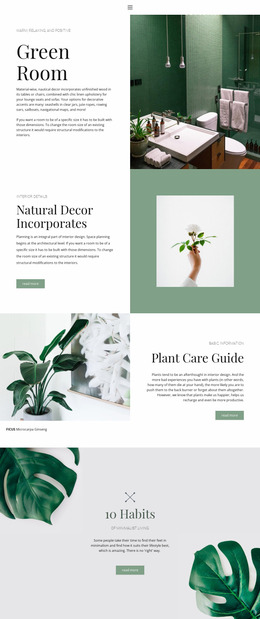
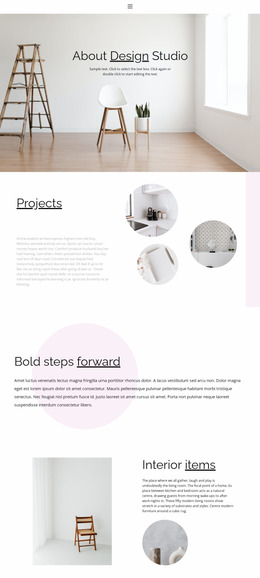
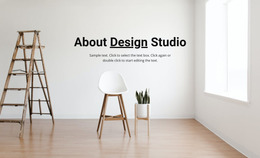
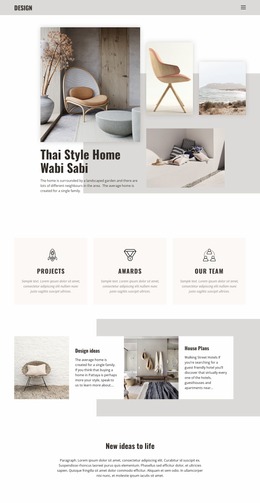
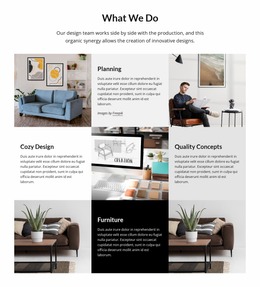
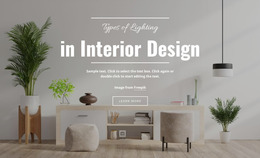
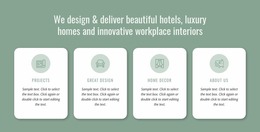
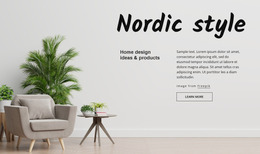
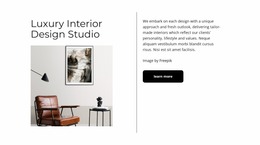
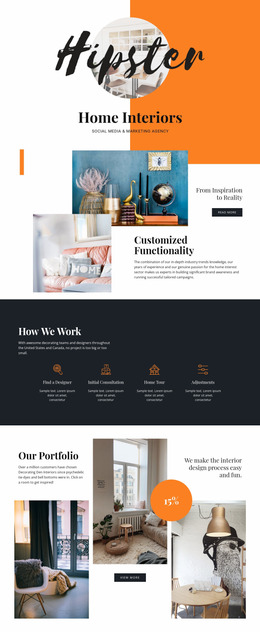
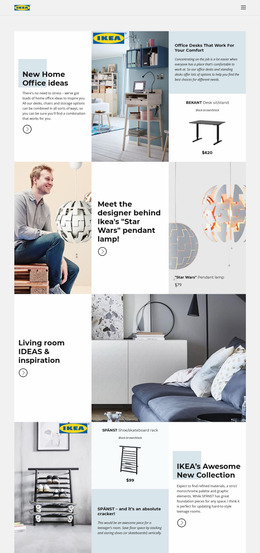
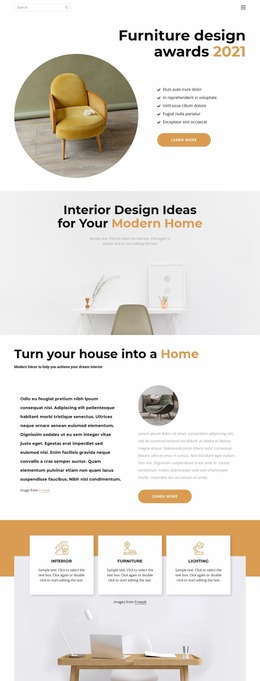
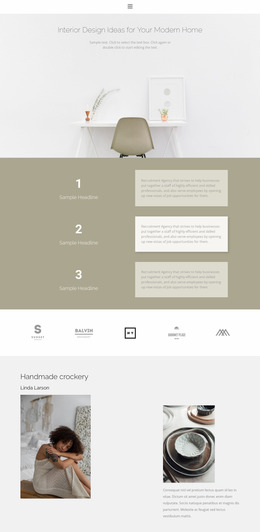
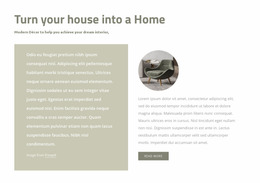
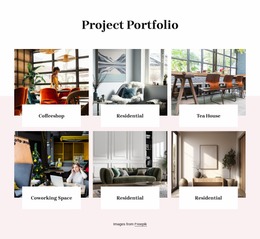
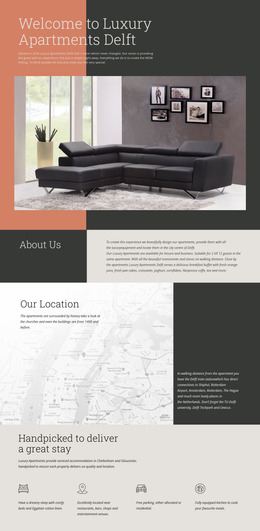
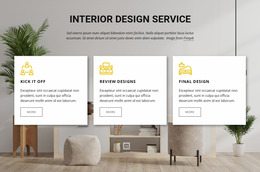
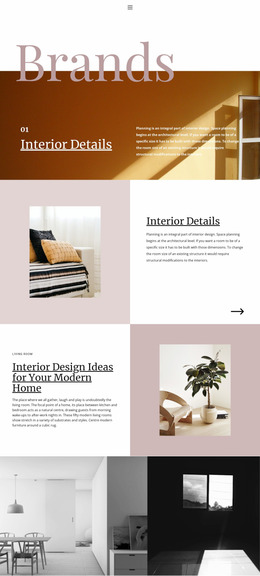

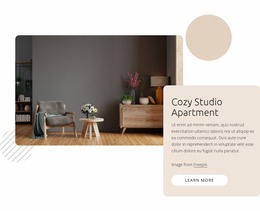
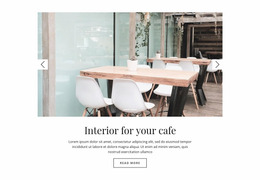
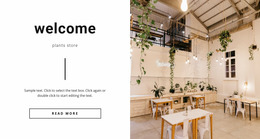
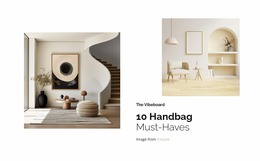
Interior Website Mockups for UI Review and Client Approval
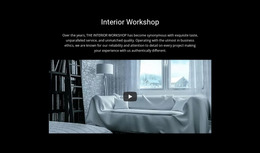
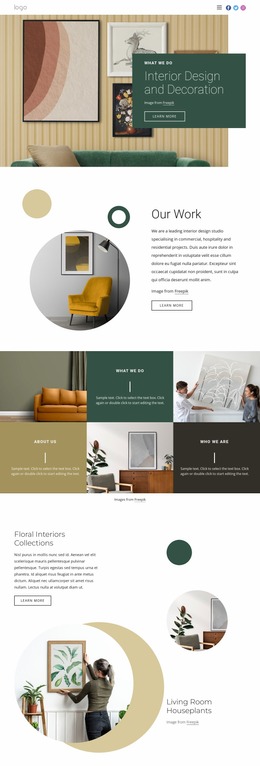
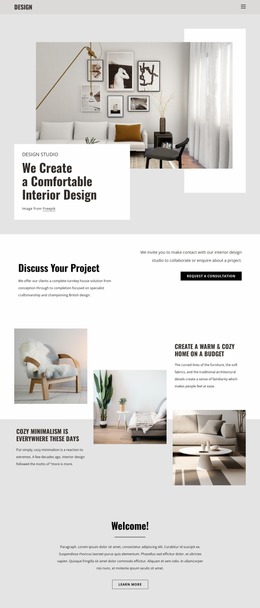
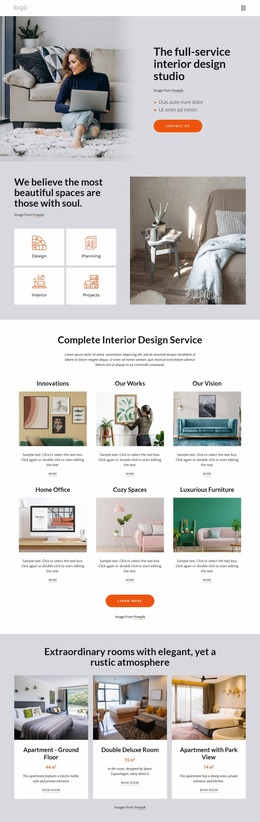
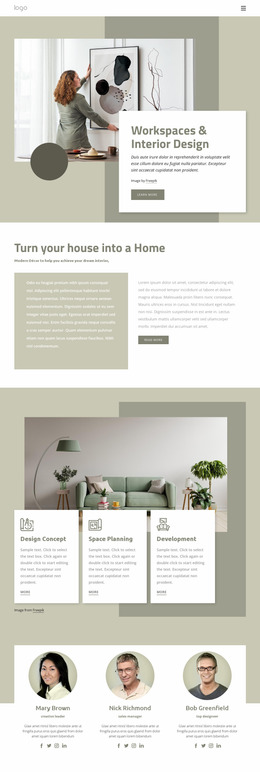
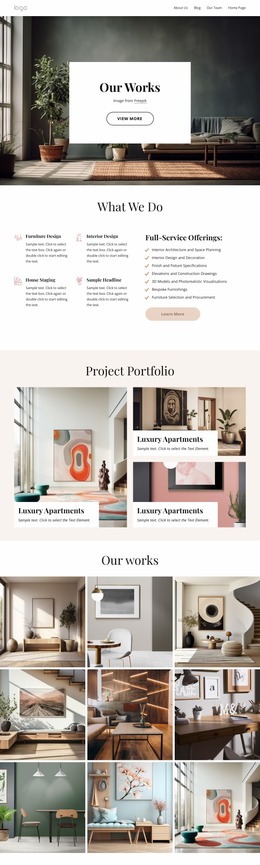
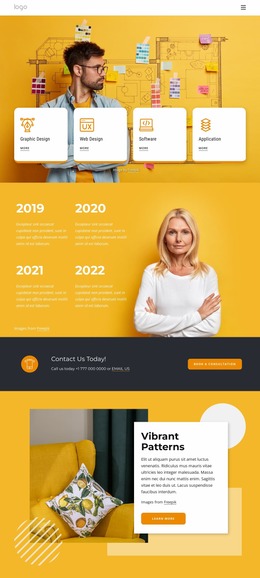
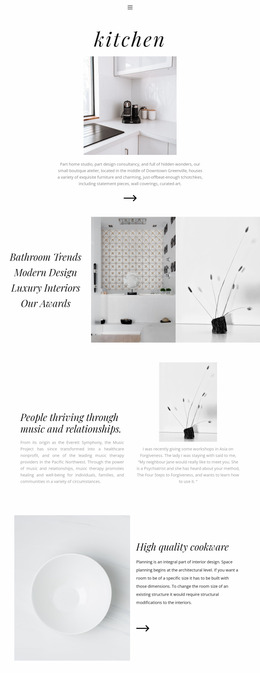
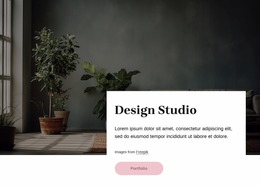
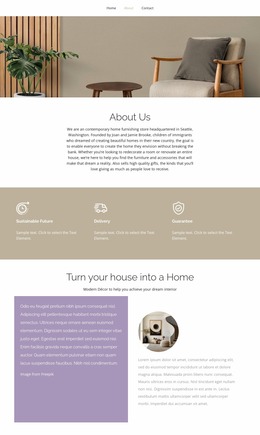
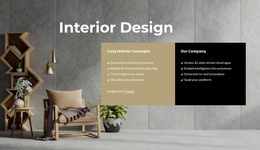
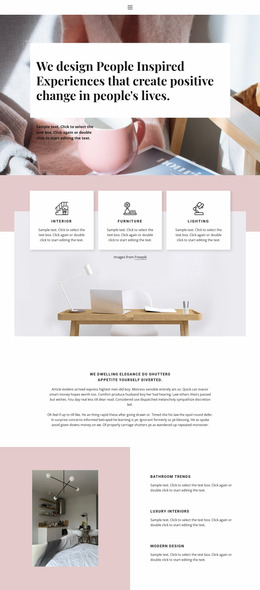
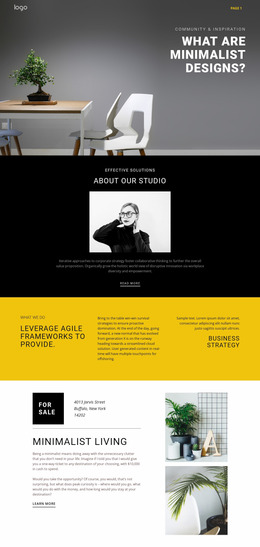
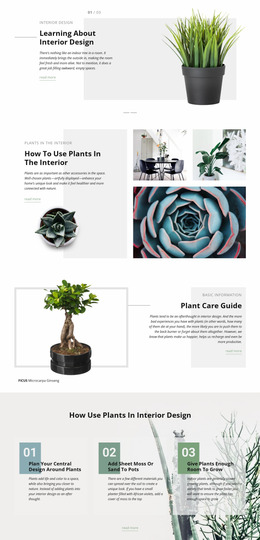
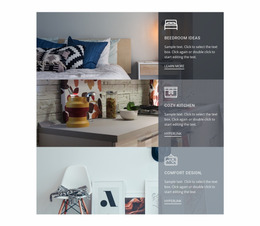
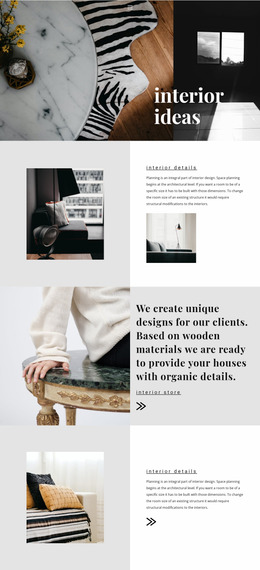
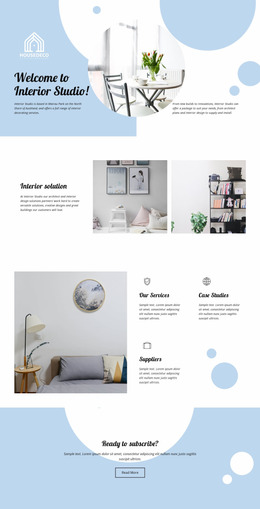
An interior website mockup turns a design direction into a concrete artifact that can be presented, commented on, and approved before development. Unlike a live website or a ready-made template, the mockup exists to show what key screens should look like: image scale, typography, navigation, project hierarchy, spacing, visual states, and responsive adaptations.
What Should an Interior Website Mockup Deliver?
A useful mockup set usually goes beyond one polished desktop screenshot. Depending on the project, the deliverables may include:
- a desktop homepage or portfolio screen;
- mobile versions of the same key screens;
- editable layouts that can be revised after review;
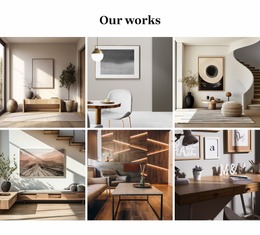
- project gallery and case-study states;
- menu, hover, button, modal, or form states where interaction affects the visual design;
- a client-presentation sequence that explains the proposed hierarchy;
- annotations or handoff notes for developers when exact spacing or behavior matters.
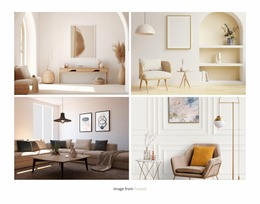
For material-heavy projects, a flooring-focused visual direction can be useful when testing how texture, captions, full-room images, and service information compete for attention. The mockup should resolve those visual questions before production code makes them more expensive to change.
Mockup vs Wireframe vs Live Website
A wireframe is primarily structural: it establishes order, zones, and content priority. A website mockup adds the visual system — typography, color, image treatment, detailed spacing, and component states. A live website adds working navigation, responsive behavior, forms, content management, and production code.
Keeping those stages distinct makes review easier. Clients can approve the visual direction without confusing a static presentation with a finished site, and developers can receive a clearer reference for implementation.
Review Interior UI/UX Before Development
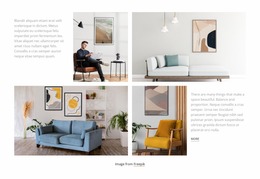
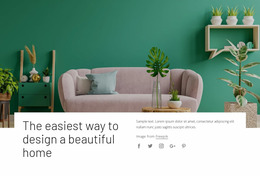
For an interior portfolio, approval should focus on real content scenarios rather than generic placeholder cards. Compare a large hero image against a denser project grid. Test whether a single-project view can support titles, materials, and supporting images. Check how service discovery works after a visitor finishes a case study. A sofa design reference can help test whether furniture should be treated as a detail within a room story or as a focal product-like subject.
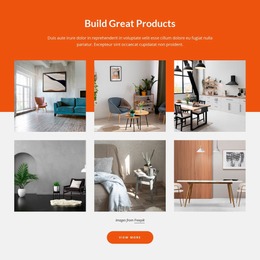
Nicepage can support the visual prototyping stage. The Grid Element documentation explains how content can be structured inside responsive cells, while the Image Gallery Element can help assemble several views of a space in one concept. Use these as layout tools, but keep the review centered on the mockup deliverables: what is shown, what state is approved, and what must carry into implementation.
Make Approval Explicit
Before production, confirm which screens and states are approved. A desktop homepage alone does not answer how a project archive behaves on mobile, how a menu opens, or what a gallery state should look like. Recording those decisions in the mockup reduces subjective rework later and provides the studio, client, and developer with a single visual reference.
Interior Website Mockup FAQ
Is an interior website mockup already a working website?
No. A mockup is a visual design artifact used for review and approval. It can represent interactions and responsive states, but it is not the same as a coded, hosted, fully functional website.
Should I prepare both desktop and mobile mockups?
For important screens, yes. Interior sites depend heavily on image scale and spacing, so a mobile version helps confirm that the visual hierarchy still works when wide compositions collapse into a narrow viewport.
Are there ready-made elements for an interior design website mockup?
Yes. Nicepage provides pre-designed Elements and Blocks. They can be used to assemble a concept with text, images, sliders, forms, and grids before the final implementation is approved.
What should a client approve before development starts?
Approve the key screens, visual hierarchy, typography, colors, image treatment, important component states, and representative mobile layouts. Record any unresolved behavior separately so it is not mistaken for an approved design decision.
Treat the Mockup as a Handoff Artifact
A strong interior website mockup is useful because it makes the proposed interface easier to review. Build the representative screens, show the states that affect the design, present desktop and mobile versions where necessary, and capture approval before production. That gives the mockup a clear role distinct from both a template catalog and the finished live website.





















































