
React Website Templates
Software agencies and React-focused businesses often need separate spaces for development services, product details, case studies, and company profiles. A multi-page website structure keeps these subjects organized while providing consistent navigation across the entire project.
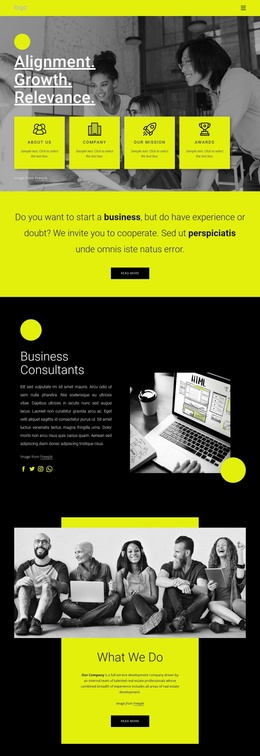

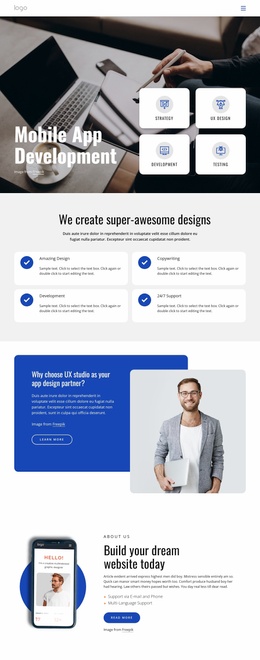
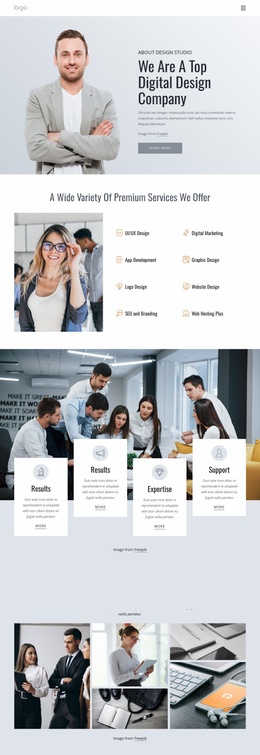

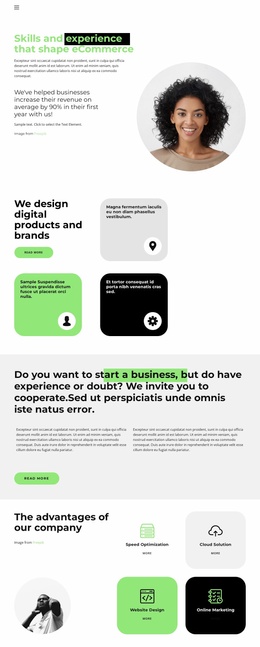


More Website Templates from Technology Category



Other Technology Website Templates
React Website Templates for Multi-Page Technology Businesses
A company offering React interface development and cloud application services may need different pages to answer prospective clients' technical questions. React Website Templates provide visual starting points for organizing those explanations into a connected site. Nicepage designs are not exportable React applications or component libraries, and a multi-page structure is one possible use case rather than a guaranteed set of included pages.
Give Each React Service Its Own Context
Imagine an agency that begins with Frontend Development and later adds Component Architecture and Application Modernization. Its homepage introduces the practice, while a modernization page explains migration planning, legacy interface challenges, and expected deliverables. A visitor can then open a migration case study to examine the team's approach rather than relying on a generic services summary.
A component architecture page might address reusable UI patterns and link to a design-system case study. The company's cloud application services can have a separate explanation of responsibilities and deployment work. These topics belong on different pages when each needs substantial context, although a smaller React portfolio or product site may need fewer pages.
Service Pages explain what a client can commission; Case Studies show how similar work was completed. An About Page can introduce the engineers behind the work, and a Contact Page provides a place to discuss a project. These are useful planning categories, not promises that every template supplies them.
Connect Technical Services and Project Evidence
Someone considering React application modernization could follow a practical route: Modernization Service → Migration Case Study → Team Profile → Project Inquiry. Contextual links should explain why the next page is relevant. A case study, for instance, can identify the migration challenge and lead to the engineers who handled it, while a contact link lets the visitor ask about a comparable project.
Keep the header navigation predictable across pages so visitors can return to services or explore other work without starting over. With Nicepage's Pages Panel, you can create or manage pages as the company adds a React performance optimization service or another area of expertise.
Plan Inner Pages for React Services and Case Studies
A Service Page needs scope, working process, and a clear inquiry route. A Case Study needs the original challenge, implementation details, and substantiated results. A Company Profile should explain the team's relevant experience rather than repeat service descriptions. Plan the relationships among these pages before adding them to the navigation.
Before choosing a React website template, map the service pages, project case studies, and company information your visitors will need. Check which page layouts are already available and which must be created, then plan how navigation will connect them.