

Python Website Templates
Choose multi-page designs for Python portfolios or development agencies. Compare project pages, service layouts, menus, and contact sections before building your site.
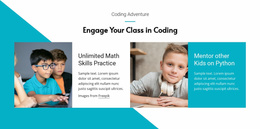

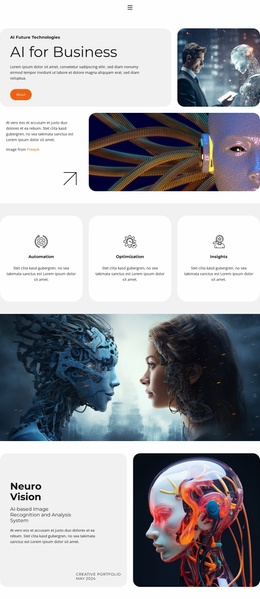
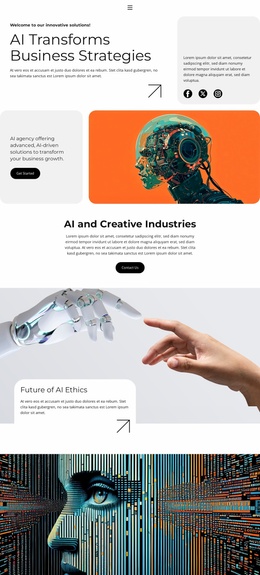
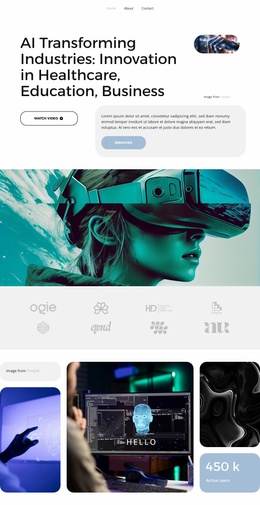
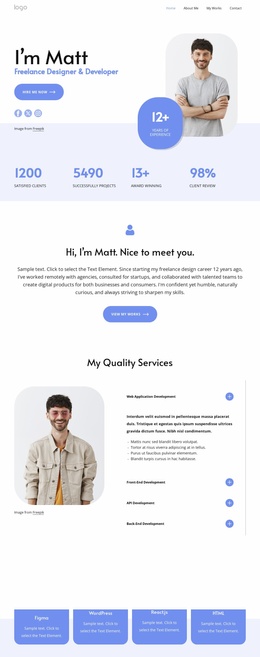
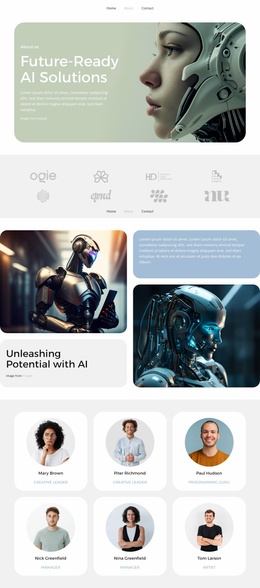
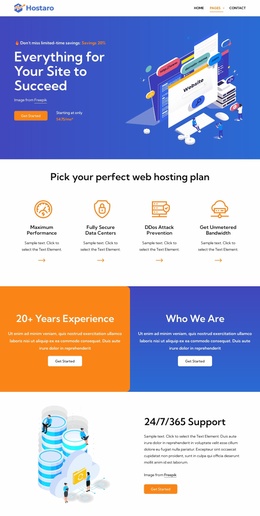
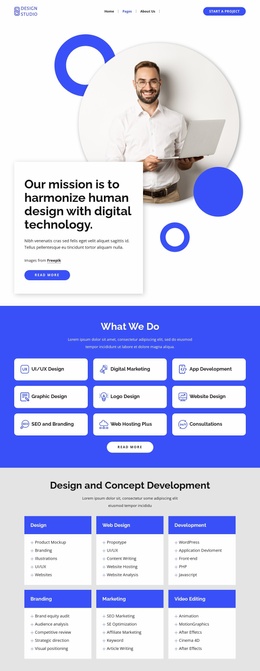
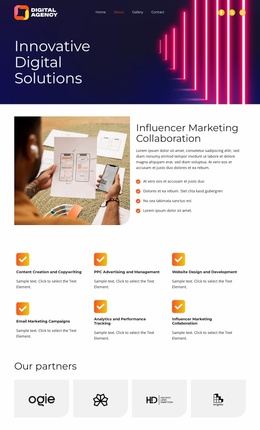

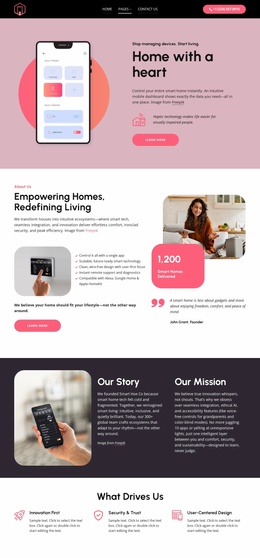
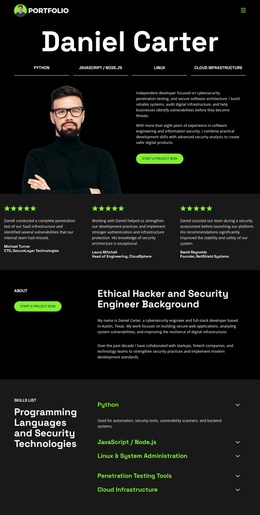
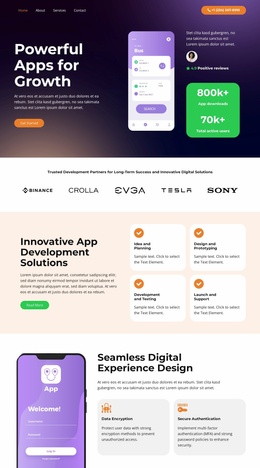
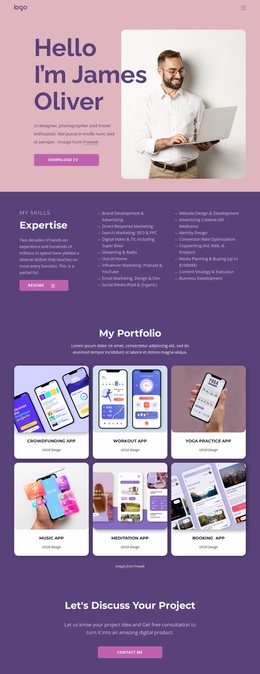
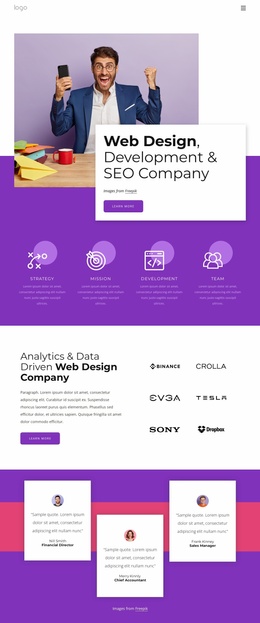
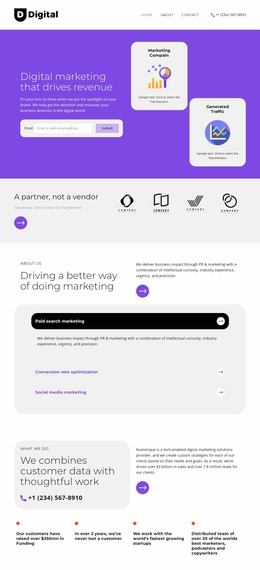
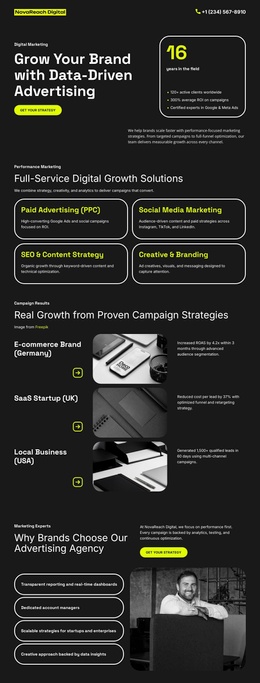
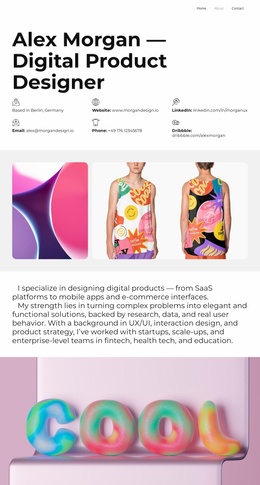
More Website Templates from Technology Category
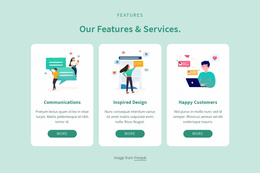
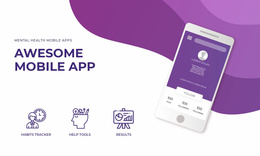

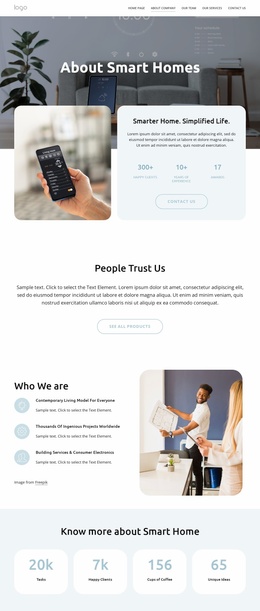
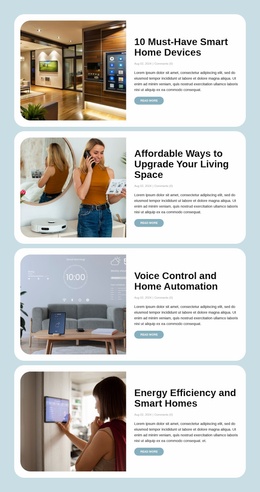
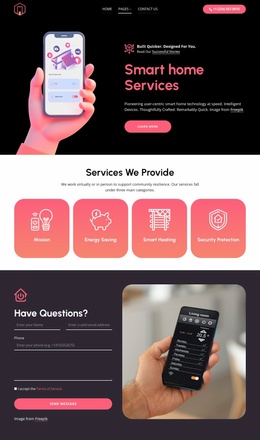
Other Technology Website Templates
Python Website Templates for Developer Portfolios and Agencies
A freelance Python developer has six finished applications to showcase, but a single homepage leaves no room to explain how each one works. An agency faces a similar problem when its services and client cases compete for space. Python website templates provide multi-page layouts with shared navigation, making it possible to give individual projects their own pages while keeping the site coherent.
Choose a Multi-Page Layout for Your Python Work
A portfolio works best when each featured application has its own page. The homepage can introduce your specialty and highlight two or three projects, while individual pages explain the problem addressed, your contribution, and the outcome. Link to a repository or live demo where one exists, but give visitors enough context before sending them elsewhere.
For a development agency, the structure is different. A services page can explain the team's work, and case studies can demonstrate how projects were delivered. A separate contact page gives prospective clients a direct route to discuss their requirements. Django or FastAPI may appear in service descriptions, but a framework name alone does not determine the visual layout.
Before selecting a design, inspect the complete preview rather than judging the hero section alone. For a portfolio, look for a homepage with project cards that can lead to dedicated project pages. On those pages, check whether a screenshot, short project summary, and external repository link can fit naturally. For an agency, also review the service and contact page layout. Do not assume these pages are included until you have checked the specific template.
Connect Pages with Useful Website Navigation
Visitors should be able to move from a project summary to its detailed page, then return to the portfolio without searching for a link. Keep the main menu short and use descriptive page titles. On a project page, include a concise overview, a relevant screenshot, and a link to the next useful resource.
You can use the Menu Element to connect internal pages and external destinations, such as a GitHub repository or hosted documentation. Review the menu in mobile layouts too, especially if the website contains several service categories.
A multi-page site becomes worthwhile when your projects need individual explanations or your business offers distinct services. If everything fits into a short introduction and one example, a one-page format may be sufficient. Before committing to a layout, make sure its navigation still works as you add the next two or three projects. The website design presents your work; running the underlying Python application requires separate infrastructure.