Revolutionary smart home app Website Template



Edit Template Offline
2. Create new page and search for id 6539482
Edit Template Online
Create Awesome Websites


Free Nicepage Builder
Keywords
App Management, Security, and Support Establish a Broader Site Foundation
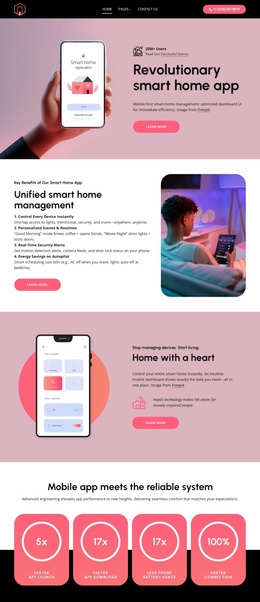
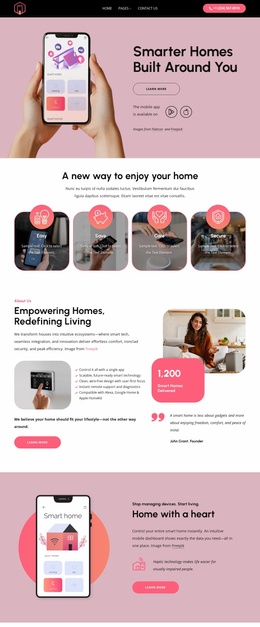
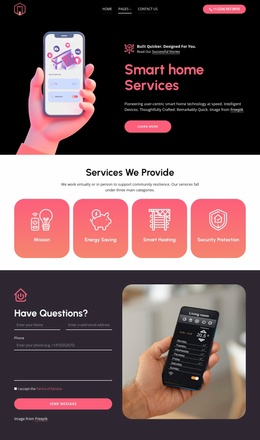
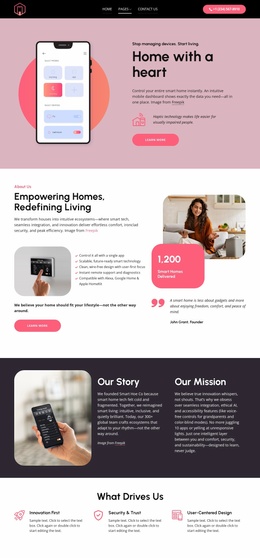
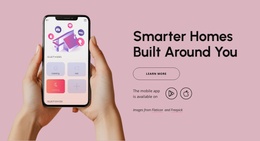
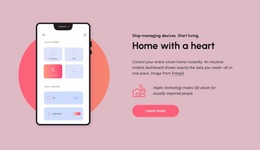
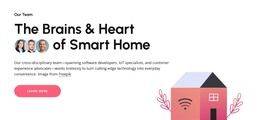
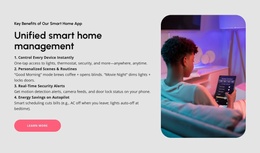
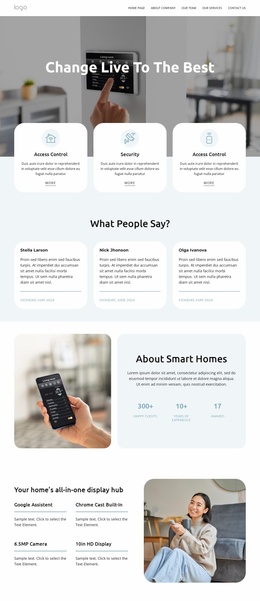
The design already defines several major content areas that can anchor a wider smart home project. The opening product block can introduce the application, while the unified management and remote-control sections explain what the system does and how the mobile interface relates to home use. Separate areas for personalized automation, security monitoring, and smart entertainment create additional subject groups that could support deeper follow-up content as the project grows.
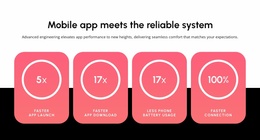
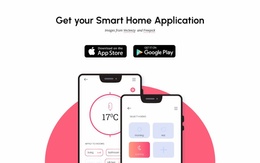
The dedicated download section gives the foundation a clear product-access destination through Apple App Store and Google Play buttons. The reliability block contributes another reusable content category with four displayed metric cards, although the 5x, 17x, 17x, and 100% values should be verified before being carried into final site content. The dark lifestyle section can serve as a broader value statement connecting technical features with everyday living.
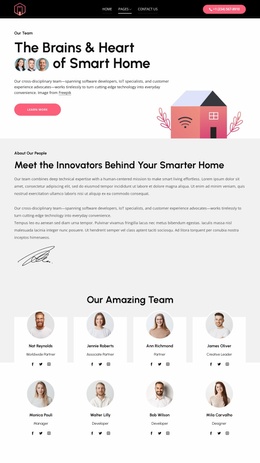
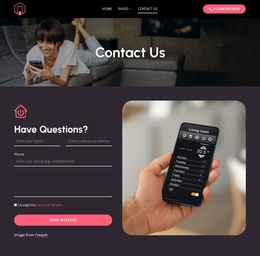
Navigation and support are already represented in the footer through quick links, solution links, office information, and help resources. This means the design is not limited to a single promotional message; it also identifies the kinds of shared site information that a larger project may need. Additional pages could follow the established charcoal, blush, white, and coral language while taking their subject from these existing content categories. The design therefore offers a project foundation without requiring an unsupported claim that multiple finished pages are already included.
Customize with Nicepage
Open this ready-made template in the Website Template Builder and customize it visually in the Nicepage editor. Replace demo content, edit page sections, and adapt the design to your project without rebuilding the template from scratch.
Build a Complete Website From This Template
Customize the Website Visually
Use this ready-made website template as a starting point for your project and adapt its pages visually in Nicepage. Change content, images, typography, navigation, sections, and other design elements while keeping the website together as a single editable project.
Manage Website Pages in One Project
Use the Pages panel to open, add, duplicate, and manage the pages of your website. Work on individual pages while keeping navigation and the overall site structure accessible from the same project, making it easier to develop a complete website instead of managing separate page files.
Expand the Website With Matching Designs
When you need additional pages or sections, use Page Design Sets to find Page and Block Designs created in the same visual style. Design Sets group matching designs together, making it easier to expand the website with new content while maintaining a consistent look across its pages and sections.
Organize Larger Multi-Page Websites
As the website grows, use Page Folders to organize related pages and keep larger multi-page projects easier to navigate in the editor. This is especially useful for websites with separate service pages, company information, contacts, landing pages, and other content areas.
This workflow makes the template a practical foundation for building and expanding a complete website while managing its pages, content, and visual design within one Nicepage project.

Design Set (23)
-

-
-
-
-
-
-
-
-
-
-
Customize Any TemplateDownload
-
-
-