
Lifetime Website Templates
A long-term template choice should cover more than a homepage. Nicepage website templates provide coordinated page layouts and navigation, giving each project a complete structural foundation instead of a collection of unrelated sections.

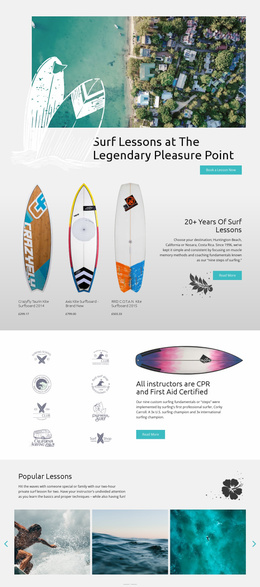
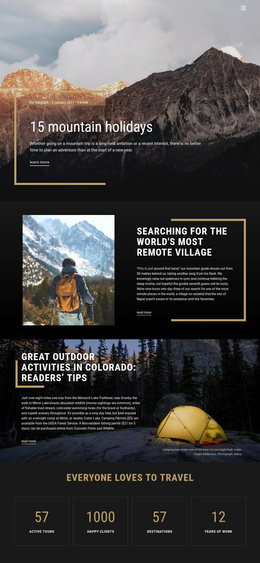
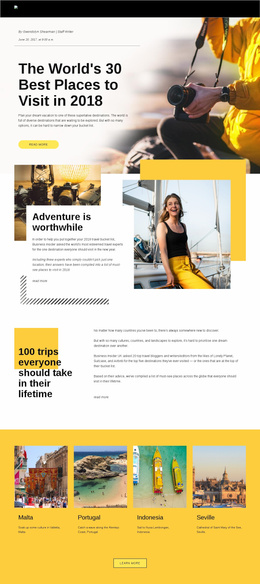
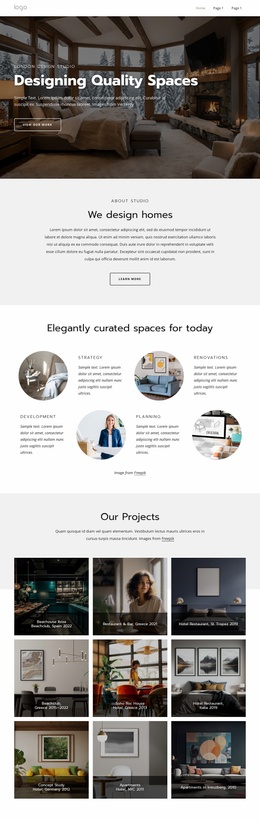

More Website Templates from Social Category





















Other Social Website Templates
Readily Available Lifetime Website Templates for Long-Term Site Projects
A lifetime website template is picked once and used long-term, so it pays to review the full design before the homepage wins you over. With Nicepage, a License covers Premium use of the Desktop Application and the CMS plugins in their covered versions; updates run for the first year, and the online services keep their own terms. What goes into a project stays there, while the library it came from answers to the account.
A Page Set You Can Grow Into
Category listings mix full page sets with single pages and blocks, so the first thing to pin down is what a template actually includes. A business site usually wants a homepage, an About page, and a contact route, with service pages branching off them. A portfolio needs somewhere for individual projects to live. Nicepage advises beginners to start with the site's purpose and audience, then pick a template and refine it. That order keeps you from buying a design for its hero image.
Three things in the page set are worth checking before you commit:
- the pages the project needs on day one, from the homepage down to the contact route;
- the pages you will probably add later, since layouts already in the set save a trip to the library;
- the menu, because navigation is the first thing to strain when a site outgrows its original size.
A small studio launches with three pages, then comes back a year later wanting a portfolio section. If that layout was in the set, the addition is mostly a copy of what the project already holds.
Saved Projects Versus the Online Library
Lifetime here describes the License. It does not buy an open tab to everything Nicepage publishes. The covered versions of the applications remain usable, updates run through the first year, and later releases may require renewal. Template and media libraries live online, so they go quiet when the app works offline.
Everything already placed in a project stays there, from pages and images to the layouts you built on, while anything fetched later comes with conditions.
What to Test While Updates Still Arrive
The first year is when you find out how self-contained a project is. Open a finished site, duplicate a page, swap a few images, and see whether anything stalls with the online side unavailable.
Two answers decide whether a template earns its place. Will the design keep opening and editing in the covered version once updates stop, and will your next round of changes need the library you can only reach online? A page set that already covers the project answers both.