Interior and lighting design Website Template


Edit Template Offline
2. Create new page and search for id 6055105
Edit Template Online
Create Awesome Websites


Free Nicepage Builder
Keywords
Portfolio, Project Categories, and Inquiry Content Establish a Site Foundation
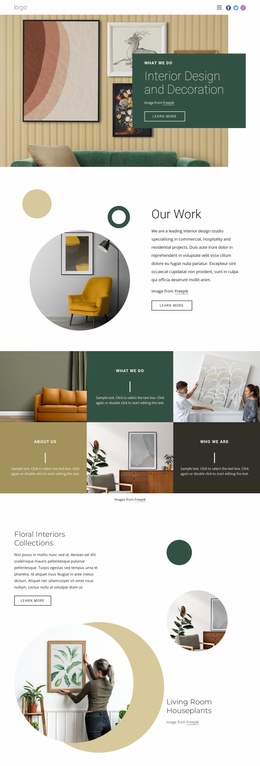
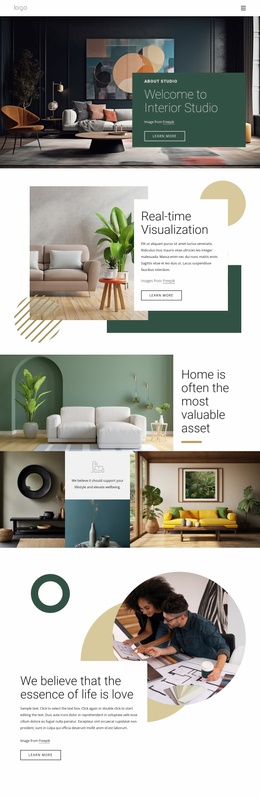
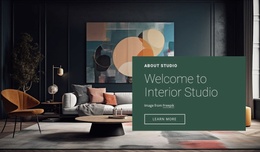
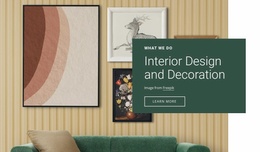
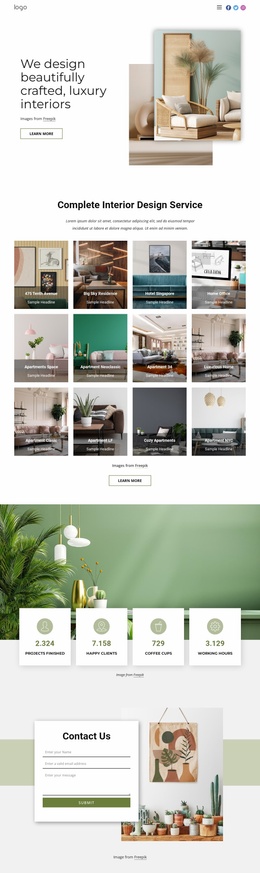
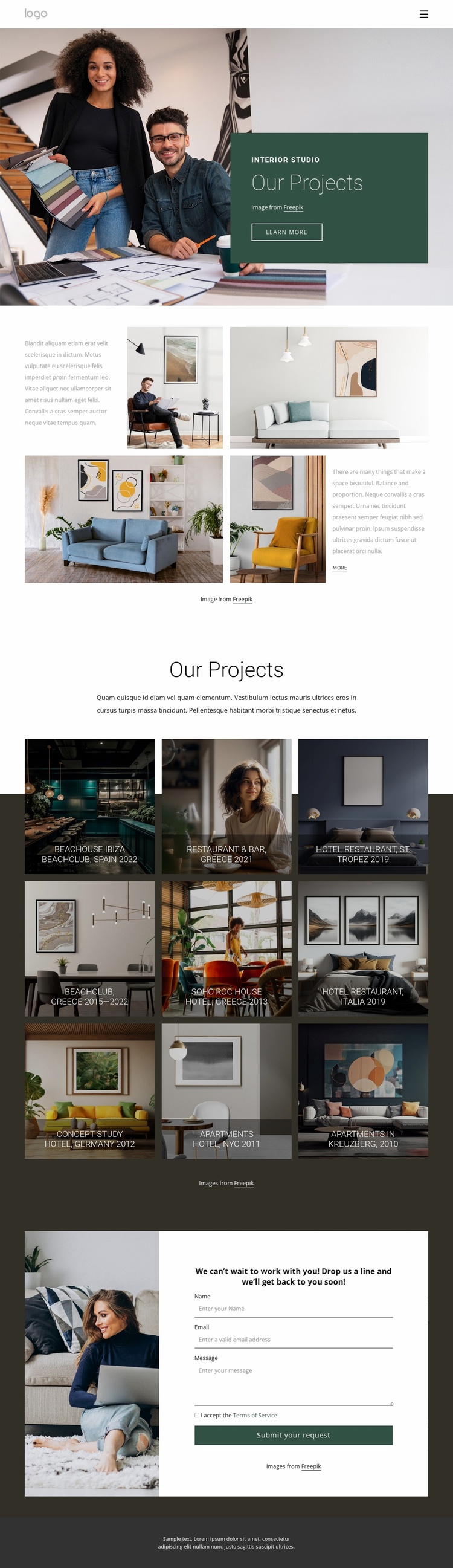
The design already defines several major content areas that can anchor a wider interior studio website. Navigation and the opening hero establish the studio and its portfolio direction, while the split section provides a place for introductory positioning beside four interior photographs. These areas can remain the visual entry point as additional information is added around the studio, its work, or its services; the analysis confirms the existing page, not a complete multi-page set.
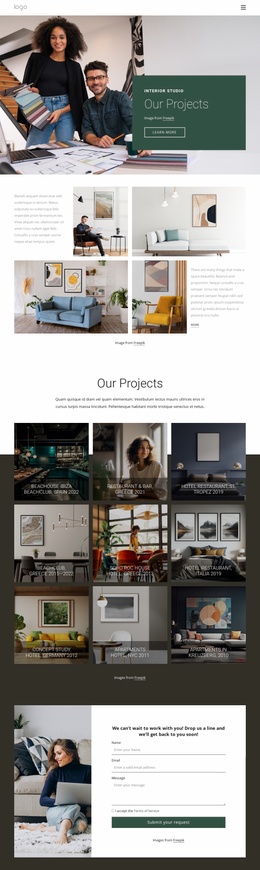
The nine-tile gallery supplies a strong project foundation. Its three-column pattern and dark overlays present recurring work under labels such as Beachclub, Restaurant & Bar, Hotel Restaurant, Concept Study, and Apartments. The associated location references broaden the portfolio context across Spain, Greece, St. Tropez, Italia, Germany, NYC, and Kreuzberg. Those established content areas can guide future project or category pages while preserving the same image-led direction.
The inquiry section gives the foundation a practical business role. A supporting photograph, inquiry message, centered contact form, and Submit your request action create a defined destination for prospective projects. The dark footer and shared navigation can frame additional pages consistently if the site expands. As a website template, this design is therefore valuable not because it proves a finished multi-page architecture, but because it already connects studio introduction, project presentation, location context, and contact content in one coherent starting structure.
Customize with Nicepage
Open this ready-made template in the Website Template Builder and customize it visually in the Nicepage editor. Replace demo content, edit page sections, and adapt the design to your project without rebuilding the template from scratch.
Build a Complete Website From This Template
Customize the Website Visually
Use this ready-made website template as a starting point for your project and adapt its pages visually in Nicepage. Change content, images, typography, navigation, sections, and other design elements while keeping the website together as a single editable project.
Manage Website Pages in One Project
Use the Pages panel to open, add, duplicate, and manage the pages of your website. Work on individual pages while keeping navigation and the overall site structure accessible from the same project, making it easier to develop a complete website instead of managing separate page files.
Expand the Website With Matching Designs
When you need additional pages or sections, use Page Design Sets to find Page and Block Designs created in the same visual style. Design Sets group matching designs together, making it easier to expand the website with new content while maintaining a consistent look across its pages and sections.
Organize Larger Multi-Page Websites
As the website grows, use Page Folders to organize related pages and keep larger multi-page projects easier to navigate in the editor. This is especially useful for websites with separate service pages, company information, contacts, landing pages, and other content areas.
This workflow makes the template a practical foundation for building and expanding a complete website while managing its pages, content, and visual design within one Nicepage project.