Volvo XC60 off-road car One Page Template


Edit Template Offline
2. Create new page and search for id 72817
Edit Template Online
Create Awesome Websites


Free Nicepage Builder
Keywords
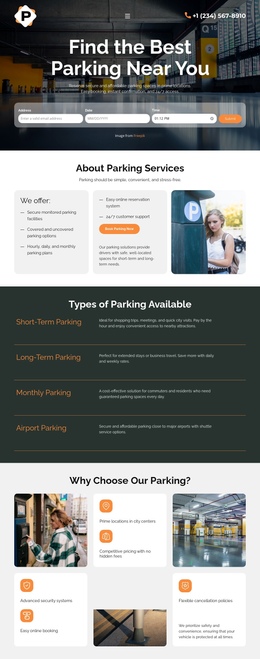
Distinct Vehicle, Process, Service, and Tier Destinations Share One Page
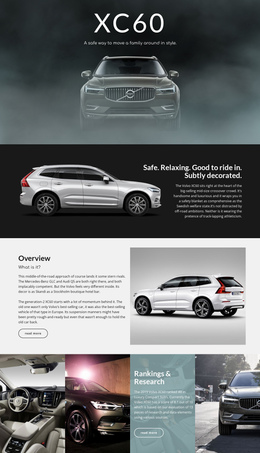
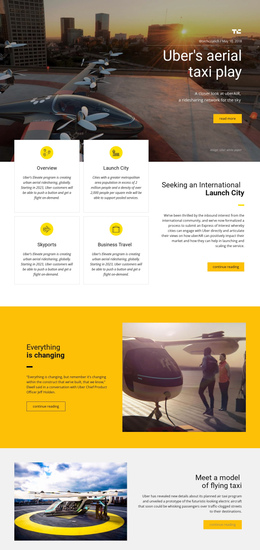
The page contains several information zones that can be explored as a continuous journey. The header provides the starting navigation, followed by the XC60 hero and a vehicle overview that gives the featured car its own destination within the page. Rather than placing all information in one dense block, the design separates the transportation process into three visible steps: pickup selection, payment selection, and driver pickup.
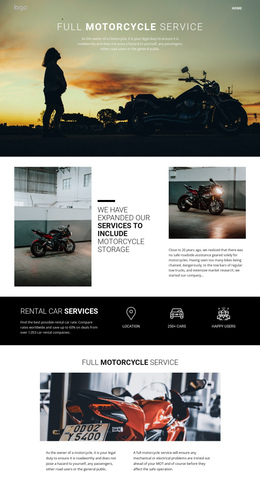
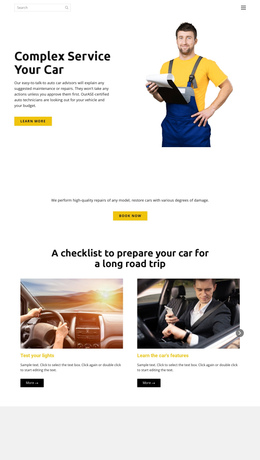
The next destinations change from transportation procedure to automotive care. A service promotion introduces complete auto care beside a large image, maintenance content identifies air filter change and battery-water service, and a later car-servicing panel returns to repairs and servicing with another read-more action. These sections can be treated as meaningful stops in a long page because each has a distinct subject and visual treatment.
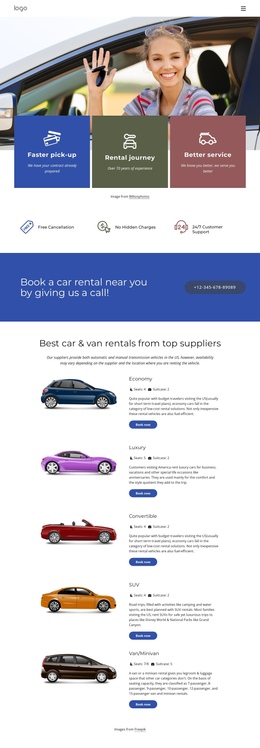
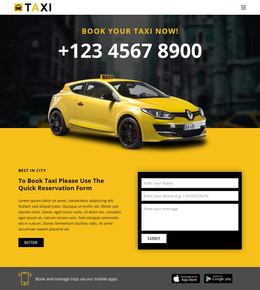
Near the end, Taxi, Economy+, and Business Class form a grouped comparison area with three named options, vehicle images, descriptions, and feature lists. The closing XC60 statement then returns the visitor to the main vehicle theme before the footer. This sequence supports one-page navigation because multiple related topics remain available within one document: vehicle identity, operating process, maintenance, servicing, and transportation tiers. The emphasis is on movement between content destinations rather than on forcing every section toward a single response.
Customize with Nicepage
Open this ready-made template in the One Page Template Builder and customize it visually in the Nicepage editor. Replace demo content, edit page sections, and adapt the design to your project without rebuilding the template from scratch.
Build a Navigable One-Page Website
Connect the Menu to Page Sections
Organize the website as a sequence of sections on a single page and use the Menu For One-Page Site to connect menu items with individual page Blocks. Visitors can jump directly to sections such as About, Services, Testimonials, or Contact without opening separate pages.
Keep the Website on One URL
A one-page template can combine several parts of a small website within one continuous page. Arrange the Header, introduction, services, portfolio, company information, reviews, contact details, and other relevant sections in the order that fits the project while keeping them accessible through the same page navigation.
Make Long Pages Easier to Navigate
For longer one-page websites, keep navigation labels short and connected to meaningful sections so visitors can move through the page without relying only on scrolling. You can also use the Back To Top element to provide a quick way back to the beginning after longer sections.
This workflow makes the template suitable for compact websites that need several distinct content sections while keeping the complete visitor experience on one URL.