Auto Dealer Listings One Page Template


Edit Template Offline
2. Create new page and search for id 6644470
Edit Template Online
Create Awesome Websites


Free Nicepage Builder
Keywords
Search, Categories, and Contact Become Distinct Page Destinations
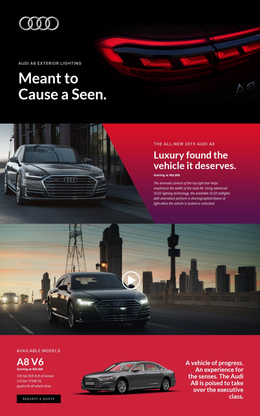
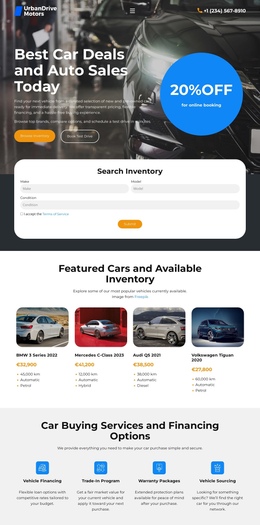
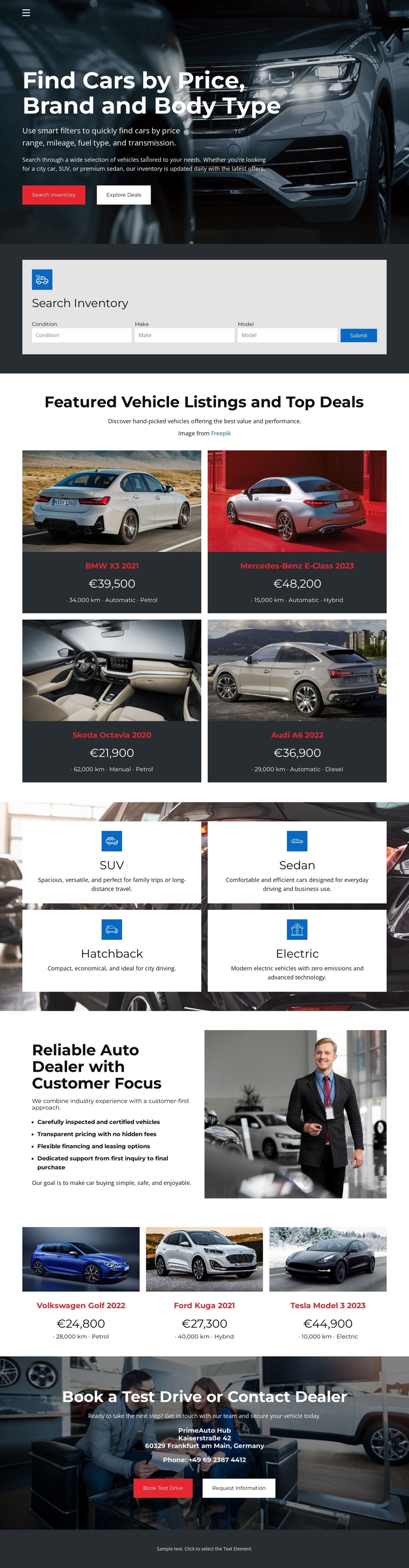
The long-page sequence supports several meaningful stops without losing the dealership context. The opening hero introduces searches by price, brand, and body type, and the next light panel gives the inventory search controls their own visible destination. Visitors can then continue to the first four-card listing group, where vehicle images, names, prices, and specifications support comparison within the same document.
The four category tiles create another navigable content zone. SUV, Sedan, Hatchback, and Electric provide concise routes into the types of vehicles a shopper may want to explore, while the dealership introduction changes the subject from inventory to the business behind it. Its customer-focused copy, service bullets, and representative image give the continuous page a pause between product-oriented sections. The later group of three vehicle cards returns to inventory without requiring a separate URL.
The closing area has a distinct destination because Book a Test Drive and Contact Dealer represent the next step after browsing. This is different from treating the page only as a conversion funnel: the design gives visitors several content areas to visit in sequence before they decide how to respond. A one-page interpretation can therefore preserve the full journey—search, compare, browse categories, understand the dealer, review more vehicles, and reach contact—within one continuous page.
Customize with Nicepage
Open this ready-made template in the One Page Template Builder and customize it visually in the Nicepage editor. Replace demo content, edit page sections, and adapt the design to your project without rebuilding the template from scratch.
Build a Navigable One-Page Website
Connect the Menu to Page Sections
Organize the website as a sequence of sections on a single page and use the Menu For One-Page Site to connect menu items with individual page Blocks. Visitors can jump directly to sections such as About, Services, Testimonials, or Contact without opening separate pages.
Keep the Website on One URL
A one-page template can combine several parts of a small website within one continuous page. Arrange the Header, introduction, services, portfolio, company information, reviews, contact details, and other relevant sections in the order that fits the project while keeping them accessible through the same page navigation.
Make Long Pages Easier to Navigate
For longer one-page websites, keep navigation labels short and connected to meaningful sections so visitors can move through the page without relying only on scrolling. You can also use the Back To Top element to provide a quick way back to the beginning after longer sections.
This workflow makes the template suitable for compact websites that need several distinct content sections while keeping the complete visitor experience on one URL.