
Pregnancy HTML Templates
Prenatal clinics, doulas, and maternity educators need clear service details and practical guidance that look good on every screen. These HTML templates organize that content into reusable sections with responsive markup and clear hierarchy.
-
-

-
-
-
-
-
-
-
-
-
Free Website Builder SoftwareDownload
-
-
-
-
-
-
-
-
-
-
-
-
-
-






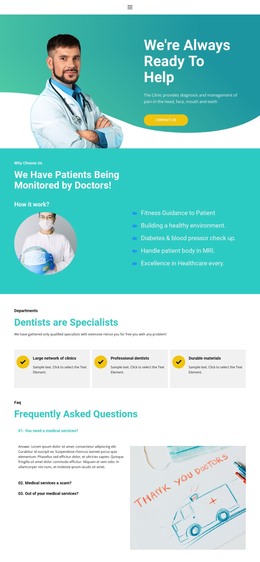
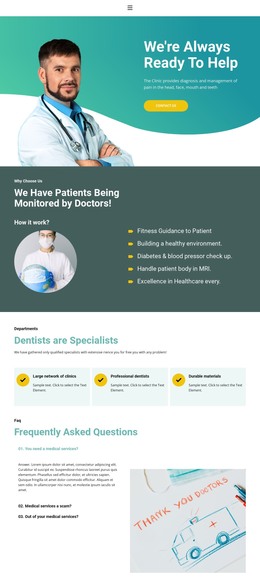
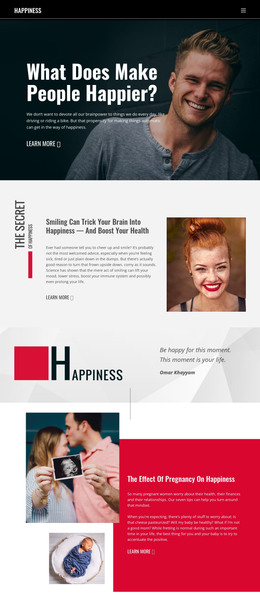
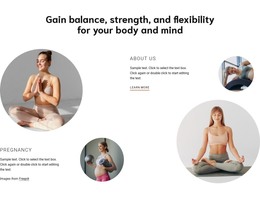

More HTML Templates from Medicine & Science Category







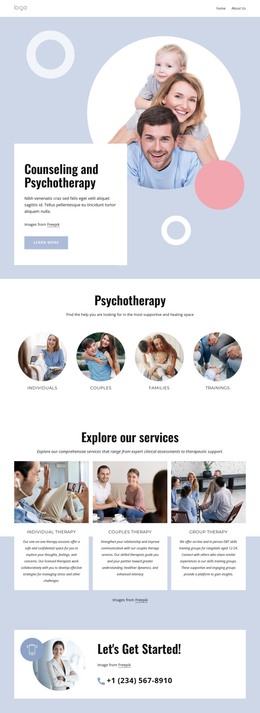
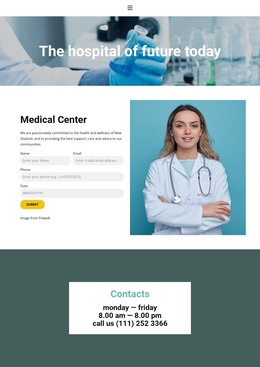
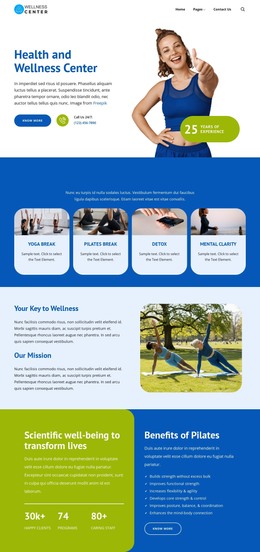

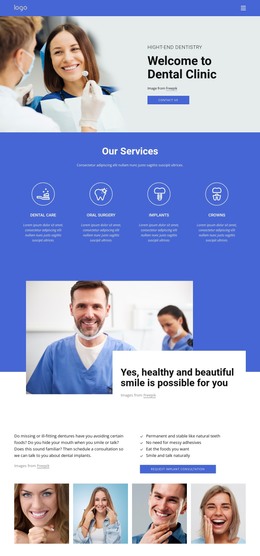
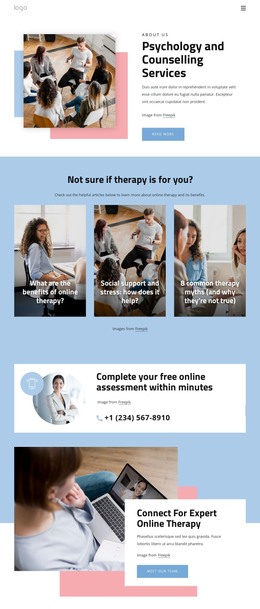

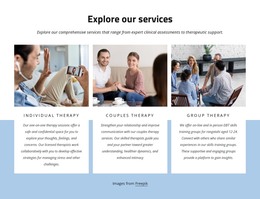
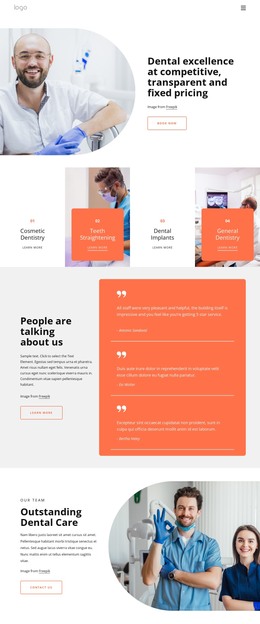
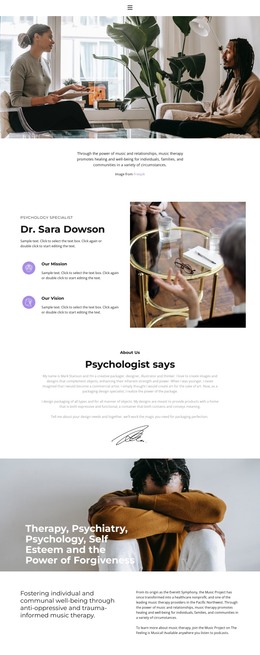
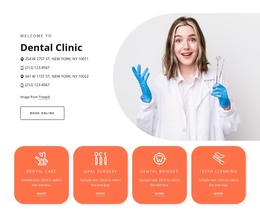
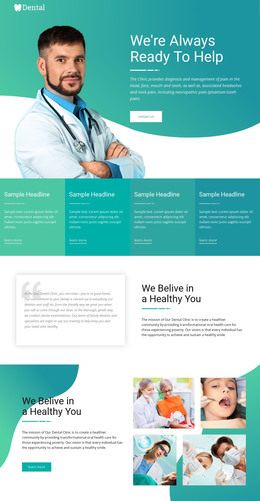

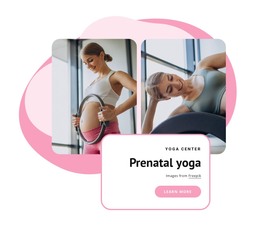

Other Medicine & Science HTML Templates
Pregnancy HTML Templates for Prenatal Clinics and Educators
A pregnancy HTML template arrives as a folder of front-end files for a prenatal clinic, a doula practice, or a childbirth education site. You download the package, edit it, and upload it to your own hosting. The files belong to you from that moment, and the design is already built, so you focus your time on your own copy and images.
What the Download Actually Contains
Packages differ far more than the previews suggest. Two designs can look nearly identical and still leave you with very different amounts of work.
Open the package before you fall for the design:
- Count the inner pages and see whether prenatal services, specialists, and a resource section are all covered.
- Look at how a physician card, a class entry, or an FAQ block is built, since those are the pieces you will copy most often.
- Check the appointment form. It can look complete in the demo and still need a service or a small backend behind it before requests reach anyone.
Duplicating Specialist Cards and Class Listings
The real test comes on the second edit. Adding an OB-GYN to the team page should involve copying one card and swapping the name, role, and credentials. Adding a lactation consultant or childbirth educator later should cost no more than that.
Class schedules are where this shows up most. A new date, a second group, or an extra evening session ought to slot into the existing markup without pulling the timetable apart. The same goes for prenatal consultations, birth preparation, and postpartum support, which were added after launch.
If a developer will finish the job, judge the package by how cleanly a booking form or an existing scheduling system can be wired into it. Clear heading order in the long prenatal guides and labeled fields in the appointment form shorten that work and keep the content usable for a parent using a screen reader.
Narrow Screens, Long Prenatal Copy
Service descriptions in this field run long, and specialist grids run wide, which is where weaker packages come apart on a phone. Open the demo at phone width and watch the class timetable, the row of practitioner cards, and the appointment button. Nicepage's Responsive Web Design guide describes the device-specific approach behind those layouts, and the Grid Element is the piece that lets a row of specialist cards stack into one column on a small screen.
A weak pregnancy package looks finished in the demo and fights you on the second edit. A strong one hands you repeatable pieces for care programs, classes, and practitioners, in files you can keep editing for years.