
Lab HTML Templates
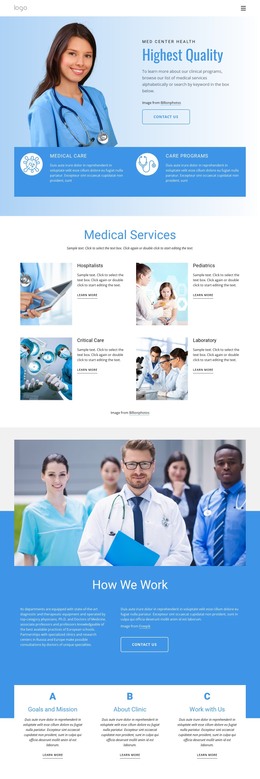
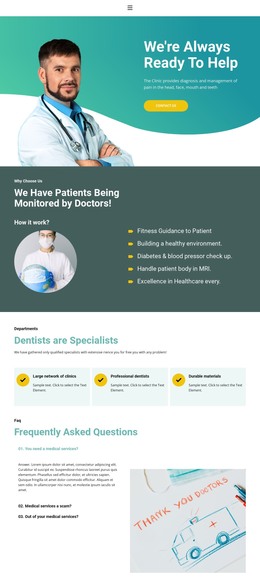
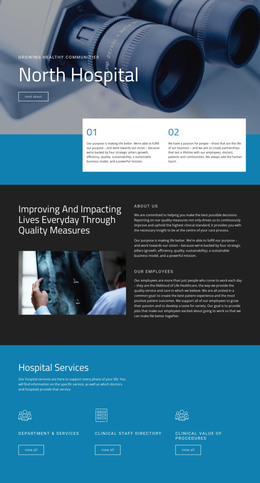
Scientific websites must present research, equipment, people, and technical services while maintaining a clear hierarchy. These laboratory HTML templates provide reusable page sections and responsive markup for a structured starting point.














































































Other Medicine & Science HTML Templates
Clean Lab HTML Templates
Scientific pages often combine short summaries with dense technical material, and assembling the research, equipment, and team sections by hand is time-consuming. Lab HTML templates skip that stage, since the pages already exist in editable source. A university lab or a diagnostics center starts by filling them with real programs and instruments.
Prebuilt Sections, Editable Source
Most lab HTML templates cover similar ground. What separates them is how each kind of content repeats, since a lab's pages keep growing long after launch. In a typical template, that growth rests on entries like these:
- Research programs, each set up as one block with a title, a summary, and a lead investigator.
- An equipment catalog made of identical instrument entries. Core facilities often charge internal and external users different rates, so an entry with room for two prices saves a rewrite later.
- Team profiles that reuse the same block for everyone from the lab head to the newest postdoc.
- Publication groups sorted by year, where every paper follows one entry pattern.
Nicepage lets you customize these blocks without touching code and then export the project as HTML files for your own hosting. The exported files remain available for direct editing, so a developer can adjust a section's markup or add pages later.
Reading Order When Columns Collapse
On a desktop, a team section can show three researchers side by side. On a phone, those columns fold into a single stack, and the source order determines what a visitor sees first. When every profile block lists the name, then the role, then the research focus, the sequence stays intact at any width. In an equipment listing, putting the instrument name ahead of its photo spares phone visitors a stack of unlabeled machines.
Before export, Nicepage’s features make it easy to confirm that profile and equipment entries keep their order from large screens down to vertical phones.
Adding Instruments Without Rebuilding
A lab's content rarely stands still, and the template has to keep up. In a modular one, adding a research program, an instrument category, or a testing service means copying an existing block and filling it in, without rebuilding the entire page. For content with no counterpart in the template, such as open positions or a sample submission guide, Nicepage has a library of ready Blocks that slot in beside the rest.
A lab HTML template built for growth is modular, open-source, and consistent enough that the tenth instrument goes in as easily as the second.