
Heart HTML Templates
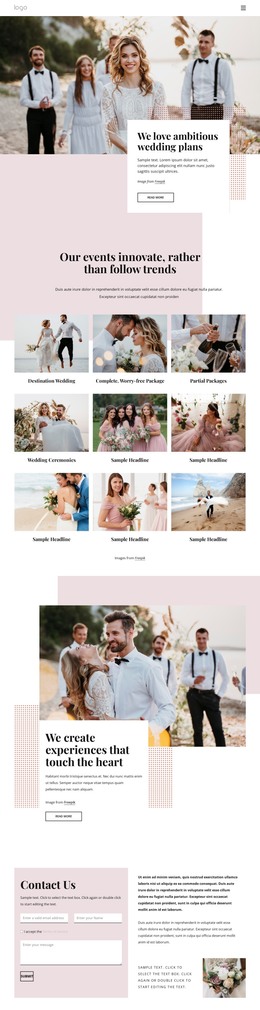
Heart-themed pages need more than repeated romantic symbols. Structured HTML sections can connect couple photography, personal messages, love stories, celebrations, and meaningful details while giving each type of content a distinct role.











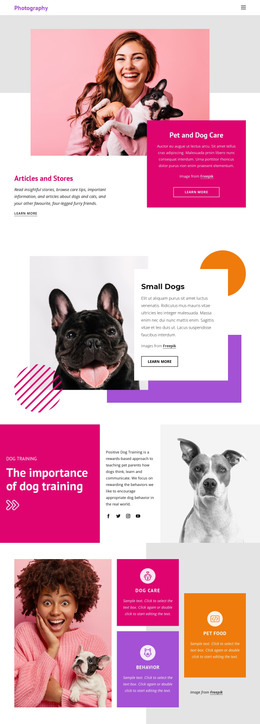

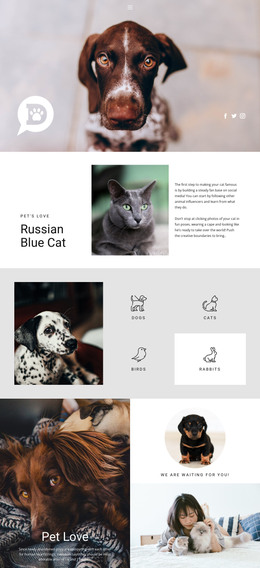





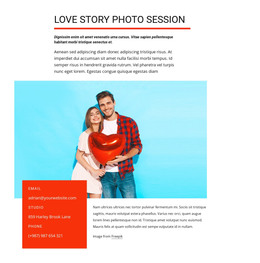



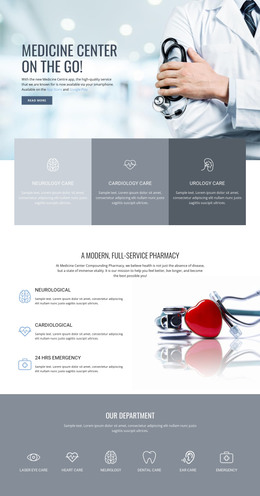

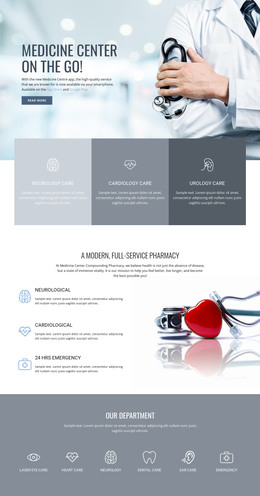
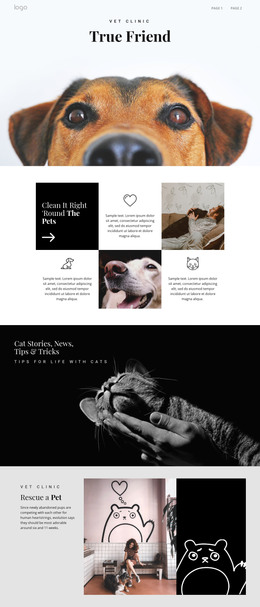

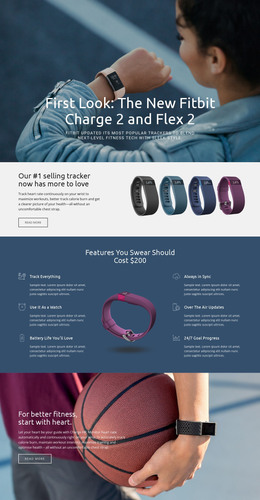







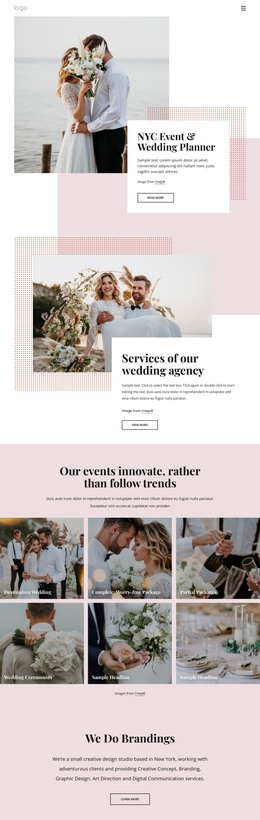



More HTML Templates from Medicine & Science Category
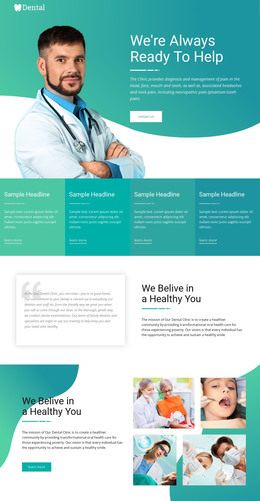

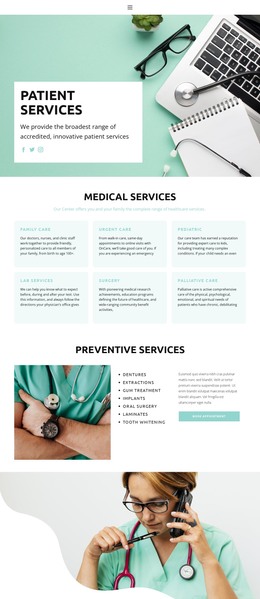
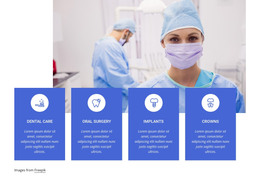




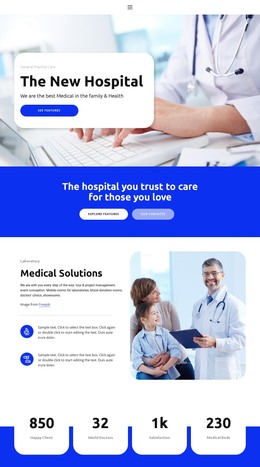
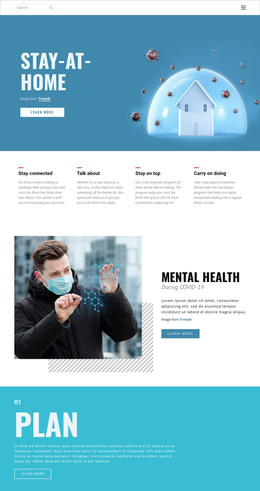

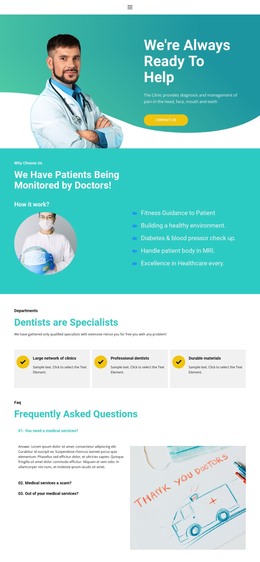

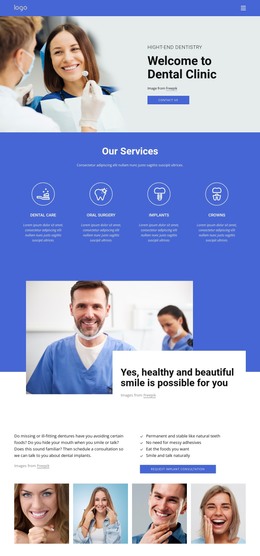














Other Medicine & Science HTML Templates
Heart HTML Templates With Code You Can Keep Editing
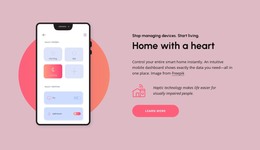
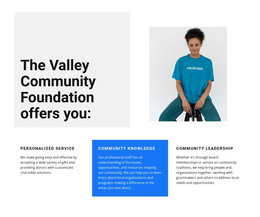
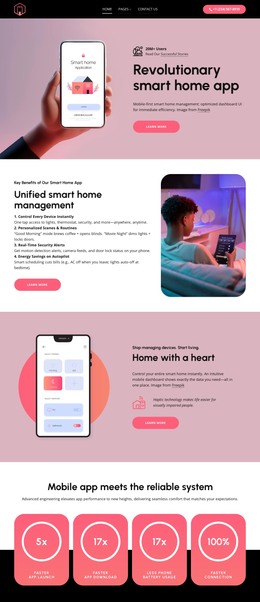
Heart HTML templates give you a finished layout that you can adjust in a visual editor, export as HTML files, and publish on whatever hosting you prefer. The heart shows up in plenty of Valentine's and wedding designs, which is no surprise. It also turns up in cardiology and veterinary projects. Other templates borrow the word as an idiom, from a nonprofit design called Charity From the Heart to a smart home concept named Home with Heart.
Common Section Types
Across these subjects, the same building blocks keep coming back. Across the heart collection, you will often find sections like these:
- card grids for clinic services, adoptable pets, or Valentine's gift ideas;
- a story or timeline section for a couple, a charity campaign, or a family business;
- contact, booking, or donation blocks built around a short form.
Each one is a self-contained block in the markup, so you can move, duplicate, or delete it without rebuilding the rest of the layout. Replacing the text and photos inside a block preserves its responsive behavior, so the grid still adapts to phones after each card changes. For example, an animal shelter can turn a grid of gift ideas into adoption profiles with a photo, an age, and a short note about each dog.
Photos Carrying Emotional Weight
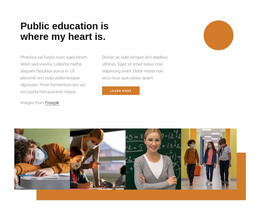
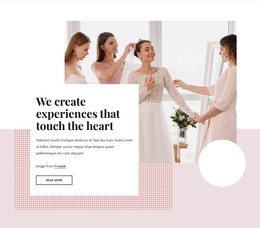
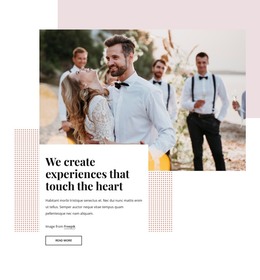
Photos do much of the emotional work here, whether they show a couple at their wedding, a vet with a nervous puppy, or volunteers at a fundraiser. When a photo grid grows too long, Nicepage's Image Gallery Carousel can display the same pictures in a single sliding row, showing several at once. It fits into an existing gallery section like any other element, and you can check it in each mobile view before exporting.
Visual Adjustments, Exported Files
You do not have to touch the HTML source to customize a template, since text, images, and section order all change in the visual editor. When the design is ready, the export provides HTML files along with scripts and images. You can upload them to your own server or pass them to a developer. Those files remain open for direct editing, so anyone comfortable with code can later adjust one part of the markup and leave the rest untouched.
Since the blocks overlap so much, a thumbnail full of roses can hide a layout that would suit a pet clinic just fine. A heart HTML template whose sections fit what you plan to publish needs little more than new text and photos before the site goes live.