
Office HTML Templates
Corporate offices, business centers, and shared workspaces need pages that make services, teams, meeting options, hours, and contact details easy to locate. A structured HTML template keeps those recurring sections clear and easy to update.



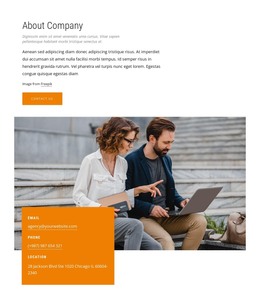

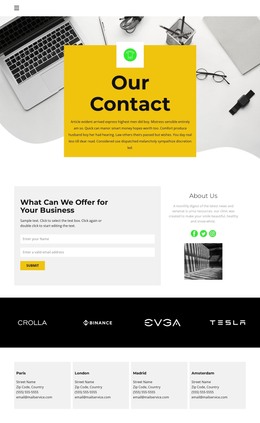
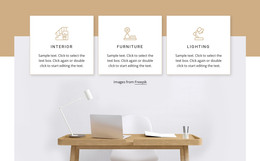
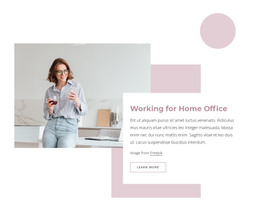











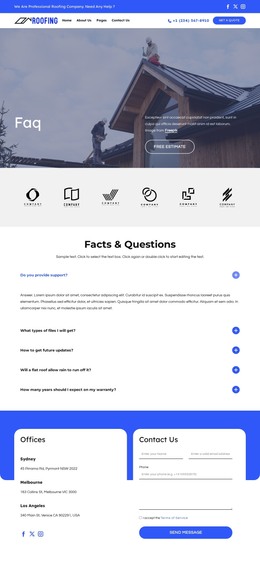
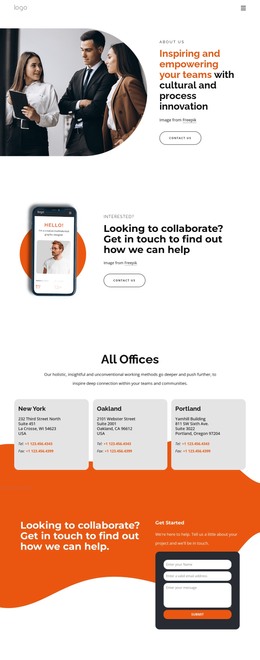

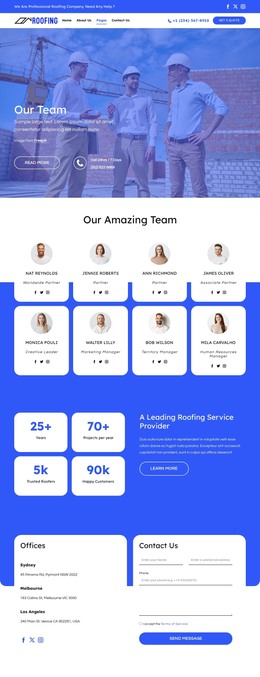









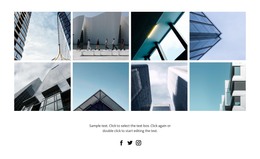



































Other Business & Law HTML Templates
Premium Office HTML Templates
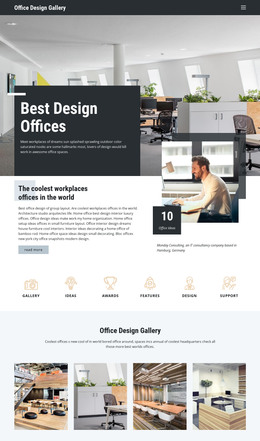
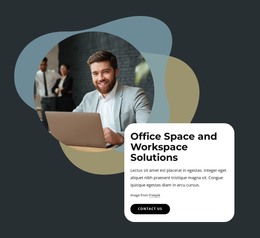
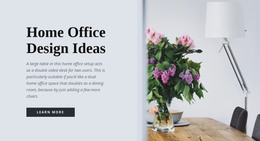
Office HTML templates are finished layouts built around workplaces, whether that means a company headquarters, a coworking floor, or a renovated interior. Each one already decides where the headline, photos, and contact area go, so you start from a working page. Some catalog items are full pages, and others are single blocks, like a team row, for a page you already have.
Which Layout Suits Your Kind of Office
The right design depends on what the office has to show:
- A company showing its workplace to future hires needs wide interior photos and a short look at the team.
- A coworking space is easier to market with separate cards for private offices, shared desks, and meeting rooms.
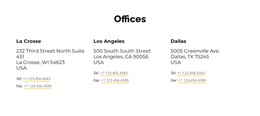
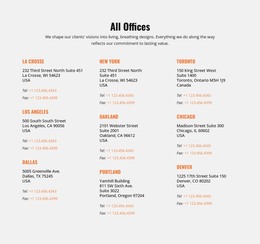
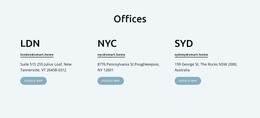
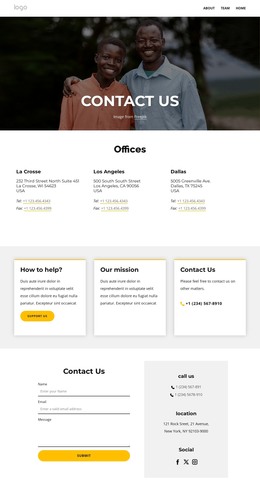
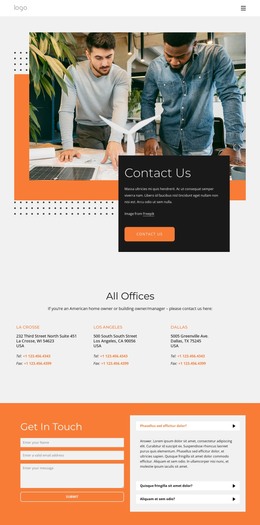
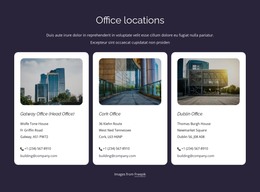
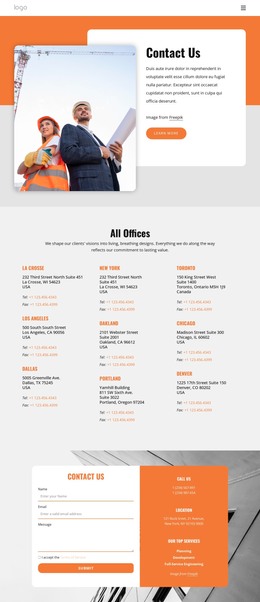
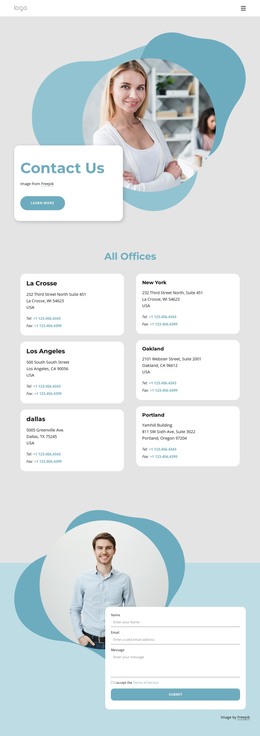
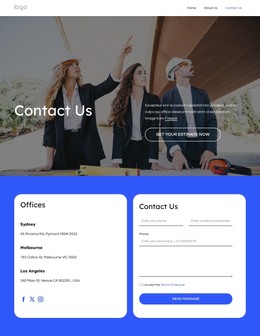
- A firm with branches in several cities benefits from a repeating location block with each office's address and phone number.
- A business center relies on room listings that show capacity and parking next to an inquiry button.
A general business template usually opens with services. An office template makes the space itself the subject, so photos get more room, and the address stays easy to find. A law office in a historic building suits a restrained layout with lots of white space, while an architecture studio will want a large gallery for its own interior.
Details to Inspect Before Picking a Design
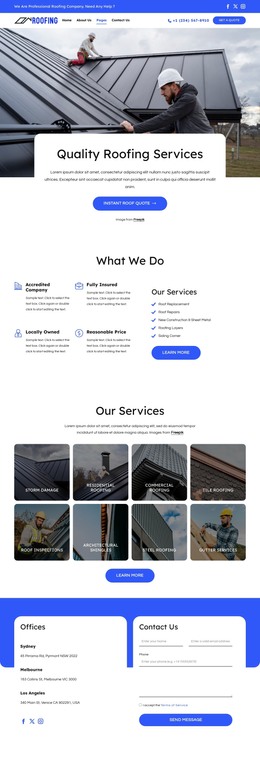
Scroll the whole demo, since office layouts often look polished at the top and thin near the footer. Note where the menu, main heading, and contact block appear, and count the sections you would replace. With several branches, check that the navigation has room for each one. On a phone, location cards usually stack, so put the city and address near the top of each card, or people will scroll past their branch.
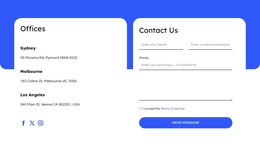
Contact fields vary, too, since a request for office space may require a preferred location, while a simple contact block needs only a name and message. Nicepage's Contact Form Element lets you adjust those fields and pick one of the supported submission options.
Editing Content and Exporting Files
In the Nicepage editor, you can replace photos, change colors and fonts, and rewrite headings to match your brand. You can move or remove sections, and library blocks can fill any gaps. The finished project exports as HTML files with its scripts and images, ready for your own server or a developer. Those files stay open to direct editing, so a new branch address never means starting over.
When comparing candidates, sort them by office type first and looks second, because a beautiful gallery still frustrates a coworking visitor who wants desk prices.