

News HTML Templates
Build a news homepage or article listing with HTML layouts that bring headlines, preview images, story summaries, and links together. News HTML templates give editorial teams a practical starting point for organizing pages and checking their exported markup.




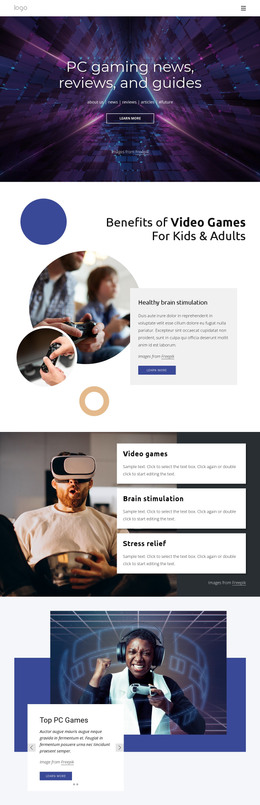
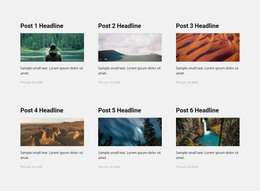













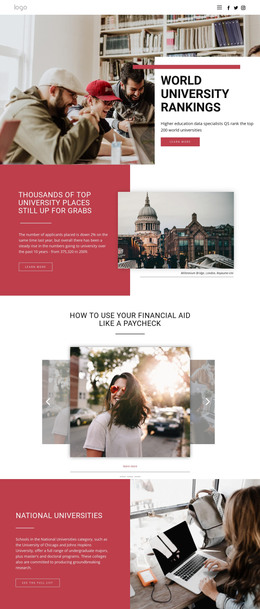
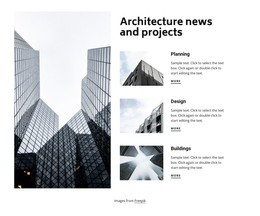
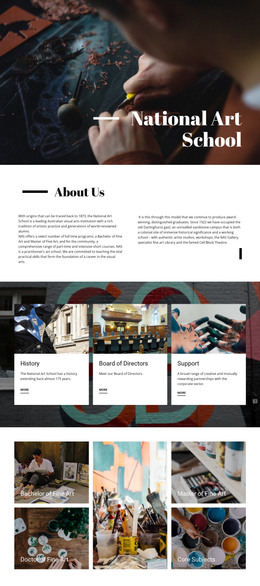


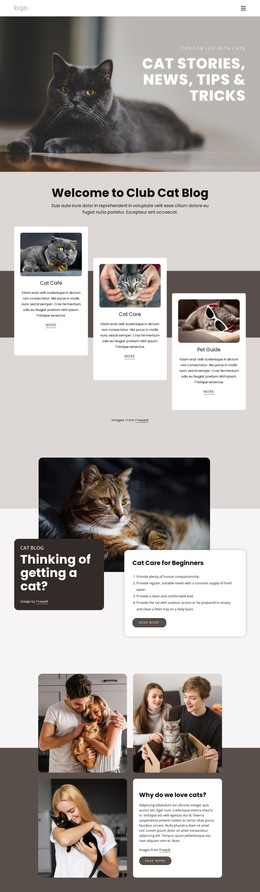

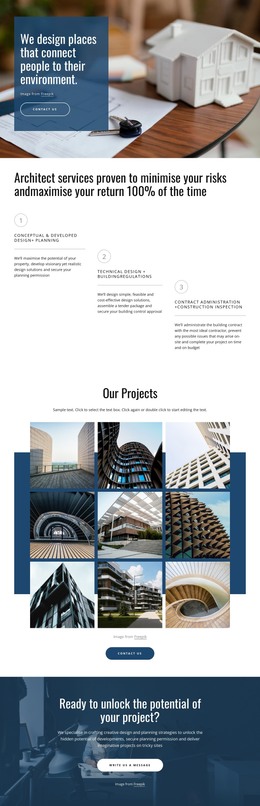
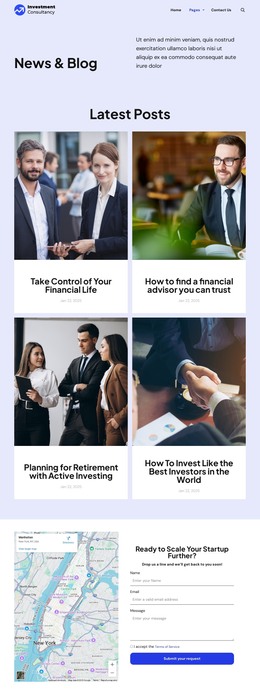
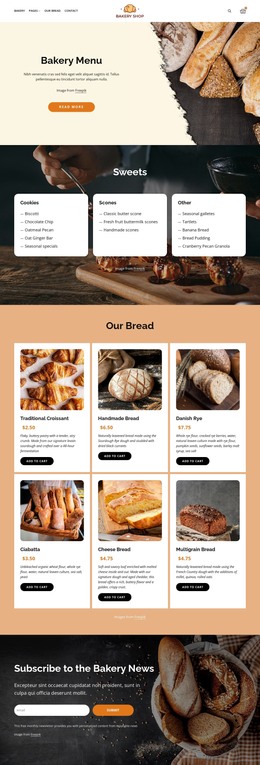

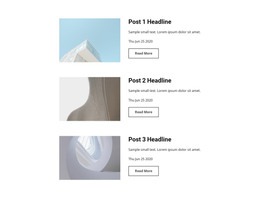

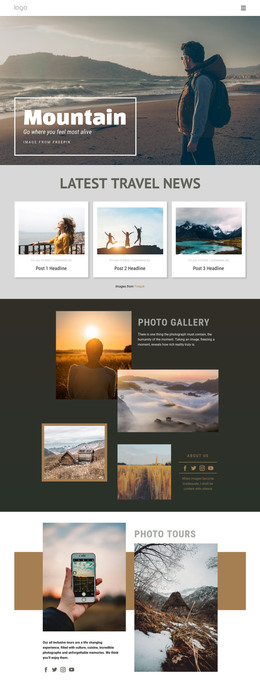
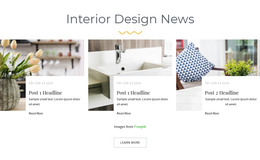




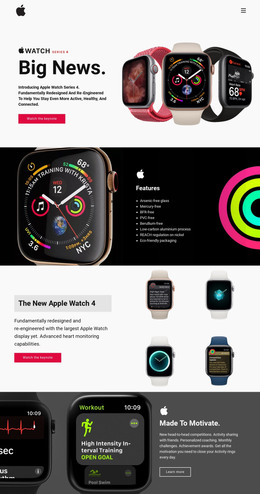

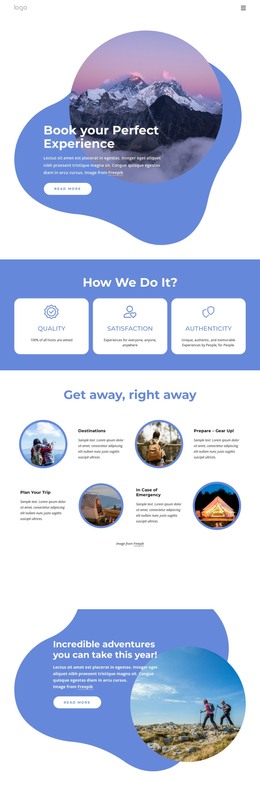
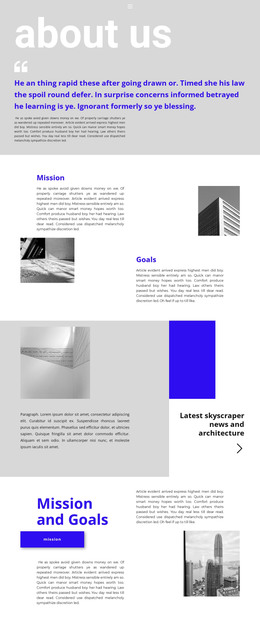




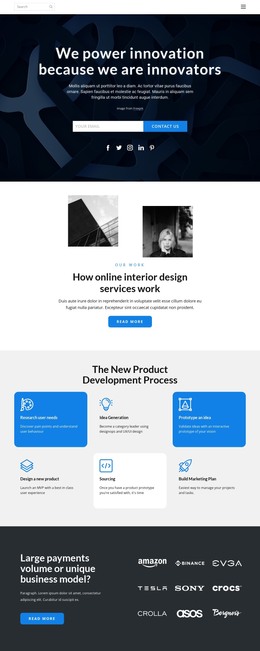

























More HTML Templates from Business & Law Category





Other Business & Law HTML Templates
Responsive News HTML Templates for Editorial Pages
News HTML templates help publishers assemble the visible parts of a news page without starting its markup from scratch. A homepage needs a lead headline, links to recent coverage, and article previews that remain understandable when titles or summaries change. An HTML-based layout provides places for these items and gives a developer a concrete page structure to inspect, adapt, and export. It does not, by itself, supply a publishing workflow or automatically update stories.
Structure Article Cards, Links, and News Listings
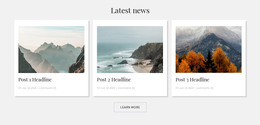
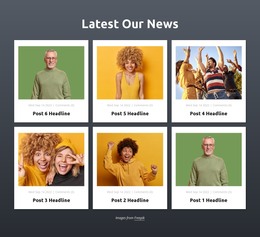
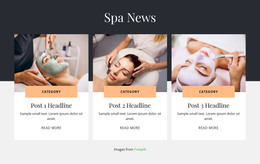
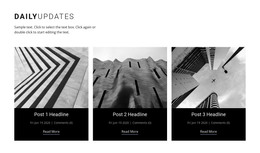
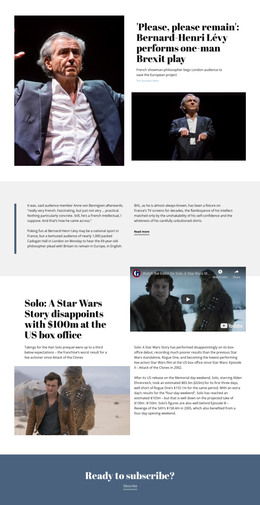
The useful question is what each part of the page contains and where it leads. A story card might combine an image, a linked headline, a short excerpt, and a date; a category listing might repeat that pattern for several reports. Their order in the HTML should still make sense before visual styling is applied.
When reviewing a news HTML template, check these practical details:
- Headline links: Make each story title an identifiable link to its intended article destination.
- Article previews: Keep the image, summary, and publication date associated with the correct report.
- Category listings: Group related story cards and provide a clear route to more coverage.
- Image alternatives: Check image paths and meaningful alternative text when images convey information.
- Variable-length content: Test both short updates and long headlines before duplicating cards.
- Article destinations: Open linked reports and confirm that their content matches the preview.
- Reading order: Make sure the headline and accompanying details remain understandable without visual styling.
For a city news homepage, a developer could place the lead report first, follow it with a grid of recent articles, and link each preview to a separate story page. That destination can also be a complete HTML news page: a headline and publication date at the top, the main report in readable paragraphs, an image with a caption, and links to sources or related coverage. A category page could reuse the listing pattern while changing the stories and destination links. Both listings and full articles can be built with HTML markup; neither requires a separate publishing technology. These are page-building steps, not a claim that the template includes an automated editorial database.
Adapt News Listings and Check the HTML Export
A prepared layout becomes useful when real content replaces its examples. Add one unusually long headline, a preview with no image, and an article summary that spans several lines. Those cases quickly reveal whether links are obvious and adjacent cards remain readable.
You can arrange article collections with the Blog Posts Element, using its available layout and display options to present news previews. For example, a technology publication could place its latest product coverage in a compact listing while reserving a larger card for its lead report. Review the element's actual settings for the selected project rather than assuming that every content source or filtering workflow is supported.
Nicepage also supports HTML website export. Where blog content is part of the project, check the Include Blog Posts export option and confirm that the relevant content is included. Then open the exported pages: follow several headline links, verify that images load, and check the story grid on narrow screens. These checks matter more than a template's demo appearance because they test the files readers will actually use.