Cycling News HTML Template


Edit Template Offline
2. Create new page and search for id 14633
Edit Template Online
Create Awesome Websites


Free Nicepage Builder
Keywords
A Full Editorial Arrangement for a Standalone Cycling Page
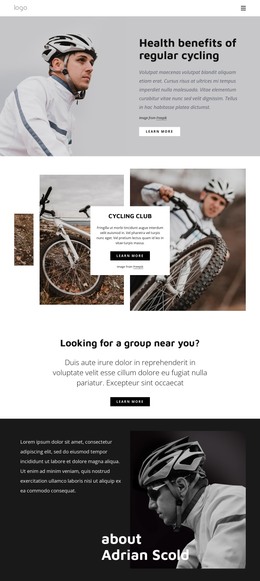
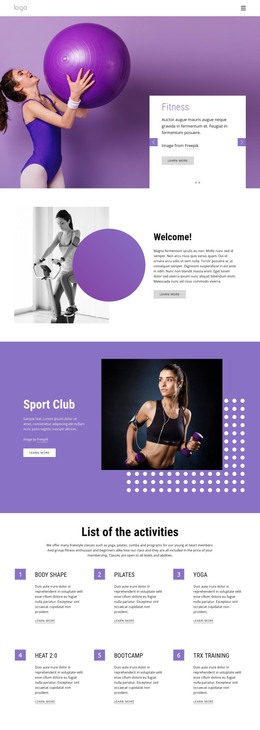
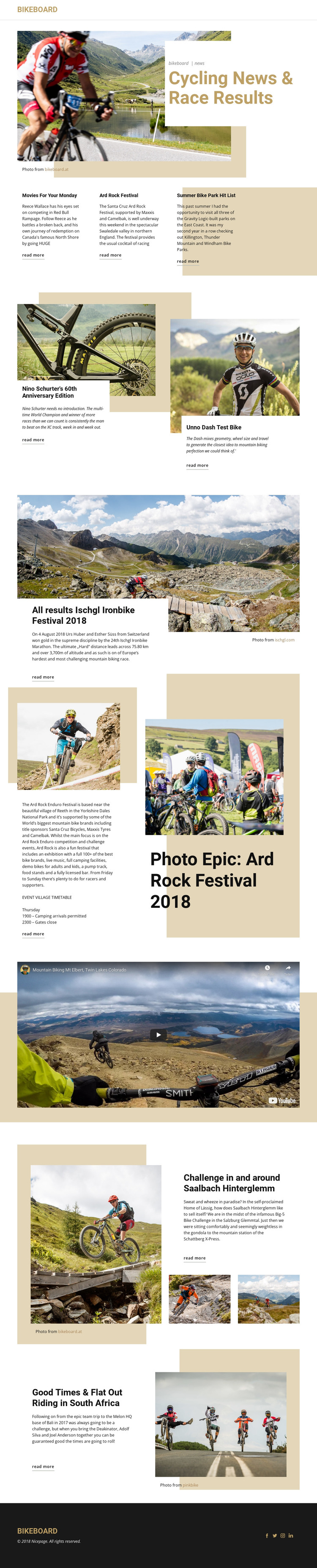
The page already brings together the main content areas expected in a self-contained cycling publication presentation. Navigation and the BikeBoard identity establish the page context first, followed by a hero that states the cycling-news and race-results focus. Three short featured links then provide a compact entry point into current stories before the layout expands into more substantial visual coverage.
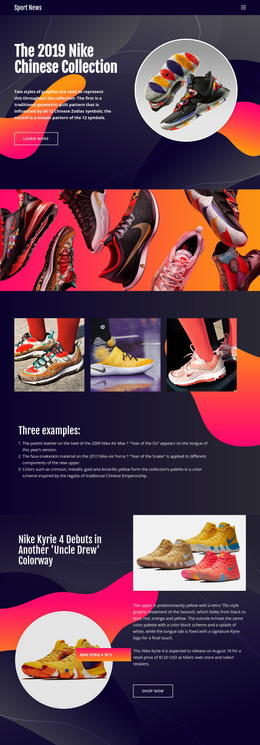
The following sections add different forms of editorial evidence without breaking the page into unrelated fragments. Two bike feature panels support product and test-bike stories, the Ischgl Ironbike block presents a race-result feature, and the Ard Rock section combines event photography with descriptive copy and a timetable reference. Later split sections extend the subject to the Big-5 Bike Challenge, Saalbach Hinterglemm, and riding in South Africa. A dedicated video area adds media variety, while recurring “read more” links give the article previews a consistent next step.
That completeness makes the design useful as a standalone static HTML implementation: the core page does not depend on an empty framework waiting for its primary editorial sections. Its hierarchy, article relationships, imagery, video, navigation, and closing social footer already describe a finished content presentation. Project-specific stories can replace the demonstrated coverage while retaining the same arrangement of news, features, events, and destinations.
Customize with Nicepage
Open this ready-made template in the HTML Builder and customize it visually in the Nicepage editor. Replace demo content, edit page sections, and adapt the design to your project without rebuilding the template from scratch.
Export and Use This Template as an HTML Website
Create a Portable HTML Website
When the template is ready, use the HTML Export option to create a static website with the files required for deployment. The exported website can be used independently of the Nicepage editor and deployed on your preferred hosting.
Nicepage also provides SEO settings and optimization features, including Page Titles and Descriptions, Canonical settings, headings, image Alt Text, and other page-level properties that help prepare the website for search engines.
Deploy Without a CMS
Upload the finished website to the hosting environment that fits your project. Because the exported site does not require WordPress, Joomla, or another CMS to deliver its pages, it can be placed on your own server, uploaded to a hosting provider, or deployed through an existing web infrastructure.
Hand Off the Website Files
The generated website files can also be provided to a client, developer, or hosting team. They remain available outside the Nicepage editor for deployment, technical review, or project-specific development when additional work is required.
This workflow makes the template a practical foundation for a portable static website that can be exported from the Nicepage editor and deployed independently.

More from Sports HTML Templates
-
Free Website Builder SoftwareDownload