
Band Html Code Examples
Prepare a band site for source-level work with editable HTML, project-specific markup, and a clear developer handoff. Keep the tour, release, media, and booking sections easy to identify before the exported files move into further frontend development.
-

-

-
-
-
-
-
-
-
-
Customize Any TemplateDownload
-
-
-
-
-











More Website & HTML Templates for Band














More Html Code Examples from Music & Entertainment Category

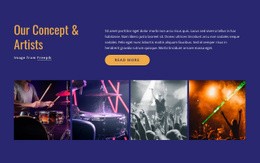



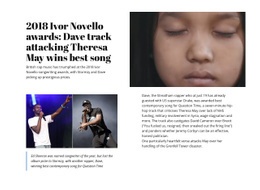



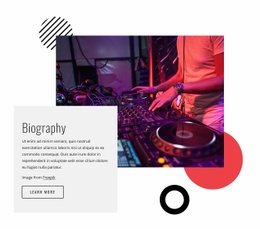
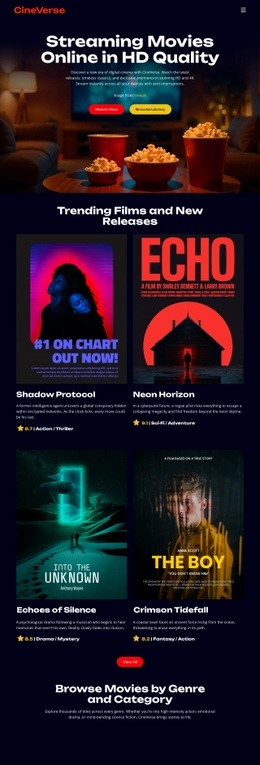












Other Music & Entertainment Html Code Examples
Clean Band HTML Code Examples You Can Copy and Adapt
Band HTML code is the markup behind a music page: the HTML and CSS that draw the show list, the release grid, and the contact block. A code example gives you a working piece you can open, read, and adapt in your own project.
What You Are Actually Looking At
A band page comes down to the markup patterns, each with different content.
Show listings are a list. One row carries a date, a city, and a ticket link, and that same row repeats for every gig. Releases are cards, usually with an image, a title, and a streaming link. The contact and booking section is the plainest section in most files, often consisting of a heading, an email address, and a few social links.
Once you see the repetition, the file stops looking intimidating. Almost everything you will want to change sits inside one of those three patterns.
Four Edits That Cover Most of the Work
Starting from an existing example, the same tasks come up first every time:
- Add or remove a show. Copy one full event block, change the date, the city, and the ticket link, then drop it back into the list. Removing a past date means deleting that same block and leaving everything around it alone.
- Rename the classes. A generic example ships with names like
cardanditem. Renaming them toreleaseandshowmakes the file easier to read when you come back to it later. - Point the menu at the sections. Give each section an
id, then aim the navigation links at#tour,#musicand#contacton a single-page band site that covers the whole navigation. - Fix what breaks on narrow screens. Long venue names and wide image rows are the usual offenders. One media query that stacks the event row and drops the release grid to a single column handles most of it.
None of this needs a build step or a framework. A text editor and a browser will show you every change as you make it.
Where the Code Comes From
You can write it yourself or pull it from a page you have already designed. Nicepage Online exports HTML for hosting on your own server, so a visually built layout comes back as editable source code you can keep working on.
That export also explains the practical difference between a code example and a website template. The template hands you a finished design to fill in. The code hands you the file, with everything that follows from having it. And when someone else finishes the job, clearly separated show, release and contact sections are what let a developer read the page on first open.