Explore wonderful nature Html Code Example


Edit Template Offline
2. Create new page and search for id 12515
Edit Template Online
Create Awesome Websites


Free Nicepage Builder
Keywords
Tour Cards Create Clear Extension Points
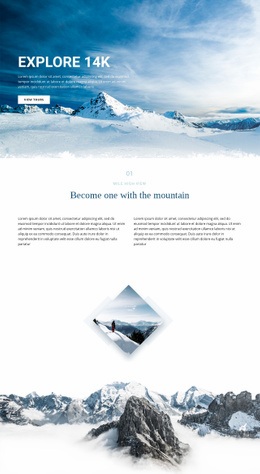
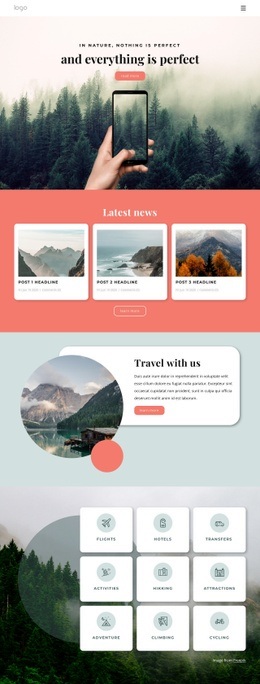
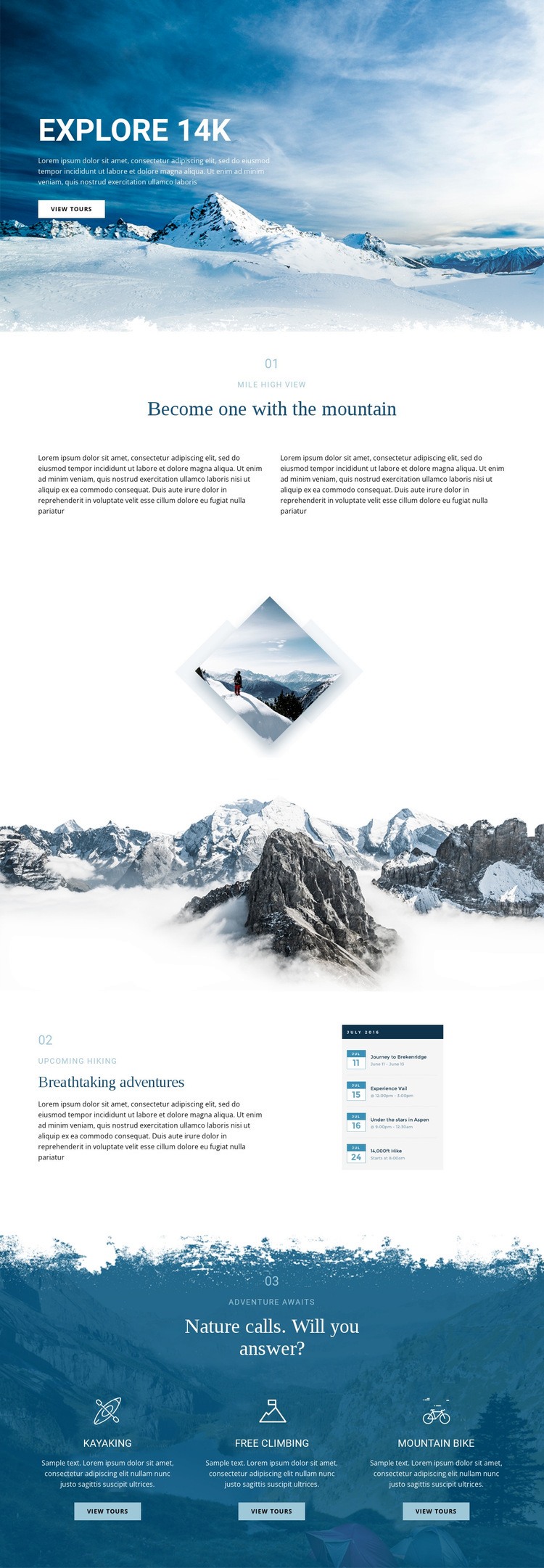
The three closing activity cards give the page its clearest functional zones. Kayaking, free climbing, and mountain biking are presented as separate choices, each with an icon, a short description, and a View tours action. That separation leaves a logical place for a project-specific extension if the tour catalogue later needs an external booking widget, availability display, or another component that standard page content does not provide.
The repeated actions also create a consistent relationship between content and response. The hero introduces mountain exploration with an earlier View tours button, while the activity cards offer more specific routes into the same subject. Custom functionality can therefore be placed beside the relevant tour context rather than added as an unrelated element at the top of the page. The numbered viewpoint and hiking sections provide additional content zones for supplementary information, such as schedule details or route material, if those requirements emerge.
This HTML Code interpretation does not claim that custom code already exists in the design. It identifies the places where additional markup or an external component could complement the verified layout while preserving the mountain imagery, white editorial spacing, deep blue closing section, and existing visual progression.
Customize with Nicepage
Open this ready-made template in the HTML Code Generator and customize it visually in the Nicepage editor. Replace demo content, edit page sections, and adapt the design to your project without rebuilding the template from scratch.
Extend This Page With Custom HTML Code
Insert Code With the HTML Element
Use the HTML Element to add custom code directly to a Block in the Nicepage editor. Enter the required markup in the Code field when the page needs content or functionality that is not available through the standard page elements.
Place the HTML Element in the Layout
Treat the HTML Element as part of the visual page composition. Adjust its position, width, height, alignment, and margins to place the custom content where it belongs alongside text, images, buttons, and other elements. This makes it possible to combine visually edited sections with project-specific code without separating the custom element from the rest of the layout.
Add HTML, CSS, JavaScript, and External Components
The HTML Element supports HTML, CSS, and JavaScript, allowing you to extend the page with custom markup and interactive functionality. It can also be used to embed custom code and third-party components, such as social feeds, advertising code, widgets, or other external functionality required by the project.
This workflow makes the template useful for projects that need a visual page editor together with custom HTML code, JavaScript, embedded components, and functionality beyond the standard page elements.

More from Nature Html Code Examples
-
Customize Any TemplateDownload