
Clothing Store Html Code Examples
Fashion retailers need structured product pages for collections, sizes, prices, and seasonal arrivals. Clothing store HTML code provides an editable frontend foundation that developers can extend with custom shopping interactions, organized assets, and store-specific functionality.

























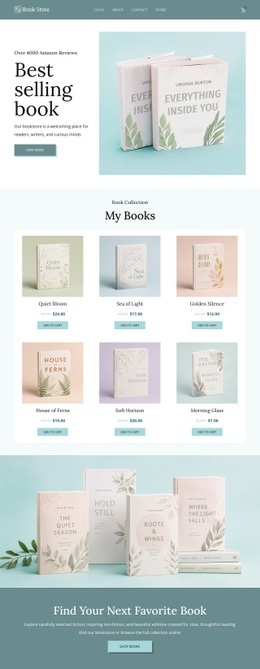



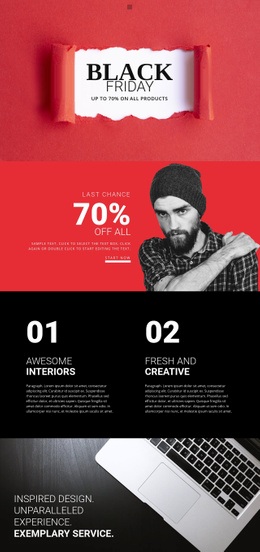



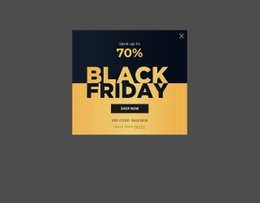






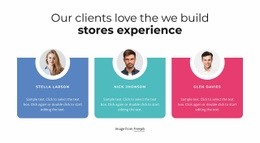



























Other Fashion & Beauty Html Code Examples
Clean Clothing Store HTML Code for Custom Retail Development
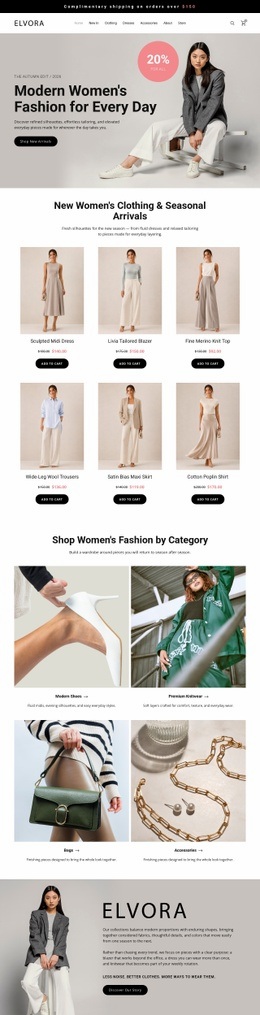
Clothing store HTML code is useful when a retailer wants an editable storefront layout rather than a finished commerce system. Developers can start with ready-made markup for a catalog, product cards, and links between collections, then change the content and structure to suit the assortment. After export, the same files can be adapted for external product data or shopping features, if those integrations are implemented separately.
Structure Apparel Catalogs with Editable HTML Markup
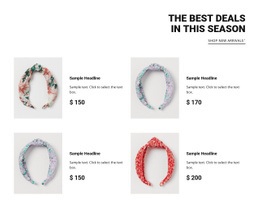
When comparing HTML code for a clothing store, first inspect the storefront as a shopper would. A suitable starting layout should make collection navigation easy to find, keep garment photographs alongside relevant details, and leave room for sizes, prices, and changing stock information. For a boutique that sells both outerwear and accessories, clearly separated categories are more practical than a single uninterrupted gallery.
The underlying document matters as well. Headings establish content order, anchor links connect catalog destinations, and classes identify elements that share styling. These relationships make it easier to rename a collection, replace sample products, or reorganize a page after export without rebuilding the entire layout.
Four checks help determine whether the source is convenient to edit:
- Catalog organization. Category sections, product entries, and collection links can be identified without tracing unrelated markup.
- Reusable selectors. Classes make repeated garment cards and promotional elements straightforward to style consistently.
- Links and assets. Image references and navigation targets are easy to locate and update for the intended hosting setup.
- Form foundations. Where the layout includes size controls or other inputs, their labels and attributes are clear enough for future integration.
The goal is readable, adaptable HTML, not requiring every shop to include a dynamic catalog. A static streetwear page, for example, can present a limited release with hand-edited product information before connecting an inventory service.
Export Clothing Store HTML Code for Developer Handoff
Once a layout is chosen, developer handoff should begin with what the exported files already contain and what remains to be built. A useful sequence is:
- Export the selected storefront and inspect its HTML, CSS, scripts, and image files.
- Replace demonstration merchandise, category names, and collection links with the store's own content.
- Check that product cards and navigation still work as expected in the exported page structure.
- Identify which prices, sizes, or availability fields may eventually come from an external catalog.
- Connect optional filtering, variant selection, or cart behavior through the chosen application or commerce service.
- Test the edited frontend in its intended hosting environment before publishing.
Nicepage supports HTML website export. Its HTML export documentation describes generating HTML, CSS, JavaScript, and image files for external hosting or further development.
The exported files remain an editable frontend foundation. Live inventory, account management, payments, and order processing require a suitable commerce system and additional implementation. That distinction lets a retailer choose HTML code for its useful starting layout without mistaking a visual storefront for a ready-to-operate online shop.