Running club faq Website Template


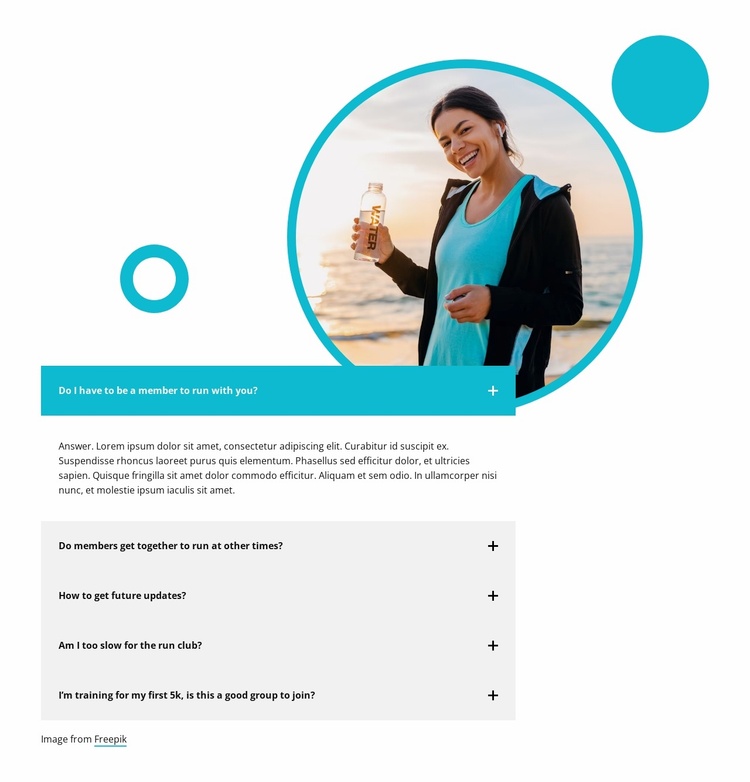
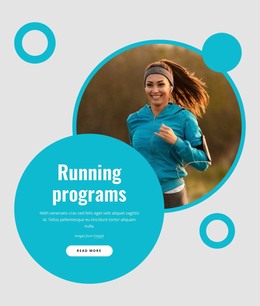
A Circular Runner Image Anchors a Reusable FAQ Section
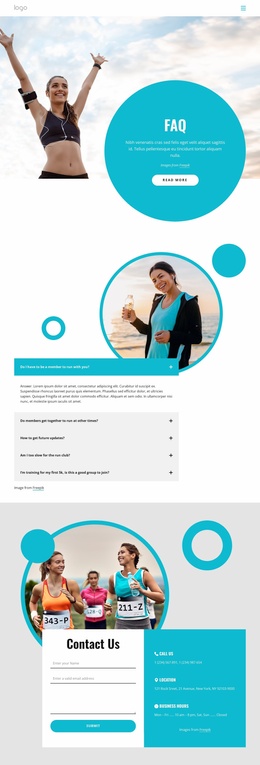
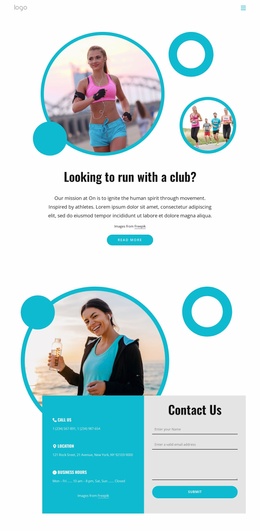
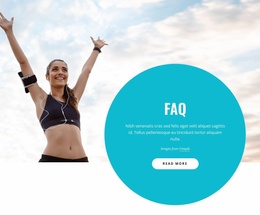
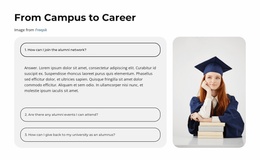
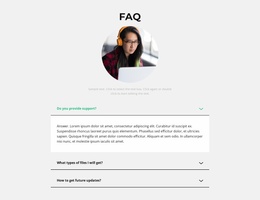
The circular photograph and five-item accordion create a self-contained FAQ section that can be reused wherever a broader website needs to answer participation questions. The content is specific enough to support a running club or fitness group: visitors can find information about membership, other group runs, future updates, pace suitability, and joining while training for a first 5K. Together, these topics form a practical member-information area rather than a generic list of promotional statements.
The layout gives the section a stable visual pattern. The image appears above the vertically stacked questions, while the first row uses a teal highlight and displays its answer immediately. The remaining four rows stay collapsed, using light gray panels, bold dark text, and plus icons to preserve scanability without showing every paragraph at once. Circular decorative shapes and the teal outline around the photograph repeat the subject's visual language against the white background, helping the FAQ block remain distinct when placed beside different sections.
Within a broader Website Template project, this block can provide a dependable FAQ or community-information destination while other blocks handle introductions, schedules, event details, or contact content. Its repeated question-and-answer structure is easy to recognize and adapt as one site section, but the block itself remains one reusable component rather than a complete website or multi-page template.
Customize with Nicepage
Open this ready-made template in the Website Template Builder and customize it visually in the Nicepage editor. Replace demo content, edit page sections, and adapt the design to your project without rebuilding the template from scratch.
Edit Template Offline
2. Create a new page or select existing
3. Click Add new block, search for id 6333647 and click enter
Edit Template Online
Create Awesome Websites


Free Nicepage Builder
Keywords
Build a Complete Website From This Template
Customize the Website Visually
Use this ready-made website template as a starting point for your project and adapt its pages visually in Nicepage. Change content, images, typography, navigation, sections, and other design elements while keeping the website together as a single editable project.
Manage Website Pages in One Project
Use the Pages panel to open, add, duplicate, and manage the pages of your website. Work on individual pages while keeping navigation and the overall site structure accessible from the same project, making it easier to develop a complete website instead of managing separate page files.
Expand the Website With Matching Designs
When you need additional pages or sections, use Page Design Sets to find Page and Block Designs created in the same visual style. Design Sets group matching designs together, making it easier to expand the website with new content while maintaining a consistent look across its pages and sections.
Organize Larger Multi-Page Websites
As the website grows, use Page Folders to organize related pages and keep larger multi-page projects easier to navigate in the editor. This is especially useful for websites with separate service pages, company information, contacts, landing pages, and other content areas.
This workflow makes the template a practical foundation for building and expanding a complete website while managing its pages, content, and visual design within one Nicepage project.

Design Set (26)
-

-
-
-
-
-
-
-
-
-
-
-
Customize Any TemplateDownload
-
-
-
-
-
-