
Watch HTML Templates
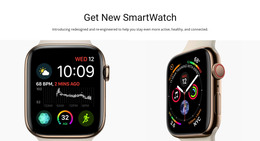
For watch brands and wearable projects, product pages must organize specifications, model stories, materials, and imagery without confusing the hierarchy. Ready-made HTML structures give each content type a defined place and a reusable page pattern.
-
-

-
-
-
-
-
-
-
-
-
Free Website Builder SoftwareDownload
-
-
-
-
-
-
-
-
-
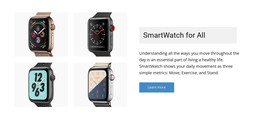
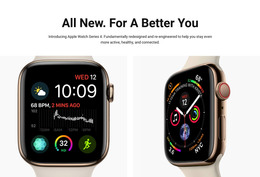

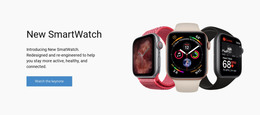
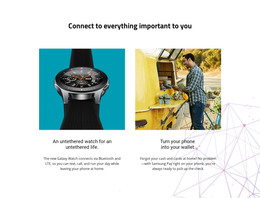



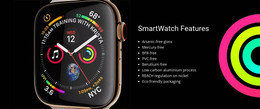




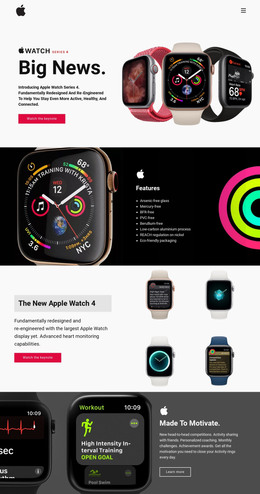
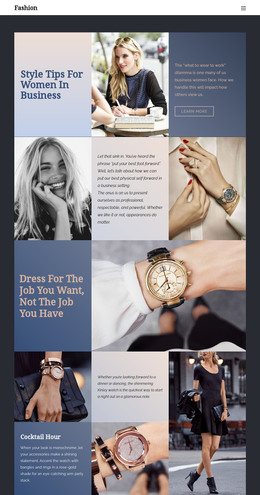

More Website & HTML Templates for Watch


More HTML Templates from Technology Category


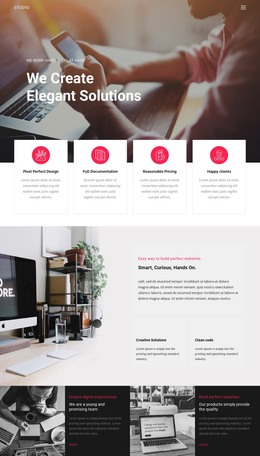
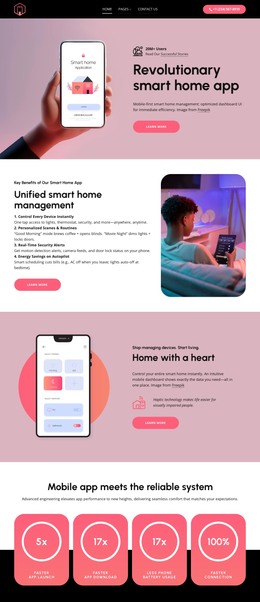
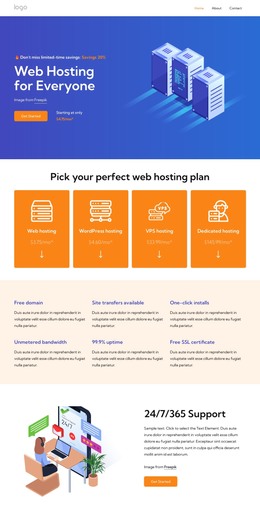

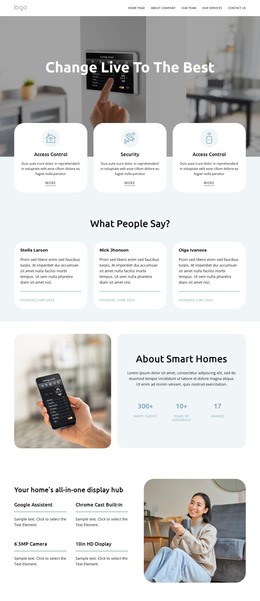
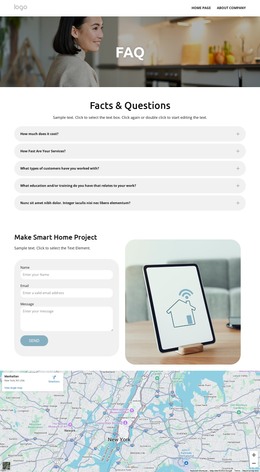
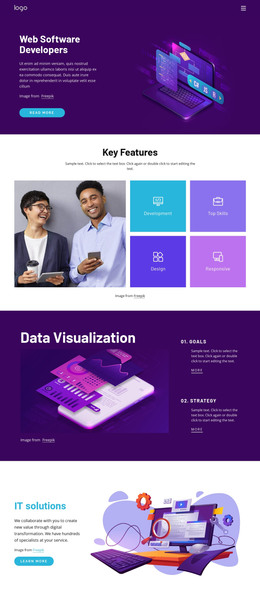



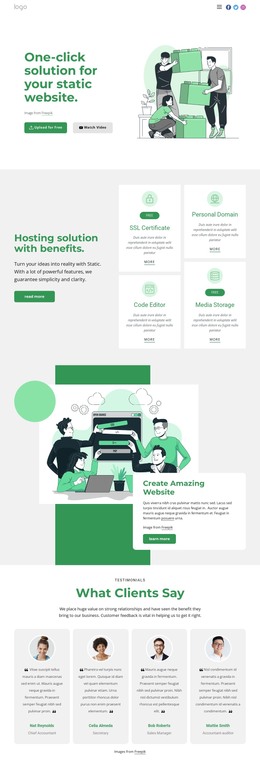















Other Technology HTML Templates
Readily Available Watch HTML Templates
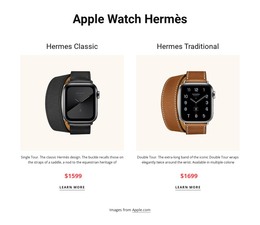
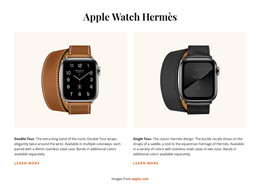
Watch HTML templates provide a working framework for a watch shop or brand site. Depending on the design, you get anything from a single showcase to a set of linked shop pages, all filled with demo watches. From there, launching mostly means swapping them out for your own references and prices.
What a Ready Watch Store Usually Covers
A full watch store build tends to rest on four kinds of pages:
- A homepage that opens with a hero model and a short brand story.
- Collection pages where watches sit in a grid, grouped by line or movement type.
- Model pages that bring together photos, specs, and a buy or inquiry button.
- Supporting pages that explain servicing and warranty terms.
These layouts are built to repeat. The collection block that shows your divers will show dress watches just as well, and a new line may take little more than a duplicated page with fresh photos. The supporting pages are easy to overlook in a demo, yet buyers of a mechanical watch often want to know who will service it years later.
Model Details Collectors Expect
Watch shoppers read detail pages closely, and a model page quickly shows whether a template was made with watches in mind. The better ones leave room for:
- A gallery covering the dial, the caseback, and the watch on a wrist.
- A spec section long enough to cover everything from lug width to water resistance.
- A variants area where each dial color or strap option keeps its own photos.
One detail generic product layouts tend to miss is the reference number. Collectors search by it, and a single model may exist in several references with different dials or bracelets. A spot for it right under the model name, where the demo may show a tagline, makes the page far more useful. For smartwatches, the spec section lists battery life and sensors instead of the movement.
Going Live on Your Own Server
Once your watches and prices are in place, Nicepage can export the project as HTML files for your own server. The documented HTML export workflow walks through each step. The exported files also remain available for direct editing, which is handy for updating a price or adding a sold-out note.
Catalog size says a lot about which design to pick. A microbrand with a handful of models gets more from a homepage-led template with long, photo-rich detail pages. A retailer carrying several brands needs collection pages that can accommodate large grids and a menu with space for every brand it stocks.