
Python HTML Templates
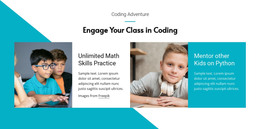
Python scripts, API examples, and data tools often need clear browser-based presentations. HTML templates provide reusable content sections, readable technical explanations, and responsive layouts that help developers display project results without constructing each page from scratch.
-
-

-
Free Website Builder SoftwareDownload

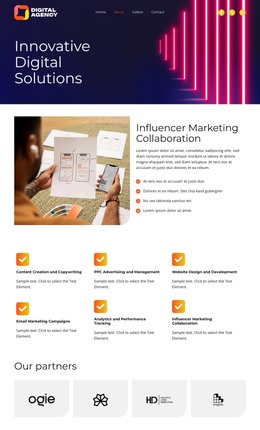
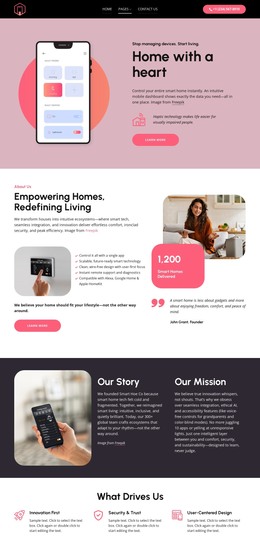
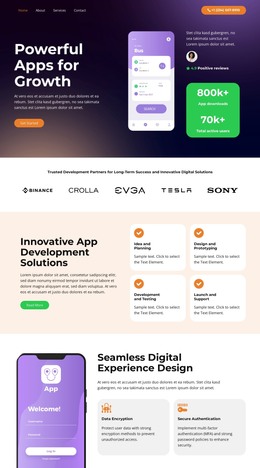
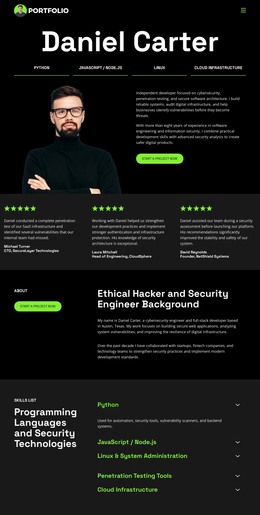

More HTML Templates from Technology Category


Other Technology HTML Templates
Python HTML Templates for Project and Application Pages
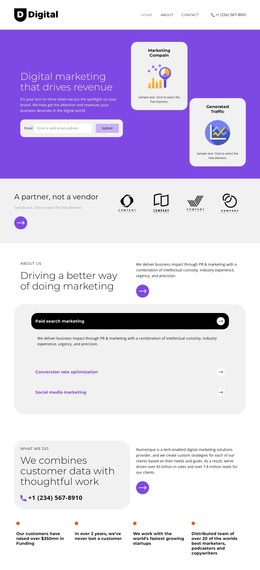
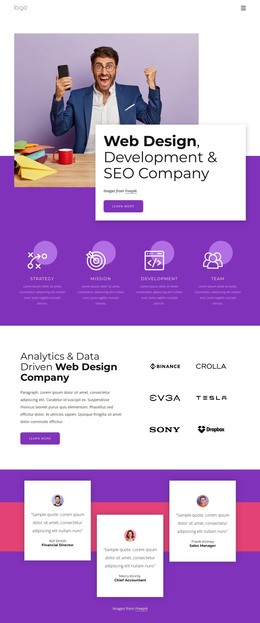
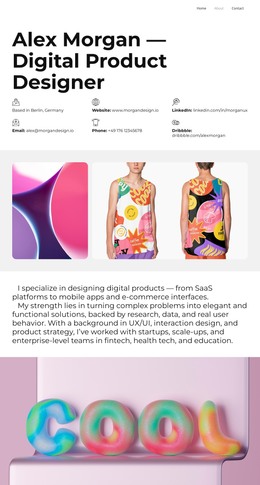
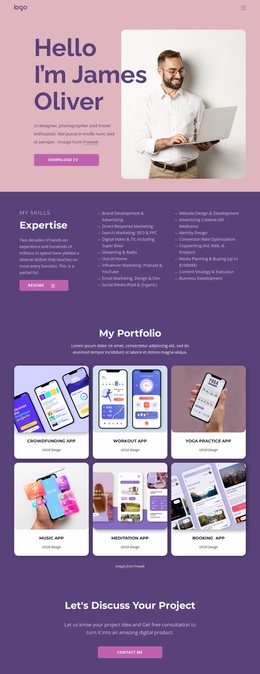
An HTML page can introduce a Python tool without requiring visitors to install it or read its source code first. Python HTML templates are useful starting points for frontend presentations: a product overview, a demonstration page, or a guide with examples and results. Choose a layout based on the material you actually have, not the framework used behind the scenes.
Select an HTML Page Structure That Fits the Demo
For a command-line utility, the main task is showing what users type and what they get back. A short introduction, one sample command, and a screenshot of the output often communicate more than a crowded feature grid. Check that the layout leaves enough width for the example and a visible link to the repository.
For a browser-based Python application, show the interface first, then explain its main action and link to the live service. A design with a large screenshot and a concise supporting section is more useful here than one dominated by code samples. The backend may power the actual service, but the HTML page can remain a separate introduction.
These are presentation patterns, not built-in Python features. A static HTML template can display sample data and link to a running application, but a form shown in the design does not automatically submit information to a Python backend. If the page must fetch live results, handle authentication, or run an interactive demo, those behaviors need separate development.
Edit and Export the Frontend Files
Check the content areas before editing: will a long command fit without breaking the layout, and is the demo link easy to find? In Nicepage, you can replace text and imagery visually before export. After exporting HTML, a developer can inspect the generated files in a code editor and make changes appropriate to that output, such as updating text, links, or frontend markup. Custom edits to generated files may need to be reapplied after a new export, so keep track of changes made outside the editor.
Before publishing, distinguish a sample screenshot from a working interface. If a button opens a separately hosted demo, label it accordingly; if a form is merely part of the page design, do not imply that it processes data. This check prevents visitors from mistaking a static preview for an operational Python tool.
Test the Exported Page Before Publishing
Technical examples can create horizontal overflow. Test wide screenshots, code samples, and tables on narrower screens before publishing. A page that looks polished on desktop may still require a different arrangement on a phone.
Use Responsive Modes to review and adjust layouts for different device sizes. Use these previews to decide whether an image should stack beneath its explanation or whether a long example needs a shorter presentation.
A suitable HTML template should pass three checks: your actual examples fit the page, the exported files support your planned frontend changes, and links to the running Python service behave as intended. Check the exported page in a browser before putting it online; a polished editor preview is only one part of that test.