
Textarea HTML Templates
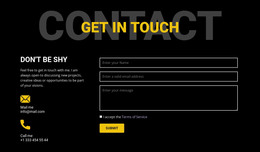
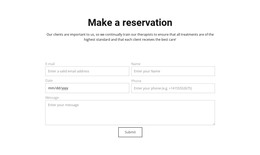
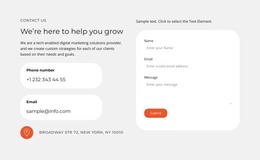
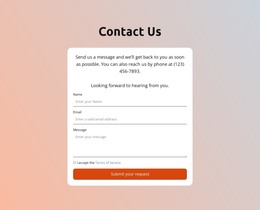
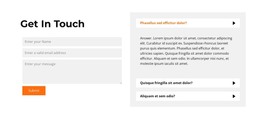
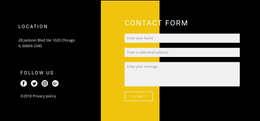
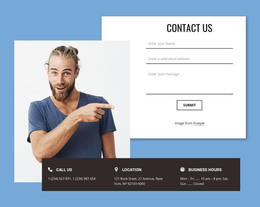
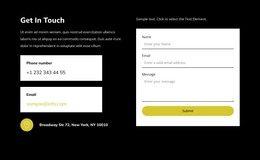
Detailed messages work best when the textarea is part of a clear form hierarchy. These HTML templates organize labels, short fields, multiline responses, and actions into reusable structures that remain readable across screen sizes.
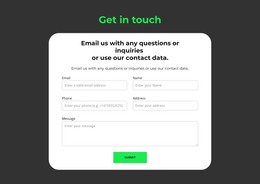
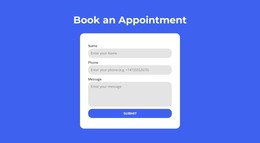
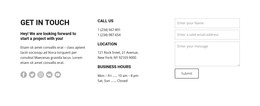
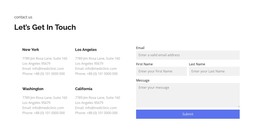

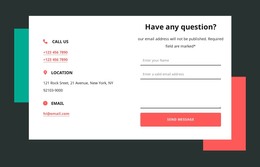
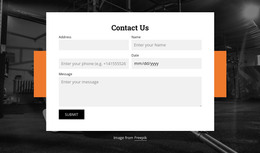
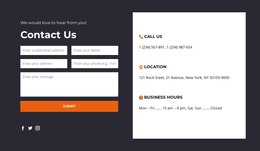

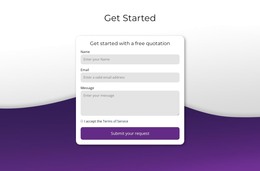
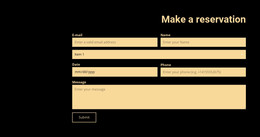
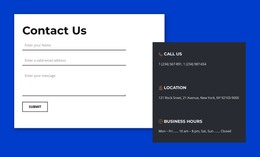

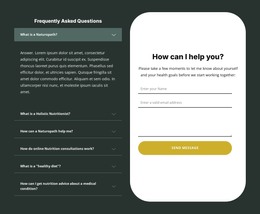
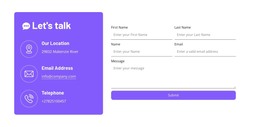
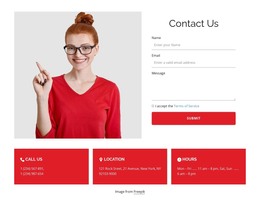
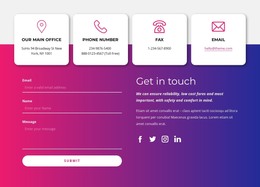
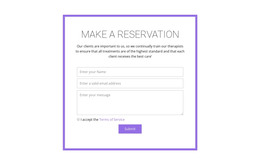
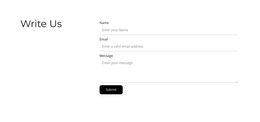






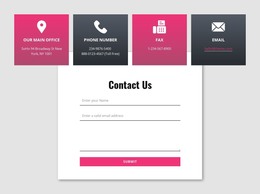
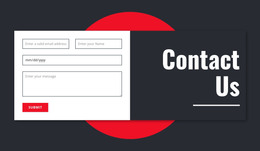
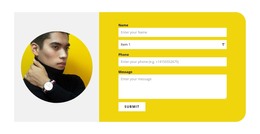
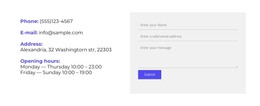

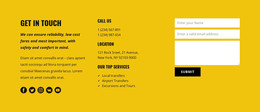

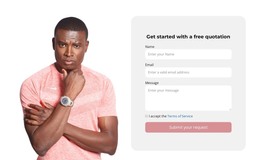
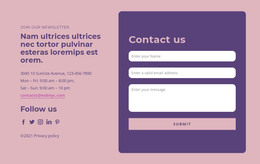
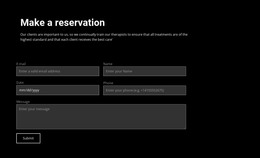



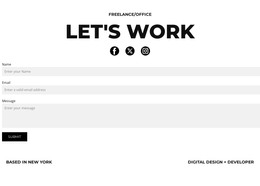
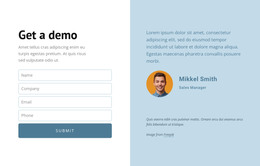
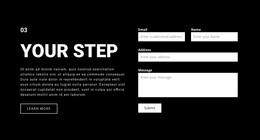
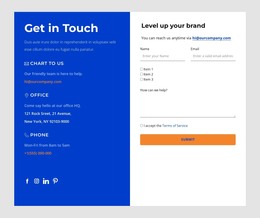









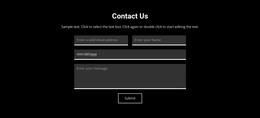
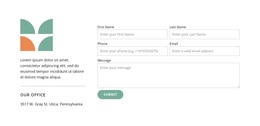
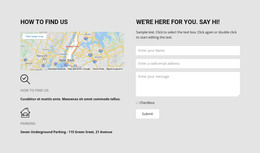





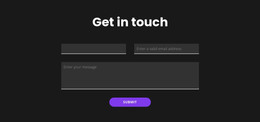
















Other Contacts HTML Templates
Textarea HTML Templates for Structured Fields
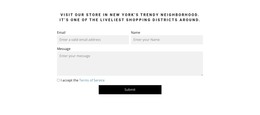
Most trouble with a multiline field starts in the markup: no label tied to the box, no name to submit under, nothing that tells a visitor whether two sentences or two paragraphs are expected. A "textarea" template settles those parts first.
Basic Markup: Label, Name, Rows
A complete support field needs little. A label such as "Describe the issue" points at the control through its "for" value; the control repeats that value as its "id", carries a "name" like "message", opens at six rows, and offers a placeholder such as "order number, what happened, what you tried".
Four details there carry the weight:
- "for" on the label and the matching "id" on the control connect the two, so clicking the text puts the cursor in the box and assistive software reads them as one;
- "name" is the key the answer arrives under, and a field without it contributes nothing;
- "rows" sets how many lines are visible before scrolling begins, an honest hint about the length you expect;
- "placeholder" shows an example and never replaces the label, since it vanishes at the first keystroke.
"cols" is the horizontal counterpart, and most templates omit it.
Attributes for Required or Limited Answers
A quick comment and a warranty claim need different guarantees, and three attributes cover most of that distance:
- "required" stops an empty submission and belongs on the field your team cannot work without, usually the problem description;
- "minlength" sets a floor where one-word replies are useless, as in a project brief;
- "maxlength" caps very long entries and works best beside a counter that "aria-describedby" connects to the control.
The result is recognizably different templates. A support message keeps the required flag, six rows, and a limit of nearly 1200 characters. A project description spans 10 rows with a floor of about 80. A review remains optional and unlimited, since a floor there discourages writing.
Accessible Order Before Submission
Sequence in the document matters as much as the attributes. Label first, then any helper text, then the control, then the place for a validation message. Read aloud, the order makes sense, and a visitor tabbing through it meets the explanation before the empty box. "aria-describedby" ties the helper text and the character counter to the control, and no placeholder substitutes for that link.
Nicepage assembles the same structure through its Contact Form Element, which keeps labels, controls, and submission in order.
Choose a template by the label you need, whether the answer is mandatory, the length you expect, the hints you provide to the visitor, and the validation behind tit