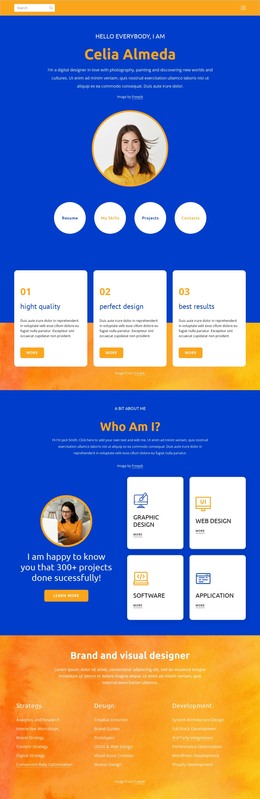
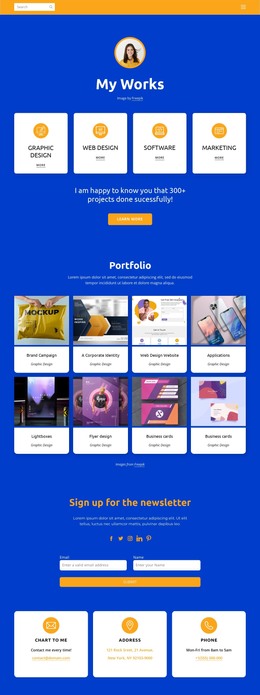
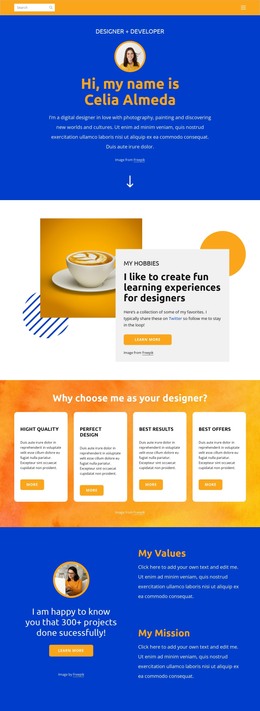
Message me HTML Template


A Complete Contact Section Arrangement for Static HTML Use
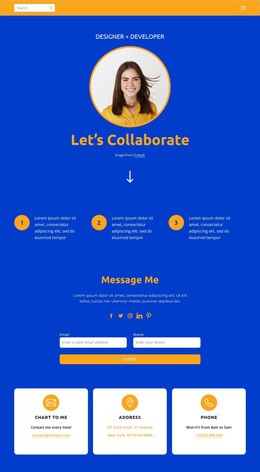
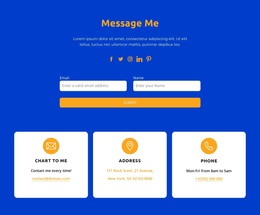
The heading, paragraph, and social-link row give the section an immediate communication purpose before the visitor reaches the form. The form then concentrates the direct response task into two side-by-side fields—name and email—with a full-width Submit control below. Three rounded cards follow as a separate information group for email, address, and phone channels. Together, these regions provide a ready-made contact arrangement rather than a collection of unrelated controls.
Inside a static HTML page, the block can carry the page’s contact message while surrounding sections provide navigation, introductions, services, or other content. The saturated blue background keeps the section visually distinct, the orange-gold accents identify important controls and highlights, and the white cards create readable surfaces for the three channels. The centered heading hierarchy also makes the section easy to recognize when it appears near the end of a longer page.
The form and social links retain their own roles within the section: social destinations support connection, while Submit handles the direct inquiry action. The displayed address, phone number, email, and supporting text are sample content that can be replaced for the project using the same structure. Nicepage supports HTML export for the containing project, but that process applies to the page or site around this block; the block remains one ready-made static section.
Customize with Nicepage
Open this ready-made template in the HTML Builder and customize it visually in the Nicepage editor. Replace demo content, edit page sections, and adapt the design to your project without rebuilding the template from scratch.
Edit Template Offline
2. Create a new page or select existing
3. Click Add new block, search for id 5743403 and click enter
Edit Template Online
Create Awesome Websites


Free Nicepage Builder
Keywords
Use This Block in a Static HTML Page
Start With a Ready-Made Section
A block provides one prepared content area that can be combined with other sections to build a static HTML page. Customize its text, images, spacing, colors, and other elements in the Nicepage editor while keeping the block focused on its own purpose, such as services, testimonials, pricing, contact information, or visual presentation.
Export the Containing HTML Project
When the page or website that contains the block is ready, use HTML Export to create the files required for a static HTML project. The export applies to the containing page/site rather than turning one individual block into a complete website by itself.
Reuse the Section Within the Project
The same block design can be adapted as one content section within a larger static site. Other Blocks can provide navigation, introductions, portfolios, forms, footers, and additional page content while this section keeps its own verified content and layout role.
This workflow makes the block useful as a ready-made section inside a static HTML implementation, with export and deployment handled at the page or website level.