
Call HTML Templates
Service customers often need to talk before they can decide. These HTML templates organize phone details, consultation prompts, service context, and supporting contact information into purposeful sections.






































Other Contacts HTML Templates
Simple Call HTML Templates for Direct Customer Contact
Call HTML templates give service businesses, clinics, and local providers ready-made sections built around a single action: getting visitors to call. A number does far more work when people already know which service the call concerns and what to have ready before dialing. In these templates, that context sits in the same block as the number.
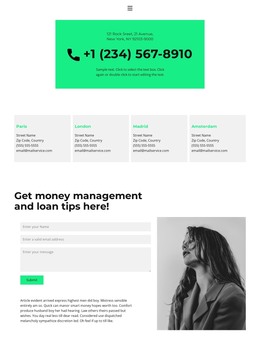
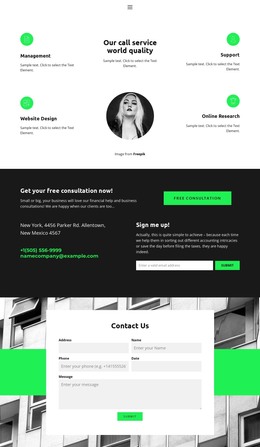
Inside a Reusable Phone Block
A typical call section here is assembled from a few reusable parts:
- A heading with a line or two explaining why someone would call, such as booking a repair visit.
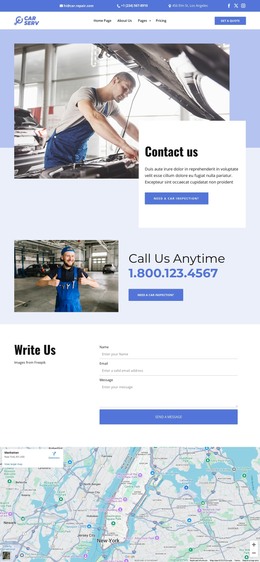
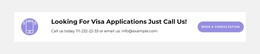
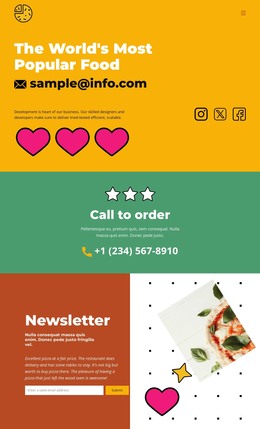
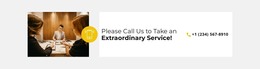
- A Button element whose link uses the "tel:" scheme, so a tap on a smartphone opens the dialer with the number filled in.
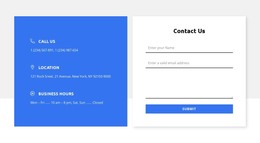
- The same number printed as plain text, along with the hours when someone picks up.
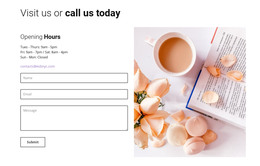
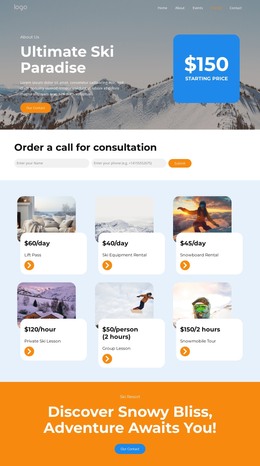
- An optional callback form for visitors who can't talk right now.
The printed digits are there for people at a desk. On a laptop, a "tel:" link may open a calling app or do nothing, so visitors still need to dial the number by hand. Because the block is plain HTML, it can sit beside every service description with only the wording and number changed.
Callback Forms Next to Direct Dialing
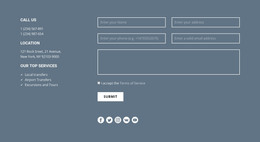
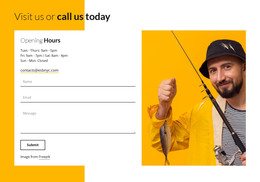
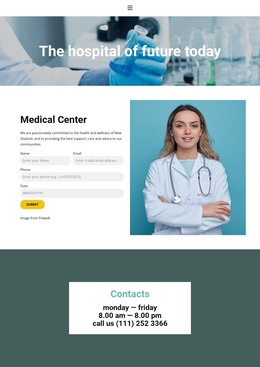
A direct call button and a callback request work as two separate patterns. The button needs only a label and a link. The callback option is a small form block asking for a name, a phone number, and a preferred time.
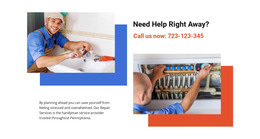
Placement depends on the urgency of the call. An appliance repair company that offers same-day visits may place the call button on the first screen next to its service hours. Someone with a flooded kitchen won't read a company history before dialing. A legal practice moves more slowly. Its consultation block fits under each practice area and can mention whether the first meeting is free and which documents to bring. A callback form next to it covers clients who can't call during office hours.
Button Labels That Set Expectations
Labels such as "Book a repair visit," "Request a consultation," and "Talk to sales" promise different conversations, though each opens the same dialer. A sales organization may split its block in two. Product inquiries go to a sales representative, while existing clients have a separate number for account questions. Keeping those lines apart saves both sides an awkward transfer.
The block keeps its skeleton in every case, and only the labels and supporting details change. That is what lets one call the same HTML template an emergency repair line in one project and a quiet consultation desk in the next.