
Text Messaging HTML Templates
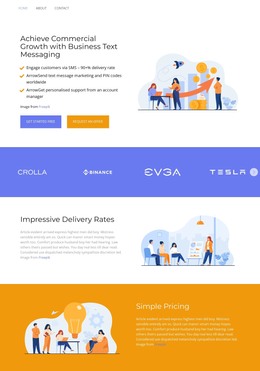
SMS providers often need to explain delivery, pricing, capabilities, and support on one clear page. These HTML templates supply structured, responsive sections that give each part of a business texting offer a defined place.




























Other Text HTML Templates
Editable Text-Messaging HTML Templates
A text-messaging HTML template starts as a ready-made page in Nicepage and ends as a set of files you publish on your own server. The theme is text-driven by nature, so demos in this category lean on headings, short announcement areas, and plain-text sections rather than heavy product photography. An SMS platform can use one, and so can a notification tool or an internal alert service.
What Arrives With the Files
Exporting hands you the page along with the assets it needs on an ordinary server. Those files remain open for direct editing afterward, and a developer can take over the project without waiting on anyone for access to the account. That is usually the whole reason someone looks for the HTML version of a template.
Two demos can look nearly identical in a preview and behave very differently once you scroll, so a short check before downloading saves time:
- how many text sections follow the opening screen
- whether headings hold up when your own wording runs longer
- how much editing does an announcement block need before it can repeat
- where a request form, if the demo has one, would send what people write
Blocks You Will Reuse Often
Messaging content repeats by nature. A service update, a delivery notice, and a holiday schedule all sit in the same shape, and the sentence inside is the only thing that changes. When a template groups that shape into a section, you can duplicate, and the tedious half of the job disappears.
Text-heavy categories hide a trap. Demo copy is written concisely and tidily, with one line per item, and real announcements are rarely that obedient. Paste in three lines where the demo has one, and a block that looked settled in the preview starts pushing everything beneath it around. Test a template with your longest real message before deciding it fits.
Small Source Edits Before Upload
Most of the work happens visually inside the app, and hand editing comes later for the small things: a phone number that changed, two sections that read better in the opposite order, a tracking snippet your team already uses. The export workflow explains how a project leaves the app and what the package contains for publishing.
When two candidates are close, the useful question is how much of the page you would still be writing yourself once the demo content comes out. A template whose sections already match the messages you send beats a prettier one that leaves you with half the work.