
Tablet HTML Templates
People comparing tablet devices need clear specifications, compatibility details, and software information. Tablet HTML templates organize these essentials into reusable page sections, providing a structured foundation for technology websites that require responsive HTML markup and further development.
-
-

-
-
-
-
-
-
-
-
Free Website Builder SoftwareDownload
-
-
-
-
-
-
-
-
-
-
-
-
-
-
-





















More Website & HTML Templates for Tablet











More HTML Templates from Medicine & Science Category








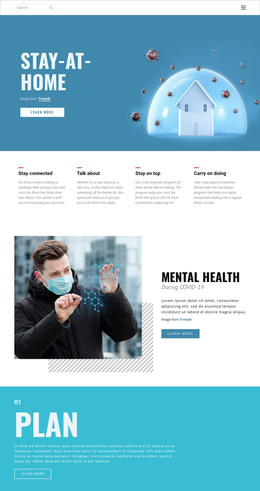
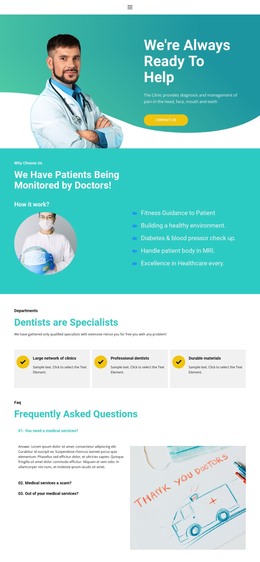


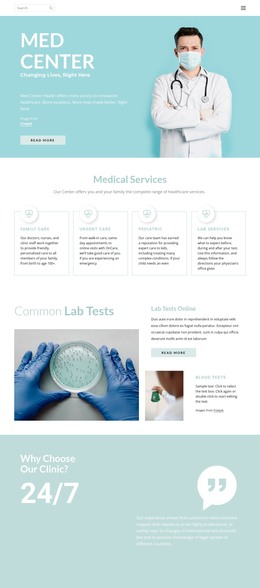














Other Medicine & Science HTML Templates
Free Tablet HTML Templates
A team launching a tablet app usually needs a single page that explains what the app does, shows a few interface screenshots, and directs visitors to download it. Several tablet HTML templates come with that sequence already laid out, so the work starts with swapping demo text and images. Other designs in the category fit mobility services, software studios, or shops selling the devices, provided their blocks are ordered in a sequence your content can follow.
Block Order for Different Tablet Projects
Tablet projects rarely share one sequence, so knowing yours makes the Nicepage catalog easier to browse. Three common types show how far the order can vary:
- An app page leads with the app's purpose and leaves plenty of room for interface screens before the download button.
- A device page typically puts specifications like screen size, storage, and stylus support right after the product photos.
- A mobility service for field teams tends to cover workflows and use cases first and save the contact details for the end.
Tablet apps often have a phone version too, so a demo with a supported-devices block can save you a rebuild later.
Comparing Demos Against Your Outline
Two templates can look equally polished and still suit different jobs. One moves from a short intro straight into screenshots and a download section, the natural order for an app that explains itself through its screens. Another opens with services and walks through process steps before the contact form, which suits an IT company with more to describe in words. Your outline decides between them, since the closer its sequence is to a demo, the less rebuilding you face. A well-fitting frame also makes updates simple because a new device or app version fits into existing sections.
Editing in Nicepage and Exporting Files
Adapting a template in Nicepage involves no coding. You open the demo in the editor, replace the content, and look at how the blocks line up. The Page Navigator lists the header, page blocks, and footer, and lets you drag any block up or down. Responsive Modes show how content is placed inside each block on tablet and phone views. If the project needs more than the editor offers, the HTML export workflow produces HTML files, JavaScript, and images that a developer can extend or move to your own server.
A quick test is to paste your real headings and a couple of screenshots into the demo. When they fit with only a little shuffling of blocks, you have a tablet HTML template worth building on.