
Signature HTML Templates
A handwritten signature works best when visitors can immediately connect it with the person, quote, or message it represents. These HTML layouts keep signature-based identity blocks structured and readable across different screen sizes.



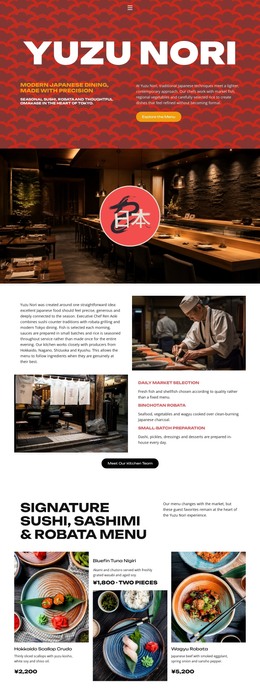





More HTML Templates from Wedding Category



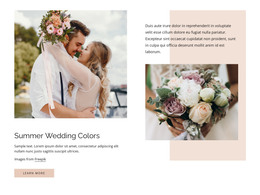
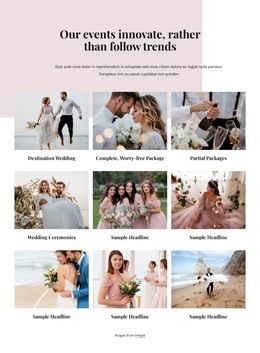









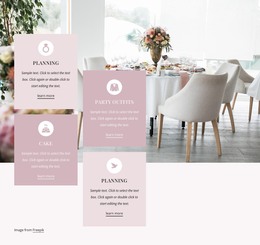































Other Wedding HTML Templates
Editable Signature HTML Templates for Email Clients
An HTML signature template is a block of markup you open, edit, and paste into the signature settings of a mail app. Text fields, image references, and links are all spelled out in the code, so every part of the block stays separate and replaceable.
How Ready Markup Blocks Are Built
Almost every ready signature is laid out on a table. Rows and cells hold the name, logo, and contact lines in fixed positions, and that grid survives the trip between mail apps better than floated elements do. Formatting travels inline, written onto the elements themselves, because the block is pasted into someone else's message.
Open the file before you commit to it and look at a few things:
- Whether each text field sits in its own cell
- Whether image sources use full addresses instead of local file names
- Whether widths are declared on the images and on the table
- Whether contacts are written out as mailto and tel links
Logos and headshots need a permanent address, since a file dragged in from a desktop shows up for you and breaks for everyone else. Alt text is worth filling in because many mail apps hold pictures back until the reader allows them to be displayed.
Why Every Mail Client Deserves a Test Send
Support for markup differs from one mail app to the next, and the code alone will not tell you how far. Outlook renders messages with its own engine, Gmail is stricter about what it keeps, and a phone app may recalculate widths. The only reliable check is a real message.
Send the signature to two or three addresses on different services and open one of them on a phone. Check that the table holds its columns, that the logo loads at the intended size, and that long link text does not wrap into a mess. In Nicepage, Responsive Modes show a narrow view before the markup leaves the editor.
Swapping Fields Before Installing the Result
Editing follows a short order. Replace the placeholder name and job title, point the image tags at your own logo, then update the links. Text and image sources are safe to change on your own, while the cells, the declared widths, and the nesting are best left alone unless you plan to test again.
Installation means pasting the finished code into the signature settings. Some services accept markup directly, while others accept a rendered version copied from a browser window, which is why one template can behave differently across two accounts. Compare candidates by how little code you have to touch, how links and images survive a forward, and how cleanly the block installs.