

Love HTML Templates
Give your partner a page filled with favorite photographs, shared milestones, and a message written just for them. Start with a romantic HTML layout, then adapt the content to your occasion.




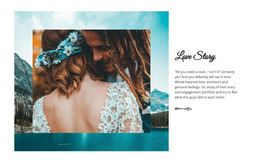
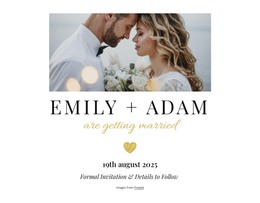


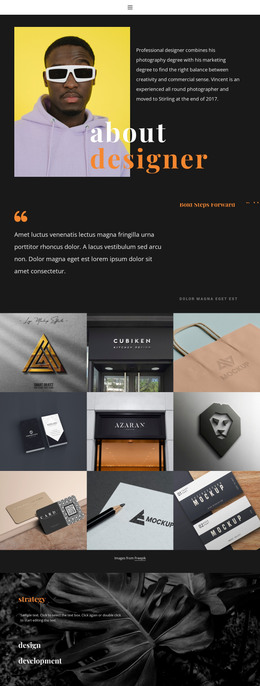
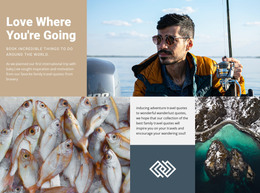
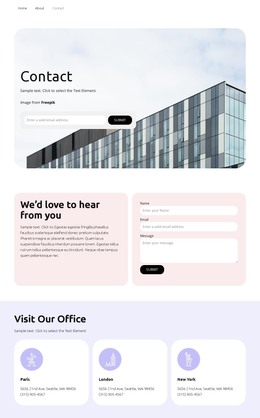
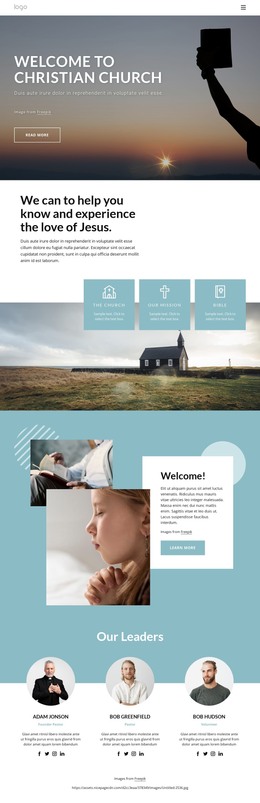
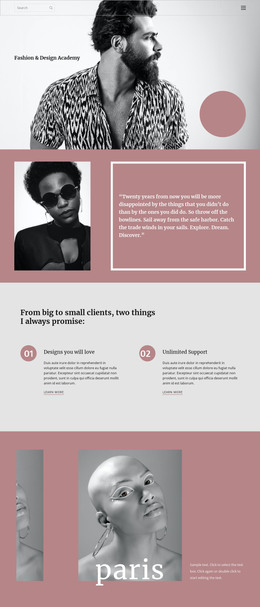
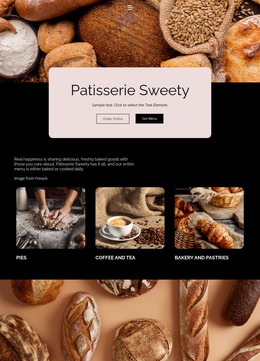
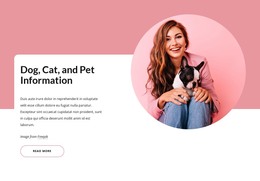




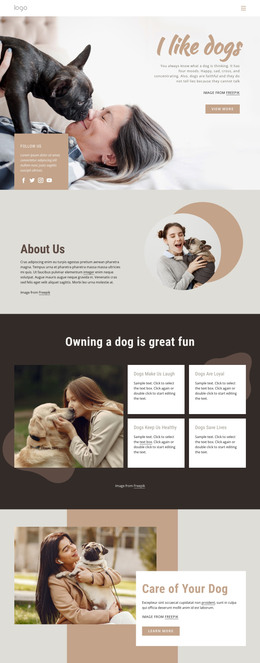
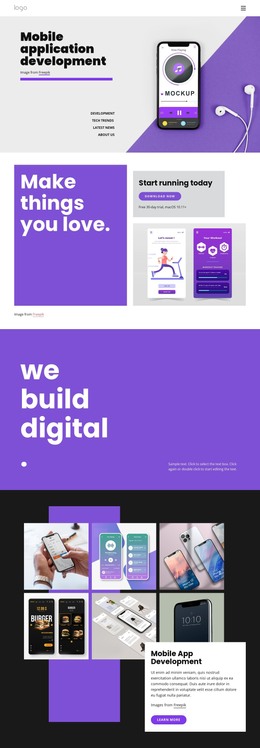
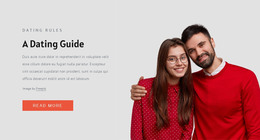
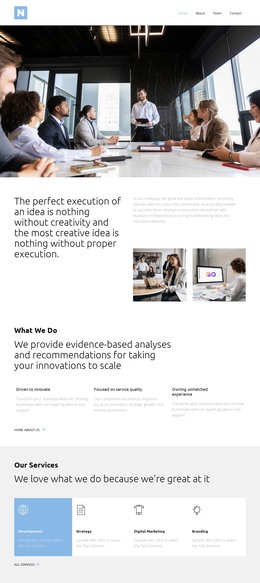



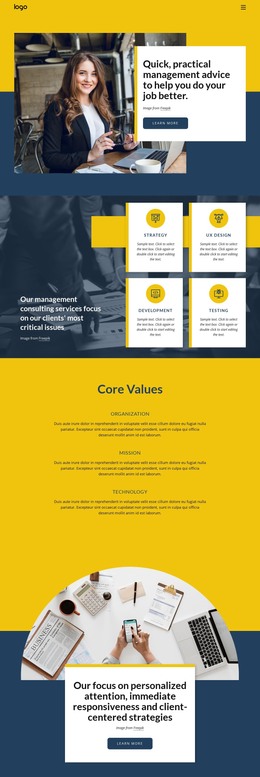

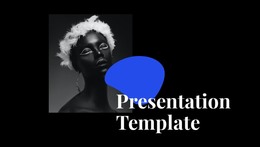

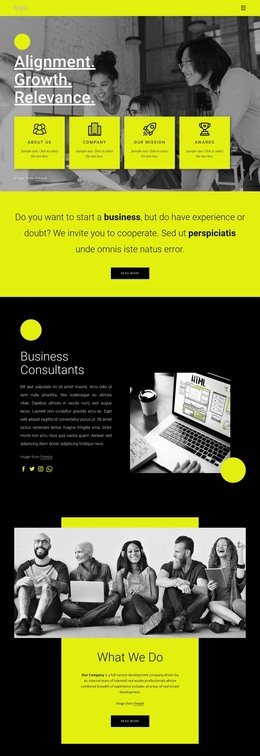





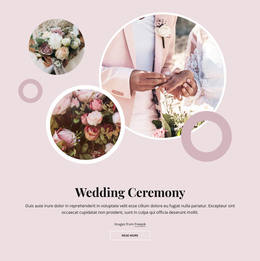
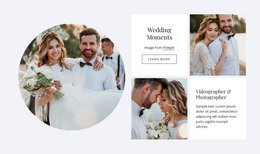
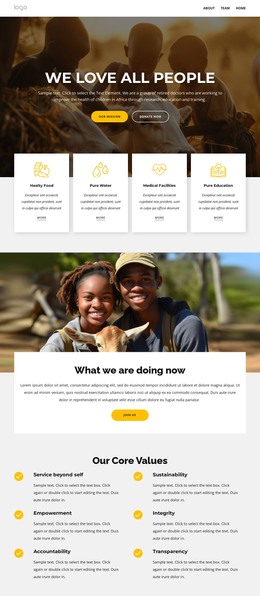
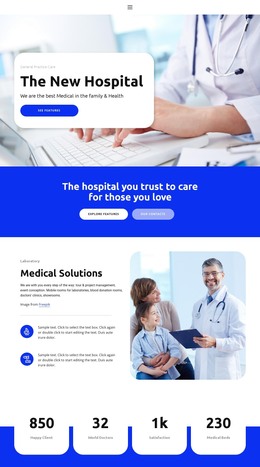

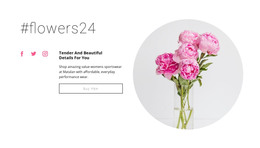




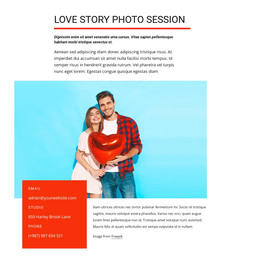
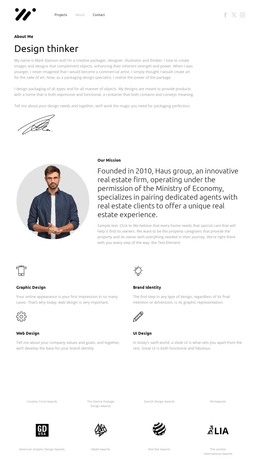
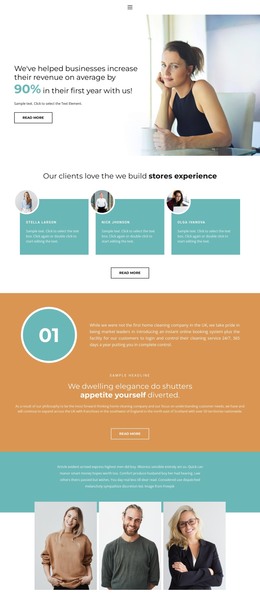

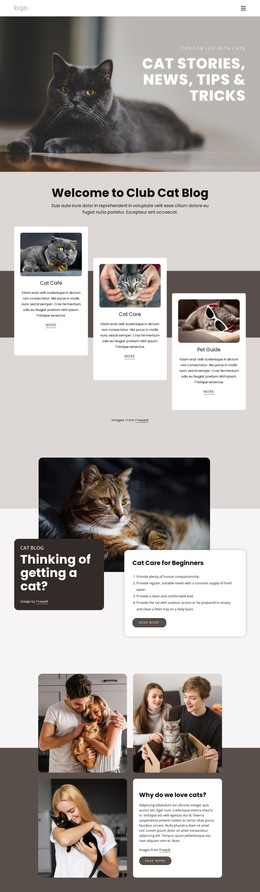

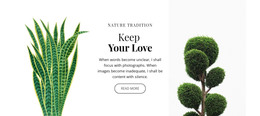
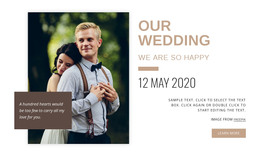


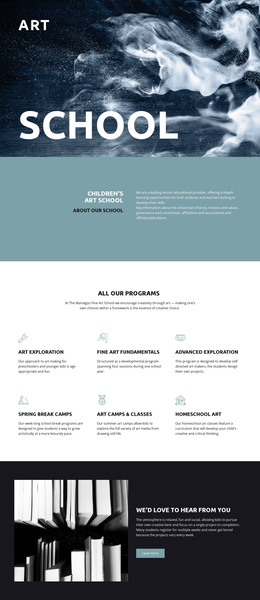

Other Wedding HTML Templates
Responsive Love HTML Templates for Personal Stories
A ready-made love HTML template gives you an existing page layout for a personal dedication, relationship timeline, or anniversary tribute. Suppose you want to surprise your girlfriend with a website for your fifth anniversary and host it at your own address. Choose a downloadable HTML design with a welcome section, a photo sequence, and space for a closing message. You can personalize those existing blocks with your own material instead of assembling an entirely new page. You can place a finished HTML export on an independent hosting service, depending on the available export options.
Ready-Made Sections for a Personal Love Story
An anniversary layout might already contain a prominent introductory photograph followed by several dated entries. The first entry could hold a picture from your first holiday, while a later one could mark the day you moved into your home. Instead of rearranging the entire page, use the existing image and text blocks to accommodate those entries. A separate dedication section provides room for a longer message.
Depending on the design you choose, look for sections such as:
- A welcome banner with the recipient's name.
- A timeline of important relationship milestones.
- Paired photographs with dates and handwritten-style captions.
- A dedicated area for a longer love letter.
- A closing photograph accompanied by an anniversary message.
You don't need to fill every available block. A template originally designed for a couple's story might also suit a simple Valentine's greeting after you remove the longer timeline and unnecessary photographs. Conversely, you can add another content block if a particular design does not provide enough room for your story.
Adapt Your Romantic HTML Layout for Different Screens
Most recipients will probably open a personal surprise on their phones. Nicepage uses adaptive grids that can reorganize cells as the available screen width changes. Its responsive web design workflow also lets you inspect individual Responsive Modes and adjust spacing or image arrangements where necessary. Check that a caption stays close to its photograph and that a long dedication doesn't become hard to read on a narrow screen.
Use an Exported HTML Layout on Your Own Hosting
With Nicepage, personalize the selected design before exporting the website as HTML using the applicable export options. The downloaded project includes the page and its associated resources. Upload the complete export to your chosen hosting service, preserving the folder structure so photographs and styles load correctly. This makes the ready-made layout suitable for a standalone romantic website at your own web address.
Before choosing a template, gather the photographs and messages you actually intend to use. Preview a few layouts with that material in mind. A design with the right proportions and content sections usually requires fewer changes than one chosen solely for its decorative hearts or attractive sample photography.