

Romantic HTML Templates
Choose romantic HTML templates with organized invitation details, photo sections, and guest information. Edit the content, adjust the layout, and export website files for compatible hosting.
-

-

-
-
-
-
Free Website Builder SoftwareDownload
-
-
-
-
-
-
-
-
-
-
-
-
-


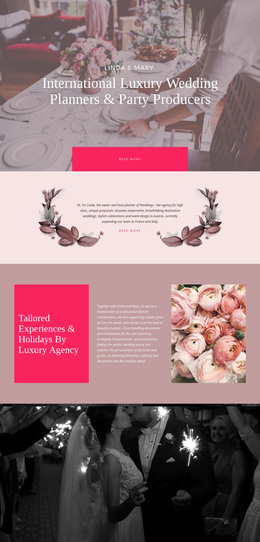
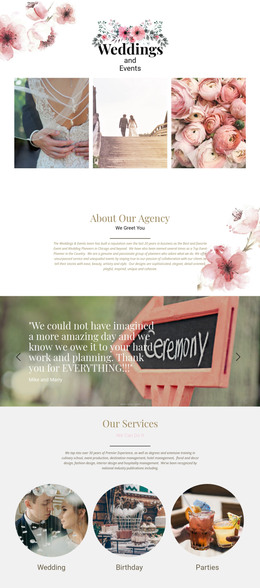
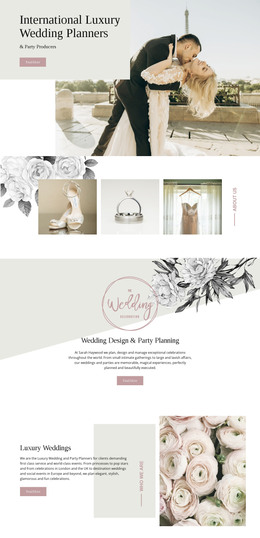
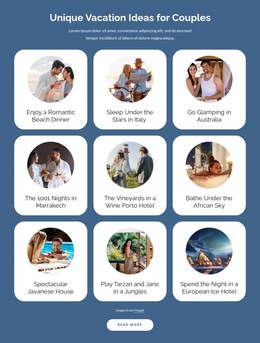
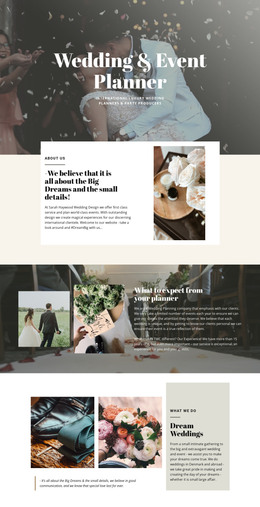
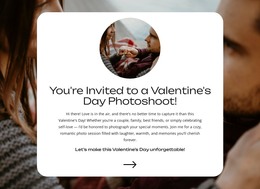
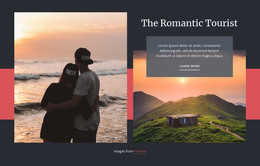

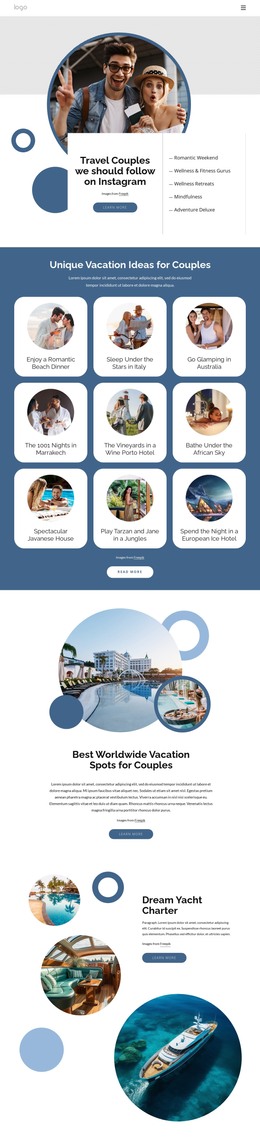
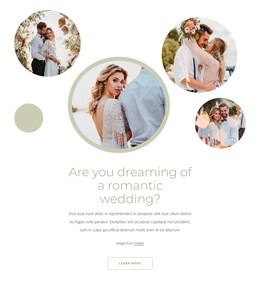

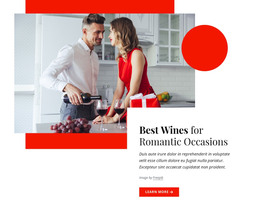







More HTML Templates from Wedding Category


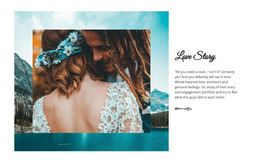
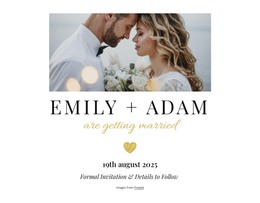
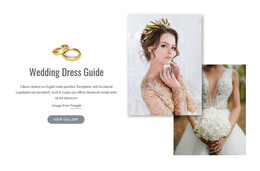
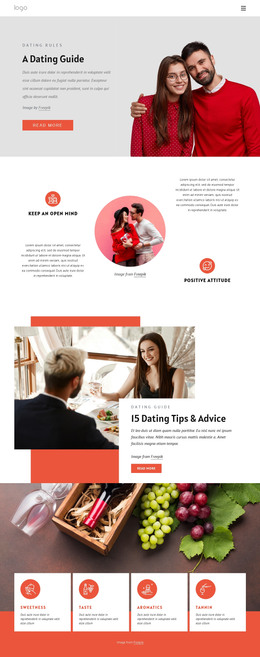
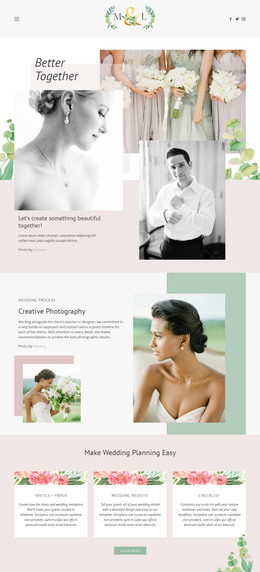

Other Wedding HTML Templates
Romantic HTML Templates for Responsive Love-Themed Pages
Choosing a romantic HTML template starts with the type of page you want to publish. A wedding invitation needs a clear date, venue, and response link; a couples’ travel journal may lead with destination photos and short stories, while a wedding service page needs an introduction to its offerings and a contact route. Compare the available sections before settling on a design. In Nicepage, you can replace sample text, insert your own images, rearrange blocks, and export the finished HTML website.
Clean HTML Structure for Romantic Occasions
The most useful romantic HTML templates have a recognizable content hierarchy. A prominent heading introduces the occasion, while separate sections give photographs and practical details enough space. Before choosing a design, inspect how its existing elements fit the information you intend to publish.
For a wedding invitation, check how the HTML layout accommodates six distinct needs:
- Introduction: Identify the couple and occasion in a clear heading, supported by a relevant photograph.
- Date and time: Keep the ceremony date and starting time visible as text, not only inside an image.
- Venue: Give the location its own readable area, with a link to directions when appropriate.
- Schedule: Separate the ceremony and reception details if guests need to plan around both.
- Photographs: Use image elements with descriptive alternative text to present portraits without obscuring event information.
- Response route: Label the RSVP or contact link clearly; a static HTML layout does not process replies on its own.
These sections should follow a logical reading order. For an anniversary tribute, event details might work better as a timeline. A romantic resort page needs a different HTML sequence: an introductory heading, accommodation or experience sections with photographs, offer details, and a clearly labeled booking inquiry link. Check whether the template's sections can accommodate your content without rebuilding the page.
Responsive Romantic HTML Templates for Every Screen
Visitors may open a romantic page from a phone, tablet, or desktop browser. Side-by-side text and image columns should stack vertically on smaller screens, while large photographs may need adjusted cropping or dimensions. Event schedules, travel galleries, and service cards should reflow without horizontal scrolling, with inquiry links remaining easy to tap. Clear headings and descriptive image alternatives help preserve the information as the layout changes.
You can use Responsive Modes in Nicepage to inspect desktop, tablet, and mobile layouts. For example, resize a resort photograph, reduce the gap between stacked content blocks, or move an inquiry link below a service description on a phone.
Nicepage supports HTML website export for publication on compatible third-party hosting. The exported files can be maintained separately when links, photographs, or event information change.