
Photo Gallery CSS Templates
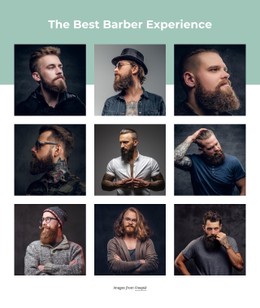
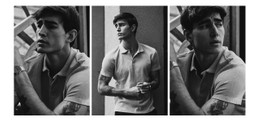
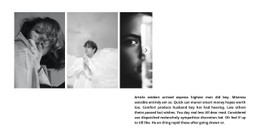
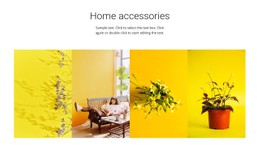
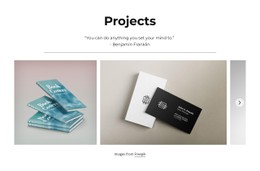
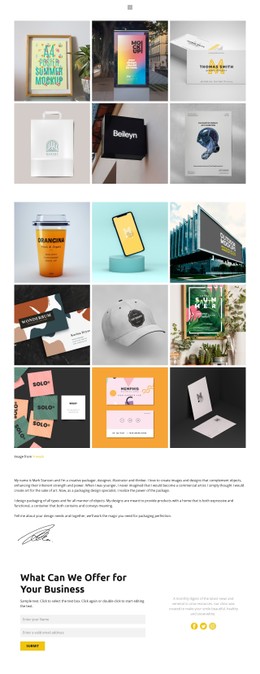
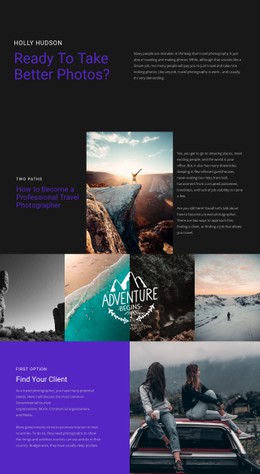
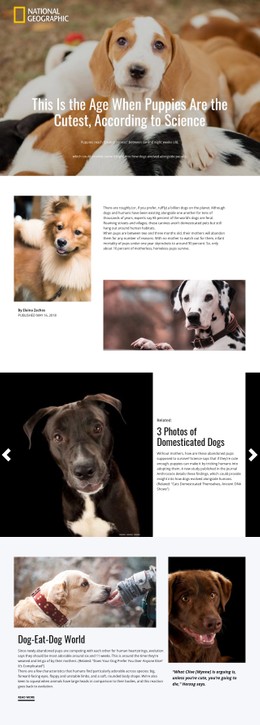
A photographer's portfolio may pair panoramic venue shots with close-up portraits and small documentary details. CSS-based gallery styling helps these different compositions share predictable spacing, readable captions, and a consistent appearance on phones.




























































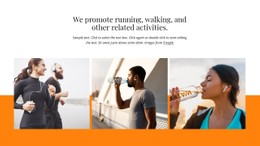




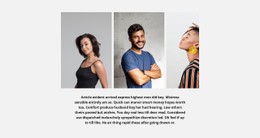





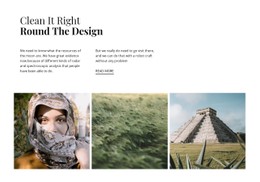
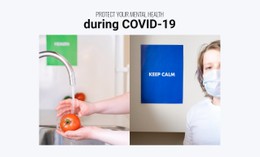















Other Gallery CSS Templates
Mobile-Friendly Photo Gallery CSS Templates for Portraits, Landscapes, and Details
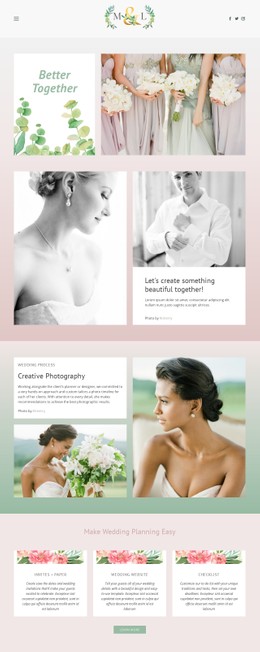
A photo gallery CSS template hands you ready-made frames, gaps, and hover effects, and your job is to fit them to real pictures. A wedding album mixes tall portraits with wide venue shots and close details. In one rigid tile shape, the bride may lose the top of her head while the venue shrinks to a thin strip. Demo images are chosen to flatter the layout, so picture your own vertical, horizontal, and square frames in their place.
Layout Options for Different Shoots
Most designs follow one of a few patterns:
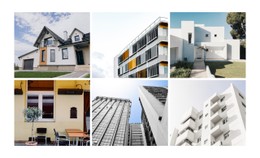
- Even grids suit a series shot in one orientation, though square tiles can cut a tall portrait at the knees.
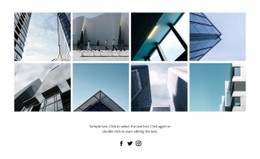
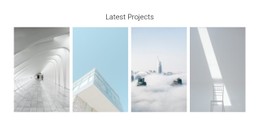
- Asymmetric grids mix tile sizes, letting one strong frame lead while portraits and panoramas take turns around it.
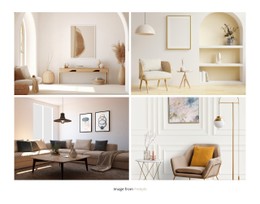
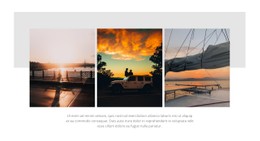
- Compact designs for just a few photos fit a short story, where every gap and border gets noticed.
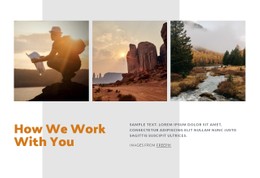
- Sliders give each picture the full width, which helps panoramas that look cramped in a tile.
Shots with the subject near an edge call for a layout that keeps their original proportions.
Styling Details Around Each Frame
Wide gaps let each portrait stand alone, while tight ones turn a burst of frames into a contact sheet. Use hover effects lightly, since a dark overlay or sliding caption can hide a face. A saturated travel series looks calmer against a neutral background. Monochrome portraits can take a dark border without looking heavy. Captions need a modest size, enough contrast, and a position that keeps faces clear.
Nicepage's Image Gallery Element brings column, row, and gap controls together. It also covers image styling and the Gallery Image Hover Animation. Custom CSS Code handles the rest, such as a special border for one series.
Testing Breakpoints with Your Own Pictures
On a phone, a grid that feels generous on a monitor can shrink faces to specks, and airy gaps can eat into the width. Touch screens also lack hover, so captions shown only under the cursor need another way to appear. Responsive Modes in Nicepage let you check tablet and phone views with your real photos in place. A full-length portrait exposes a tile ratio that crops heads, and a panorama shows whether its slot stays readable. A shot full of fine detail reveals a grid that has grown too dense.
If one picture keeps failing, test a few others before dropping the layout, since the photo itself may be the problem. When faces and horizons still read clearly at the smallest breakpoint, you can load the rest of the album.