
Options HTML Templates
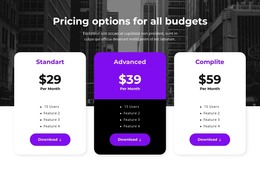
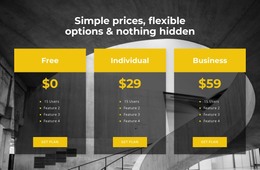
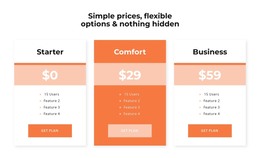
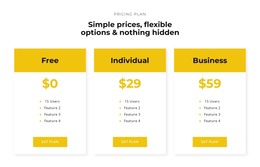
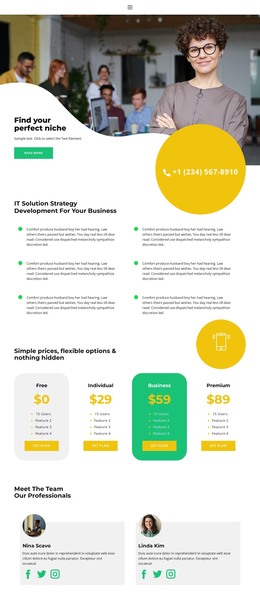
Visitors comparing a basic membership with a premium package need to see more than the headline offer. A consistent HTML structure can separate included benefits, limits, and the next action without burying key terms.

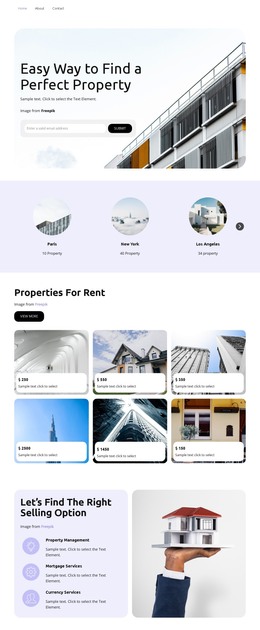
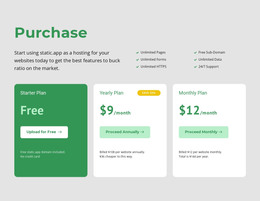
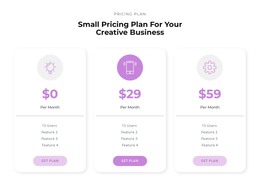
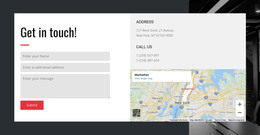





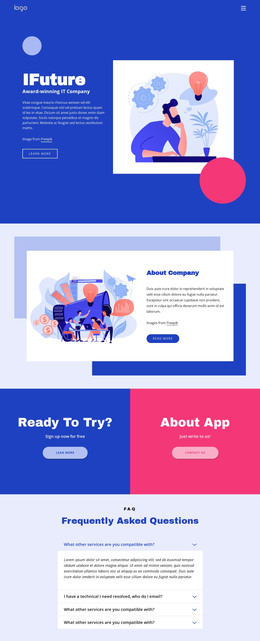
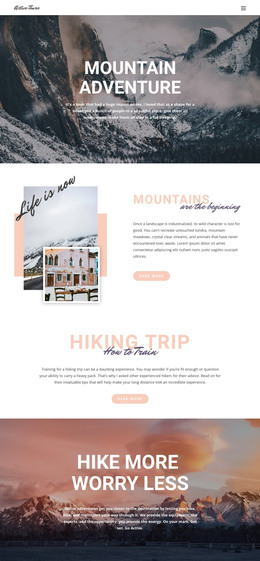

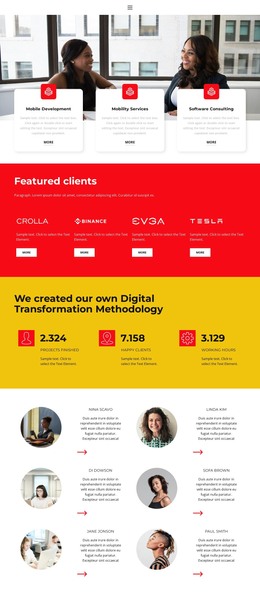
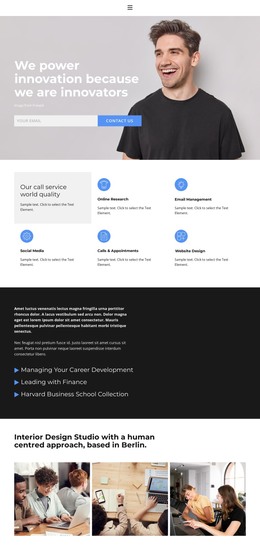
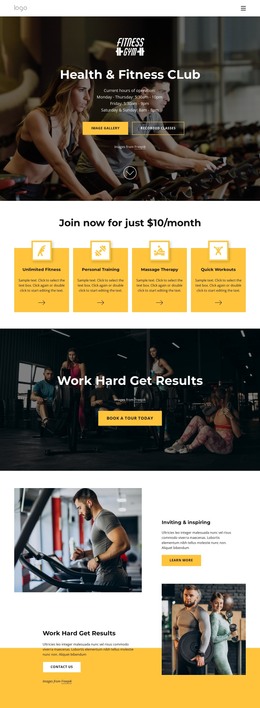
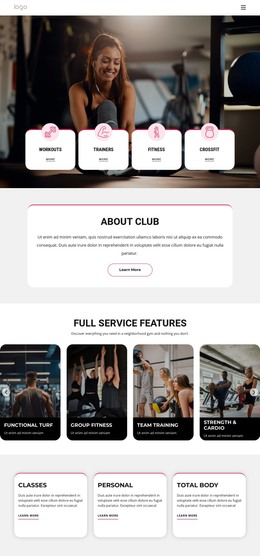
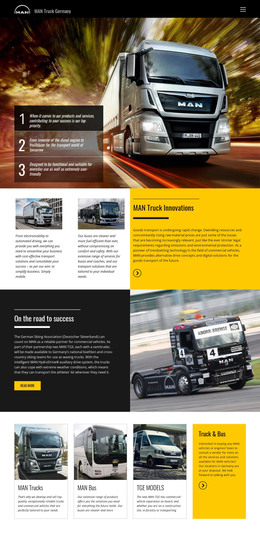
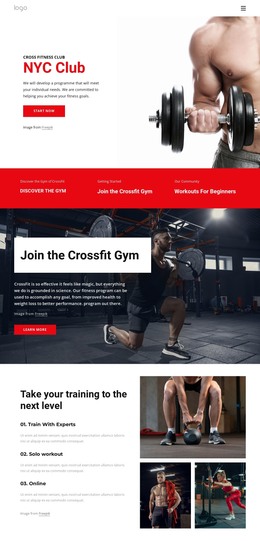

More Website & HTML Templates for Options
More HTML Templates from Features Category









Other Features HTML Templates
Simple Options HTML Templates
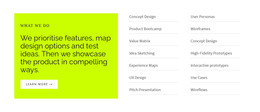
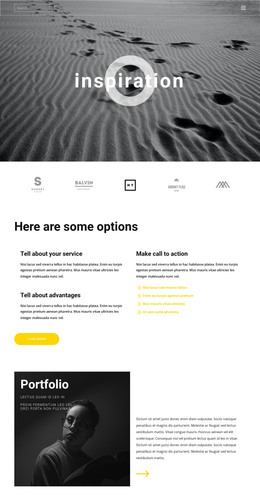
An options HTML template provides a ready-made layout for displaying several alternatives side by side, so visitors can see how they differ. Plenty of those choices have nothing to do with price. A shop may list a few ways to buy one product, while a consulting firm might only want people to pick how to get in touch. Once the content is ready, the design exports as HTML files you can host yourself or pass to a developer.
Which Layout Fits Your Choices
A plan is only one kind of option, and a pricing grid can feel stiff for anything else. Common types of options usually map onto layouts like this:
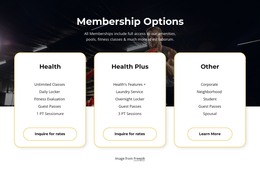
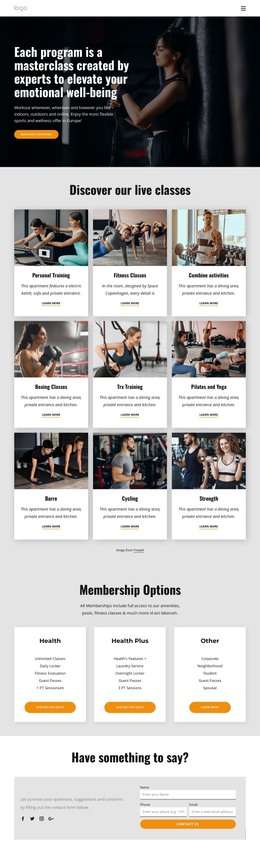
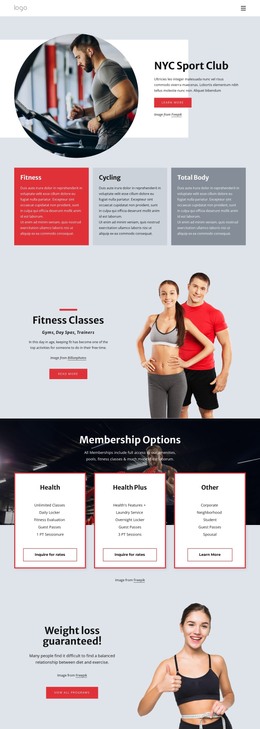
- Membership options work well as cards, since people compare benefits level by level.
- Purchase options, such as a single unit or a bundle, read nicely as a row of cards with terms under each.
- Contact options rarely involve money, so a compact list or a few equal blocks with clear actions is usually enough.
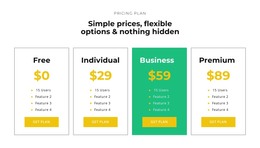
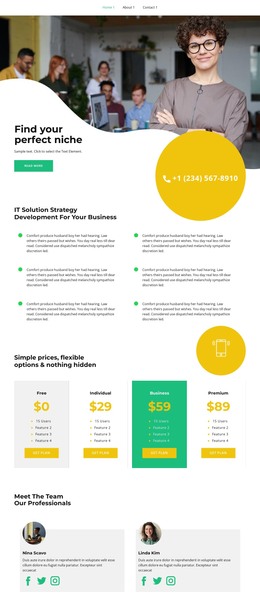
Pricing options with many shared features are easier to compare column by column, and Nicepage's Table Element supports editable rows, columns, and linked buttons inside cells. On a phone, though, six tidy columns can turn into sideways scrolling, so stacked cards may be the safer pick.
From Editor to Exported Files
Templates here come as full pages and as separate blocks. A block adds an options section to a page you already have, while a full page suits a screen built around the choice. You edit names, descriptions, and buttons in the Nicepage editor. The page then exports as HTML with its images and scripts, so you don't have to code anything by hand. Toggles and tabs need real links or scripts behind them to switch anything.
Consider a home repair business offering a technician visit, a workshop repair, and a phone consultation. None of them needs a price, and a button reading "Ask About a Specific Service" says far more than a bare "Select." After rewriting the blocks and checking the phone layout, the owner exports the page to the server that already hosts the company's site.
Final Checks Before Hosting
Before the page goes live, test it with your real content. The longest option name should still fit its card, and each choice should stay easy to tell apart on a phone. Buttons and links need a quick check once the files sit on your server. Clear heading order and text alternatives for meaningful icons help people using assistive technology.