Pilates and yoga classes Website Template



Edit Template Offline
2. Create new page and search for id 6037129
Edit Template Online
Create Awesome Websites


Free Nicepage Builder
Keywords
Class Categories and Membership Packages Establish the Site Foundation
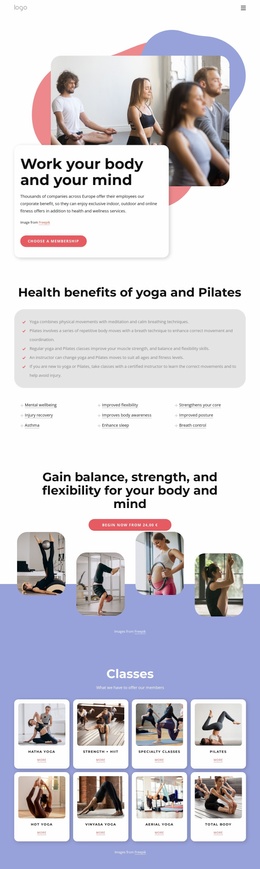
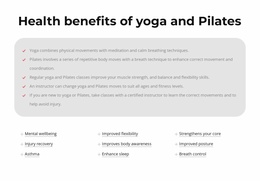
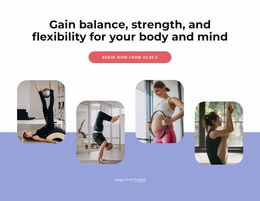
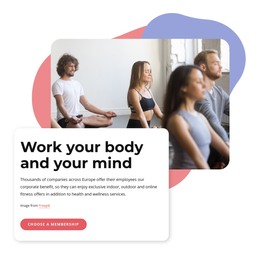
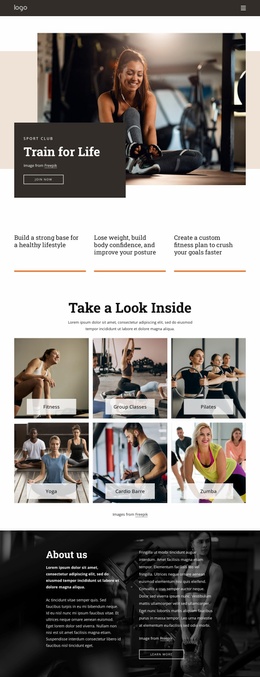
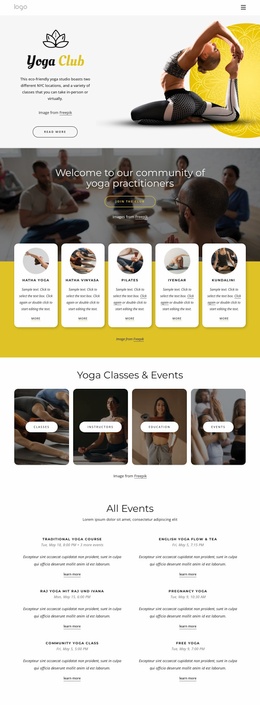
The page already defines several major content areas that can anchor a broader fitness and wellness website. The hero introduces the body-and-mind positioning and a membership action, while the benefits section establishes an educational category around mental wellbeing, injury recovery, flexibility, posture, and breath control. These areas provide more than a decorative homepage opening: they identify the service theme and the reasons visitors may explore the project further.
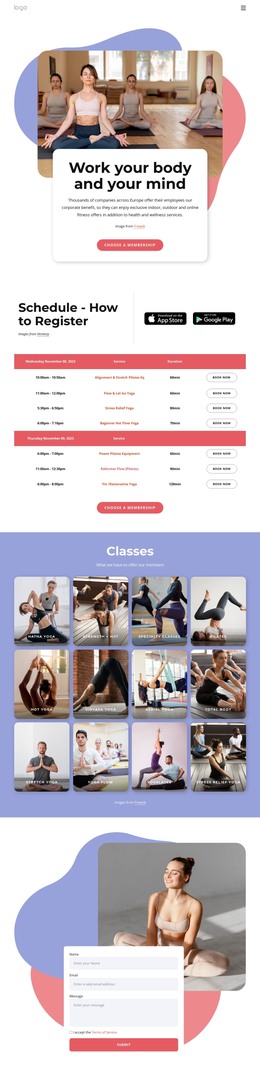
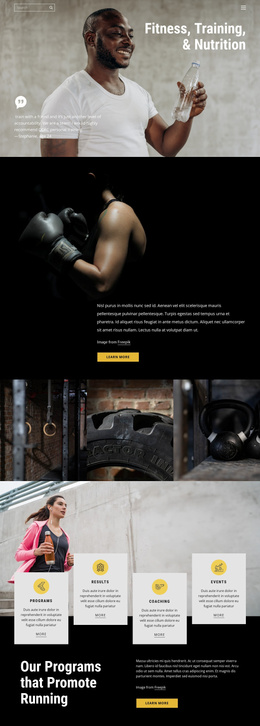
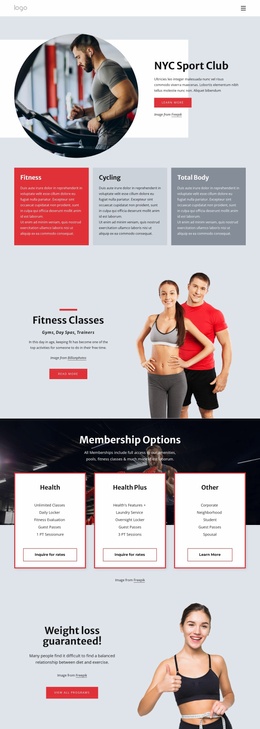
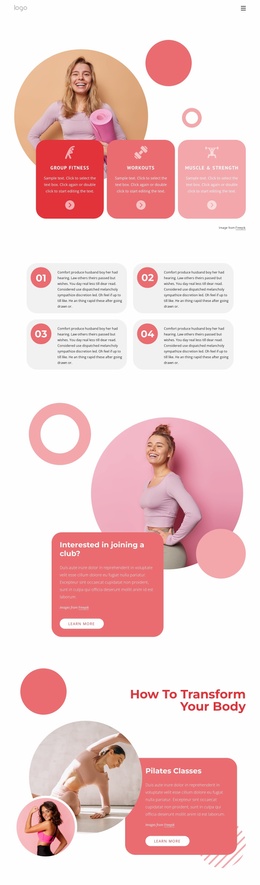
The eight-card Classes grid supplies a strong recurring content direction. Hatha Yoga, Strength + HIIT, Specialty Classes, Pilates, Hot Yoga, Vinyasa Yoga, Aerial Yoga, and Total Body can act as the visual model for additional class or service information as the project expands. The three Membership Options cards add another reusable category, separating Health, Health Plus, and Other from the class catalog and presenting package features with actions.
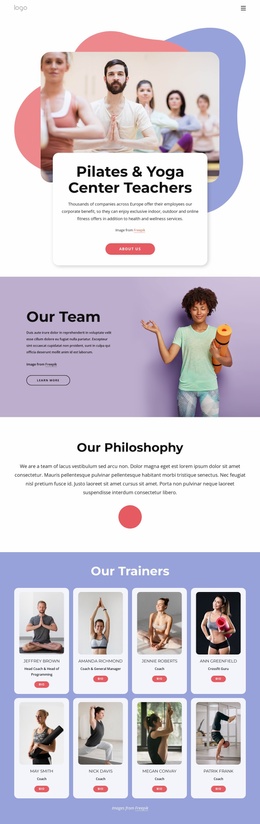
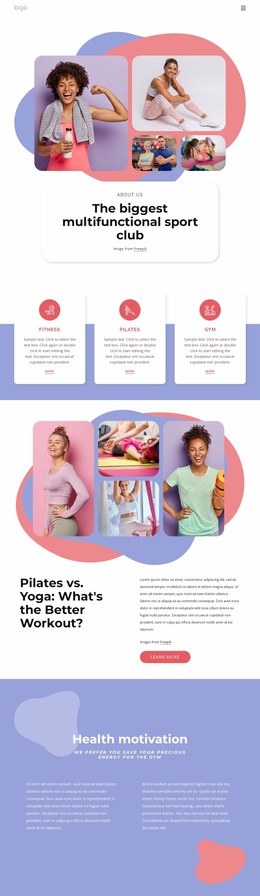
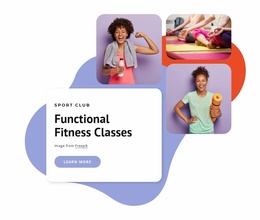
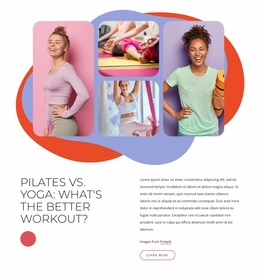
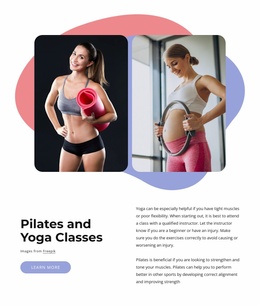
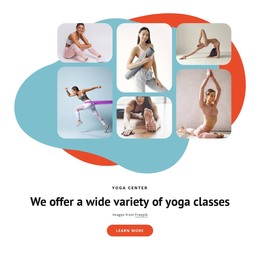
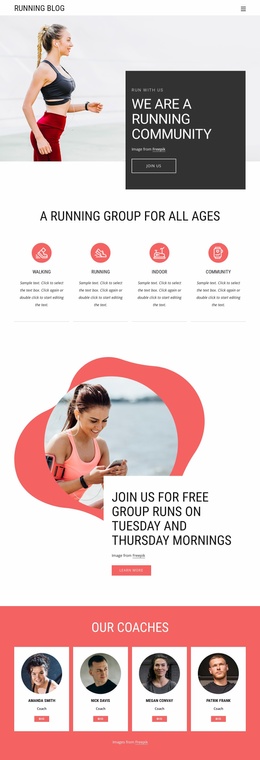
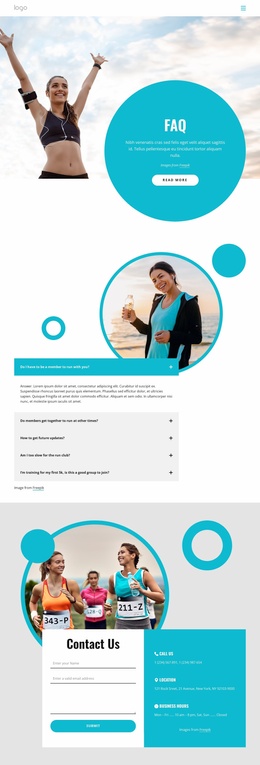
The mind-body split section and the later Pilates and Yoga Classes area create room for educational or promotional content, while image collages preserve the visual character across related pages. A contact form near the end collects a name, email, message, and terms acceptance, giving the foundation a defined inquiry area. The navigation, mobile navigation, rounded cards, accent colors, and dark footer can therefore support a coherent project structure without claiming that additional pages already exist.
Customize with Nicepage
Open this ready-made template in the Website Template Builder and customize it visually in the Nicepage editor. Replace demo content, edit page sections, and adapt the design to your project without rebuilding the template from scratch.
Build a Complete Website From This Template
Customize the Website Visually
Use this ready-made website template as a starting point for your project and adapt its pages visually in Nicepage. Change content, images, typography, navigation, sections, and other design elements while keeping the website together as a single editable project.
Manage Website Pages in One Project
Use the Pages panel to open, add, duplicate, and manage the pages of your website. Work on individual pages while keeping navigation and the overall site structure accessible from the same project, making it easier to develop a complete website instead of managing separate page files.
Expand the Website With Matching Designs
When you need additional pages or sections, use Page Design Sets to find Page and Block Designs created in the same visual style. Design Sets group matching designs together, making it easier to expand the website with new content while maintaining a consistent look across its pages and sections.
Organize Larger Multi-Page Websites
As the website grows, use Page Folders to organize related pages and keep larger multi-page projects easier to navigate in the editor. This is especially useful for websites with separate service pages, company information, contacts, landing pages, and other content areas.
This workflow makes the template a practical foundation for building and expanding a complete website while managing its pages, content, and visual design within one Nicepage project.