
List CSS Templates

















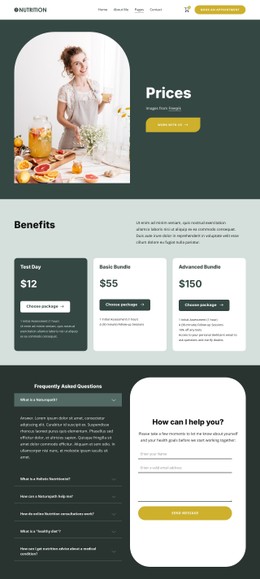

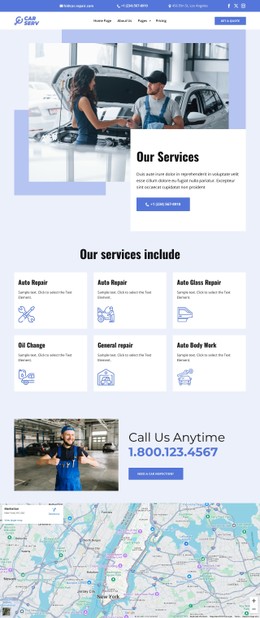
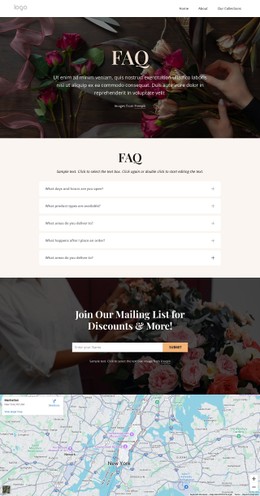
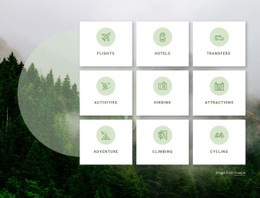






Flexible List CSS Templates for Better Styling
List styles in CSS let you style your lists on the website correctly. List styles pay special attention to design rather than structure, so you get stylish and contemporary list designs with CSS. CSS describes attributes such as color, space, font types, and layout, making the list more readable. It is an essential factor, since comparison and listing websites are famous for their high click-through rates, as items become much easier to compare. Research proves that properly designed interfaces boost user interaction by more than 30%. Styling adds credibility and speeds page loading.
List CSS designs may be used for different purposes, including startups, developers, and any online platform that requires structural elements with beautiful designs.
List CSS templates help control how your content looks. Around 94% of first impressions are based on design, so styling is critical. These templates are useful for designers, developers, and businesses that want to improve visual presentation. They allow you to change colors, spacing, typography, and layout without rebuilding the structure. This makes them perfect for dashboards, product lists, and service pages where appearance matters.
Advanced Styling Options for List Layouts
The appearance of your website through CSS templates is completely within your control. The level of customization that comes with list styling templates gives you full control over everything, from the color palette to the site layout. Even the simplest lists of websites can be brought into the modern age through the correct use of styling techniques.
The following are some of its characteristics:
- Colors
- Typefaces
- Space configuration
- Mouseover animations
- Visual hierarchy
- Modular design
These components help form an elegant user interface. Hierarchy helps ensure ease of navigation, while styling makes it easier for users to understand the information provided. Users can thus read the information and interact with the site effectively.
Improve User Experience With Visual Design
Design is not just about aesthetics. It influences how users interact with the content you have created. A well-designed list makes it much easier for the user to scan and comprehend the information presented. With clear space, legible font sizes, and a balanced layout, navigation becomes very intuitive. Thus, the user will easily be able to locate pertinent information and act upon it.
- Better readability
- Clear hierarchy
- Consistent styles
- Responsive design
List visual design CSS ensures smoother browsing on the website. The user will not be confused about anything, and the information on the page will be clearer on all devices. According to studies, visually designed pages can reduce bounce rate by as much as 38%.
Customize and Launch Your Styled List Page
Rather than designing styles from scratch, consider using existing CSS templates. These are highly reliable, and you will have an easy time customizing them according to your preferences.
View list CSS templates now. Gain benefit from a template that suits you, tweak it to perfection, and design a powerful page.