
Characters CSS Templates
Robot illustrators often combine glossy armor, luminous panels, and detailed faces in one composition. With characters CSS templates, color treatments, image framing, and mobile spacing can reinforce these cues without changing the artwork.



More CSS Templates from About Us Category
-
-

-
-
-
-
-
-
-
-
-
-
-
-
-
-
-
-
-
-
-
-
-
-
-
-
-
-
-
-
-
-
-
-
-
-
-
-
-
-
-
Build Website with no CodingDownload
-
-
-
-
-
-
-
-
-
-




















Other About Us CSS Templates
Responsive Characters CSS Templates
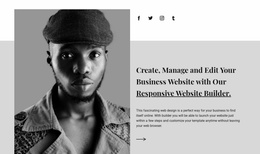
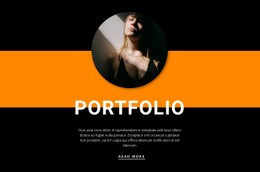
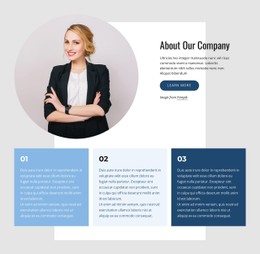
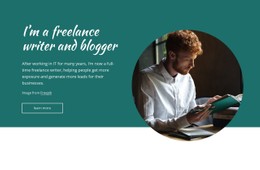
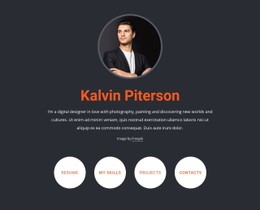
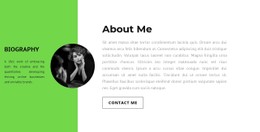
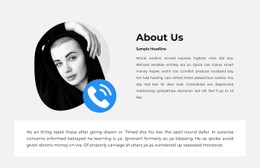
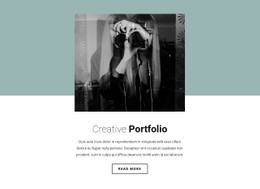
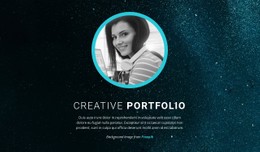
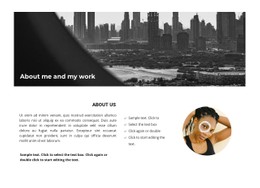
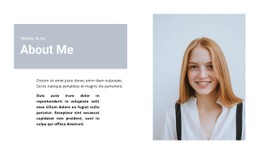
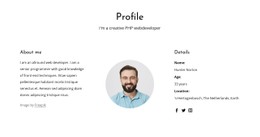
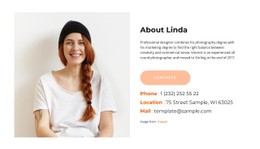
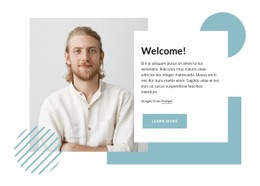
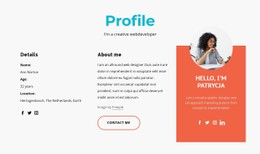
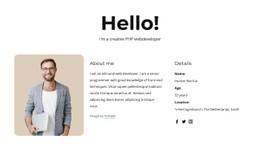
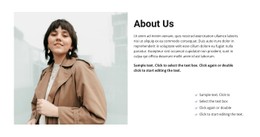
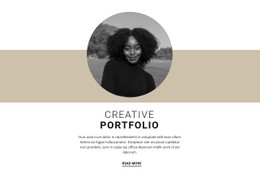
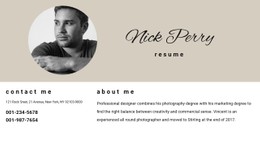
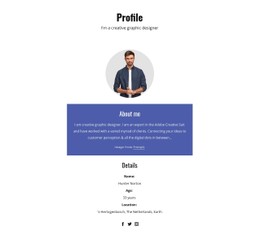
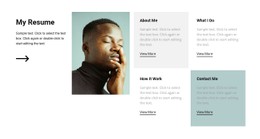
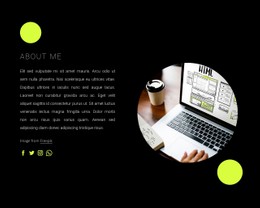
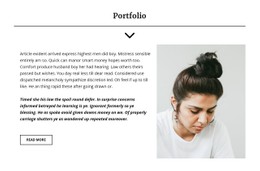
Choosing a characters CSS template largely means setting the mood for the person at the center, whether the portrait shows a seasoned consultant or a young model. Every design in this collection arrives fully styled. A writer's profile gets deep teal and a script heading, a person appears in black and white on light gray, and an artist is framed in a circle. Settle on the look first and match colors and fonts to the rest of the site afterward.
How Each Design Sets Its Subject Apart
Side by side, the designs differ in a few visual decisions:
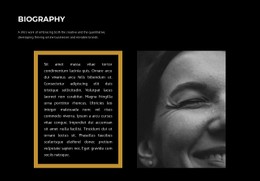
- How text is kept off the face. The freelance writer profile gives the white heading and paragraph their own column next to the portrait, so the text never crosses the photo.
- Where the color comes from. Deep teal covers the writer profile background, while About Our Agency stays almost monochrome.
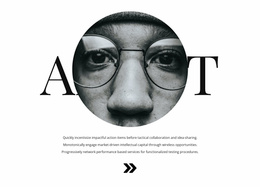
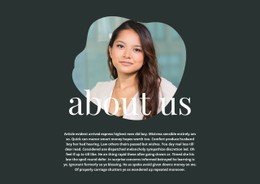
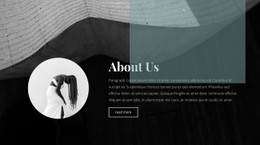
- How much weight the heading gets. About Our Main Artist matches a circular portrait with an oversized serif heading, and the name draws as much attention as the face.
In the writer and agency designs, the portrait also extends past the edge of its background, a small offset that adds some depth.
Adjusting Colors Before Touching Custom CSS
Once you have picked one, the changes usually go in this order:
- Replace the demo image and check the crop, because a circular frame trims a photo far more tightly than a rectangle.
- Change colors and fonts with the visual controls. Theme Colors update every element that uses them across the site, while a custom color stays local.
- Leave Custom CSS for what the controls cannot reach, such as a grayscale filter that brings a color photo in line with the agency look.
Custom CSS can go on one element, one page, or the whole site. Nicepage doesn't run it inside the editor, so you see the filter in the preview while the canvas keeps showing the original in color.
Phones Change the Balance
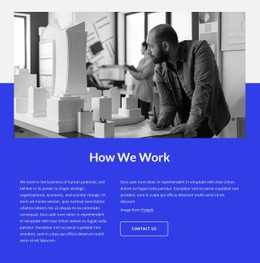
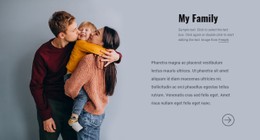
Switch to the phone view in Responsive Modes and see how the layout regroups the portrait and the text once they stop fitting in one row. Check that the face still catches the eye first, that the text stays readable, and that the proportions look intended. Planning a Vacation needs this check most, since its white text sits directly on a grayscale photo, and a narrower screen can shift words onto lighter areas. When a design already agrees with your image in proportions and background, the tuning that follows takes only a few small edits.