
Cultural HTML Templates
A heritage center may display carved objects, documentary photographs, and oral-history excerpts together. These items need distinct titles, dates, sources, and interpretations. Reusable HTML sections can keep their relationships clear on both wide screens and phones.
-

-

-
-
-
-
Free Website Builder SoftwareDownload
-
-


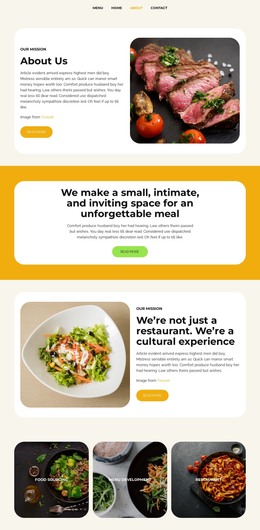
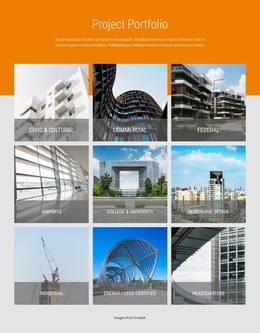
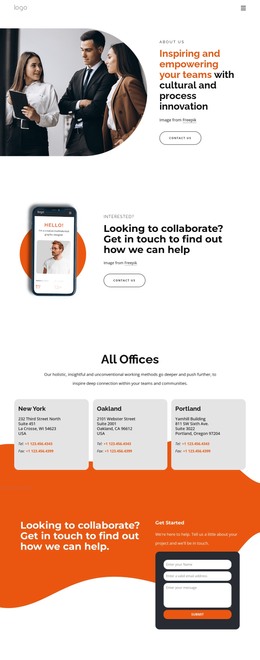
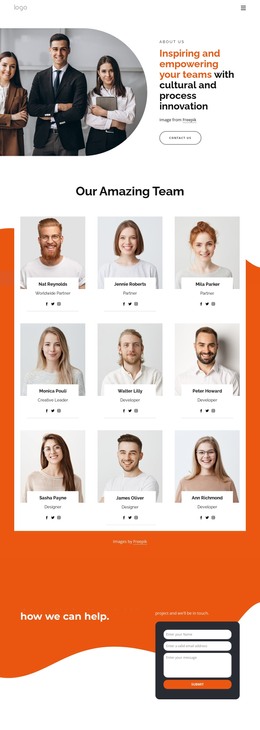




More HTML Templates from Text On Image Category















































Other Text On Image HTML Templates
Cultural HTML Templates for Museums, Arts Centers, and Tours
Cultural HTML templates give you a finished layout with image areas, text sections, and navigation already in place, so you can start adding your own content. A local museum might need room for one ceramic bowl, its maker, and the village where it was used. A summer festival needs a program where visitors can quickly find a date and venue, so the two projects need very different templates.
Matching the Layout to Your Lead Content
Most templates lean toward one kind of material, and the demo usually shows which:
- Gallery layouts with large images and short captions suit a photography show where the works carry the story.
- Catalog layouts with wider text columns fit museum collections in which provenance and materials matter as much as the photo.
- Event layouts with dated sections help festivals and lecture series present a schedule.
- Itinerary layouts work for cultural tours that combine stops, local history, and booking details.
A good catalog template separates information into two levels. The exhibition opening covers the theme and period once, and each object card holds its own title, attribution, and notes, with a heading order that screen readers and search engines can follow.
Gallery and Repeater Blocks for Exhibitions
For a collection with dozens of similar entries, a Nicepage Grid Repeater keeps every card in the same arrangement while each holds a distinct image, title, and provenance note. Adding a newly acquired textile then means filling one more card.
Nicepage's Image Gallery Element documentation describes captions, category filters, and larger image previews. Larger previews let visitors study brushwork or a carved inscription, while captions keep the artist and lender next to the work. Filters can separate ceramics from textiles in a mixed collection. These are editor features, so check each preview to see which ones a template already uses.
Photos, headings, and section order are all yours to change. The finished project then exports as HTML files for your own hosting or further code edits.
Checking Captions on Small Screens
Open the demo on a phone and replace the sample text with your longest object title and a two-line credit. Gallery columns should fold into one stream without pulling an image away from its caption, and a festival program should still show Saturday's events quickly. If an attribution is uncertain, the caption needs space for a note like "circa 1890" or "attributed to." Check, too, how easily you can add meaningful alternative text to each photograph.
A museum catalog, a gallery show, and a festival program rarely look right in the same layout. The demo that already resembles your heaviest material will need the fewest changes.