
370+ Team HTML Templates
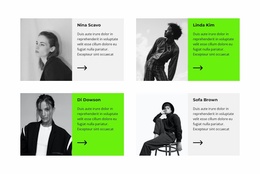
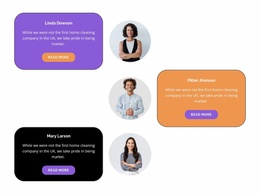
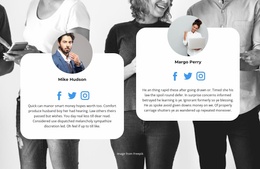
Choose an HTML-oriented Team section that already accommodates your people. Compare finished profile arrangements by portrait proportions, readable job titles, and biography space before personalizing the block.
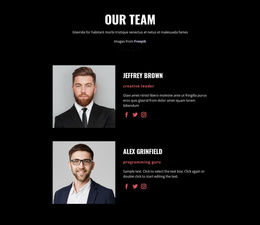
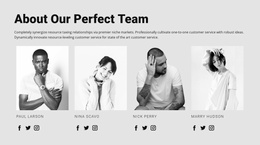
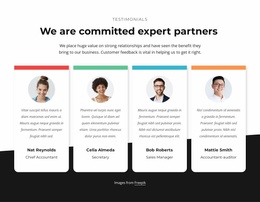
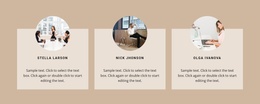


























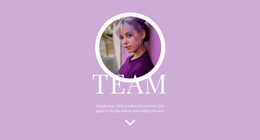
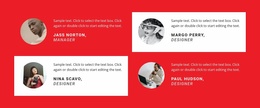
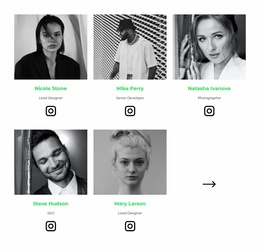


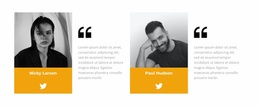











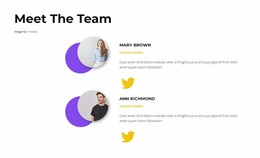
Other Team HTML Templates
Ready-Made Team HTML Templates for Clear Staff Profile Layouts
Team HTML Templates provide ready-made staff-profile sections for HTML-oriented page projects. Compare portrait-led cards, compact grids, and layouts that give names and biographies more room. Each option offers a ready way to introduce a group; your main task is to find a design that fits your member count and the information you want to show.
How to Choose a Ready-Made HTML Team Template
Compare finished Team HTML sections by the number of profiles they show, the proportions and placement of portraits, and the space available for job titles and biographies. Check how easily visitors can scan names and roles, especially when several members appear together. For example, four specialist introductions may need roomier cards than a brief overview of a larger staff group.
Compare Profile Card Layouts and Text Space
When browsing ready-made Team HTML layouts, compare possible visual arrangements such as these, without treating them as guaranteed catalog categories:
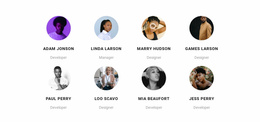
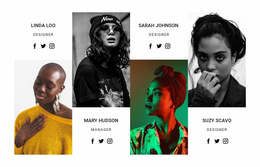
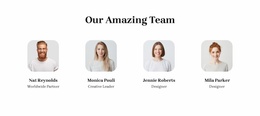
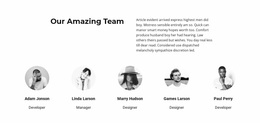
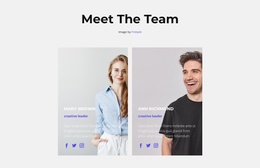
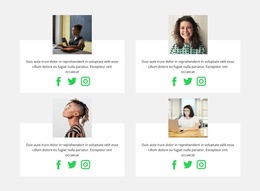
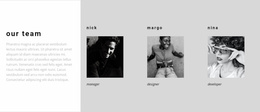
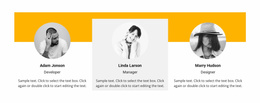
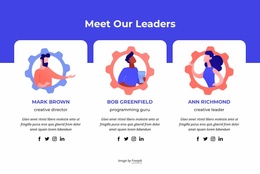
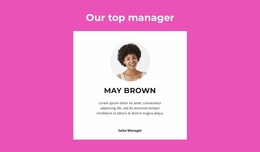
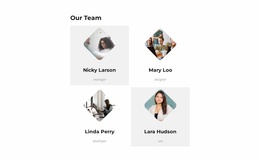
- Portraits above names emphasize faces and keep each member in a separate vertical card.
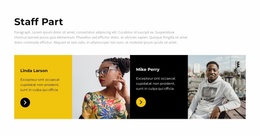
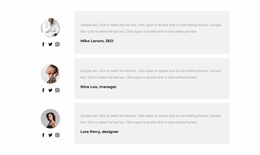
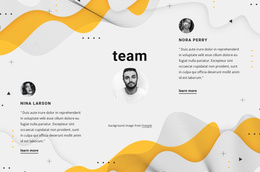
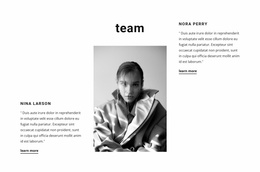
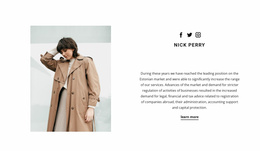
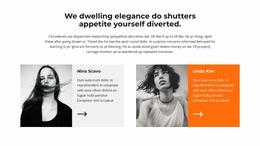
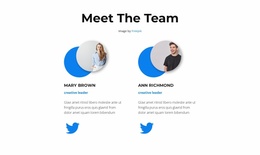
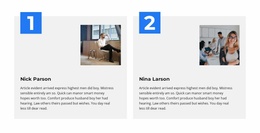
- Side-by-side image and text provides room for a more substantial introduction.
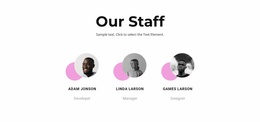
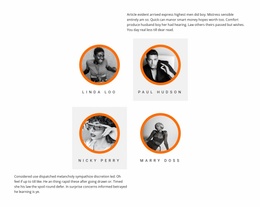
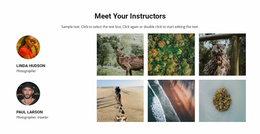
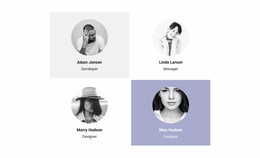
- Compact repeated cards favor a quick overview of many staff members.
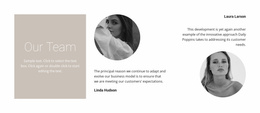
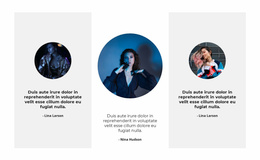
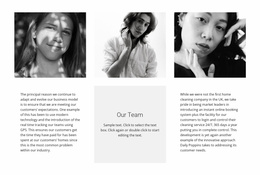
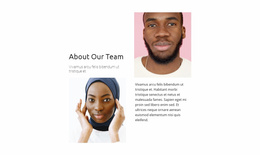
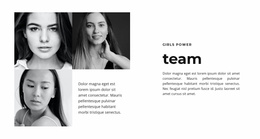
- Spacious profile arrangements allow long titles or detailed background information.
Compare the available ready-made designs with your actual team in mind. Look for an arrangement with enough room for names, job titles, and descriptions without crowding the portraits.
The Grid Repeater Element guide explains repeated profile content. Nicepage's Grid Repeater Element supports consistent styling across repeated member cards while letting each person's content differ.
Adapt a Team HTML Template in Nicepage
After choosing a suitable block, replace the sample portraits, names, roles, and descriptions in Nicepage. Check the selected design with actual job titles and biographies, including on narrower screens.
Make the Team Section Fit Its Page
Choose a prepared Team HTML section that leaves enough room for your actual member details. Check the layout with the longest name, job title, and biography you plan to use. A suitable starting design should need content personalization rather than a complete rearrangement of its profile cards. For another people-focused presentation, a related Our Team section offers an additional design direction.
Frequently Asked Questions About Team HTML Templates
Can I customize a ready-made Team HTML section in Nicepage?
Yes. You can replace sample portraits, names, positions, and biographies and adjust the block layout in the Nicepage editor.
Can I use a ready-made Team HTML section with different member details?
Yes. Each profile can include its own portrait, name, job title, and biography while keeping a consistent visual layout. Check the prepared layout with realistic content before choosing it for your page.
Select a Ready-Made Team HTML Layout
Start with a prepared Team HTML section that accommodates your member information without rebuilding the card structure. Replace the sample profiles in Nicepage and use the finished section in your page project.