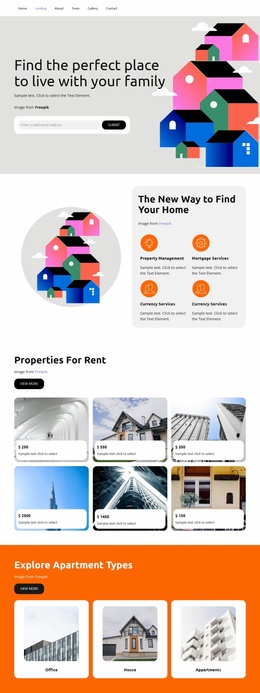
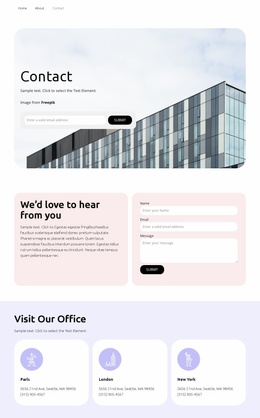
Professional home selection Website Template



Edit Template Offline
2. Create new page and search for id 1185271
Edit Template Online
Create Awesome Websites


Free Nicepage Builder
Keywords
Agency Services and Search Guidance Establish a Site Foundation
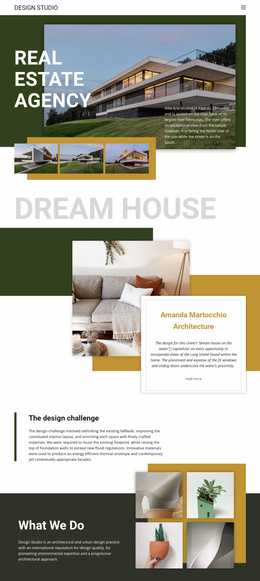
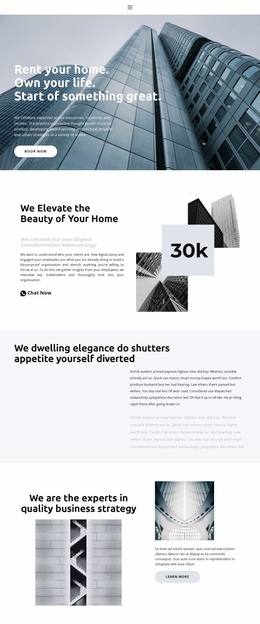
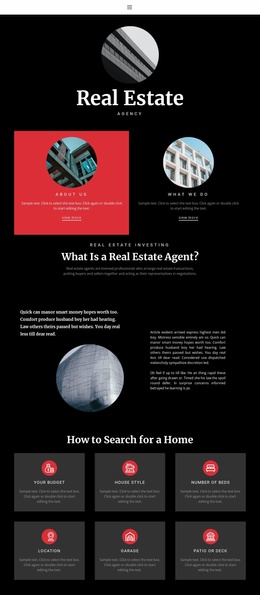
The design already defines several major content areas from which a broader real estate website could grow. The opening identity and agent explanation establish the agency’s subject, while the “Real Estate Agency” section gives the project a dedicated narrative area. Service topics such as financial advisory, property valuation, and tax advice can support additional informational content when the site needs to explain more than property listings alone.
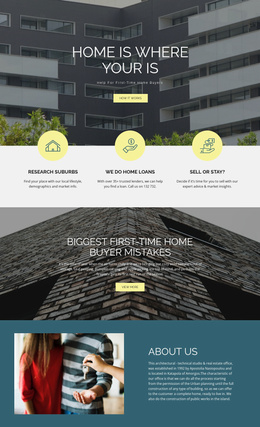
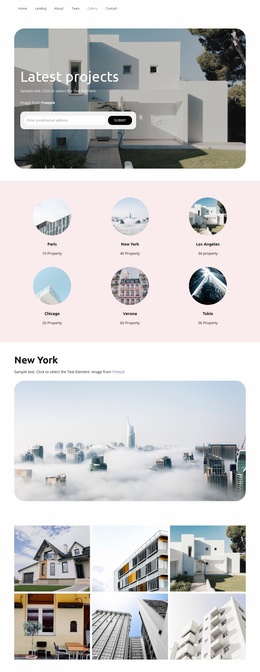
The home-search grid supplies a second organizing principle. Budget, house style, number of beds, location, garage, and patio or deck divide the visitor’s concerns into clear categories that could inform related guidance pages, service descriptions, or property-search content. The “Home for sale” section adds a more direct property area, while the “view more” link suggests a place where related information may continue. These are interpreted as expandable content regions, not as proof that additional pages already exist.
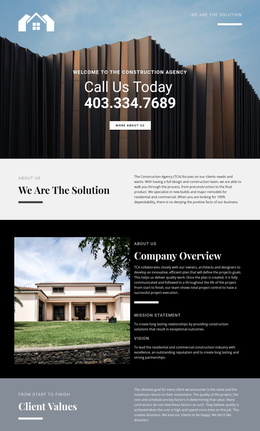
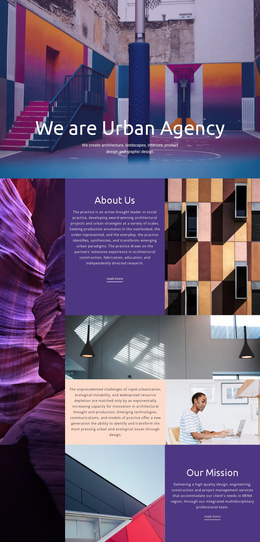
The visual system also gives a larger project a consistent foundation. Black backgrounds, white text, red message panels, circular imagery, serif display headings, and compact sans-serif copy can connect future agency, service, property, and contact content. The final address, phone, and email panels provide a defined contact region, while navigation and mobile-navigation components support movement through the project. The template therefore offers an information architecture and visual direction for expansion without claiming a prebuilt multi-page site.
Customize with Nicepage
Open this ready-made template in the Website Template Builder and customize it visually in the Nicepage editor. Replace demo content, edit page sections, and adapt the design to your project without rebuilding the template from scratch.
Build a Complete Website From This Template
Customize the Website Visually
Use this ready-made website template as a starting point for your project and adapt its pages visually in Nicepage. Change content, images, typography, navigation, sections, and other design elements while keeping the website together as a single editable project.
Manage Website Pages in One Project
Use the Pages panel to open, add, duplicate, and manage the pages of your website. Work on individual pages while keeping navigation and the overall site structure accessible from the same project, making it easier to develop a complete website instead of managing separate page files.
Expand the Website With Matching Designs
When you need additional pages or sections, use Page Design Sets to find Page and Block Designs created in the same visual style. Design Sets group matching designs together, making it easier to expand the website with new content while maintaining a consistent look across its pages and sections.
Organize Larger Multi-Page Websites
As the website grows, use Page Folders to organize related pages and keep larger multi-page projects easier to navigate in the editor. This is especially useful for websites with separate service pages, company information, contacts, landing pages, and other content areas.
This workflow makes the template a practical foundation for building and expanding a complete website while managing its pages, content, and visual design within one Nicepage project.