
Daycare Website Templates
Families compare toddler routines, preschool activities, staff experience, and pickup policies before they contact a center. Daycare website templates keep those details on connected pages, with a direct route from program information to a tour request.


More Website Templates from Pets & Animals Category









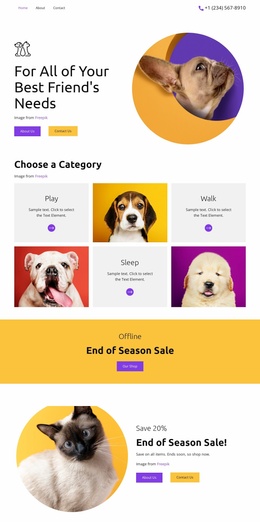
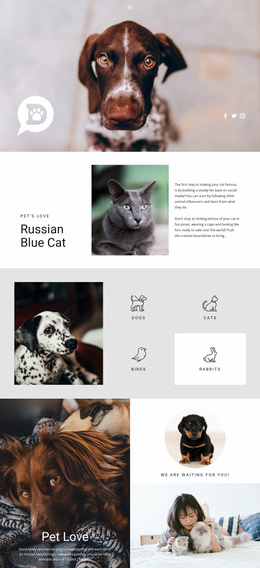


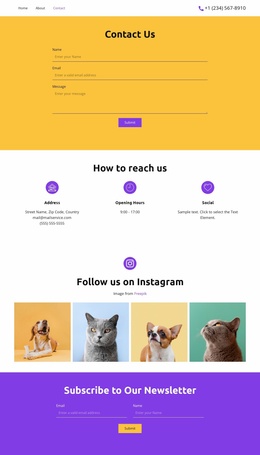





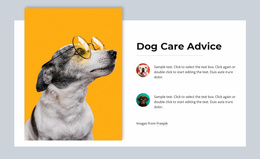




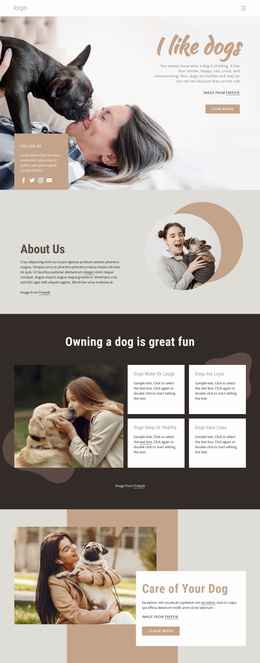
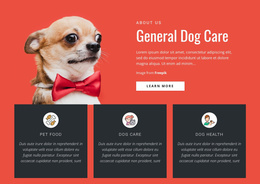
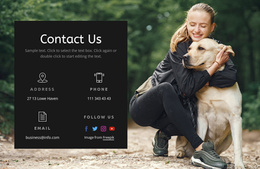
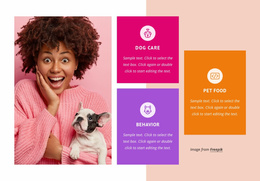





Other Pets & Animals Website Templates
Easily Editable Daycare Website Templates for Childcare Centers
When you compare daycare website templates, look for a design that helps parents quickly find age groups, see the rooms, and schedule a visit. Each template includes ready sections for that content, so you can swap in your own text and photos instead of designing every screen. Some designs are one scrolling page, others a set of linked pages, so check what each includes. A small home daycare can fit on one page, while infant, toddler, and preschool programs need more space.
Large headings, a warm palette, and photos of real classrooms make a daycare site friendly and easy to read. Nicepage lets you change images and colors in a visual editor and rearrange blocks, so a good layout with the wrong palette can still win.
Sections Worth Checking in Every Demo
After the first impression, these parts of a demo tell you the most:
- Look for program cards that give each age group its own heading and photo, letting parents find their child's group right away.
- Check whether the design has a daily routine section, such as a short timeline from arrival to pickup.
- Compare how the team is introduced. Photo cards with short bios suit teachers, while hours and pickup rules read better as plain text.
- Choose a gallery that works with photos of rooms and the play yard, since many centers post children's faces only with parents' written consent.
Demo bios and safety claims are placeholders to replace with facts your center can back up.
A Tour Button Parents Can Find
Since families tend to visit first, a "Request a Tour" button fits better than "Enroll Now" while spots still need confirmation. The form behind it needs clear labels and an easy-to-tap submit button.
Nicepage's Contact Form element lets you add fields and choose where submissions go. A tour request needs little more than a contact method, the child's age, and a preferred time. Medical records don't belong in a public form. Before launch, check the Submit To settings and send a test request. If the design lacks an FAQ block, Nicepage's expandable FAQ element can cover fees, meals, and naps.
Comparing Shortlisted Designs on Phones
Each preview deserves an actual test on your phone. The first screen should include the center's name, the ages you serve, and a photo of your classrooms. The tour button belongs there too, and the menu should open cleanly. Of the two strongest daycare website templates, keep the one where your programs fit, colors change easily, and a visit request is always within reach.