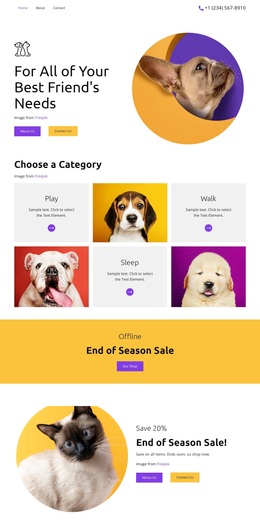
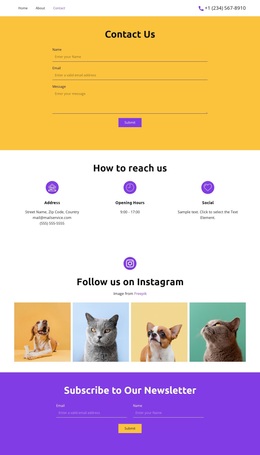
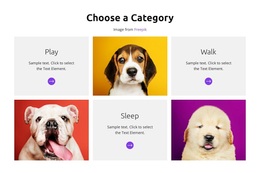
Dogs are my best friends Template


A Compact Three-by-Two Grid Gives the Gallery Its Distinctive Shape
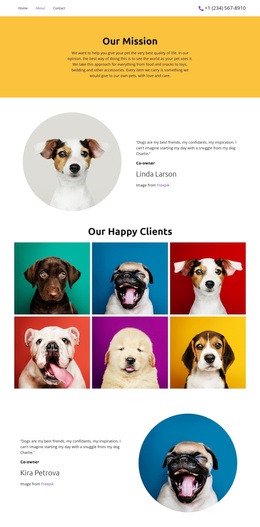
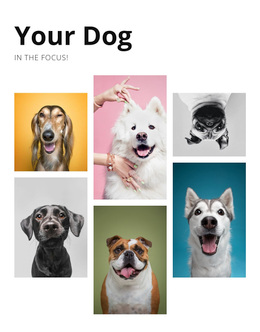
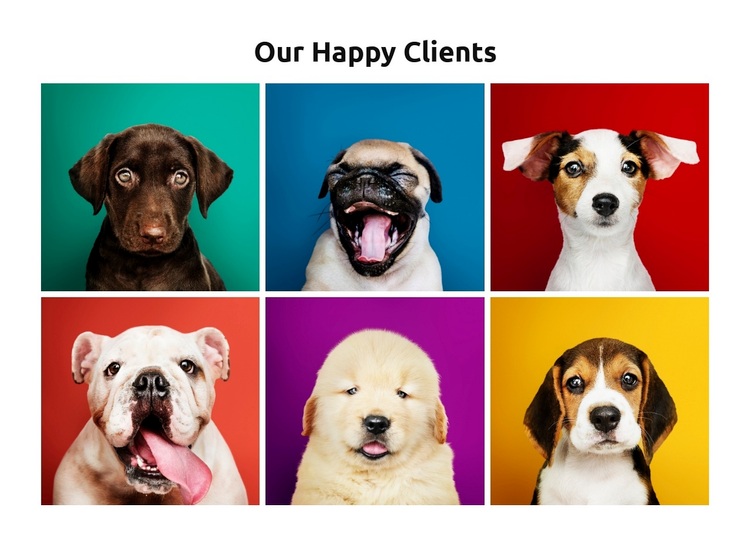
The block pairs a centered “Our Happy Clients” heading with six dog and puppy portraits, creating a ready-made gallery option with a clear visual purpose. Its three-column, two-row arrangement is compact enough to show the complete collection at once, unlike a long single-image sequence or a more dispersed presentation. That structure makes the design useful when a page needs a focused pet gallery with visible variety but limited internal complexity.
Each square portrait uses a bright solid-color background, so the six tiles have individual visual accents while remaining part of one repeated system. Consistent rectangular framing prevents the varied colors from overwhelming the collection, and minimal spacing keeps the grid dense and cohesive. Hover zoom gives visitors a reason to pause over individual images, while lightbox viewing provides a closer presentation when a portrait merits attention. The design is therefore distinguished by the combination of image count, compact grid rhythm, colorful tile treatment, and confirmed viewing interaction. It can be selected when the surrounding page needs a gallery that communicates a collection quickly and gives each portrait equal visual weight, without adding unrelated forms, text-heavy content, or page-level functions.
Customize with Nicepage
Open this ready-made template in the Template Builder and customize it visually in the Nicepage editor. Replace demo content, edit page sections, and adapt the design to your project without rebuilding the template from scratch.
Edit Template Offline
2. Create a new page or select existing
3. Click Add new block, search for id 6172929 and click enter
Edit Template Online
Create Awesome Websites


Free Nicepage Builder
Keywords
Start With a Ready-Made Template
Choose a Design for a New Page
Use a ready-made template as a starting point instead of creating every page from a blank canvas. When adding a new page in Nicepage, browse available designs, compare different layouts, and choose an option that already fits the general purpose and visual direction of your project.
Browse Different Page Designs
Explore Page Designs using search, thematic categories, Design Sets, and full-page previews. The collection includes layouts for different subjects and page purposes, making it easier to compare alternatives before selecting a design to customize.
Customize the Selected Template
After choosing a design, create the page and continue editing it visually in Nicepage. Replace the demo content, adjust images, typography, colors, sections, and other elements, and adapt the ready-made layout to your own content instead of rebuilding the design from the beginning.
Explore More Design Directions
If the first option does not match your project closely enough, return to the design collection and compare other templates before committing to a layout. This makes the template library useful not only for faster page creation, but also for exploring different visual approaches and finding a suitable starting point for a new project.
This workflow gives you access to a broad collection of ready-made designs that can be selected, compared, and customized according to the needs of each new page or project.